
AI Headshots FAQ — Your Biggest Questions, Answered Honestly
This article is part of our Professional Headshots collection.
AI headshots have gone from "that's kind of cool" to "wait, is that real?" in a surprisingly short time. But with that growth comes a lot of questions — especially from people who haven't tried one yet.
This FAQ covers the stuff people actually ask: how it works, what it costs, whether the photos look real, who owns them, and how to get the best results. No fluff, just straight answers.
BetterPic AI Headshot Generator Review (2026)
How do AI headshots actually work?
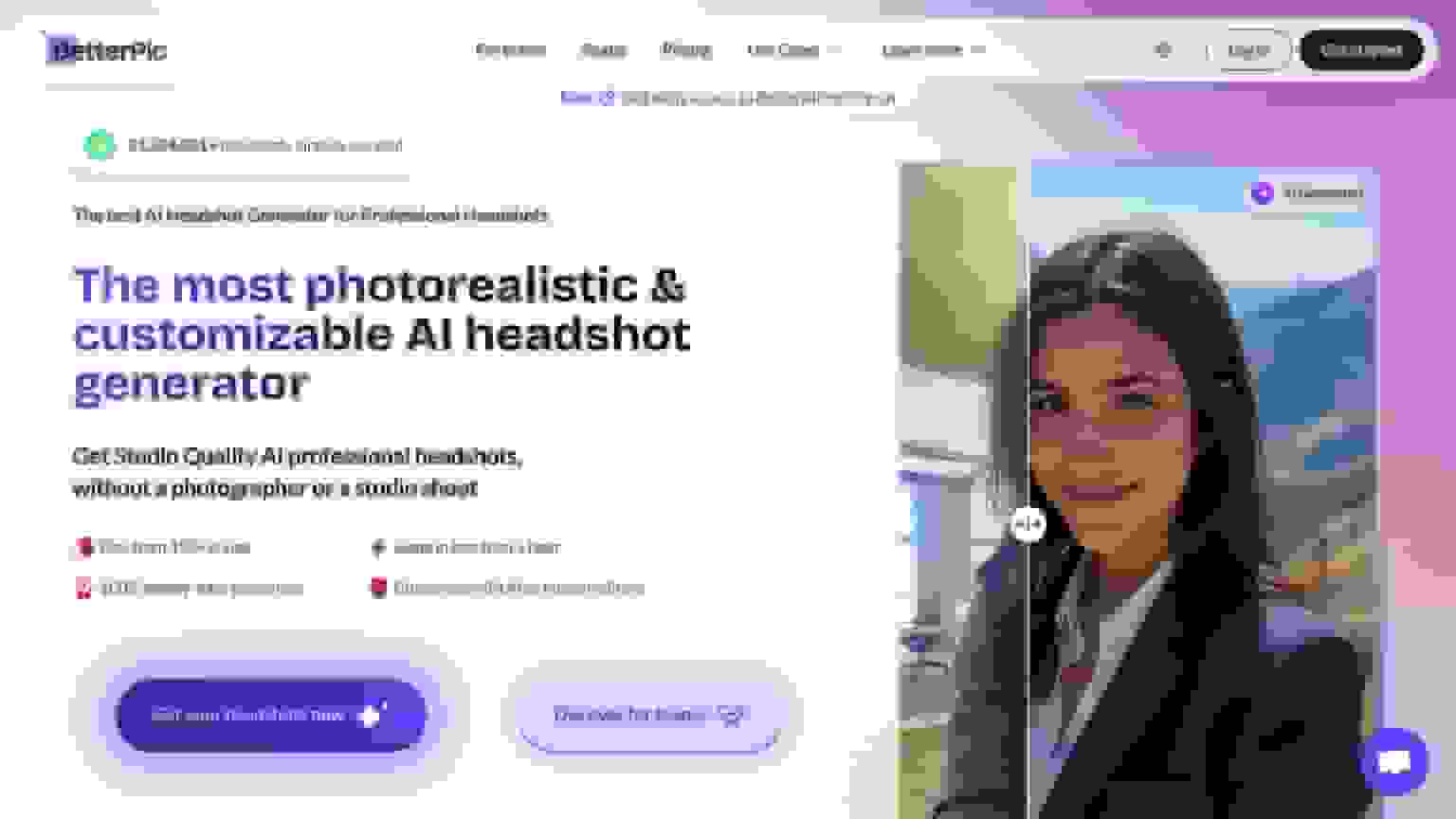
The process is simpler than you'd expect. Here's what happens when you use a tool like BetterPic:
1. You upload your photos. Regular photos from your phone work fine — selfies, casual shots, whatever you've got. The more variety (different angles, expressions, outfits), the better the AI can map your face.
2. The AI studies your features. It analyzes your facial structure, skin tone, hair, proportions — everything that makes you look like you. This is why the output looks like you and not some generic stock photo person.
3. You pick a style. BetterPic has 150+ options — corporate, modern, casual, creative. An AI style builder helps you match outfits and backgrounds to your industry. You're not stuck with one generic look.
4. The AI generates your headshots. It combines what it knows about your face with your style choices and creates multiple options, all in 4K resolution. The whole thing usually takes under an hour.
That's it. No studio, no photographer, no scheduling.
Are AI headshots private? Who owns the photos?
Two separate questions, both important.
Privacy: BetterPic complies with GDPR and CCPA. Your photos aren't sold, shared, or used to train AI models. Data is encrypted and deleted within a set retention period. If you're evaluating any AI headshot tool, those are the baseline standards to expect.
Ownership: You own your photos completely. Every BetterPic plan includes a full commercial license — meaning you can use the headshots on LinkedIn, your website, business cards, marketing materials, press kits, wherever. No usage restrictions, no licensing fees down the road.
This matters more than people realize. Some AI tools bury restrictive licensing terms in their fine print. Always check.
How long does it take to get results?
About 60 minutes from upload to delivery. Some plans are faster.
Every photo comes in 4K resolution, so they look sharp on everything — LinkedIn thumbnails, full-size website photos, printed materials, presentation slides. You don't need to worry about the resolution being good enough for a specific use case. It's good enough for all of them.
What can I actually use AI headshots for?
More than most people think. Here's where they show up:
LinkedIn profiles — This is the most common use case. A polished headshot increases profile views and connection requests significantly. If your current photo is a cropped vacation pic or a five-year-old selfie, this is the easiest upgrade you can make.
Company team pages — Matching headshots across your whole team make your company look more professional and put-together. It's one of those small things that clients and candidates notice.
Resumes and job applications — In markets where including a headshot is expected, a professional AI headshot beats a phone selfie every time. Even where it's not required, it can help you stand out.
Email signatures and business cards — Your face shows up in more places than you think. Having a consistent, high-quality photo across all of them matters for personal branding.
Speaking bios and press kits — Conference organizers always ask for a headshot. Having a good one ready means you're not scrambling the day before the event.
Marketing and social media — Entrepreneurs, freelancers, consultants, content creators — anyone building a personal brand needs professional photos. AI makes it easy to get multiple looks without multiple photoshoots.
Real estate, healthcare, legal — Industries where your face IS your brand. Agents, doctors, lawyers — all benefit from polished, up-to-date headshots that build trust before the first meeting.
How do I get the best results from an AI headshot tool?
The AI can only work with what you give it. Here's how to set yourself up for great output:
Start with good source photos
- Lighting is everything. Natural light near a window is ideal. Face the window. Avoid overhead fluorescents — they cast ugly shadows.
- Show your face clearly. No sunglasses, no hats, no heavy filters. The AI needs to see your actual features.
- Give it variety. Upload shots from different angles — straight on, slightly left, slightly right. Different outfits and backgrounds help too.
- Use your phone's rear camera. It's better quality than the front camera. Prop it up or have someone take a few shots.
Pick styles that match your real life
Don't pick a style that's wildly different from how you actually show up to work. If you're a tech founder who wears crew necks, don't generate yourself in a three-piece suit. The headshot should look like a better-lit, better-framed version of the real you.
BetterPic's style builder suggests options based on your industry, which takes the guesswork out of it.
Use edits to fine-tune, not overhaul
Every plan includes AI edits for small tweaks — adjusting lighting, making minor style changes. For more detailed fixes (clothing details, expression softening, dark circle removal), human touch-ups are available for $8 each, done in 24-48 hours.
The Expert plan includes unlimited human edits on one photo, which is great if you want one headshot absolutely dialed in. There's also a redo option — if the whole batch isn't what you wanted, you can regenerate with new source photos at no extra cost.
The combination of AI speed and human precision is what separates tools like BetterPic from the basic generators. AI does the heavy lifting, humans catch the small stuff.
How much do AI headshots cost?
BetterPic uses a one-time payment model. No subscriptions. No hidden fees. Here's how the plans break down:
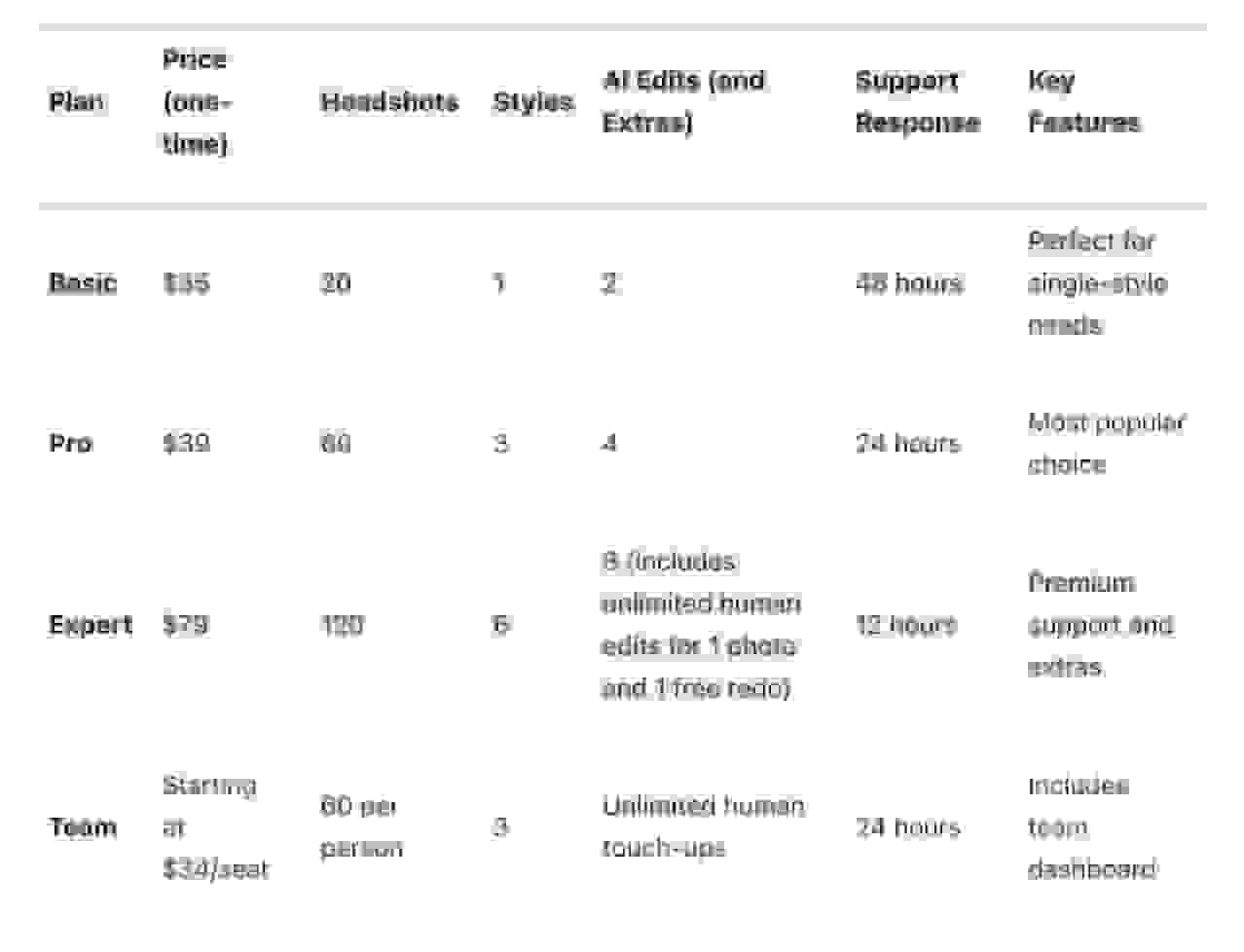
- Basic ($35): 20 headshots in 4K, 2 AI edits, commercial license. Good if you just need one or two solid photos fast. Support within 48 hours.
- Pro ($39): 60 headshots across 3 styles, 4 AI edits, 24-hour support. Best value for most people — triple the output of Basic for just $4 more.
- Expert ($79): 120 headshots across 6 styles, 8 AI edits, unlimited human edits on one photo, free redo option, 12-hour priority support. For people who want everything perfect.
- Team (from $49/person, $13 at volume): 60 headshots per team member, 3 styles, unlimited human touch-ups, centralized team dashboard. Built for companies.
Every plan includes a 7-day money-back guarantee and a full commercial license.
For most individuals, the Pro plan at $39 hits the sweet spot — enough variety, fast turnaround, and way more photos than you'll probably need.
Compare that to $200-500 for a traditional photographer, and the math makes itself pretty obvious. The quoted session fee is rarely the whole bill, though — retouching, rush delivery and hair and makeup are usually charged separately. How much a headshot costs breaks down what sets the range and how to work out your real cost per usable photo.
Is BetterPic worth it compared to other options?
Here's what you're actually getting with BetterPic that not every tool offers:
- 4K resolution on every plan. Some tools output lower resolution that looks fine as a LinkedIn thumbnail but falls apart on a website or printed material.
- Human editors, not just AI. The hybrid approach (AI generates, humans polish) produces more natural-looking results than pure AI alone.
- 150+ style options. Not just "corporate" and "casual" — industry-specific looks, creative options, and an AI style builder that helps you pick.
- GDPR and CCPA compliant. Your data stays private. Your photos aren't used to train models.
- Full commercial license. You own the photos. Use them wherever, however, forever.
- Responsive support. 12-48 hours depending on your plan. Real people, not chatbots.
Is it the cheapest option? No — some tools start at $29. But the combination of quality, privacy, licensing, and human editing makes BetterPic the better value for anyone who cares about how their headshot actually looks.
Ready to get started?
Upload your photos, pick a style, choose a plan. The whole process takes a few minutes to set up and about an hour to get your headshots back.
Whether you're refreshing your LinkedIn photo, updating your company's team page, or just replacing that ancient headshot you've been meaning to deal with for two years — this is the fastest way to get it done.
Sources & References
- LinkedIn Profile Photo Tips — LinkedIn
- How Your Profile Photo Impacts Your LinkedIn Presence — LinkedIn Official Blog
- AI Image Generation Market Report — Grand View Research
- How AI Is Changing Photography — Forbes
- Professional Headshot Photography Pricing — Thumbtack

Written by
Hertok KawangCustomer Success Specialist
Hertok works directly with BetterPic customers every day, giving him first-hand insight into what professionals need from their headshots. With 6+ years in customer support, he writes from real user experience and common questions he encounters daily.
- 6+ years in customer success and support
- Handled 10,000+ customer headshot consultations
- Expert in AI headshot quality assessment
Preferred source
Follow BetterPic on Google
Add BetterPic as a preferred source and our headshot guides are more likely to show up in your Top Stories, with a badge in AI Mode and AI Overviews.

Related professional headshots for individuals resources
Keep exploring this topic with focused resources from the B2C journey.
Primary destination:AI headshot generator
Frequently Asked Questions
How does BetterPic protect my privacy and keep my photos secure during the AI headshot process?
- BetterPic prioritizes your privacy and security every step of the way. They use strong encryption and rigorous data protection protocols to safeguard your photos during the AI headshot creation process. All images are stored on secure servers protected by top-tier security standards, keeping your data private and safe. The platform also adheres to major data protection laws, including GDPR and CCPA, giving you complete control over your images. You maintain full ownership of your photos, and if you choose, you can delete your account and all related data whenever you want. Your images are treated with the highest level of care and confidentiality.
How can I make sure my photos create the best AI-generated headshots?
- To get the most out of AI-generated headshots, start by uploading photos that are sharp, well-lit, and clearly highlight your face. Ensure your face is centered in the frame, free of shadows, and unobstructed by items like hats or sunglasses. Aim for a neutral expression while facing the camera directly to achieve a polished, professional appearance. For optimal results, stick to photos with clean, simple backgrounds and keep your hairstyle and facial expressions consistent across all uploads. Good lighting and a natural pose can make a big difference, helping your AI-generated headshots appear lifelike and professional - ideal for platforms like LinkedIn or other career-focused settings.
What are the differences between BetterPic's Basic, Pro, and Expert plans, and how do I pick the best one for me?
- BetterPic has three pricing plans designed to suit various needs: Basic Plan ($35): Get 20 headshots, an excellent option if you’re looking for a smaller selection of polished, professional photos. Pro Plan ($39): Includes 60 headshots, offering more variety for those who may need frequent or diverse image options. Expert Plan ($79): Delivers 120 headshots along with unlimited human edits, perfect for professionals or anyone needing a larger collection of customized images. When deciding, think about how many headshots you’ll need and whether having unlimited editing aligns with your personal or professional objectives.
Related articles
View all articles
Business casual headshots: what to wear, backgrounds and examples
What business casual means in a headshot, what to wear, which colors and backgrounds work, when a suit is still the better choice, and three examples of where the line sits.
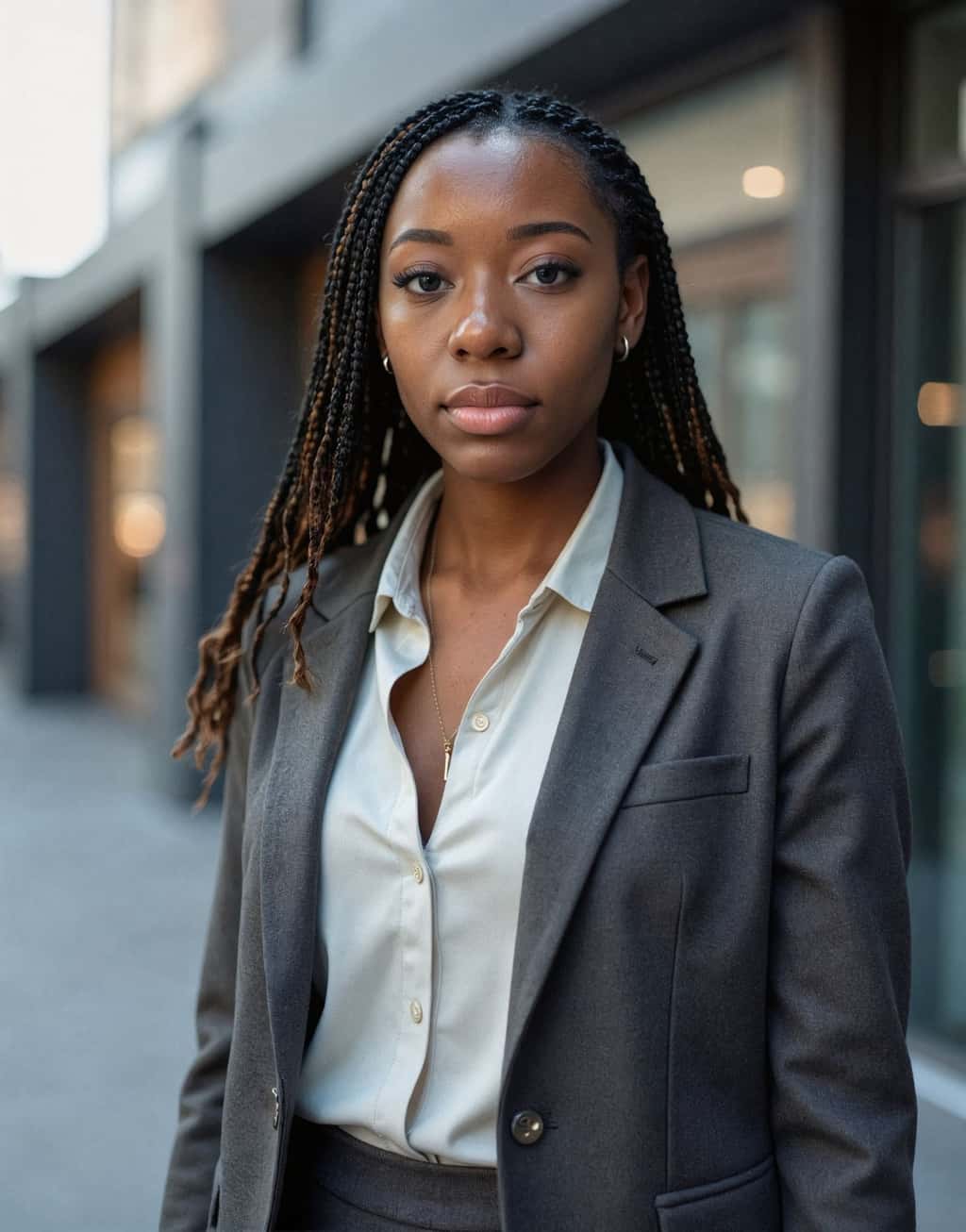
Hairstyles for headshots: how to wear your hair for a professional photo
How to wear your hair for a professional headshot: when to cut or color it, how to handle frizz and flyaways, what works for short, long, curly and braided hair, and what changes when the headshot is made with AI.
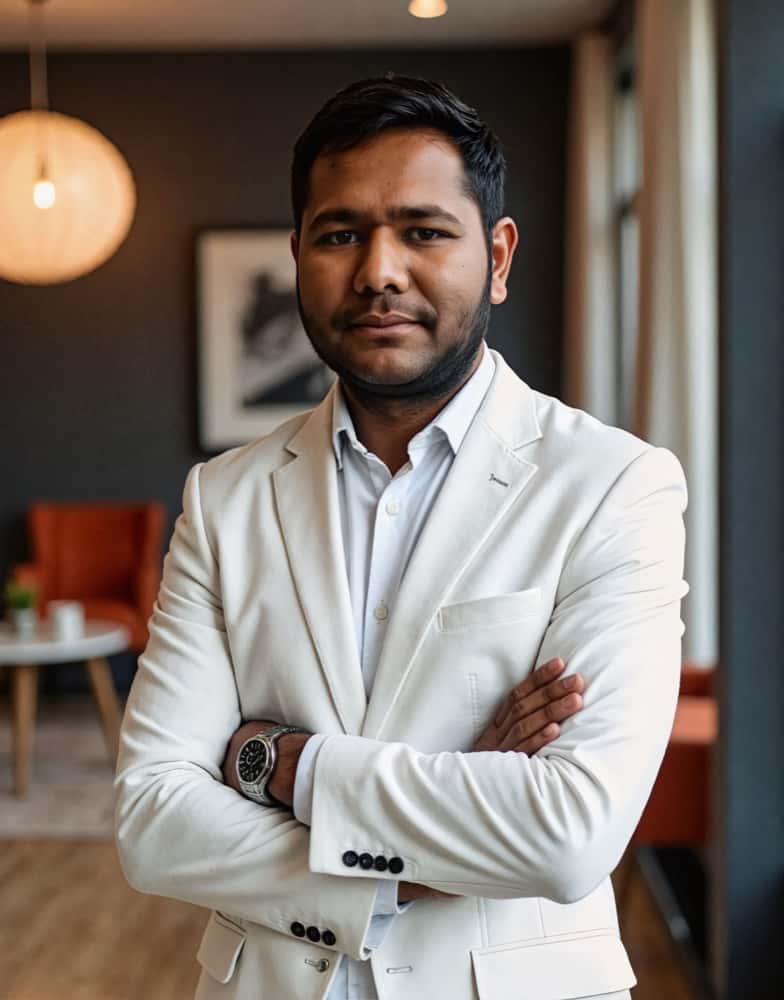
How much does a headshot cost in 2026?
What professional headshots actually cost, what drives the range, the charges that are not in the quoted price, and how to compare a session against an AI alternative.
Cheap AI Headshots: What $29 Actually Gets You vs. a $400 Photographer
A no-BS breakdown of cheap AI headshots in 2026: what they cost, how they compare to studio photography, and whether the results actually work for LinkedIn.
Professional Headshots: The Complete Guide to Getting Yours Right
Everything you need to know about professional headshots: how to get them (photographer, DIY, AI, corporate), what to wear, posing tips, lighting.
How to Get a Professional Headshot for Your Career
A complete guide to getting a professional headshot for your career—compare photographers, AI headshot generators, and DIY options by cost, quality, and speed.
Save 87%on average on your professional photos.
Whenever, wherever you are.
Get studio-quality, 4K images in a variety of outfits & settings in less than an hour.
Get your headshots nowStart now
