
Free AI LinkedIn Picture Analyzer
Score your LinkedIn profile picture from 1 to 100 in seconds. Get instant AI feedback on framing, lighting, expression and background. No sign-up required.
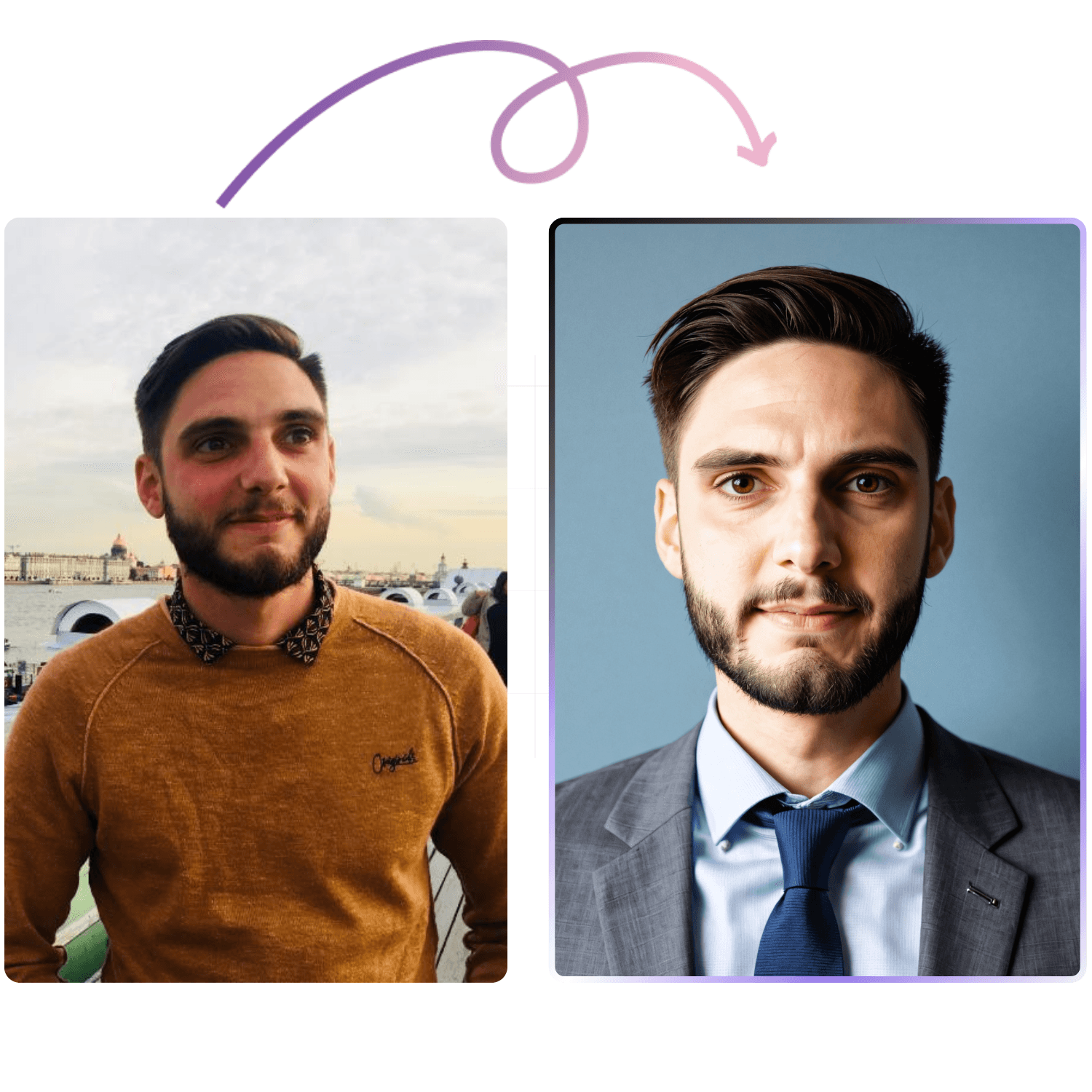
Would you rather generate your next LinkedIn Picture with AI?
Create Professional HeadshotsUpload Your Photo
Upload a photo to get started.
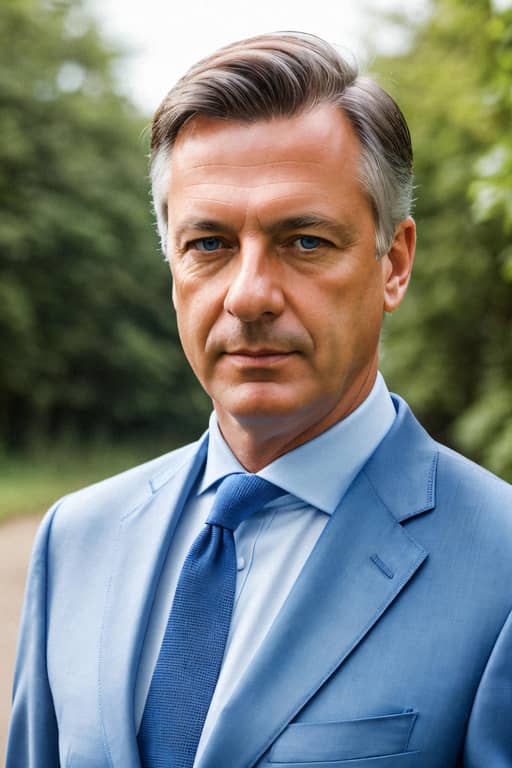
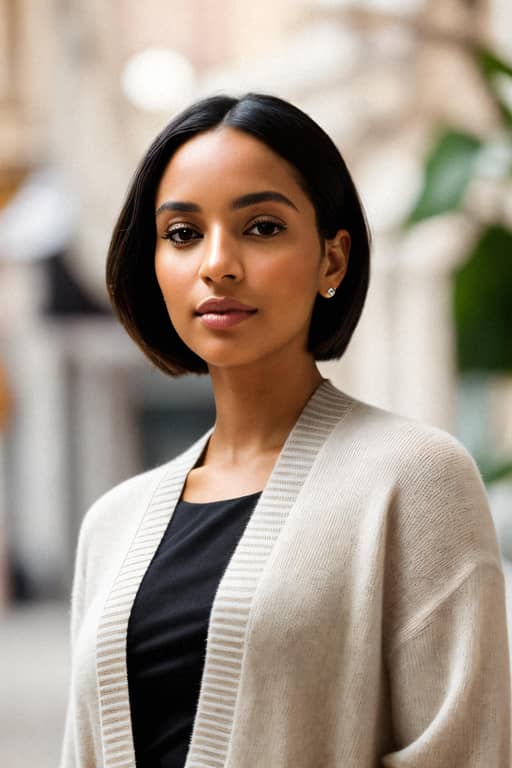
Or test with these examples:
What to expect?
Our AI will get to work straight away to analyse what makes a LinkedIn profile picture stand out in the feed:
Face Analysis
Are you approachable, professional and engaging? All these features can be read from your smile and facial expression. Our AI won't miss a bit.
Composition Analysis
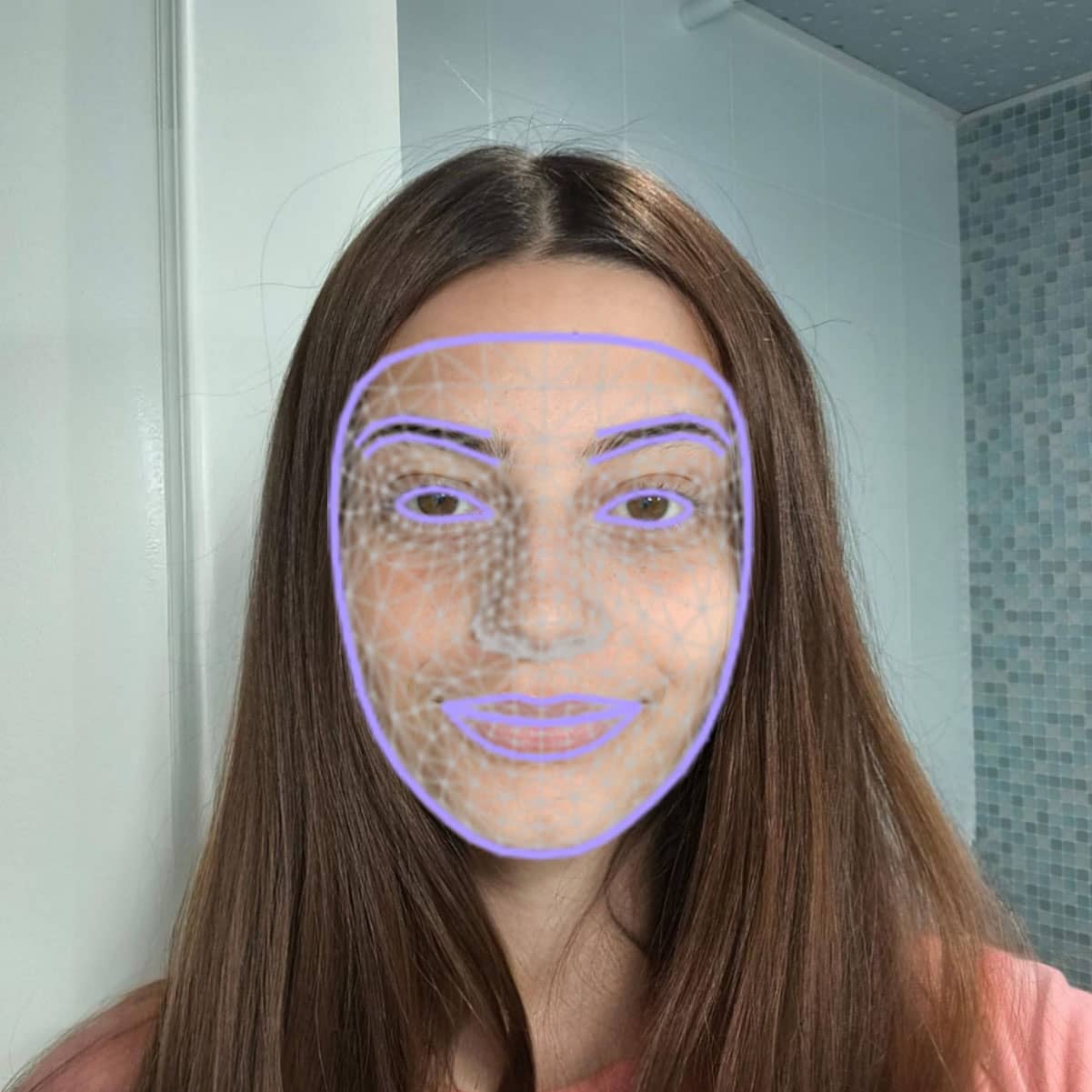
Taking a professional headshot starts with respecting the rule of thirds. Our AI will test your picture on 5 more crucial composition rules that every professional photographer knows.
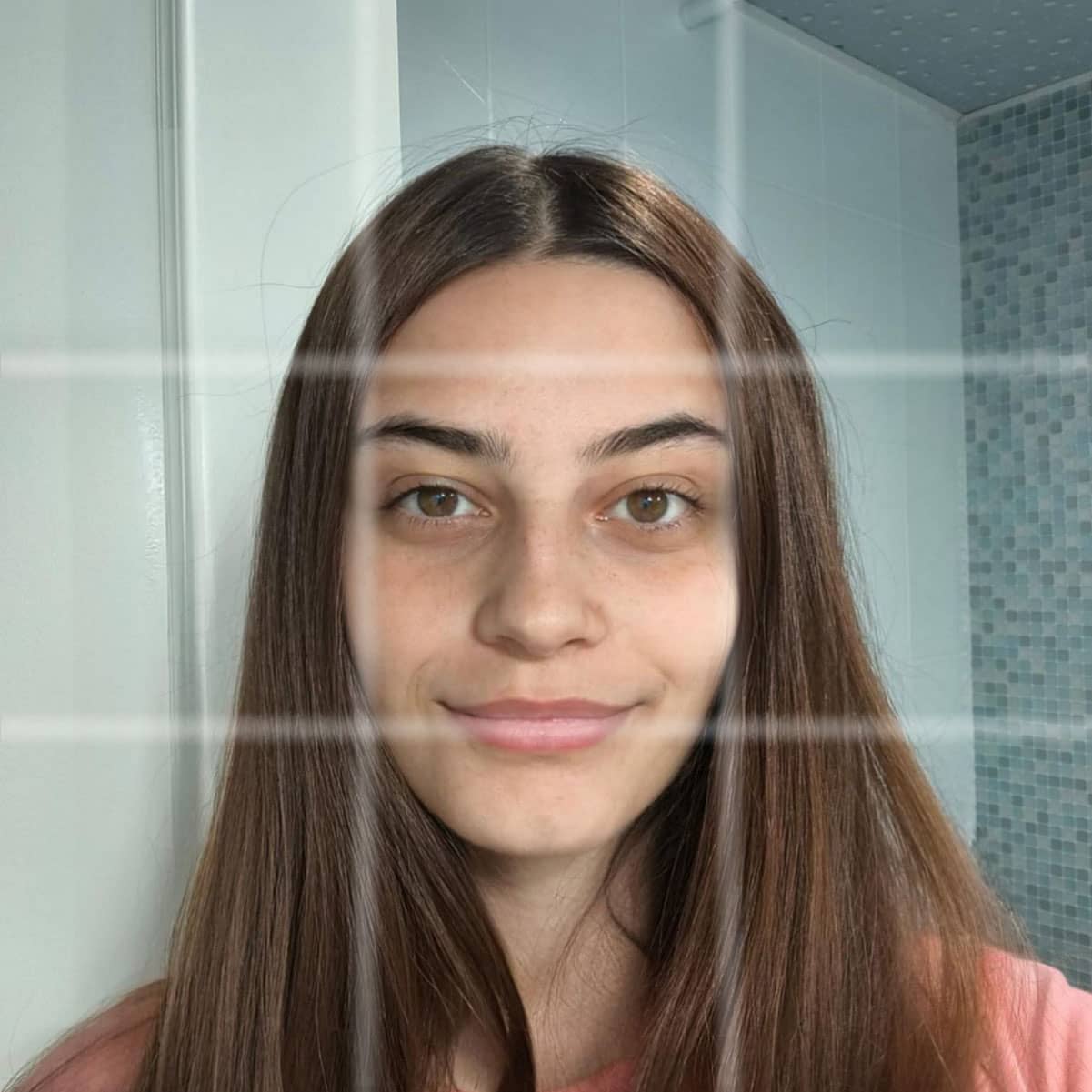
Editing Analysis
A professional picture should be well balanced in terms of sharpness and brightness. Our AI is an expert at detecting the perfect setup, leave the hard work to them.

LinkedIn profile picture: size, rules and what works
Your LinkedIn profile picture is the round photo shown next to your name on your profile, your posts and your comments. LinkedIn accepts a JPG or PNG between 400 × 400 and 7680 × 4320 pixels, up to 8MB, and its rules say the photo must reflect your likeness. What works best is a recent head-and-shoulders photo in soft light, on a plain background, with your face filling most of the frame.
LinkedIn profile picture size
| Requirement | What LinkedIn accepts |
|---|---|
| File type | JPG or PNG. GIFs are not supported. |
| Pixel size | From 400 × 400 up to 7680 × 4320 pixels |
| File size | Up to 8MB |
| Shape | Upload a square: LinkedIn shows it as a circle, so the corners are cut off |
| Shown at | About 152 px on your profile and 48 px next to your posts, on a desktop screen |
Limits from LinkedIn Help, checked on 14 October 2026.
What LinkedIn allows
LinkedIn's profile photo guidelines say the photo must reflect your likeness, and that an illustration, caricature or other artistic rendering of yourself is fine. LinkedIn can remove a photo that shows only a company logo, emojis, a landscape, an animal, words, a flag, a childhood photo, or someone else's likeness, such as stock images, celebrities or fictional characters.
What makes a good LinkedIn profile picture
Head and upper shoulders
Your face should fill roughly 60% of the frame. At 48 px, a half-body shot leaves a face nobody can recognise.
Recent, and looks like you
Use a photo that matches how you look today, so people recognise you on a video call or at an event.
Soft light from the front
A window in daylight in front of you beats a ceiling light above you, which casts shadows under the eyes.
A quiet background
A plain or softly blurred backdrop that contrasts with your clothes keeps attention on your face.
Just you
No cropped group shots, sunglasses or heavy filters: each one makes the picture look less like you.
How to change your LinkedIn profile picture
- Open your LinkedIn profile.
- Select your current photo, or the camera icon if you have not added one yet.
- Upload the new file, then crop it, position it and choose who can see it.
- Save. Keep your own copy of the old photo: LinkedIn cannot restore it once you replace or delete it.
Score your photo with the analyzer above before you upload it.
Need a new one? Make it with the free AI headshot generator. It turns your selfies into 10 headshots in 4K. Free generations wait 60 to 90 days in a queue; a paid pack takes under an hour.
To crop a photo you already have into a circle or add a border, use the free profile picture editor.
4.7 rating of 1026 reviews
AI Summary
Customers praise the product's convenience, price and ease of use, especially for selecting styles and AI Feedback on uploading images.
+39
based on 41 written reviews

Adam B.
Betterpic is now my go-to for professional photos.
Betterpic is now my go-to for professional ph...

Mo S.
As a real estate agent needing a polished profile for listings, I think the quality and professionalism of the photos have truly set my profile apart....
As a real estate agent needing a polished pro...

Oliver M.
Game-changer? Absolutely. High-quality photos, minimal fuss. betterpic does it right.
Game-changer? Absolutely. High-quality photos...
Amalia M.
Very satisfied with the quick service and quality.
Very satisfied with the quick service and qua...

Zara K.
Photos came out better than some studios I've tried.
Photos came out better than some studios I've...
Michele C.
While the concept of Betterpic is innovative, my initial results were not as expected. However, their customer service team was prompt in offering a s...
While the concept of Betterpic is innovative,...

Rodney S.
I was genuinely impressed by the quality of service at Betterpic. The process was straightforward, and the results exceeded my expectations. Thank you...
I was genuinely impressed by the quality of s...

Lucy G.
Effective, fast, and easy. Great service!
Effective, fast, and easy. Great service!

Samantha L.
Could update my linkedin profile pic in minutes, crazy. Also loved the AI Studio, changed clothing a few times in my favorite shot :)
Could update my linkedin profile pic in minut...
Frequently Asked Questions
What is a LinkedIn photo analyzer?
A LinkedIn photo analyzer is a free online tool that scores your profile picture and tells you how to improve it. It rates your photo from 1 to 100 on framing, lighting, facial expression and background, then gives you specific fixes.
What size should a LinkedIn profile picture be?
LinkedIn accepts JPG or PNG files from 400 × 400 up to 7680 × 4320 pixels, and up to 8MB. Upload a square photo of at least 400 × 400 pixels: LinkedIn shows it as a circle, so keep your face in the centre.
What are LinkedIn's rules for profile pictures?
Your profile photo must reflect your likeness. LinkedIn accepts an illustration or other artistic rendering of yourself, and can remove photos that show only a logo, emojis, a landscape, an animal, words, a flag, a childhood photo or someone else's likeness.
Can I use an AI headshot as my LinkedIn profile picture?
LinkedIn's guidelines do not mention AI images. They ask for your likeness and accept artistic renderings of yourself, so the test for an AI headshot made from your own photos is whether it still looks like you. Score it with the analyzer on this page before you upload it.
How accurate is an AI profile picture analyzer?
These tools measure things that are measurable — crop ratio, face-to-frame proportion, background contrast, resolution — and cannot judge whether you look trustworthy. Treat the score as a starting point for improvement, not a verdict.
What aspects of my photo does the analyzer evaluate?
The analyzer assesses various elements including facial expression, photo quality, background, attire, and overall professional appearance. It aims to give you a comprehensive view of your LinkedIn profile picture's strengths and potential areas for improvement.
What happens to a photo submitted to an analyzer?
The relevant questions are whether the image is stored after analysis and whether it feeds model training. BetterPic's analyzer does not store your photo permanently and does not use it for training.
How can I improve my LinkedIn profile picture based on the analysis?
The analyzer provides specific suggestions based on its evaluation. These might include adjusting lighting, choosing a more suitable background, or updating your attire. For those seeking professional help, we also offer AI-generated headshot services.
How often should I update my LinkedIn profile picture?
It's generally recommended to update your profile picture every 6 months to 1 year, or whenever there's a significant change in your appearance or professional brand. Regular analysis can help you decide when it's time for an update.
Want to improve your profile picture?
Try BetterPic's AI Generated Headshots for a professional look that stands out. Starting at $35.
Get your headshots nowStart now