
Cheap AI Headshots: What $29 Actually Gets You vs. a $400 Photographer
This article is part of our Professional Headshots collection.
You need a professional headshot but you don't want to spend $400 at a photography studio. Totally reasonable. AI headshots now cost between $29 and $79 and take about 15 minutes. Here's the part that surprises most people: the good ones are hard to tell apart from studio photography.
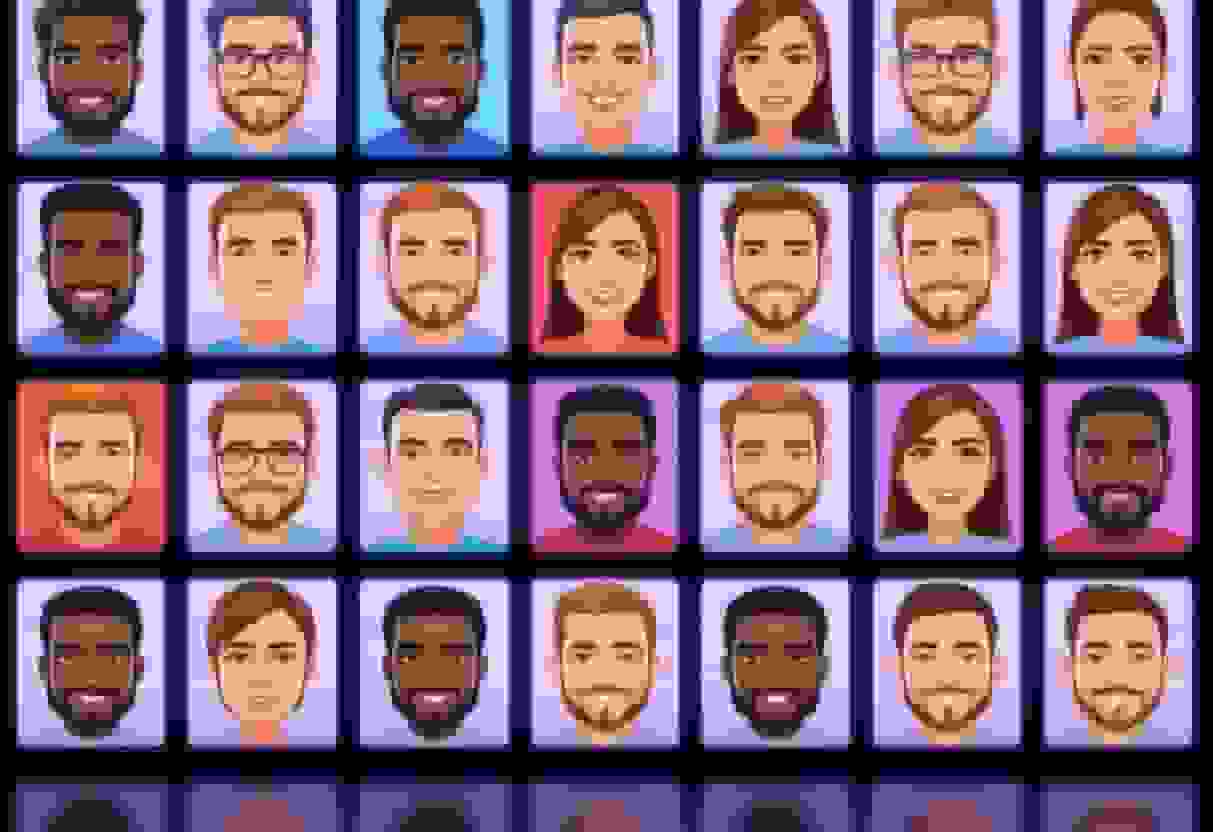
But "cheap" covers a huge range. Some AI headshot services produce results that look like a video game character tried on a suit. Others produce images that get compliments from people who assume you hired a photographer. The difference comes down to which tool you pick and what you feed it.
This is the honest breakdown: what cheap AI headshots actually cost, what you get at each price point, where published entry tiers sit in our market-wide headshot price comparison, and whether the results work for the places that matter (LinkedIn, your company website, job applications).
Quick take
- Price range: $29 to $79 for AI vs $200 to $500+ for a traditional photographer
- Output: 40 to 100+ AI images vs 3 to 15 retouched photos from a studio
- Turnaround: Under 1 hour for AI vs 1 to 2 weeks for a photographer
- Best for: LinkedIn, company team pages, job applications, everyday professional use
- Skip AI for: Magazine covers, billboards, top-tier press features
- Top pick in this range: BetterPic for studio-quality results from $29 to $79
How much do AI headshots actually cost?
Most AI headshot services charge between $29 and $79 for a set of professional images, compared to $200-$500+ for a traditional photographer. Here's what the price landscape actually looks like right now:
AI headshot pricing (what you're paying for)
- $0 (free tier): Services like BetterPic's free AI headshot generator let you test the technology before spending anything. You get a small number of headshots to see how the AI handles your face. Good for kicking the tires.
- $29-$49 (standard plans): This is the right pick for most people. You typically get 40-100+ headshots across different backgrounds, outfits, and styles. Turnaround is usually under an hour. BetterPic sits in this range and produces studio-quality results.
- $50-$79 (premium plans): More output variety, higher resolution, sometimes priority processing. Worth it if you need headshots for an entire team or want maximum options to choose from.
Traditional photographer pricing (what you're comparing against)
- $200-$300 (budget photographer): A 30-minute session, 2-5 retouched images, one outfit, one background. You drive to their studio, they shoot, you wait 1-2 weeks for edited photos.
- $300-$500 (mid-range photographer): A 60-minute session, 5-15 retouched images, maybe a couple of outfit changes. Better lighting, more experience, still a 1-2 week turnaround.
- $500+ (premium photographer): Hair and makeup, multiple looks, fast turnaround, extensive retouching. Great results, but you're spending 10-15x what AI costs.
The math is pretty straightforward. For the price of one mid-range photography session, you could get AI headshots for your entire team of 10 people and still have money left over. We dig deeper into this tradeoff in our AI vs studio photography budget comparison.
Are cheap AI headshots actually good enough?
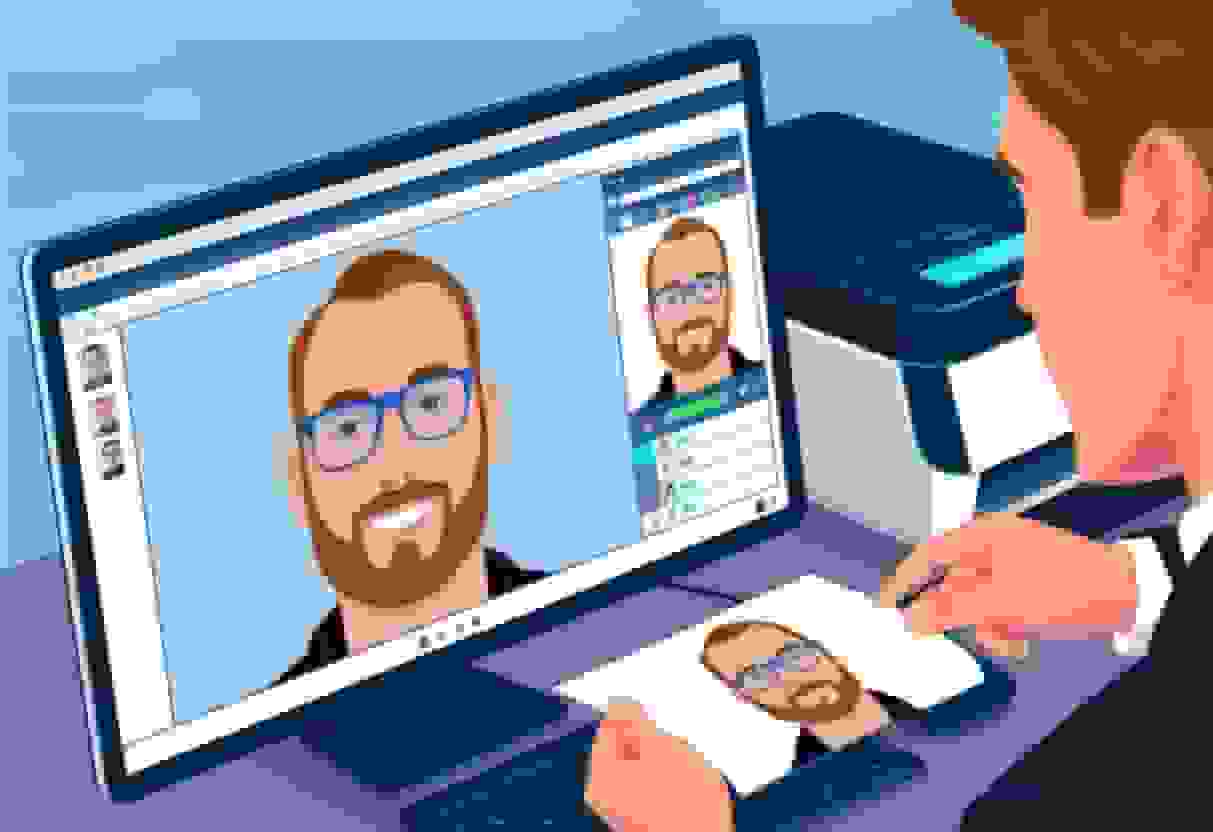
Yes. But only from the right services. The top AI headshot generators in 2026 produce images that pass what I call the "LinkedIn scroll test": when someone scrolls past your profile, they don't stop and think "that's AI." It just looks like a normal, well-shot headshot.
Here's what makes the difference between good and bad AI headshots:
Signs of a good AI headshot
- Natural skin texture (not the plastic, over-smoothed look)
- Realistic lighting that matches the background
- Eyes that look alive, not glassy
- Clothing that drapes naturally without weird folds or floating collars
- Ears, hairline, and jawline that look like your actual face
Signs of a bad AI headshot
- Skin that looks airbrushed into oblivion
- Background bleeding into hair or clothing edges
- Asymmetric or misshapen ears (a classic AI tell)
- Jewelry that morphs into something unrecognizable
- That uncanny valley stare where the eyes are technically correct but feel empty
The quality gap between the best and worst AI headshot services is enormous. BetterPic charges reasonable prices and consistently produces results that look like real photography. A random $5 app you found in the app store? That's a dice roll.
What about for specific use cases?
- LinkedIn: AI headshots work great here. LinkedIn compresses images anyway, and the viewing context (small circular thumbnail) is forgiving. A well-generated AI headshot is good enough.
- Company website (team page): AI headshots are at their strongest here. You can give every team member a consistent look (same background, similar lighting, matching style) without coordinating a group photo shoot across time zones. The AI headshot API makes this even easier for larger teams.
- Job applications: Totally fine. Recruiters look at headshots for about 2 seconds. A clean, professional AI headshot serves the purpose perfectly.
- Speaking engagements or press features: For high-visibility placements where the image might be printed large or scrutinized, a traditional photographer still has an edge. But for 95% of professional needs, AI handles it.
How do you get the best results from an AI headshot generator?
The quality of your AI headshot depends heavily on the photos you upload. Think of it like cooking. Even the best chef can't make a great meal from rotten ingredients. Here's how to give the AI what it needs:
Upload photos that actually work
- Use 4-8 recent photos of yourself from slightly different angles. Front-facing and slight three-quarter turns work best.
- Good lighting matters more than anything else. Natural light near a window beats a dark bathroom selfie every time. The AI can change your background and outfit, but it's building from your facial features and skin tone. Garbage lighting in means garbage lighting out.
- Skip the sunglasses, heavy filters, and group shots. The AI needs to clearly see your face. Hats are fine in one or two photos but not all of them.
- Include at least one photo with a neutral expression. Smiling photos are great too, but a neutral shot gives the AI the clearest read on your facial structure.
Pick the right generator
Not all AI headshot tools are built the same. BetterPic consistently produces the most natural-looking results because it's specifically trained on professional headshot photography, not general-purpose image generation.
When evaluating any AI headshot service, look for:
- Sample galleries showing diverse faces (not just one ethnicity or age range)
- The ability to choose specific styles, backgrounds, and professional attire
- Clear pricing with no hidden upsell after you've already uploaded your photos
- A reasonable number of output images (you want options to choose from)
Choose your style intentionally
Think about where this headshot will live before you pick the style. A LinkedIn headshot typically works best with a clean, neutral background and business casual or formal attire. A creative portfolio might call for something with more personality. Your company website probably needs to match whatever style your team already uses.
Most good generators let you preview different combinations. Take five minutes to actually try a few before committing. It's not like you're burning film.
How do AI headshots compare to real photography?
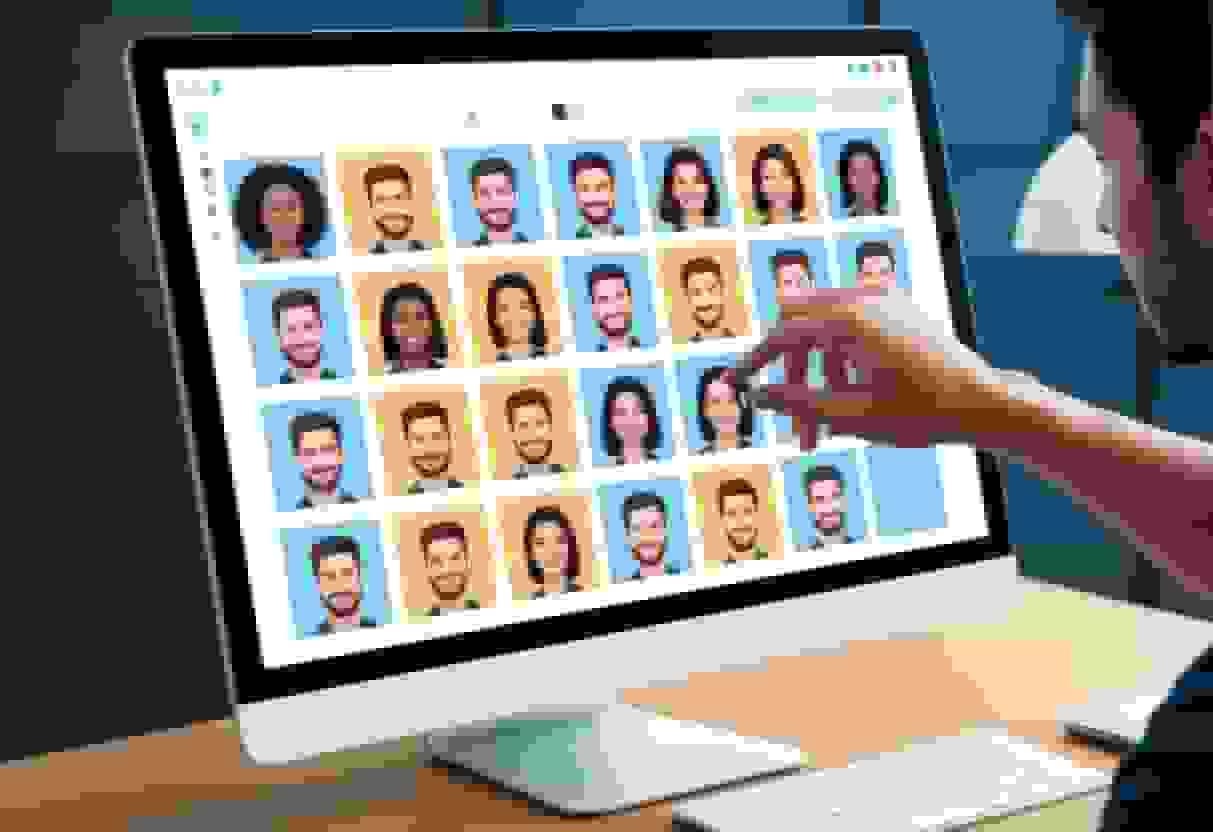
For everyday professional use, the gap between AI and traditional photography has shrunk to the point where most people can't tell the difference. Here's a direct comparison:
| AI Headshots ($29-$79) | Traditional Photography ($200-$500+) | |
|---|---|---|
| Time investment | 15 minutes (upload + wait) | 2-4 hours (travel + shoot + wait for edits) |
| Number of final images | 40-100+ variations | 3-15 retouched photos |
| Turnaround | Under 1 hour | 1-2 weeks |
| Outfit options | Dozens (AI-generated) | Whatever you bring to the shoot |
| Background options | Dozens | Whatever the studio has |
| Consistency for teams | Identical style across everyone | Depends on scheduling same photographer |
| Natural body language | AI-generated (less variety) | Captured in person (more natural) |
| Requires leaving home | No | Yes |
| Ideal for | LinkedIn, team pages, applications, everyday professional use | High-profile press, speaking circuits, personal branding at the highest level |
Where traditional photography still wins: capturing genuine personality and body language. A skilled photographer catches micro-expressions and natural postures that AI approximates but doesn't quite replicate. If your headshot is going on a billboard or the cover of a magazine, hire a photographer.
Where AI wins: everything else. Speed, cost, consistency, convenience, and the sheer volume of options you get. For the vast majority of professional headshot needs, AI is the smarter choice.
What about privacy? Where do your photos go?
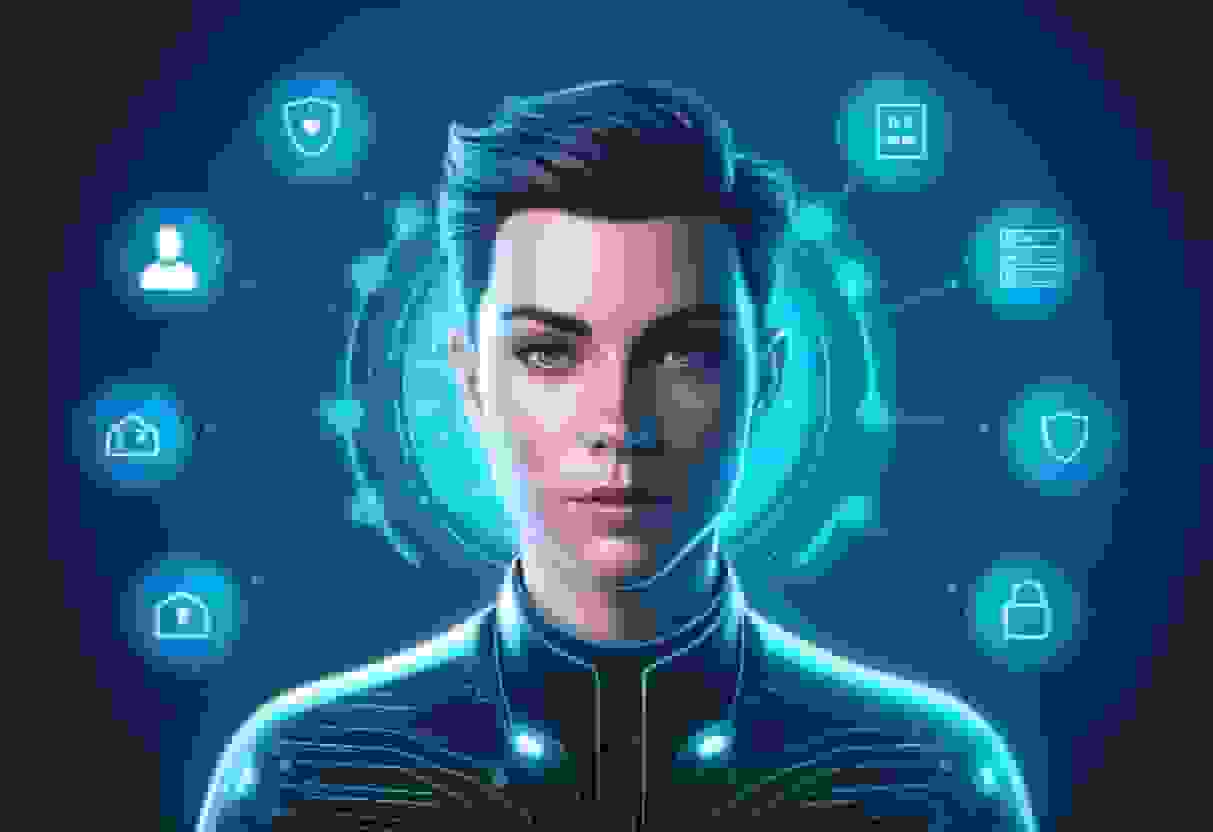
This is a legitimate concern, and you should care about it. When you upload selfies to an AI headshot service, you're handing over biometric data: your face. Not all services treat that data the same way.
Questions to ask before uploading
- Does the service delete your photos after generating headshots? Good services do. BetterPic deletes uploaded photos after processing, so they're not sitting on a server somewhere indefinitely.
- Are your photos used to train AI models? Some services bury this in their terms of service. If a free service doesn't explain how they make money, your data is probably the product.
- Can you request deletion of everything? Under GDPR and similar regulations, you should be able to ask for complete removal of your data. Check if the service makes this easy or makes you jump through hoops.
- Where are the servers located? This matters for data protection laws. Services operating under EU or US regulations generally have stricter requirements than those operating from less regulated jurisdictions.
The free tool tradeoff
Free AI headshot generators are great for testing, but be extra cautious with services that are entirely free with no clear business model. Generating AI headshots costs real money in compute resources. If a service offers unlimited free headshots with no premium tier, ask yourself how they're paying for it.
The paid services in the $29-$79 range generally have better privacy practices because their business model is straightforward: you pay them money, they give you headshots, end of transaction.
Can you use AI headshots for remote teams and company pages?
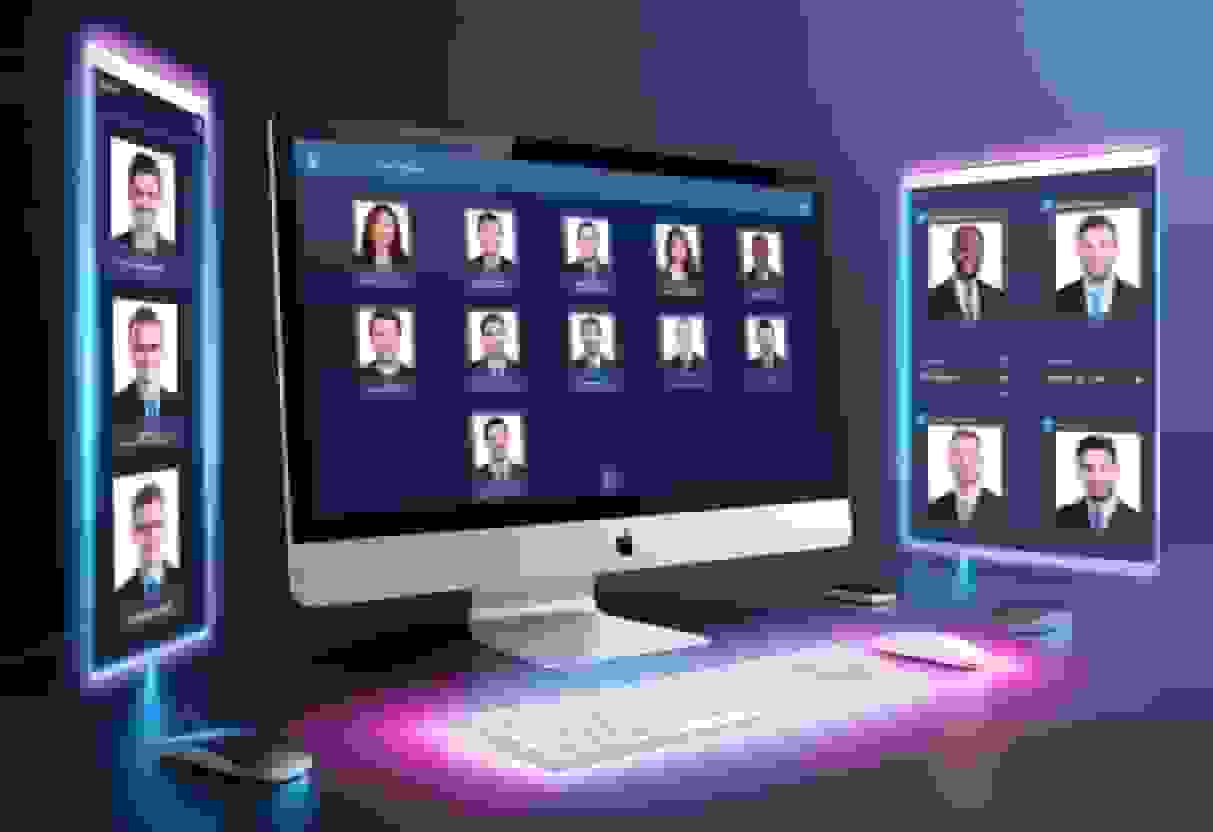
AI headshots are arguably better than traditional photography for remote teams. Here's why: getting consistent headshots across a distributed team used to mean either flying everyone to one location (expensive and impractical) or accepting that your team page would look like a patchwork quilt of different photographers, lighting setups, and background colors.
With AI headshots, every team member uploads their own photos from wherever they are, and the output comes back with:
- Matching backgrounds
- Consistent lighting style
- Similar framing and composition
- Coordinated professional attire
The result is a team page that actually looks cohesive, without anyone leaving their home office.
For larger organizations, BetterPic's API lets you automate this at scale. New hire starts on Monday? Their headshot can be on the website by Tuesday, matching the exact style of everyone else on the team.
Personal branding across platforms
Once you have a set of AI headshots you like, use the same image everywhere: LinkedIn, Twitter/X, your personal site, conference bios, email signatures. Consistency builds recognition. People start associating your face with your name and your work, which is the entire point of a professional headshot.
Use BetterPic's LinkedIn photo analyzer to check whether your chosen headshot actually works well in LinkedIn's specific format and context before making it your profile picture.
The bottom line: should you get cheap AI headshots?
If you need a professional headshot and you're not on the cover of Forbes next month, yes. AI headshots in the $29 to $79 range from a quality service like BetterPic produce results good enough for LinkedIn, company websites, resumes, and virtually every everyday professional use case.
The technology has moved past the "neat gimmick" phase. These are real, usable professional images. Critics of AI headshots are usually basing that opinion on janky 2022-era tools. The current generation is a different category.
Save the $400 photographer visit for when you actually need it: a major press feature, a keynote speaker page, a personal brand relaunch. For everything else, AI gets the job done faster, cheaper, and with way more options.
FAQ
How much do cheap AI headshots cost in 2026?
Most quality AI headshot services charge between $29 and $79 for a set of 40 to 100+ professional images. Free tiers exist for testing, but paid plans produce significantly better results. By comparison, a traditional photographer charges $200 to $500+ for 3 to 15 retouched photos.
Can people tell the difference between AI headshots and real photos?
With a good AI headshot service, most people cannot tell the difference in normal viewing contexts like LinkedIn profiles, company websites, or email signatures. The technology in 2026 produces natural skin texture, realistic lighting, and accurate facial features. Lower-quality services can still produce obvious AI artifacts.
Are cheap AI headshots good enough for LinkedIn?
Yes. LinkedIn compresses and displays photos at small sizes, which is one of the best contexts for AI headshots. A well-generated AI headshot is indistinguishable from a studio photo in LinkedIn's circular thumbnail format. Many professionals have switched to AI headshots on LinkedIn without anyone noticing.
What photos should I upload to get the best AI headshot?
Upload 4 to 8 recent photos of yourself with good natural lighting, taken from slightly different angles. Include front-facing shots and slight three-quarter turns. Avoid sunglasses, heavy filters, and group photos. At least one photo should have a neutral facial expression so the AI can accurately map your features.
Is it safe to upload my photos to AI headshot services?
Reputable services like BetterPic delete your uploaded photos after processing and don't use them to train AI models. Always check a service's privacy policy before uploading. Be especially cautious with entirely free services that don't have a clear business model. If the product is free, your data might be the product.
Can AI headshots work for an entire company team?
AI headshots are actually ideal for teams, especially remote or distributed ones. Every team member can upload photos from their location, and the AI produces headshots with matching backgrounds, lighting, and style. This creates a cohesive team page without coordinating in-person photo shoots. BetterPic's API can automate this process for larger organizations.
How long does it take to get AI headshots?
Most AI headshot services deliver results in under an hour, with some generating images in just minutes. Compare that to 1 to 2 weeks for a traditional photographer to edit and deliver your photos. The entire process (uploading your selfies, choosing a style, and receiving finished headshots) typically takes about 15 minutes of your time.
Sources & References
- LinkedIn Profile Photo Tips — LinkedIn
- How Your Profile Photo Impacts Your LinkedIn Presence — LinkedIn Official Blog
- AI Image Generation Market Report — Grand View Research
- How AI Is Changing Photography — Forbes
- Professional Headshot Photography Pricing — Thumbtack

Written by
Apoorv SharmaHead of Performance
Apoorv leads performance and growth at BetterPic with 9+ years of experience across SEO, SEM, and growth marketing. He oversees content strategy, data-driven marketing, and hands-on testing of AI headshot platforms. Previously held senior performance marketing roles across the US, Belgium, and India.
- Google Analytics & Google Ads certified
- HubSpot Inbound & Content Marketing certified
- 9+ years in SaaS growth and performance marketing
Reviewed by
Preferred source
Follow BetterPic on Google
Add BetterPic as a preferred source and our headshot guides are more likely to show up in your Top Stories, with a badge in AI Mode and AI Overviews.

Related professional headshots for individuals resources
Keep exploring this topic with focused resources from the B2C journey.
Primary destination:BetterPic pricing
Frequently Asked Questions
How much do cheap AI headshots cost in 2026?
- Most quality AI headshot services charge between $29 and $79 for a set of 40 to 100+ professional images. Free tiers exist for testing, but paid plans produce significantly better results. By comparison, a traditional photographer charges $200 to $500+ for 3 to 15 retouched photos.
Can people tell the difference between AI headshots and real photos?
- With a good AI headshot service, most people cannot tell the difference in normal viewing contexts like LinkedIn profiles, company websites, or email signatures. The technology in 2026 produces natural skin texture, realistic lighting, and accurate facial features. Lower-quality services can still produce obvious AI artifacts.
Are budget AI headshots good enough for LinkedIn?
- LinkedIn compresses and displays photos small, which hides exactly the flaws budget generators produce. It is the most forgiving context in this category; print is the least.
What photos should I upload to get the best AI headshot?
- Upload 4 to 8 recent photos of yourself with good natural lighting, taken from slightly different angles. Include front-facing shots and slight three-quarter turns. Avoid sunglasses, heavy filters, and group photos. At least one photo should have a neutral facial expression so the AI can accurately map your features.
Is it safe to upload photos to an AI headshot service?
- The two things to verify are whether uploads are deleted after processing and whether they feed model training. Reputable services including BetterPic delete them and do not train on them.
Can AI headshots work for an entire company team?
- AI headshots are actually ideal for teams, especially remote or distributed ones. Every team member can upload photos from their location, and the AI produces headshots with matching backgrounds, lighting, and style. This creates a cohesive team page without coordinating in-person photo shoots. BetterPic's API can automate this process for larger organizations.
How long does it take to get AI headshots?
- Most AI headshot services deliver results in under an hour, with some generating images in just minutes. Compare that to 1 to 2 weeks for a traditional photographer to edit and deliver your photos. The entire process (uploading your selfies, choosing a style, and receiving finished headshots) typically takes about 15 minutes of your time.
Related articles
View all articles
How much does a headshot cost in 2026?
What professional headshots actually cost, what drives the range, the charges that are not in the quoted price, and how to compare a session against an AI alternative.
Professional Headshots: The Complete Guide to Getting Yours Right
Everything you need to know about professional headshots: how to get them (photographer, DIY, AI, corporate), what to wear, posing tips, lighting.
How to Get a Professional Headshot for Your Career
A complete guide to getting a professional headshot for your career—compare photographers, AI headshot generators, and DIY options by cost, quality, and speed.
8 Headshot Poses That Actually Work (And When to Use Each One)
The 8 headshot poses that actually work — with specific guidance on when to use each one, how to nail it in a studio or with AI, and which industries.
How to Prepare for Professional Headshots and Make a Great Impression
Learn how to prepare for professional headshots with practical tips on wardrobe, posing, grooming, and choosing the right photographer.
How to Take Professional Photos for Your Brand
A complete guide to taking professional photos that strengthen your brand, from lighting and camera setup to posing and editing.
Save 87%on average on your professional photos.
Whenever, wherever you are.
Get studio-quality, 4K images in a variety of outfits & settings in less than an hour.
Get your headshots nowStart now
