
AI Headshots: The Complete Guide to Getting Professional Photos Without a Photographer
This article is part of our Professional Headshots collection.
If you've been hearing about AI headshots and wondering whether they're actually good enough to use — or if they still look like weird AI art with six fingers — this guide covers everything you need to know.
We'll go through what they are, how they work, why people use them, what to look for in a tool, and where the technology is heading. No hype, no fluff — just the practical stuff.
What is an AI headshot generator?
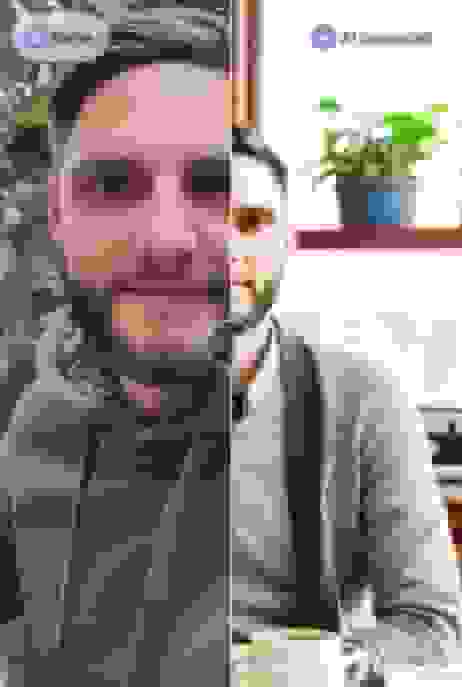
An AI headshot generator is a tool that takes your regular photos (selfies, casual shots, whatever you've got) and turns them into polished portraits. You can try a free AI headshot generator before paying for anything. No photographer, no studio, no scheduling.
These tools are trained on millions of real professional photographs. They've learned what makes a headshot look good — the lighting, the pose, how a blazer sits on someone's shoulders, the right amount of background blur. When you upload your photos, the AI uses everything it's learned to generate new images that look like you walked into a professional studio.
Not all generators produce the same quality. The good ones can adjust lighting, swap backgrounds, change outfits, and produce photos that are genuinely hard to tell apart from traditional photography. The cheaper or free ones... not so much. You can usually spot those from a mile away — overly smooth skin, weird hair edges, clothing that doesn't quite make sense.
Why would you use one instead of just going to a photographer?
Well, AI headshot pricing alone makes a strong case. But it's more than that.
Cost: A traditional headshot session runs $200-500+. AI headshots start around $29-35. That's 85-90% cheaper. And you get way more photos — dozens or even hundreds of variations vs. the 5-10 you'd get from a photographer.
Convenience: You can do it from your phone while sitting on your couch. No booking, no travel, no awkward posing in a studio. Upload your photos, pick a style, wait about an hour, done.
Speed: Need a headshot for a job application due tomorrow? A photographer can't help you. AI can have it ready in under an hour.
Consistency: If you need headshots for a whole team, AI produces identical lighting, backgrounds, and quality for everyone. A photographer's work varies throughout the day — different energy, different light, different mood.
Updates: Changed your hairstyle? Got new glasses? With a photographer, that's another $300+ session. With AI, it's another upload. Keeping your photo current should be easy and cheap, not a whole production.
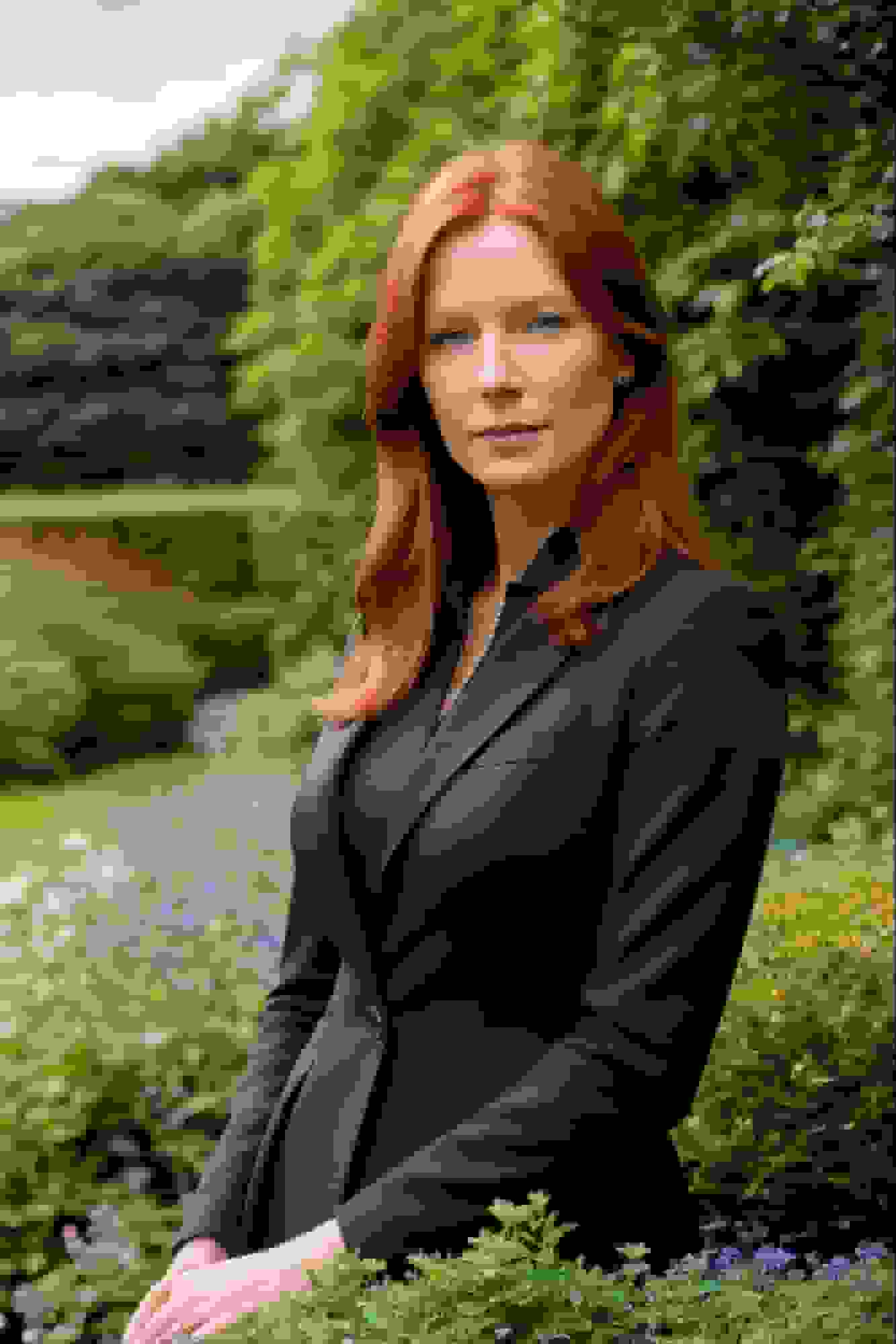
That said, photographers aren't going anywhere. For high-stakes situations — executive branding, book jacket photos, creative editorial work — a skilled human behind a camera still adds something AI can't replicate: genuine human connection, spontaneous moments, and creative vision. AI headshots handle the everyday "I need a professional photo" use case really well. Photographers shine when the human element actually matters.
How do AI headshots actually work?
The process is surprisingly simple from your side:
- You upload photos. Usually 8-20 regular photos from your phone — selfies, casual shots, different angles and expressions. The more variety you give it, the better it can map your face.
- The AI studies your features. It learns your facial structure, skin tone, hair color, proportions — all the details that make you look like you.
- You pick a style. Background, clothing, lighting mood, formality level. Some tools have 150+ preset styles. Others let you describe what you want.
- It generates your headshots. The AI creates new images combining what it knows about your face with your style choices. Good tools deliver multiple variations in 4K resolution within about an hour.
The technology behind this is called a diffusion model. Without getting too technical: it starts with random noise and gradually refines it into a clear image, guided by what it's learned about your face and what a professional headshot should look like. Think of it like a sculptor starting with a block of marble — except the sculptor has studied millions of professional portraits.
What the AI can fix: Poor lighting in your source photos, messy backgrounds, casual clothing.
What it can't fix: A blurry photo where your face isn't clearly visible, heavy filters that distort your features, or photos where you're wearing sunglasses. Good inputs = good outputs. Always.
How do AI headshots help your LinkedIn profile?
Your LinkedIn photo is your first impression in the professional world. And it matters more than most people think.
Profiles with professional headshots get 21x more views and 9x more connection requests than those without. That's not a marginal improvement — that's a completely different level of visibility.
Here's the thing though: most people know their LinkedIn photo could be better, but they never get around to fixing it. The traditional route (book photographer → find time → pay $300+ → hope photos turn out well) is just enough friction that people put it off forever.
AI headshots eliminate all of that friction. Upload a few photos, pick a style, get back professional headshots in an hour for $35-79. There's no excuse anymore.
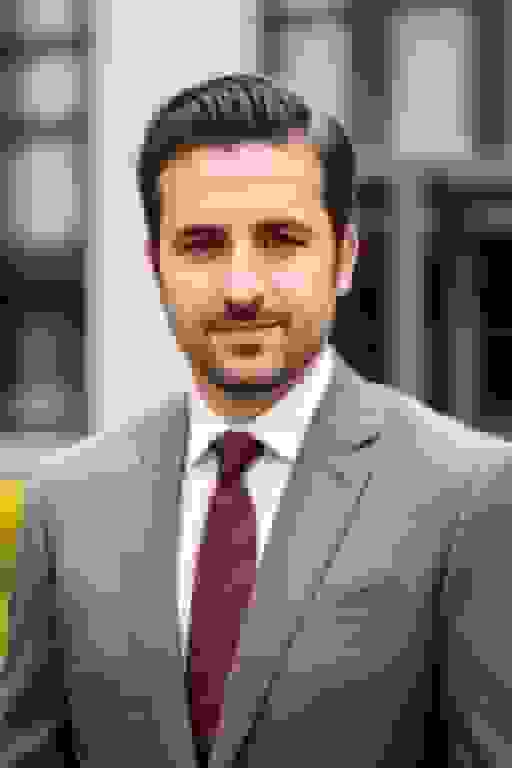
For LinkedIn specifically, AI headshots let you:
- Match your headshot to your industry (corporate for finance, modern for tech, creative for design)
- Get multiple versions — one for LinkedIn, one for your website, one for speaking bios
- Update easily when your appearance changes or when you switch industries
- Get 4K resolution that looks sharp at every size LinkedIn displays it
The best tools also generate headshots with proper LinkedIn framing — face taking up about 60% of the frame, head and shoulders, proper aspect ratio.
How do AI headshots improve your company's website?
Your team page is one of the most visited pages on most company websites. And it's usually one of the worst-looking.
The typical team page problem: One person has a studio headshot from 2021, another has a phone selfie, someone's using their college graduation photo, and three people have no photo at all. It looks like a scrapbook, not a company.
Why it matters: Visitors — clients, candidates, investors, partners — subconsciously evaluate your company based on your team page. Consistent, professional headshots signal that your company is organized, professional, and cares about details. Mismatched photos signal the opposite.
Why AI headshots fix this better than a photographer: Getting 30 people to a photographer means weeks of scheduling, someone always "can't make it," and you end up with batch inconsistencies. AI lets everyone upload on their own time, and the output is perfectly consistent across the board. Same background, same lighting, same quality — regardless of whether someone uploaded on Monday or three weeks later.
The cost difference for teams: A photographer for a 30-person team easily runs $6,000-10,000+. AI headshots for the same team? About $1,000-1,400. That's not a rounding error — that's a budget conversation.
And here's the real win: when you hire someone new, they get a matching headshot during their first week. No waiting for the next photo day. No "we'll get to it eventually." Instant brand consistency.
What should you look for in an AI headshot generator?
Not all AI headshot tools are created equal; our first-party review of HeadshotPro is one platform-specific comparison. Here's what actually separates the good ones from the mediocre ones:
Image quality
This is non-negotiable. Your headshot needs to look sharp at full size on a website, not just as a tiny LinkedIn thumbnail. Look for tools that output 4K resolution and produce natural-looking skin texture (not that plastic, over-smoothed look).
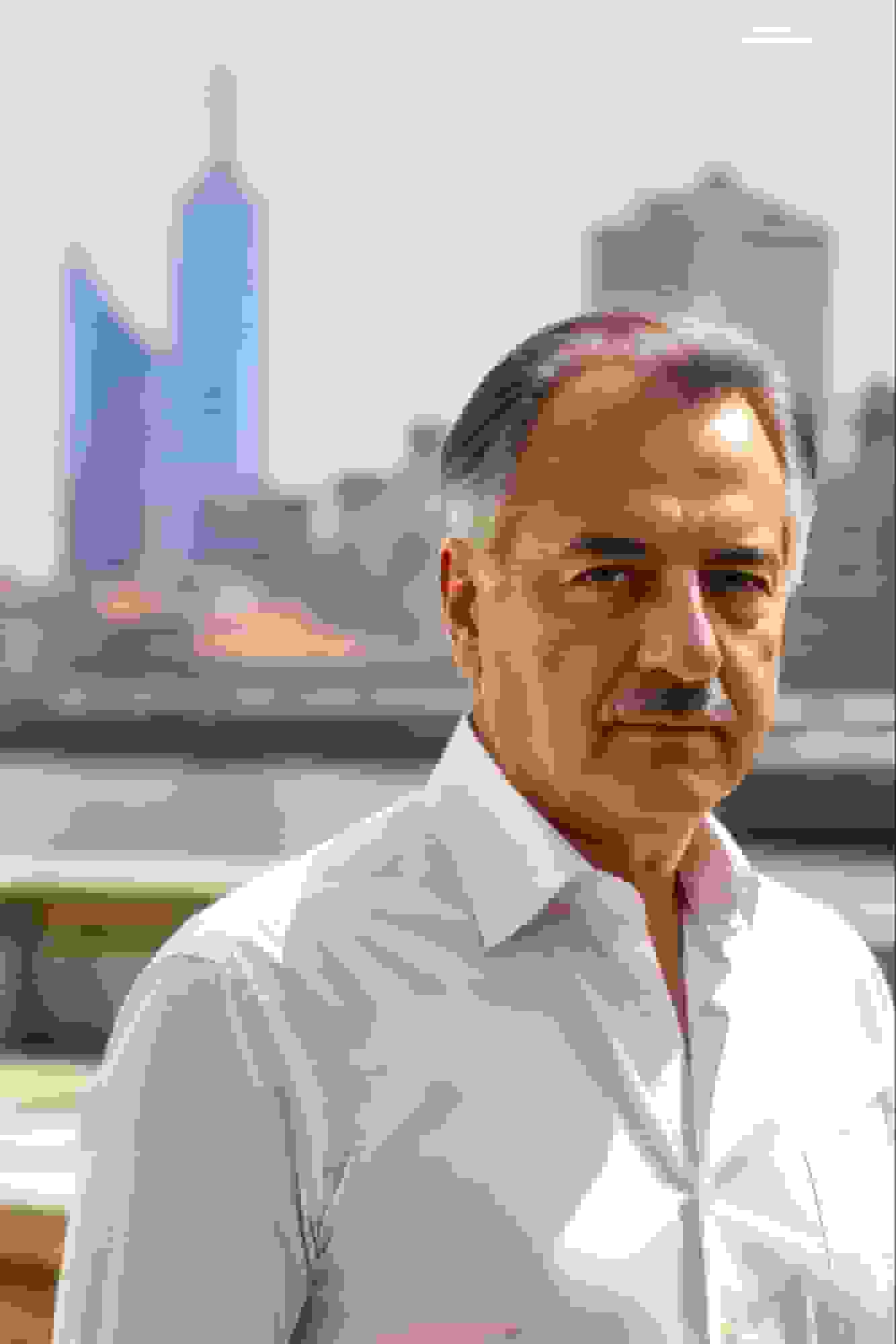
The difference between a cheap generator and a good one is immediately obvious when you zoom in. Good tools produce headshots where the skin looks like real skin, the hair has actual texture, and the clothing has natural wrinkles and folds. Cheap tools produce that "uncanny valley" feel where something's just... off.
Customization
The best AI headshot generators let you control:
- Background (solid colors, office environments, outdoor settings)
- Clothing (suits, casual, creative)
- Lighting mood (warm, cool, bright, soft)
- Framing (tight crop, head and shoulders, wider)
This matters because a financial advisor and a graphic designer shouldn't have the same headshot style. Your photo should match your industry and personal brand, not look like a generic stock photo.
Human editing option
This is the differentiator that separates the best tools from the rest. AI does 95% of the work well, but that last 5% — a slightly unnatural shadow, a collar that doesn't sit quite right, skin that's a touch too smooth — needs a human eye.
Tools like BetterPic pair AI generation with human editors who review and polish the output. The hybrid approach produces noticeably more natural results than pure AI alone.
Support and guarantees
Things don't always go perfectly on the first try. Maybe your source photos weren't ideal, or the style didn't work for your face shape. You want a tool that offers:
- Redo options (regenerate if the first batch isn't right)
- Human touch-ups for fine-tuning
- Responsive support if you need help
- A money-back guarantee if you're not satisfied
Data privacy
You're uploading photos of your face. That's biometric data. Check that the tool:
- Doesn't use your photos to train their AI models
- Deletes your data within a set timeframe
- Uses proper encryption (AES-256 at rest, TLS in transit)
- Is GDPR and CCPA compliant
- Has clear, published privacy policies
Where are AI headshots heading next?
The technology is improving fast. Here's what's coming:
Even more realistic output. Every generation of AI models gets closer to indistinguishable from real photography. We're already at the point where most people can't tell without checking in an authentic AI image detector. Within a year or two, even photographers will have a hard time spotting AI headshots.
Real-time video enhancement. AI that improves how you look on Zoom calls — better lighting, cleaner backgrounds, subtle enhancements — all in real time. Some early versions already exist.
Post-generation editing. Change your background, swap your outfit, adjust the lighting — all after the photo is generated. Some tools (including BetterPic) already offer this, and it'll get more powerful.
Auto-sync across platforms. Update your headshot once and it pushes to LinkedIn, your company website, email signature, and Slack avatar simultaneously. The plumbing is all there — someone just needs to build the integration.
Enterprise adoption. Companies rolling out AI headshots as part of standard onboarding — right next to "set up email" and "get your laptop" on the new hire checklist. This is already happening at forward-thinking companies and will become the norm.
My personal experience: the visa headshot
On a personal note — my first real "wow, this actually works" moment with AI headshots wasn't for LinkedIn or a website. It was for a visa application.
I needed a headshot against a white background, in digital format, within a ridiculously tight deadline. A professional photographer couldn't schedule me in time. Photo booths only give you physical prints. The clock was ticking.
An AI headshot generator got it done in under an hour. White background, proper framing, digital format — exactly what the application needed. No scheduling, no travel, no stress.
That's when it clicked for me: this technology isn't just for making your LinkedIn look nice. It's a genuinely practical tool for real-world situations where you need a professional photo fast.
The bottom line
AI headshot generators have gotten good enough that for most professional use cases — LinkedIn, company websites, email signatures, resumes, speaking bios — they produce results that are indistinguishable from traditional photography. At 85-90% less cost. In under an hour. From wherever you happen to be.
They don't replace photographers for everything. Creative shoots, editorial work, and high-stakes executive branding still benefit from a human behind the camera. But for the everyday "I need a professional photo" problem that most people never get around to solving? AI headshots are the answer.
What to look for when you choose a tool:
- 4K image quality that looks natural, not plastic
- Customization options (background, clothing, lighting, framing)
- Human editing to catch what AI misses
- Data privacy and security (GDPR/CCPA, encryption, deletion policies)
- Responsive support and satisfaction guarantees
BetterPic checks all of these boxes. 150+ styles, 4K output, AI + human editing, full commercial license, and prices starting at $35. If you've been putting off getting a professional headshot — for your LinkedIn, your website, or that visa application — there's never been an easier time to get it done.
Sources & References
- LinkedIn Profile Photo Tips — LinkedIn
- How Your Profile Photo Impacts Your LinkedIn Presence — LinkedIn Official Blog
- AI Image Generation Market Report — Grand View Research
- How AI Is Changing Photography — Forbes
- Professional Headshot Photography Pricing — Thumbtack

Written by
Apoorv SharmaHead of Performance
Apoorv leads performance and growth at BetterPic with 9+ years of experience across SEO, SEM, and growth marketing. He oversees content strategy, data-driven marketing, and hands-on testing of AI headshot platforms. Previously held senior performance marketing roles across the US, Belgium, and India.
- Google Analytics & Google Ads certified
- HubSpot Inbound & Content Marketing certified
- 9+ years in SaaS growth and performance marketing
Preferred source
Follow BetterPic on Google
Add BetterPic as a preferred source and our headshot guides are more likely to show up in your Top Stories, with a badge in AI Mode and AI Overviews.

Related professional headshots for individuals resources
Keep exploring this topic with focused resources from the B2C journey.
Primary destination:AI headshot generator
Frequently Asked Questions
How do AI headshots work?
- You upload 8-20 regular photos from your phone. The AI studies your facial structure, skin tone, and proportions, then generates new professional portraits using diffusion model technology. It combines your likeness with professional photography knowledge to create images in your chosen style within about an hour.
Are AI headshots good enough for a company team page?
- A team page fails on inconsistency rather than on quality: forty portraits shot separately read as forty studios. Generated sets solve exactly that — everyone uploads on their own time and the output shares one background, one lighting setup and one crop.
What should I look for in an AI headshot generator?
- Look for 4K image quality with natural skin texture, customization options for backgrounds and clothing, a human editing option to catch AI artifacts, strong data privacy (GDPR/CCPA compliance, encryption, deletion policies), and responsive support with satisfaction guarantees.
How much do LinkedIn profiles improve with a professional headshot?
- Profiles with professional headshots get 21x more views and 9x more connection requests than those without. Most people know their LinkedIn photo needs improvement but put it off due to the cost and hassle of traditional photography. AI eliminates that friction entirely.
Will AI headshots replace professional photographers?
- Not entirely. AI handles everyday professional headshot needs better and cheaper: LinkedIn updates, team pages, email signatures, and quick refreshes. Photographers still excel at creative direction, complex lighting, editorial portraits, and capturing genuine spontaneous expressions.
Related articles
View all articles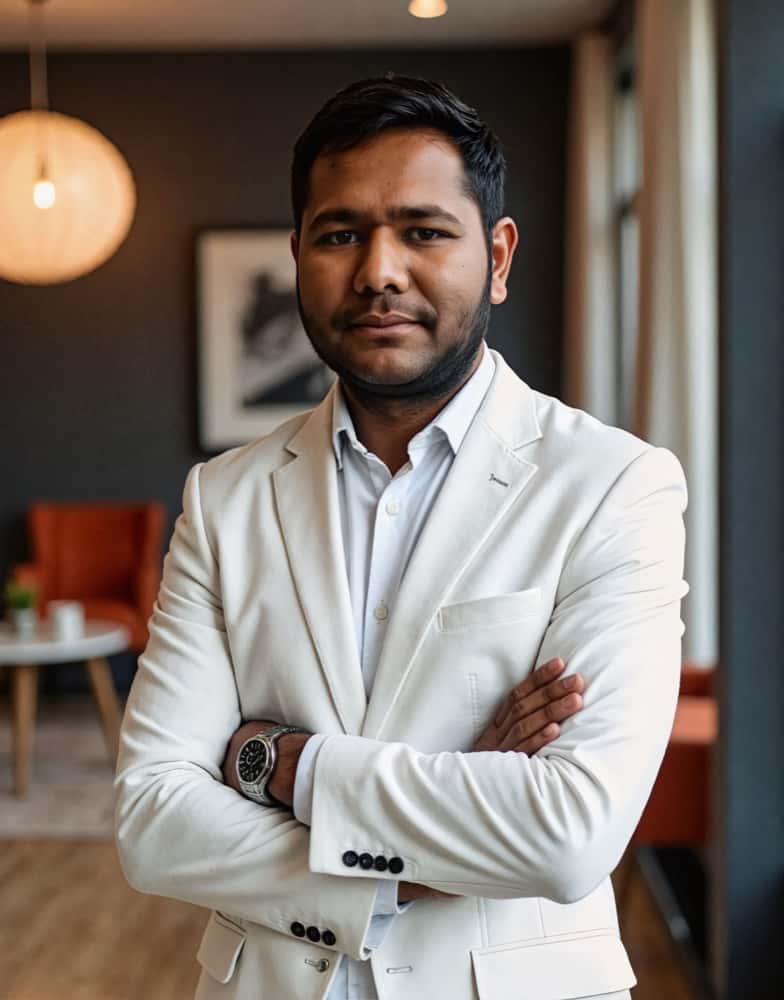
How much does a headshot cost in 2026?
What professional headshots actually cost, what drives the range, the charges that are not in the quoted price, and how to compare a session against an AI alternative.
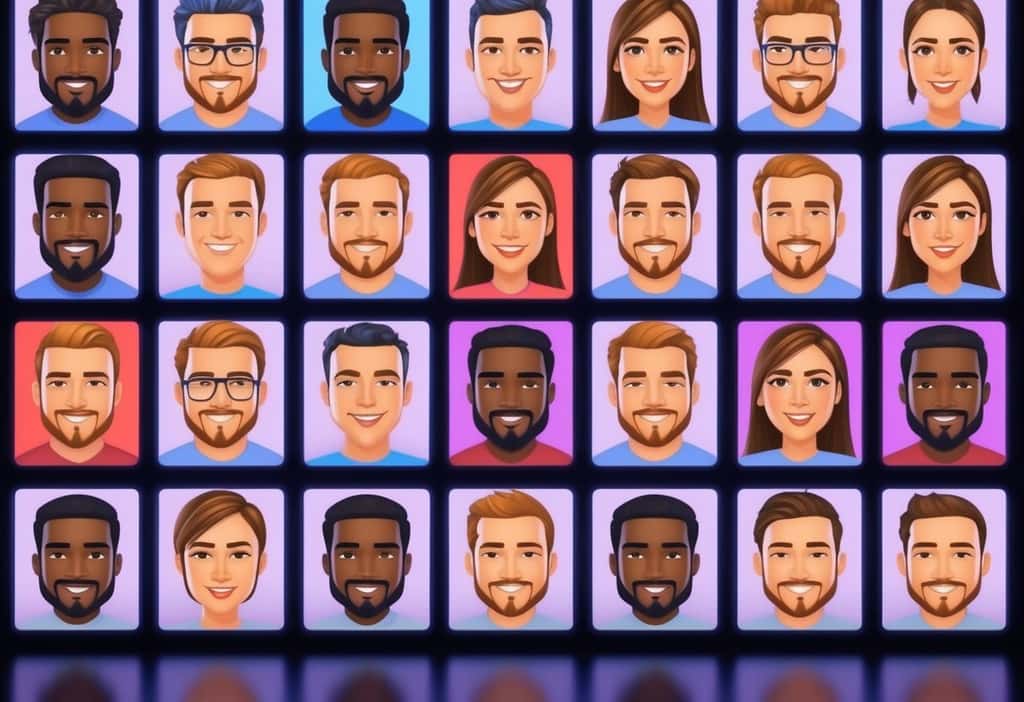
Cheap AI Headshots: What $29 Actually Gets You vs. a $400 Photographer
A no-BS breakdown of cheap AI headshots in 2026: what they cost, how they compare to studio photography, and whether the results actually work for LinkedIn.
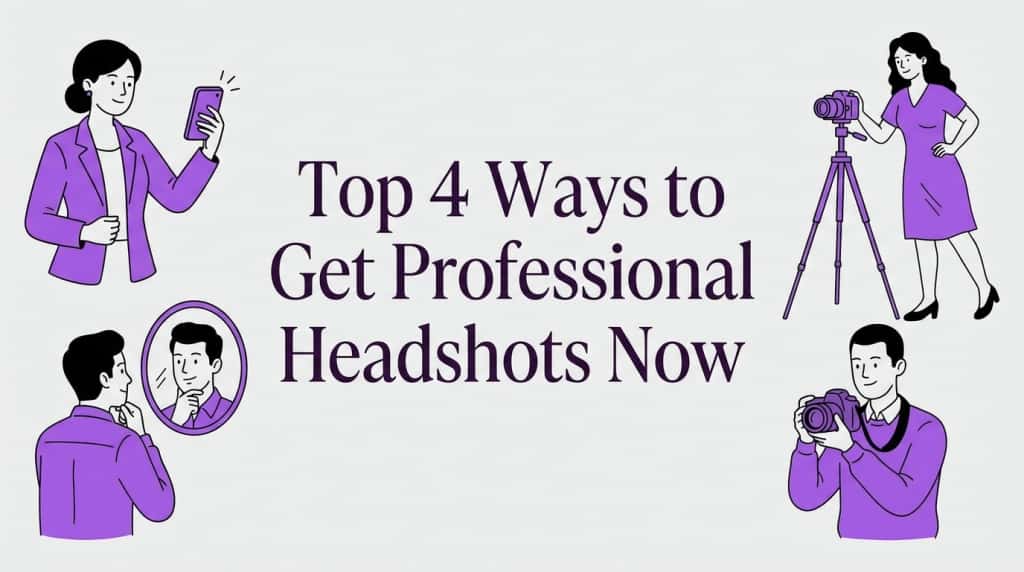
Professional Headshots: The Complete Guide to Getting Yours Right
Everything you need to know about professional headshots: how to get them (photographer, DIY, AI, corporate), what to wear, posing tips, lighting.
How to Get a Professional Headshot for Your Career
A complete guide to getting a professional headshot for your career—compare photographers, AI headshot generators, and DIY options by cost, quality, and speed.
8 Headshot Poses That Actually Work (And When to Use Each One)
The 8 headshot poses that actually work — with specific guidance on when to use each one, how to nail it in a studio or with AI, and which industries.
How to Prepare for Professional Headshots and Make a Great Impression
Learn how to prepare for professional headshots with practical tips on wardrobe, posing, grooming, and choosing the right photographer.
Save 87%on average on your professional photos.
Whenever, wherever you are.
Get studio-quality, 4K images in a variety of outfits & settings in less than an hour.
Get your headshots nowStart now
