
Residency Headshots AI Background Editor for ERAS
This article is part of our Industry Headshots collection.
You have spent years grinding through med school. You have survived anatomy lab, boards, and more overnight shifts than you care to count. Now you are putting together your ERAS application, and suddenly a headshot is standing between you and the next step of your career.
Here is what most students do not realize: your residency headshot is often the first thing a program director sees, and it shapes their impression before they read a single word of your application. The good news is that you do not need a $300 studio session to get it right. AI headshot generators now let you create polished, ERAS-compliant photos from your laptop in minutes.
This guide walks you through everything from what to wear, to picking the right background, to using an AI background editor that actually understands professional standards, so your headshot works for you instead of against you.

Why Does Your Residency Headshot Matter So Much?
Think about it from the other side of the table. A program director is flipping through hundreds of ERAS applications in a day. Your headshot is the visual anchor of your entire file. It is the thing that makes your name stick in someone's memory during interview selection meetings.
A professional residency headshot tells program directors that you take the process seriously and that you will represent their program well. It is not about being the most photogenic person in the applicant pool. It is about looking approachable, put-together, and like someone they would want on their team.
A weak or distracting headshot does not necessarily tank your application, but it does miss an opportunity to reinforce everything else in your file. Your personal statement says you are detail-oriented and professional. Your headshot should say the same thing without words.
How Does a Headshot Affect Your ERAS Application?
Your photo appears alongside your name in every interaction a program has with your application. It shows up in ERAS, on interview schedules, and in rank-list discussions. Programs that interview 400 people a cycle will remember faces more easily than paragraphs.
Beyond memory, your headshot contributes to your overall professional image. It sits right next to your clinical experiences and board scores in ERAS. When everything else between two candidates is close, the one who looks like they belong in the role has a subtle advantage.
Your residency headshot also carries over to your LinkedIn profile, program websites once you match, and any professional networking you do during residency. Getting it right now means you will not need to redo it for years.
What Should You Wear for a Residency Headshot?
This is where a lot of medical students overthink things. The goal is straightforward: look like a doctor people trust.
Solid, neutral-toned professional clothing photographs best and keeps the focus on your face, which is exactly where it should be.
What Works for Most Applicants
- Suits and blazers in navy, charcoal, or black. These are safe, timeless, and appropriate for virtually every specialty.
- Collared shirts or blouses in white, light blue, or soft pastels. They photograph cleanly and contrast well against most backgrounds.
- A white coat is fine for some specialties, but it is not required and can look forced for others. If you are applying to surgery or internal medicine, it works. For psychiatry or pediatrics, business professional without the coat tends to feel more natural.
- Minimal jewelry and accessories. A watch, small earrings, or a simple necklace are fine. Anything that catches light or draws attention away from your face should stay home.
What to Avoid
- Busy patterns, logos, or bold prints. They distract the eye and can create visual noise in a small photo.
- Overly casual clothing. Even if your program of choice has a laid-back culture, your ERAS headshot is not the place to show it.
- Clashing colors with your background. If you are using an AI background editor, you can preview this before committing, which is one of the advantages of going the digital route.
The simplest test: if you would wear it to a residency interview, it will probably work for your headshot.
What Background Should You Use for a Medical Student Headshot?
Background choice matters more than most people think. A cluttered or distracting background pulls attention away from you. A washed-out or overly bright one can make you look pale or flat. The right background frames you without competing with you.
For residency headshots, a clean neutral background in light gray, soft blue, or muted white is the standard that works across every specialty.
Do ERAS Applications Have Background Requirements?
ERAS does not enforce a specific background color, but the community expectation is clear: keep it professional and non-distracting. Most applicants use a solid or softly graduated background. Outdoor settings, office backgrounds, or anything with identifiable locations are not the norm and can make your photo feel out of place next to hundreds of studio-style shots.
If you had your photo taken in your apartment or in a hospital hallway, that is exactly the kind of situation where an AI background editor becomes genuinely useful. Instead of reshooting, you can swap in a clean, professional background that matches what ERAS reviewers expect to see.
Why Are AI Background Editors a Game-Changer for Headshots?
Traditional headshot photography ties you to a specific studio, a specific time, and whatever background options that studio has on hand. If you do not like the result, you reshoot and pay again.
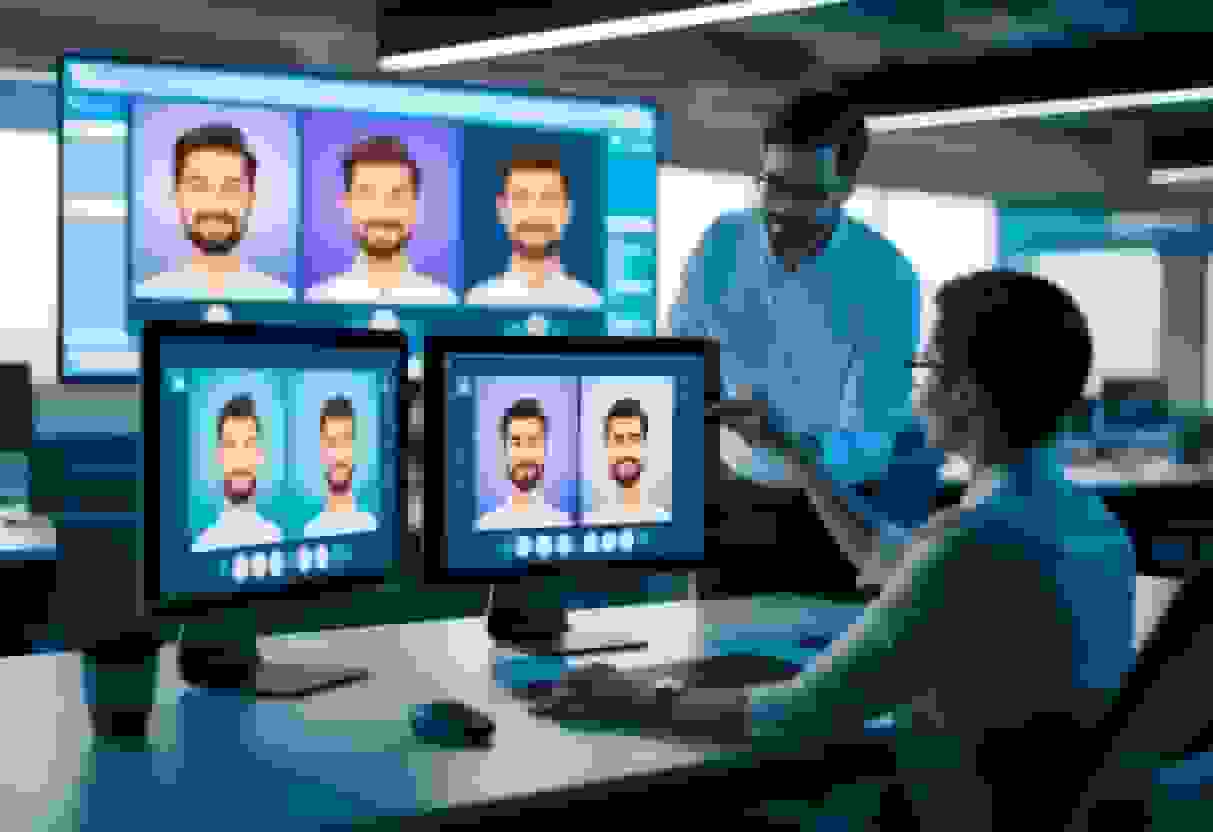
AI background editors flip that entirely. You upload your photo, choose from professional backgrounds, and preview exactly how you will look, all in a few minutes. No scheduling, no travel, no second session.
For medical students, this flexibility is a big deal. Between rotations, studying for Step 2, and writing personal statements, carving out time for a studio session is not always realistic. An AI editor lets you handle your headshot on your own schedule, from wherever you happen to be.
How Do AI Headshot Tools Actually Work?
If you have never used one, the process is simpler than you might expect. Most AI headshot platforms follow the same basic flow:
- Upload your photos. You provide a handful of images of yourself, ideally with decent lighting and a clear view of your face.
- The AI analyzes your features. It maps your facial structure, skin tone, hair, and clothing to understand how to render you naturally in different settings.
- You choose your options. Pick a background, adjust lighting and tone, and select a style that fits your professional needs.
- You get your results. Multiple versions are generated, giving you choices instead of locking you into a single shot.
The technology behind this has improved to the point where 96% of recruiters now prioritize professional appearance over creation method. Modern AI headshot generators produce images that are indistinguishable from traditional studio photos for most practical purposes. They handle different skin tones, hair textures, and facial features with far more accuracy than earlier versions.
What Makes AI Different from Just Using Photoshop?
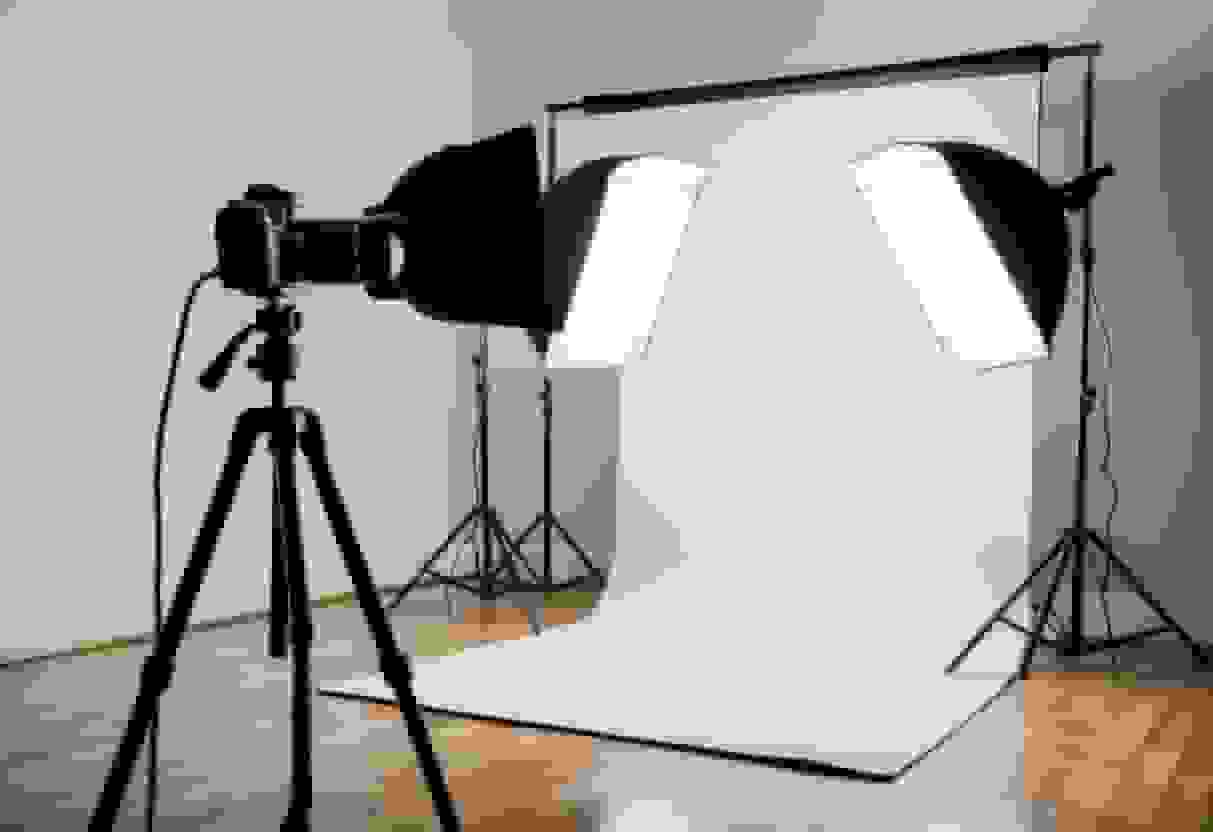
You could theoretically edit your own photo in Photoshop, but unless you have real experience with photo editing, the result usually looks off. Edges around hair look choppy, lighting does not match the new background, and skin tones shift in unnatural ways.
AI tools handle all of this automatically. They understand how light interacts with a person in a given environment and adjust everything, shadows, color balance, edge blending, to make the composite look natural. The difference between a Photoshop hack job and an AI-generated headshot is immediately visible.
Why Does BetterPic Stand Out for Residency Headshots?
Not all AI headshot tools are built for the same purpose. Some are designed for casual social media avatars. Others focus on corporate team pages. BetterPic is built specifically for professional headshots, and that focus shows in the results.
BetterPic gives you studio-quality residency headshots with professionally designed backgrounds, all without leaving your apartment or spending studio-level money.
What Features Matter Most for Medical Students?
- Professional background library. BetterPic includes backgrounds specifically designed for the kind of headshot that works on ERAS, LinkedIn, and program websites. You are not scrolling through vacation backdrops and neon gradients trying to find something appropriate.
- Realistic rendering. The AI handles lighting, shadows, and skin tones with a level of accuracy that makes the final photo look like it was taken in a studio. This matters when your headshot sits next to applicants who did pay for a photographer.
- Multiple output options. You get several versions to choose from, so you can pick the one that feels most like you. Use one for ERAS, a slightly different crop for LinkedIn, and another for your digital portfolio.
- Speed. The entire process takes minutes, not days. When you are deep in application season and realize your headshot needs work, waiting a week for a studio appointment is not an option.
- Affordability. Professional photography sessions run $150 to $400 depending on your city. BetterPic delivers comparable results for a fraction of that, which matters when you are also paying for ERAS fees, interview travel, and everything else that comes with Match season.
How Does BetterPic Compare to a Traditional Photographer?
A good photographer will always have their place, especially for someone who wants absolute control over every detail. But for the vast majority of residency applicants, BetterPic delivers results that meet or exceed what a mid-range studio session produces.
The real advantages are practical: no scheduling conflicts, no geographic limitations, instant turnaround, and the ability to try different looks without paying for additional sessions. For a medical student balancing clinical rotations with application deadlines, those practical advantages often matter more than the theoretical edge of a top-tier portrait studio.
What Are the Most Common Residency Headshot Mistakes?
Knowing what to avoid is just as valuable as knowing what to do. These are the mistakes that show up most often in ERAS applications.
Using a Selfie or a Cropped Group Photo
Your phone camera introduces barrel distortion that makes facial features look slightly off. And cropping yourself out of a group photo leaves you with low resolution, awkward framing, and usually a messy background. Neither is worth the risk when better options exist.
Over-Editing Your Photo
There is a difference between looking polished and looking artificial. Heavy skin smoothing, dramatic color grading, or aggressive contrast adjustments make you look like a different person. When you show up to interviews, you want to be recognizable as the person in your headshot.
Ignoring the Background
A photo taken against a cluttered wall, in front of a window with blown-out light, or in a dimly lit room sends the wrong message. Even if your face looks great, a bad background undermines the whole image. This is exactly the problem an AI background editor solves.
Inconsistent Photos Across Platforms
If your ERAS headshot, your LinkedIn photo, and your student profile all show different versions of you, it creates a disjointed impression. Aim for consistency. BetterPic makes this easy by generating multiple crops and variations from the same base image, so everything matches while being optimized for each platform.
Waiting Until the Last Minute
Application season moves fast. Do not leave your headshot for the final week before submission. Give yourself time to review options, get feedback from mentors or peers, and make adjustments if something does not look right.
How Can You Use Your Headshot Beyond ERAS?
Your residency headshot has a longer shelf life than you might think. Once you have a professional photo you are happy with, put it to work across every platform where you have a professional presence.
- LinkedIn. Profiles with professional headshots get up to 14x more views. Use the same photo or a slight variation of your ERAS headshot.
- Conference name badges and posters. If you are presenting research, some conferences request a headshot for their program.
- Residency program websites. Once you match, your program will likely ask for a photo. Having one ready shows initiative.
- Digital business cards. Increasingly common in medicine, especially at networking events and conferences.
The point is that this is not a one-and-done photo. Investing a few minutes in getting it right now pays off across your entire early career.

Frequently Asked Questions
What size and format does ERAS require for a residency headshot?
ERAS accepts JPEG files and recommends a photo that is at least 150 x 200 pixels, though uploading a higher resolution image is always better. The photo should be a head-and-shoulders shot with your face clearly visible. BetterPic outputs high-resolution images that meet these requirements without any manual resizing on your end.
Can I use an AI-generated headshot for my ERAS application?
Yes. ERAS does not specify how your headshot must be produced, only that it looks professional and represents you accurately. AI-generated headshots from tools like BetterPic are designed to look natural and studio-quality, making them perfectly appropriate for your application.
What is the best background color for a medical student headshot?
Light gray, soft blue, and clean white are the most universally appropriate options. These colors keep the focus on your face and work well across digital screens and printed materials. BetterPic includes these standard professional backgrounds in its library so you do not have to guess.
How much does a professional residency headshot typically cost?
A traditional studio session ranges from $150 to $400 depending on your location and the photographer. AI headshot tools like BetterPic offer professional-quality results starting at a fraction of that price, which is a meaningful difference when you are managing the costs of applications, travel, and interview attire.
Should I wear a white coat in my residency headshot?
It depends on your specialty and personal preference. A white coat works well for applicants going into fields like internal medicine or surgery where it reinforces clinical identity. For specialties like psychiatry, dermatology, or pediatrics, professional attire without the coat often feels more fitting. Either option is acceptable as long as the overall look is polished.
How do I know if my headshot looks professional enough?
Show it to two or three people you trust, ideally someone who has been through the application process before. Ask them whether the photo looks like it belongs on ERAS. If they hesitate, it is worth taking another look. With BetterPic, you can generate multiple options and compare them side by side until you find the one that feels right.
Sources & References
- LinkedIn Profile Photo Tips — LinkedIn
- How Your Profile Photo Impacts Your LinkedIn Presence — LinkedIn Official Blog
- AI Image Generation Market Report — Grand View Research
- How AI Is Changing Photography — Forbes
- Professional Headshot Photography Pricing — Thumbtack

Written by
Apoorv SharmaHead of Performance
Apoorv leads performance and growth at BetterPic with 9+ years of experience across SEO, SEM, and growth marketing. He oversees content strategy, data-driven marketing, and hands-on testing of AI headshot platforms. Previously held senior performance marketing roles across the US, Belgium, and India.
- Google Analytics & Google Ads certified
- HubSpot Inbound & Content Marketing certified
- 9+ years in SaaS growth and performance marketing
Preferred source
Follow BetterPic on Google
Add BetterPic as a preferred source and our headshot guides are more likely to show up in your Top Stories, with a badge in AI Mode and AI Overviews.

Related headshot backgrounds resources
Keep exploring this topic with focused resources from the B2C journey.
Primary destination:Headshot backgrounds and styles
Frequently Asked Questions
What size photo does ERAS require for residency applications?
- ERAS accepts JPEG files and recommends at least 150 x 200 pixels, though uploading higher resolution is always better. The photo should be a head-and-shoulders shot with your face clearly visible. AI tools like BetterPic output high-resolution images that meet these requirements automatically.
Does ERAS accept AI-generated headshots?
- ERAS specifies that the photo look professional and represent you accurately; it says nothing about how it was produced. A generated headshot that meets those two conditions is acceptable.
What is the best background color for a residency headshot?
- Light gray, soft blue, and clean white are the most universally appropriate options. These colors keep the focus on your face and work across digital screens and printed materials. AI background editors let you swap in these professional backgrounds from any photo.
How much does a professional residency headshot cost?
- Traditional studio sessions range from $150 to $400 depending on location. AI headshot tools like BetterPic offer professional-quality results starting at a fraction of that price, which is a meaningful savings when managing ERAS fees, interview travel, and application costs.
Should I wear a white coat in my residency headshot?
- It depends on your specialty. A white coat works well for surgery or internal medicine where it reinforces clinical identity. For psychiatry, dermatology, or pediatrics, professional attire without the coat often feels more fitting. Either option is acceptable if polished.
What should medical students wear for residency headshots?
- Suits and blazers in navy, charcoal, or black are safe and timeless. Pair with collared shirts or blouses in white, light blue, or soft pastels. Keep jewelry minimal. Avoid busy patterns, logos, and overly casual clothing even if your target program has a relaxed culture.
Related articles
View all articles
Real Estate Agent and Realtor Headshots That Build Trust
Learn how real estate agent and realtor headshots build trust, with practical advice on branding, poses, preparation, backgrounds, costs, and AI.
Your Guide to Modern Doctor Headshots That Build Trust
A practical guide to modern doctor headshots that build trust with patients. Learn how to plan, pose, and use AI to create professional medical headshots.
The Ultimate Healthcare Headshot Guide
A complete guide to healthcare headshots—covering wardrobe, posing, lighting, and AI options to help medical professionals build trust and credibility online.
A Modern Guide to Female Lawyer Headshots
A modern, practical guide to female lawyer headshots—covering wardrobe, posing, lighting, and branding to build trust and authority.

Best Lawyer Headshots — What Top Firms Get Right (And How to Do It Yourself)
What makes the best lawyer headshots work — covering branding, wardrobe, lighting, poses, camera settings, and ROI. With practical tips from real.
6 Reasons Baseball Leagues Need AI Headshots to Boost Sponsorship
AI headshots help baseball leagues present players professionally, attract more sponsors, and increase sponsorship revenue with high-quality team images.
Save 87%on average on your professional photos.
Whenever, wherever you are.
Get studio-quality, 4K images in a variety of outfits & settings in less than an hour.
Get your headshots nowStart now
