
How to Pick the Right Background for Your AI Work Headshot
This article is part of our Professional Headshots collection.
Most people spend all their time thinking about how their face looks in a headshot and approximately zero time thinking about the background. That's a mistake. The background sets the tone of the entire photo — it tells people what kind of professional you are before they've read a word of your bio.
A sharp headshot on the wrong background is like a great suit in the wrong setting. Technically fine, but something feels off. A corporate attorney against a beachy outdoor backdrop? A creative director in front of a gray office wall? The mismatch sends mixed signals.
With AI headshot generators, you get to choose your background deliberately instead of being stuck with whatever the photographer's studio had. That's a huge advantage — if you use it right.
Here are the five best background options for work headshots, who they're for, and how to get each one looking natural.
1. Classic office background — the safe bet that always works
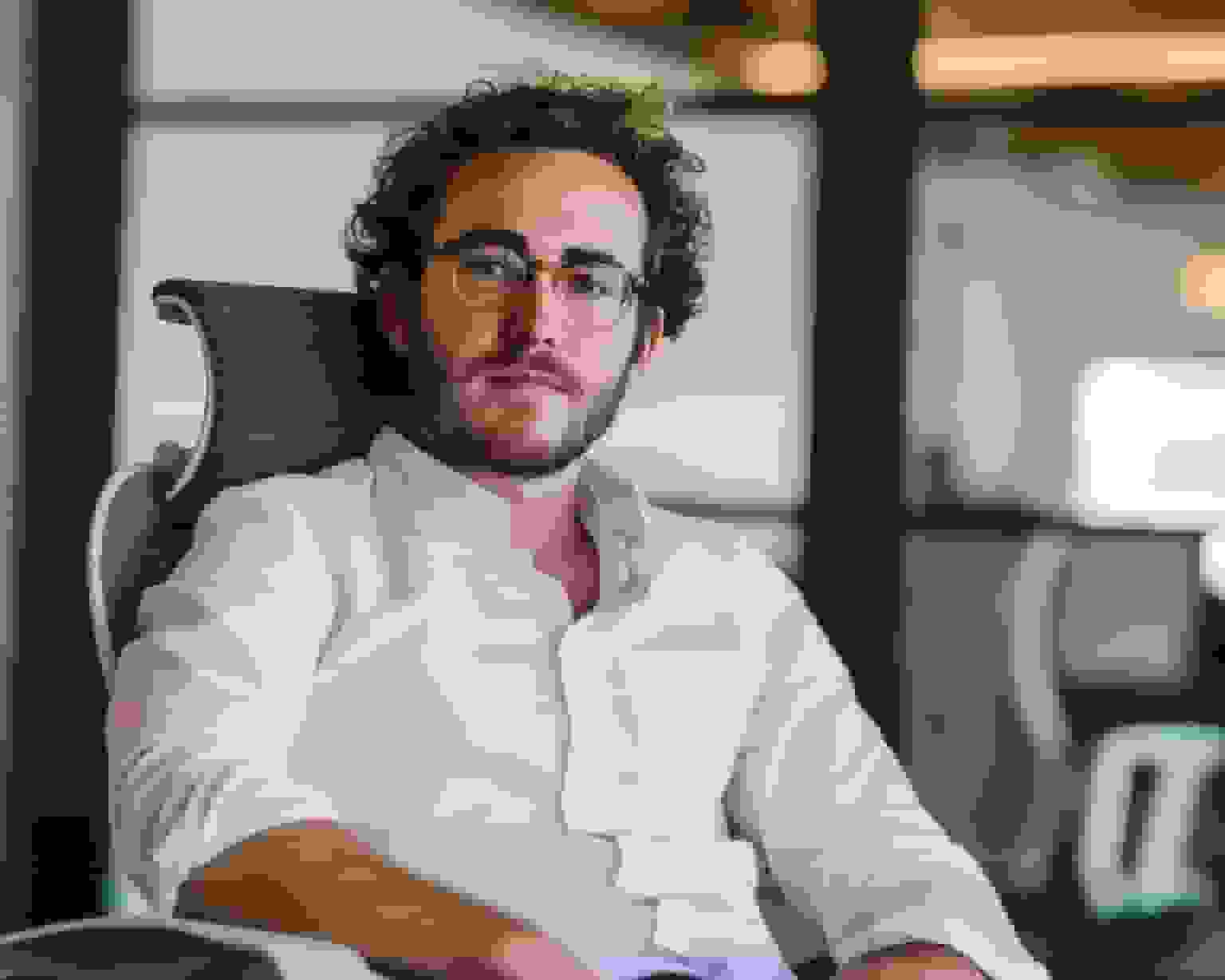
This is the bread and butter of professional headshots. Clean walls, neutral tones, maybe a hint of a bookshelf or window frame in the background. It reads as "professional" instantly and works for almost any industry.
What it looks like:
- Neutral colors — white, light gray, soft beige
- Minimal background elements — a subtle bookshelf, the edge of a desk, a framed something-or-other
- Soft, even lighting that mimics natural window light
Why it works: It's universally understood as "professional." Nobody looks at a clean office backdrop and wonders if you're serious about your career. It's the visual equivalent of a firm handshake.
Best for:
- Executives and managers in established companies
- Finance and banking professionals
- Lawyers and legal professionals
- Consultants and advisors
- Anyone who'd rather play it safe than get creative
How to get it right with AI: Keep the background elements minimal. A cluttered office background looks busy and distracting — especially at LinkedIn thumbnail size. Go for warm neutrals (slightly cream or beige) over cold whites, which can feel sterile. If you're including any background elements at all, make sure they're slightly blurred so the focus stays on your face.
2. Modern startup space — for when "corporate" doesn't fit your vibe
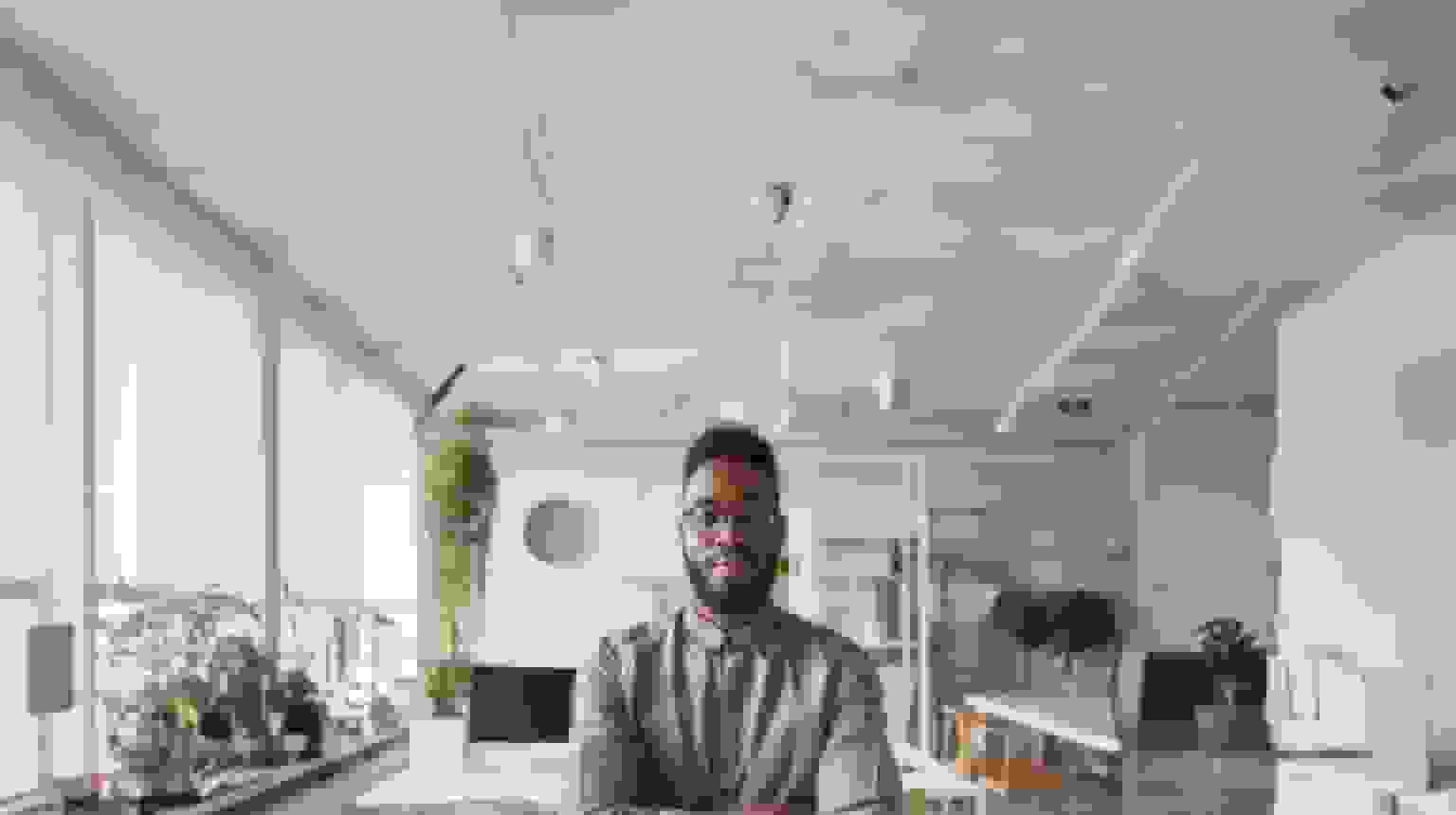
If your company has exposed brick, standing desks, and a kombucha tap, a traditional office background would look weird. The modern startup background matches the energy of companies and professionals who are a little more informal and a lot more forward-thinking.
What it looks like:
- Open, bright spaces with high ceilings
- Clean lines and minimalist design
- Contemporary elements — maybe a glass wall, concrete floors, or an open-plan workspace in soft focus
- Pops of color or unique architectural details
Why it works: It communicates innovation, flexibility, and a collaborative mindset. It says "I work somewhere interesting" without being distracting.
Best for:
- Tech industry professionals
- Startup founders and entrepreneurs
- Creative agency workers
- Digital marketers and product managers
- Anyone in a company where wearing a suit would be weird
How to get it right with AI: Balance openness with structure. A completely empty, bright space can look like a stock photo. Adding a hint of something recognizable — part of a whiteboard, the edge of a meeting table — makes it feel real. If your company has specific brand colors, you can look for backgrounds that subtly incorporate those tones.
3. Blurred cityscape — the "I'm going places" background
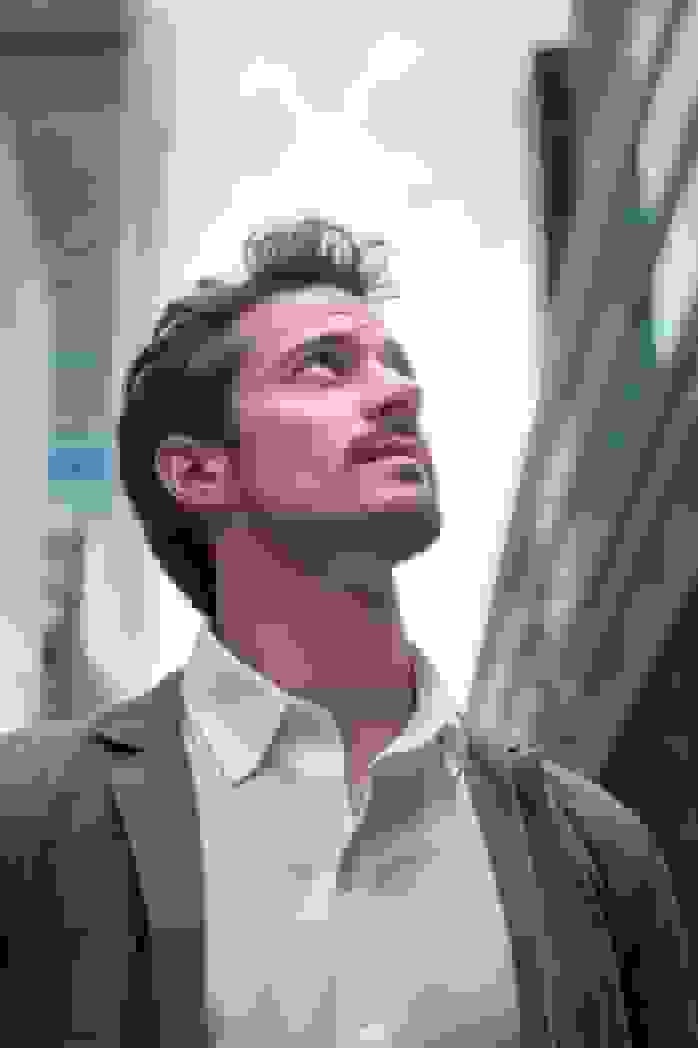
Out-of-focus city lights and skyline shapes behind you. It's sophisticated, slightly dramatic, and suggests someone who operates on a bigger stage. This background works especially well for headshots used in bios, speaker profiles, and personal branding materials — contexts where you want to project ambition and global perspective.
What it looks like:
- Soft-focus urban skyline or street scene
- Bokeh-style city lights (those round, glowy blur circles)
- Muted tones with warm highlights — dusk or golden hour feels
- No identifiable buildings or landmarks (that gets distracting)
Why it works: It implies worldliness and dynamism without being flashy. The blur keeps the focus on your face while the city shapes add visual interest. It's a step up from a plain backdrop without veering into "trying too hard" territory.
Best for:
- International business professionals
- Finance and investment folks
- Management consultants who travel
- Real estate professionals (especially luxury market)
- Travel and hospitality industry executives
- Anyone who wants to look cosmopolitan
How to get it right with AI: The key word is "blurred." If the city is in sharp focus, it competes with your face. Think heavy bokeh where you can tell it's a city but can't read any signs or identify specific buildings. Choose a time-of-day look (dusk or early evening) that adds warmth — a harsh midday cityscape looks cold and corporate. Make sure the color palette of the city background doesn't clash with whatever you're wearing.
4. Natural, well-lit indoor setting — the warm and approachable option
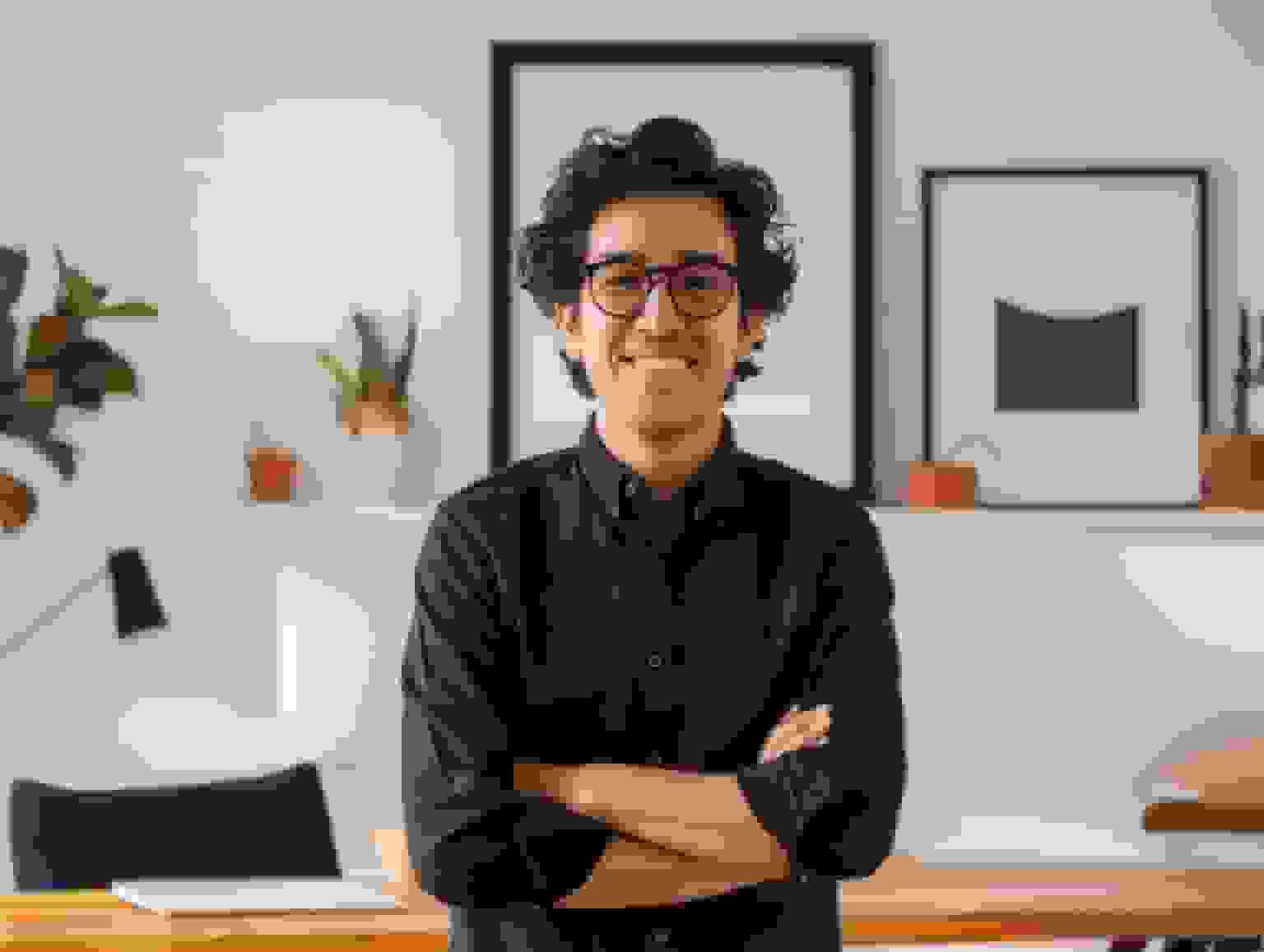
This one splits the difference between "professional" and "human." Think: sitting near a large window with natural light streaming in, warm tones, maybe a plant in the background. It reads as professional but approachable — like you're the kind of person people enjoy working with.
What it looks like:
- Abundant natural light suggesting a nearby window
- Warm, earthy tones — creams, soft woods, greens
- Subtle natural elements — a plant, a textured wall, soft fabric
- Clean and uncluttered but not sterile
Why it works: It makes you look approachable and relatable while still professional. For roles where building personal connections matters, this background signals warmth and trustworthiness.
Best for:
- Coaches, mentors, and therapists
- HR and people operations professionals
- Teachers and educators
- Healthcare providers
- Customer-facing roles where approachability matters
- Freelancers and solopreneurs (it feels personal without being casual)
How to get it right with AI: The lighting is everything here. It should feel like soft natural light, not studio lighting — that's what sells the "real space" illusion. Include one or two human touches (a plant, a warm-toned wall) but keep the overall composition clean. Avoid adding too many elements or it starts looking like a lifestyle Instagram post instead of a professional headshot.
5. Industry-specific background — when you want to show exactly what you do

Sometimes the best background is one that immediately tells people what field you're in. A soft-focus laboratory for a scientist. A kitchen backdrop for a chef. A classroom setting for an educator. These backgrounds do double duty — they look professional AND communicate expertise.
Examples by industry:
- Science and research — Laboratory setting with equipment in soft focus
- Culinary — Kitchen or restaurant interior
- Education — Classroom, library, or campus environment
- Design and art — Studio or gallery space
- Finance — Trading floor or financial district architecture
- Healthcare — Clinical setting (tastefully blurred)
Why it works: It's instant credibility. Before anyone reads your title or bio, the background has already told them "this person works in X." For specialists and experts, that immediate signal is powerful.
Best for:
- Specialists and subject-matter experts
- Professionals in visually distinctive industries
- People who want to emphasize their specific niche
- Anyone whose work environment is part of their brand
How to get it right with AI: The background should be recognizable but not detailed. You want viewers to think "oh, they work in a lab" — not "I can read the labels on those chemicals." Keep it in soft focus and avoid anything that could look cluttered or messy. The background should complement your professional image, not overwhelm it.
How do you actually decide which background to use?
If you're stuck, run through these questions:
What's the norm in your industry? Look at the LinkedIn profiles of 10 people you respect in your field. What backgrounds do they use? You don't need to copy them, but you should be in the same ballpark. Standing out too much from industry norms can work against you.
Who's going to see this headshot? A headshot for your company's internal directory can be more casual than one for a client-facing bio. Think about your audience.
What message do you want to send? "Trustworthy and established" → classic office. "Innovative and forward-thinking" → modern startup. "Approachable and human" → natural indoor. "Worldly and ambitious" → blurred cityscape. "Expert in my field" → industry-specific.
Where will this photo appear? LinkedIn thumbnails are tiny. A busy background that looks fine full-size becomes visual noise at 50x50 pixels. For headshots that primarily show up small (LinkedIn, email signatures, Slack), simpler backgrounds always win.
Does it work with your clothing? Dark clothing on a dark background = you disappear. Light clothing on a white background = you look washed out. Make sure there's enough contrast between you and the background for your face to be the clear focal point.
A few background rules that apply regardless of what you pick
- Simple always beats complex. When in doubt, go simpler. A clean, uncluttered background at LinkedIn thumbnail size will always outperform a busy one.
- Blur is your friend. Even slightly blurring the background keeps the focus on your face. Sharp background details compete for attention.
- Color coordination matters. Your clothing colors and background colors should complement each other, not fight. Navy on light gray is classic. Black on black is invisible. Red on green is Christmas.
- Consistency across platforms. Use the same or similar backgrounds across LinkedIn, your website, and email signature. When people Google you and see the same professional look across multiple places, it reinforces your brand.
- Update when your career changes. Got promoted? Switched industries? Changed from a corporate role to a startup? Your background should evolve with you.
AI headshot tools like BetterPic give you 150+ background and style options to choose from — so you're not stuck with whatever a photographer's studio happens to have. Pick one that matches your industry, your role, and the impression you want to make. Then lock it in and use it everywhere.
Your face is the star of the headshot. But the background is what sets the stage.
Sources & References
- LinkedIn Profile Photo Tips — LinkedIn
- How Your Profile Photo Impacts Your LinkedIn Presence — LinkedIn Official Blog
- AI Image Generation Market Report — Grand View Research
- How AI Is Changing Photography — Forbes
- First Impressions from Faces — Psychological Science

Written by
Apoorv SharmaHead of Performance
Apoorv leads performance and growth at BetterPic with 9+ years of experience across SEO, SEM, and growth marketing. He oversees content strategy, data-driven marketing, and hands-on testing of AI headshot platforms. Previously held senior performance marketing roles across the US, Belgium, and India.
- Google Analytics & Google Ads certified
- HubSpot Inbound & Content Marketing certified
- 9+ years in SaaS growth and performance marketing
Preferred source
Follow BetterPic on Google
Add BetterPic as a preferred source and our headshot guides are more likely to show up in your Top Stories, with a badge in AI Mode and AI Overviews.

Related headshot backgrounds resources
Keep exploring this topic with focused resources from the B2C journey.
Primary destination:AI headshot generator
Related articles
View all articles
How much does a headshot cost in 2026?
What professional headshots actually cost, what drives the range, the charges that are not in the quoted price, and how to compare a session against an AI alternative.
Cheap AI Headshots: What $29 Actually Gets You vs. a $400 Photographer
A no-BS breakdown of cheap AI headshots in 2026: what they cost, how they compare to studio photography, and whether the results actually work for LinkedIn.
Professional Headshots: The Complete Guide to Getting Yours Right
Everything you need to know about professional headshots: how to get them (photographer, DIY, AI, corporate), what to wear, posing tips, lighting.
How to Get a Professional Headshot for Your Career
A complete guide to getting a professional headshot for your career—compare photographers, AI headshot generators, and DIY options by cost, quality, and speed.
8 Headshot Poses That Actually Work (And When to Use Each One)
The 8 headshot poses that actually work — with specific guidance on when to use each one, how to nail it in a studio or with AI, and which industries.
How to Prepare for Professional Headshots and Make a Great Impression
Learn how to prepare for professional headshots with practical tips on wardrobe, posing, grooming, and choosing the right photographer.
Save 87%on average on your professional photos.
Whenever, wherever you are.
Get studio-quality, 4K images in a variety of outfits & settings in less than an hour.
Get your headshots nowStart now
