
The Best AI Headshot Generators for Teams and Enterprises (2026)

This article is part of our AI Headshot Tools collection.
If you're looking for an AI headshot generator for your team — not just for yourself — the requirements are completely different from what an individual needs. You need consistency across 50 or 500 people, brand control so nobody goes rogue with backgrounds, admin tools that don't make your HR team want to quit, and security that won't make your IT department break out in hives.
Most "best AI headshot generator" lists are written for individuals. This one is specifically about what works for teams, departments, and enterprises. We'll cover what actually matters, how the top tools compare, and how to pick the right one for your situation.
Why do teams need a different kind of AI headshot tool?
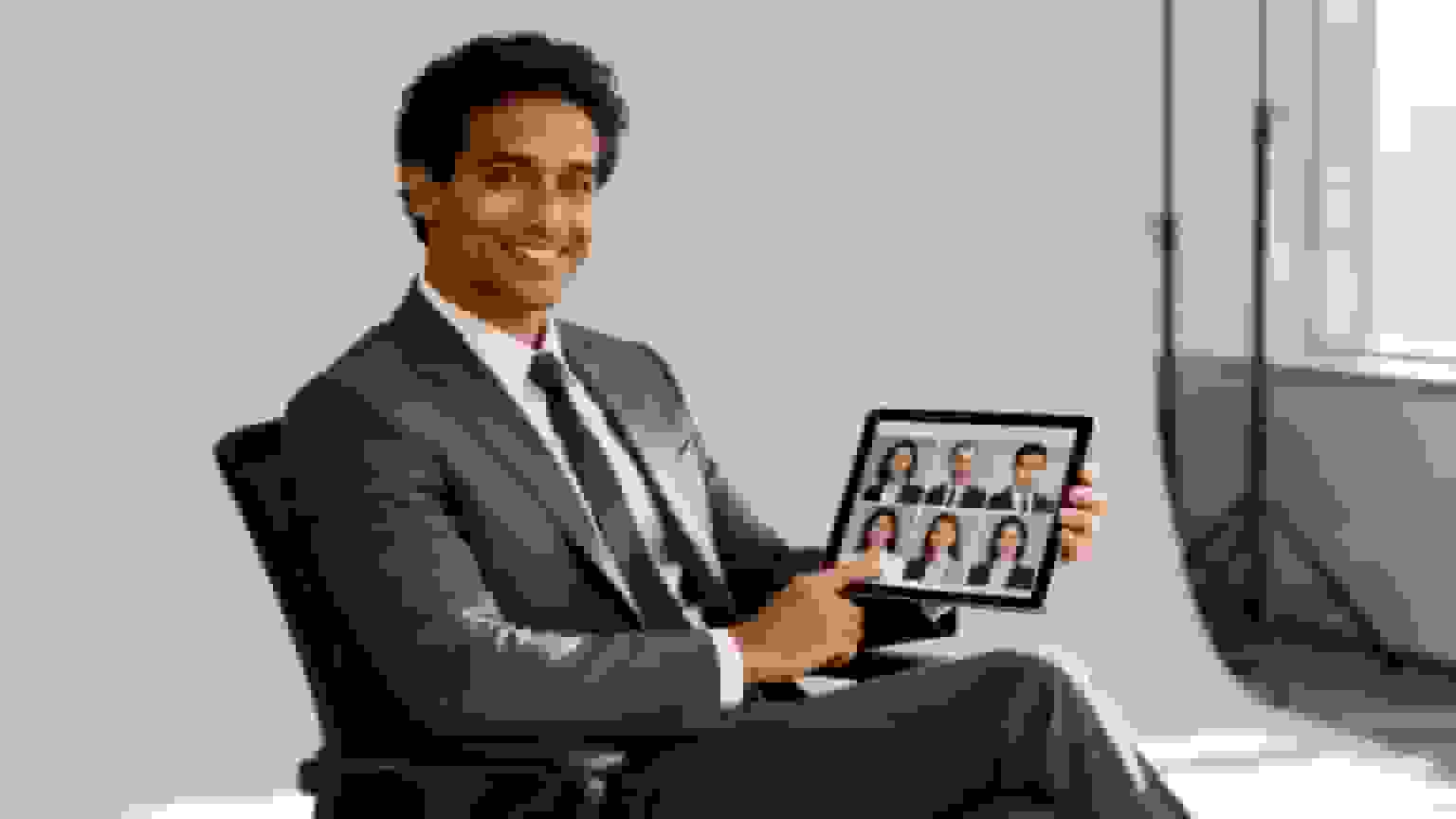
If you've ever tried to coordinate professional headshots for a team, you know the pain. Schedule a photographer, get everyone in the same room (good luck with remote teams), hope the results are consistent across 40 people photographed over two days. The cost runs $8,000-15,000 easily, and you're left with photos that still don't quite match.
AI headshot generators fix the logistics. But not all of them are built for team use. An individual tool lets one person upload photos and pick styles. A team tool needs to handle:
- Admin control — One person picks the style, background, and settings for everyone. If 50 people each choose their own options, you get 50 different looks. That defeats the purpose.
- Batch processing — Generate headshots for your entire team in one go, not one person at a time.
- Onboarding flow — New hires need to get a matching headshot in their first week. The tool should make this trivially easy.
- Brand consistency — Locked-in presets that ensure every photo matches your visual identity.
- Enterprise security — SOC 2, GDPR, CCPA compliance. DPAs for your legal team. Encryption that your IT department can sign off on.
- Commercial licensing — You're putting these on your website, in marketing materials, in press kits. You need to own the rights.
The AI image generation market has grown from $299M in 2023 to a projected $918M by 2030 (17.4% CAGR). That growth is being driven heavily by enterprise and team adoption. (Source: Aragon AI market data)
What should you evaluate when choosing a team AI headshot tool?
Before we compare specific tools, here's what actually matters — and why it matters differently for teams vs. individuals.
How to evaluate: teams vs. individuals
| What to evaluate | Why it matters for teams | Why it matters for individuals |
|---|---|---|
| Photorealism | Brand credibility — every employee's photo reflects on the company | Personal trust with your network and potential employers |
| Style variety | Different departments may need different vibes (C-suite vs. engineering) while staying on-brand | Flexibility across platforms — formal for LinkedIn, casual for a speaking bio |
| Brand control | Ability to lock in specific backgrounds, dress codes, and aesthetics across all employees | Fine-tuning to match your industry and personal style |
| Turnaround time | Fast onboarding, rebrand support, no workflow bottlenecks | Last-minute needs — conference bios, job applications |
| Human editing | Final quality check on executive headshots, fixing AI artifacts at scale | Safety net for your most important headshot |
| Data privacy | Employee data protection, GDPR/CCPA compliance, avoiding liability | Peace of mind that your photos are handled securely |
| Commercial license | Legal right to use images across all corporate materials | Freedom to use your headshot anywhere without restrictions |
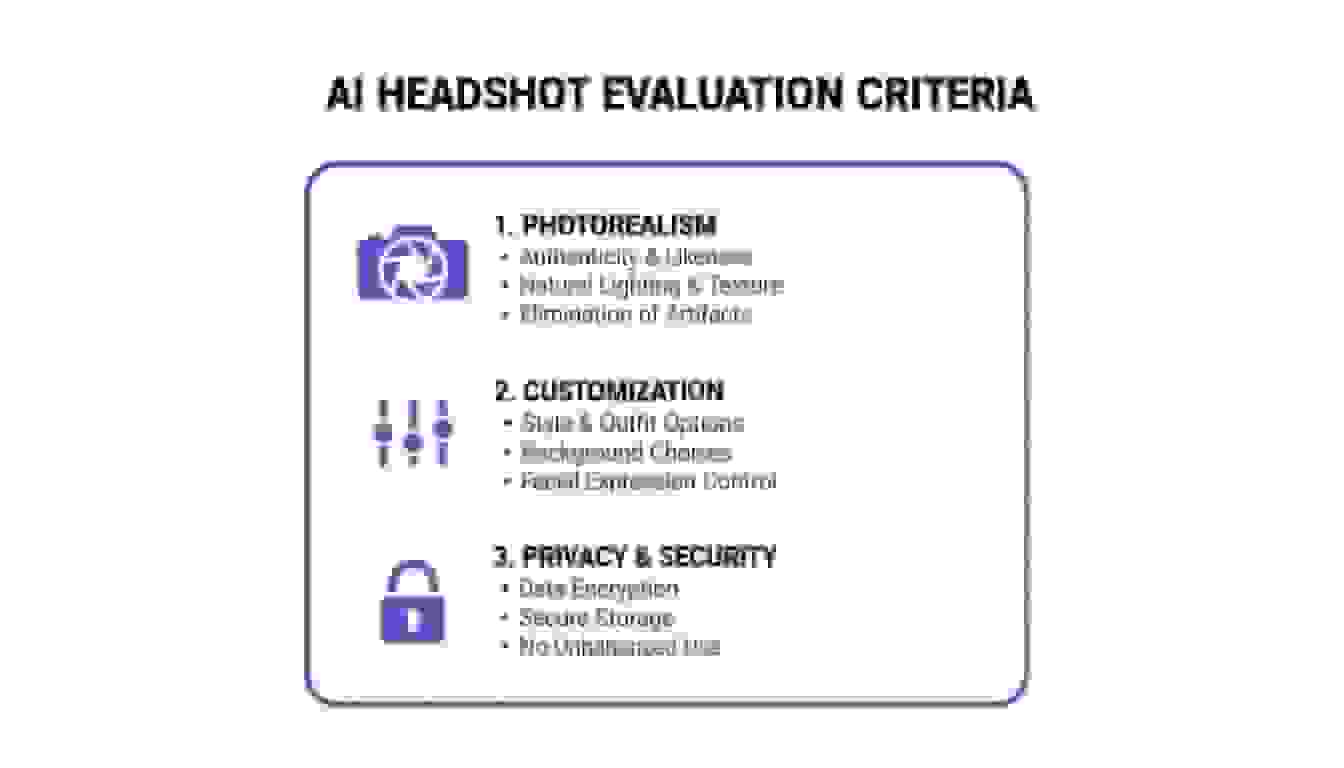
Let's break down each one.
Photorealism — does it look like a real photo?
This is table stakes. If the headshot looks like a digital painting or has that waxy "AI skin" feel, it's useless for professional purposes. The best AI models render believable skin textures, hair, and lighting without triggering the uncanny valley effect.
For teams, this is even more important than for individuals. When you put 30 headshots on a team page, even one that looks slightly "off" draws attention. Every photo needs to pass the "would I believe this was taken by a photographer?" test.
Style variety and brand alignment
A good tool needs a deep library of professional styles — but for teams, it also needs the ability to constrain those options. You want range (corporate, modern, casual-professional) but you also want to be able to say "everyone uses this exact background and lighting."
The best team tools let an admin lock in approved styles so individual employees can't go off-script. That's the difference between "consistent brand" and "50 people who each thought their style was the best one."
Admin controls and customization
This is where most individual-focused tools completely fall apart for team use. You need:
- A centralized dashboard where one person manages everything
- The ability to invite team members and track who's uploaded, who's pending
- Style locking — pick the look once, apply to everyone
- Batch download of all final headshots
- Role-based access (admin vs. employee)
If the tool requires each person to sign up separately, pick their own styles, and manage their own account, it's not built for teams. It's an individual tool that happens to offer volume pricing.
Turnaround time
For teams, speed isn't just convenience — it's operational. Think about:
- New hires who need a headshot before their first client meeting
- A company rebrand where 200 headshots need updating in a week
- A conference where your whole leadership team needs fresh photos by Friday
The best tools deliver in 30-90 minutes per person. Anything over a day is a bottleneck.
Human editing support
AI gets it right about 90-95% of the time. That last 5% — a slightly weird collar, an unnatural shadow, skin that's a touch too smooth — can make the difference between "great headshot" and "obviously AI."
For executive headshots especially, human editors as a final quality layer aren't optional. They catch what AI misses and ensure every photo is flawless before it goes on the company website or in a press kit.
Data privacy and security
When you're uploading employee photos, you're handling personal (potentially biometric) data on behalf of other people. That's a legal responsibility.
Look for: SOC 2 Type II certification, ISO 27001, GDPR/CCPA compliance, AES-256 encryption, clear data retention policies, Data Processing Agreements (DPAs) for enterprise customers, and a published trust center.
If a provider can't show you a SOC 2 report, they probably aren't ready for enterprise use.
Commercial licensing
Every headshot your company generates needs to be legally usable on your website, marketing materials, social media, press kits, and internal directories. Full commercial rights, no attribution required, no usage limits. This should come standard with every plan.
How do the top AI headshot generators compare for teams?
Let's look at the main contenders and where each one shines.
BetterPic — best overall for quality + team features
BetterPic was built with teams in mind from the start, not as an afterthought.
What makes it stand out for teams:
- 150+ professional styles — the largest style library among team-focused tools
- 4K resolution on every plan — not just premium tiers
- Human editor support — AI generates, humans polish. This hybrid approach produces the most natural results
- Team dashboard — centralized admin control for invites, tracking, style locking, and batch downloads
- Under 1 hour turnaround — fastest among premium tools
- Enterprise security — SOC 2 Type II, ISO 27001, GDPR/CCPA compliant, AES-256 encryption
- 100% money-back guarantee
Team pricing: From $49/person, dropping to $13 at volume
Best for: Companies that need both quality AND scale. Works equally well for a 15-person startup and a 500-person enterprise. The combination of photorealism, human editing, and admin controls is hard to beat.
Trade-off: Slightly higher price point than budget options. You're paying for the quality and enterprise features.
HeadshotPro — strong enterprise management
HeadshotPro has built its reputation on team management features. It's the tool that HR directors tend to gravitate toward.
Key strengths:
- Powerful admin dashboard — invite teams, lock styles, oversee the entire process from one screen
- Brand guideline enforcement — strict style locking ensures nobody deviates from approved looks
- Strong photorealism — output leans heavily corporate and polished
- Proven scale — 4.8-star rating, 2 million+ users
- Team pricing: From $39/person
Best for: Large enterprises where brand consistency and administrative control are the top priorities. If you're a marketing director managing 200+ employees' headshots and need every single one to match corporate standards, HeadshotPro is built for that.
Trade-off: Style options lean conservative and corporate. Creative teams or startups wanting something less buttoned-up may find the choices limiting. (Source: KinrossResearch.com)
Aragon AI — most style variety
Aragon AI takes a different approach: maximum variety from a single set of source photos.
Key strengths:
- Massive style library — generates tons of distinct looks from one upload
- Fast delivery — generally under 2 hours
- Great for individuals and small teams — particularly strong for personal branding
- Multi-look generation — get formal, casual, and creative shots in one session
Best for: Founders, consultants, and small teams that need headshots for multiple contexts — investor decks, social media, speaking bios — all from one session. If strategic flexibility matters more than rigid brand uniformity, Aragon delivers.
Trade-off: Enterprise management tools aren't nearly as built-out as HeadshotPro or BetterPic. For large companies where strict brand control is priority one, this isn't the right fit.
Dreamwave — the realism specialist
Dreamwave focuses on one thing: making AI headshots that are as close to indistinguishable from traditional photography as possible.
Key strengths:
- Ultra-realistic output — obsessive attention to skin texture, lighting, and facial detail
- Perfect for trust-heavy roles — C-suite executives, lawyers, financial advisors
- Quality-over-quantity approach — fewer style options, but each one is refined
Best for: Professionals and teams in industries where credibility and trust are everything. If you need five perfect executive headshots rather than 100 varied options, Dreamwave delivers.
Trade-off: Limited style variety. A tech startup or creative agency wanting expressive, varied looks won't find the same playground here. It's realism-focused, not versatility-focused. Compare pricing and packages to see how costs stack up.
Quick comparison
| BetterPic | HeadshotPro | Aragon AI | Dreamwave | |
|---|---|---|---|---|
| Best for | Quality + team features | Enterprise management | Style variety | Ultra-realism |
| Styles | 150+ | Curated corporate | Massive library | Limited, refined |
| Turnaround | Under 1 hour | 2-3 hours | Under 2 hours | 1-2 hours |
| Human editing | Yes | No | No | No |
| Team dashboard | Yes | Yes (strongest) | Basic | No |
| Security certs | SOC 2 + ISO 27001 | SOC 2 | SOC 2 | — |
| Team pricing | $49-$13/person | From $39/person | Volume discounts | $39/person |
Which tool fits your specific situation?
The right tool depends entirely on what you're optimizing for. Here are two common scenarios.
You're a large company standardizing brand image
You're the head of marketing at a remote-first company with 200+ employees. You need every LinkedIn profile and internal directory photo to look unified. The priorities: brand consistency, scale, admin oversight.
What you need:
- A centralized dashboard where an admin controls everything
- Style locking — employees can only generate from pre-approved options
- Batch processing for hundreds of users
- Enterprise security and DPAs for your legal team
Best fits: BetterPic (best balance of quality + team features) or HeadshotPro (strongest pure admin controls). Both handle this use case well. BetterPic edges ahead on photo quality and human editing; HeadshotPro has the most mature admin dashboard.
The key for enterprise use is control — the best tool isn't the one with the most creative options, it's the one that gives you the most precision across the whole organization. See how LinkedIn headshots look when done consistently at scale.
You're a founder or consultant building a personal brand
You're an entrepreneur, consultant, or executive who needs headshots for a dozen different contexts: pitch decks, conference bios, social media, personal website, press features.
What you need:
- Tons of style variety — formal, casual, creative, modern
- High customization — different outfits, backgrounds, expressions
- Fast turnaround for last-minute needs
- Great quality without needing to manage a team dashboard
Best fits: Aragon AI (maximum variety) or BetterPic (variety + quality + human editing). Aragon gives you the most looks from a single upload. BetterPic gives you fewer but higher-quality results with human polish.
Here the goal isn't rigid consistency — it's strategic flexibility. Different contexts need different vibes, and you want a tool that can deliver all of them.
What questions do teams usually ask before choosing?
How do these tools handle employee data?
Good providers use encrypted servers, have clear data retention policies (photos deleted within 30 days typically), and comply with GDPR/CCPA. They never use employee photos to train their general AI models. Always read the privacy policy — and for enterprise use, request a Data Processing Agreement.
BetterPic publishes its security practices through a trust center and doesn't use customer photos for model training.
Can AI really match a professional photographer for teams?
For the standard "everyone needs a matching headshot" use case? Yes. The best tools produce results that are indistinguishable from studio photography, with the added benefit of perfect consistency across hundreds of people.
Where photographers still win: complex creative shoots, editorial work, and situations where human connection during the session matters. For team pages, directories, LinkedIn, and email signatures, AI is the smarter choice. We break the trade-off down in detail in our guide to corporate headshot photographers vs AI headshots, and the budget side in our company headshot pricing breakdown.
What does the actual process look like?
- Upload photos — Each team member uploads 6-15 clear selfies
- Admin picks styles — One person selects the background, lighting, and overall look for everyone
- AI generates — Usually 30 minutes to 2 hours per person
- Review and polish — Admins and employees review; human editors handle touch-ups where needed
- Download and deploy — Batch download and push to website, directories, and profiles
Platforms like BetterPic add AI editing tools for post-generation tweaks and human editors for that final layer of polish.
Are there licensing restrictions?
All reputable team tools include full commercial rights. That means you can use the headshots on your website, LinkedIn, marketing materials, conference bios, press releases, internal directories — anywhere. No attribution required, no usage limits, no recurring fees.
Always double-check the terms of service, but this should be standard for any tool targeting business customers.
The bottom line: if you're buying AI headshots for a team, don't settle for an individual tool with volume pricing tacked on. You need real admin controls, brand consistency features, enterprise security, and human editing support.
BetterPic was built for exactly this — 150+ styles, 4K output, human editor support, team dashboard, SOC 2 + ISO 27001 security, and a money-back guarantee. Start at $49/person for teams, dropping to $13 at volume.
Sources & References
- Aragon AI Market Data and Team Headshot Solutions — Aragon AI
- Best AI Headshot Generator 2026 Research Report — KinrossResearch via Barchart

Written by
Apoorv SharmaHead of Performance
Apoorv leads performance and growth at BetterPic with 9+ years of experience across SEO, SEM, and growth marketing. He oversees content strategy, data-driven marketing, and hands-on testing of AI headshot platforms. Previously held senior performance marketing roles across the US, Belgium, and India.
- Google Analytics & Google Ads certified
- HubSpot Inbound & Content Marketing certified
- 9+ years in SaaS growth and performance marketing

Reviewed by
Preferred source
Follow BetterPic on Google
Add BetterPic as a preferred source and our headshot guides are more likely to show up in your Top Stories, with a badge in AI Mode and AI Overviews.

Related team and company headshots resources
Keep exploring this topic with focused resources from the B2B journey.
Primary destination:BetterPic Teams for company and employee headshots
Frequently Asked Questions
How much do AI headshots cost for teams?
- Team pricing starts at $39-49 per person depending on the platform. BetterPic starts at $49/person and drops to $13 at volume, HeadshotPro at $39/person, and Dreamwave offers volume discounts. This compares to $8,000-15,000 for coordinating a traditional photographer for a 50-person team.
What makes an AI headshot generator good for teams vs individuals?
- Team tools need centralized admin control, batch processing, style locking for brand consistency, onboarding flows for new hires, enterprise-grade security (SOC 2, GDPR), and commercial licensing. Individual tools lack these management and consistency features.
What does a large company need from a headshot generator?
- Team features and security clearance matter more than image quality at scale, because output is already good across the category. BetterPic balances both with 150+ styles, 4K resolution and human editing.
Can AI headshots match a professional photographer for team photos?
- For standard team headshots on websites, directories, and LinkedIn, yes. The best tools produce results indistinguishable from studio photography with perfect consistency across hundreds of people. Photographers still win for complex creative shoots and editorial work.
How do AI headshot tools handle employee data security?
- Reputable providers use AES-256 encryption, delete photos within 30 days, comply with GDPR/CCPA, and never use employee photos for AI model training. BetterPic holds both SOC 2 Type II and ISO 27001 certifications and publishes security practices through a trust center.
Related articles
View all articles
PFP Meaning: What PFP Stands For on Instagram, TikTok and in Chat
PFP stands for profile picture, and in chat it can also mean picture for proof. Here is how to tell the two apart, plus what makes a good one.
HeadshotPro Review 2026: Honest Take From a Competitor Who Actually Tested It
We tested HeadshotPro head-to-head against BetterPic. Here's what we found on quality, speed, pricing, and who each tool is actually built for.
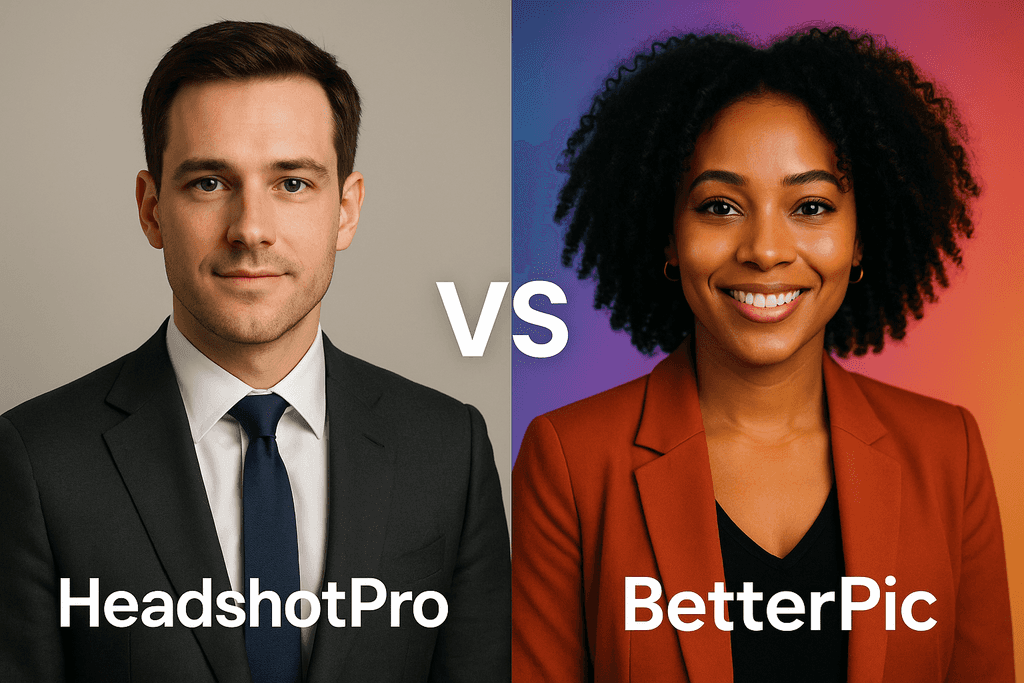
HeadshotPro vs BetterPic: Which AI Headshot Generator Actually Delivers? (2026)
I tested both HeadshotPro and BetterPic side by side. Here's an honest comparison of pricing, image quality, speed, and real user results to help you choose.
7 AI Headshot Prompts That Actually Work (2026): Copy-Paste Templates for Every Industry
How to write AI prompts that produce genuinely professional headshots — with copy-paste templates for every industry, element-by-element guidance.
4 Best AI Yearbook Creators — Turn Selfies into Nostalgic Portraits (2026)
AI yearbook creators turn regular selfies into vintage or modern yearbook-style portraits in minutes. Compare the 4 best tools — Fotor, PixNova.
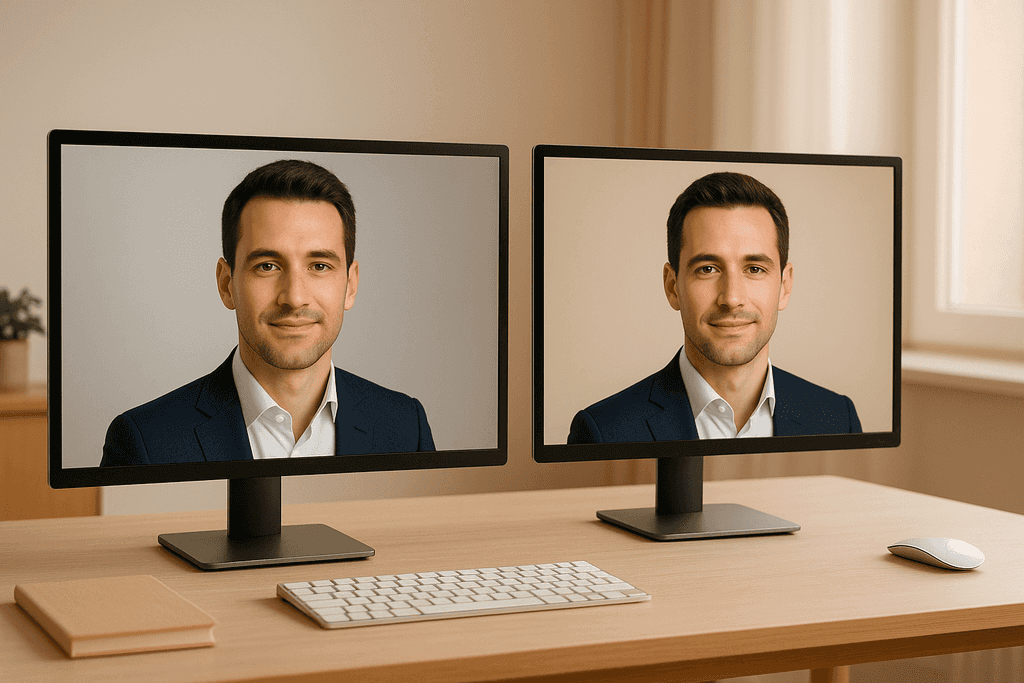
HeadshotXpress vs BetterPic: Which AI Headshot Generator Actually Delivers?
I tested HeadshotXpress and BetterPic side by side. Here's how they compare on quality, customization, pricing, and delivery speed — with actual results.
Save 87%on average on your professional photos.
Whenever, wherever you are.
Get studio-quality, 4K images in a variety of outfits & settings in less than an hour.
Get your headshots nowStart now
