
We tested 15 of the best AI headshot generators on the same face
Part of our AI Headshot Tools collection.
Three of the 15 gave us back a face we recognised every time: BetterPic, Secta AI and HeadshotPro.
BetterPic is our product. We put it through the same test as the other 14 and ranked it first.
Apoorv Sharma, our Head of Performance, paid for all 15 and ran the test on 12 August 2026. Each got the same 8 photos of one man: kitchen selfies, a bright-window shot and a terrace at sunset.
His thick salt-and-pepper hair gave them a clear target.
We chose what to publish. Selection can change how a batch looks, and that is the shakiest part of this test.
Ricardo Ghekiere
Want a professional photo that actually looks like you? Create your BetterPic headshots.
What an AI headshot generator actually is
Your selfies are the raw material. The model studies your face, then builds new portraits with different clothes, lighting and backgrounds. You usually skip the camera session.
Most tools follow the same drill: upload a set, choose a style, pay and wait. A finished photo earns its place when someone who knows you still recognises the face.
Why a current professional photo is worth having
Your photo is usually the first thing anyone checks. A recruiter working through a shortlist and a client deciding whether to reply both see your face before they read a word of what you wrote.
LinkedIn puts a number on part of that. Its own help pages say members with a profile photo get "up to 2X more profile views and 3X more connection requests." That is the platform measuring its own product, and it is the only figure in this section we could trace to a source.
The rest is judgement and does not need a statistic. A photo that looks like you on a normal working day says you take the work seriously, and it stands out in a column of faces that all look the same. One taken 5 years and a haircut ago looks out of date, and the gap shows the moment you turn up to the call. In the early rounds of hiring, where nobody has met you and half the applications look alike, your photo is doing part of the work for you whether you meant it to or not.
A recent photo matters as much as a flattering one. A sharp portrait of the way you used to look does less for you than an ordinary photo of the way you look now.
The 8 photos we gave every tool
7 of the 8 were arm's-length selfies. The other was a seated street photo taken from farther away.
The settings cover a kitchen, a bright living-room window, a terrace at sunset and the street. He has 6 broad smiles and 2 neutral expressions.
His thick salt-and-pepper hair is clear from several angles. The batch also gives the models excuses: the black t-shirt repeats 3 times, several faces are backlit, and camera distance barely changes beyond the street photo.
All 15 results side by side, same face
Watch the salt-and-pepper hair.
It stays messy in the stronger frames, then turns brown, lies flat or fans well past his temples. The full cheeks narrow in several columns. TryItOn AI's first frame belongs to a different person.
BetterPic's first photo is our strongest of 4. The full galleries below carry more weight.
Why you can trust this comparison
Our weaker BetterPic frames are here too.
We paid for all 15 and gave each the same 8 photos. All 57 selected results load on this page, with the matching inputs above every gallery.
A blank stays blank. We write not published when a vendor leaves a spec out and not verified when we haven't checked its pages ourselves.
Selection is the soft spot, twice over. We picked each tool's style from its own library, then picked the 3 to 6 images shown here. Backgrounds and clothing are ours, and our picks change how good each set looks.
Why choosing one is harder than it looks
An entry price buys wildly different things here. Headshots.com sells a single hand-edited frame; Secta AI sells 200 generated photos.
Many vendors leave upload counts and refund terms blank. A cheap entry tier may mean a small pack or lower-resolution files.
Physical changes decided the ranking. Several tools browned his salt-and-pepper hair or carved out his full cheeks.
Elsewhere, his broad smile disappeared and one frame replaced him with another man.
Everything we recommend
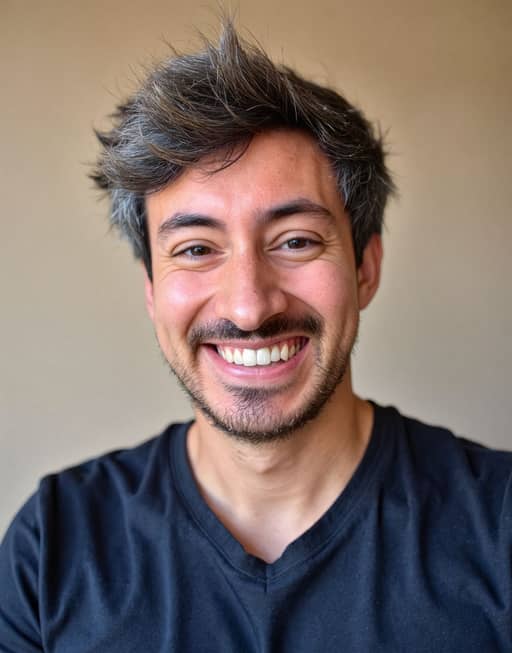 Our pick
BetterPic
8.6 / 10
Strongest likeness in the test. Human edits are available on request, and every package delivers 4K.
Read full review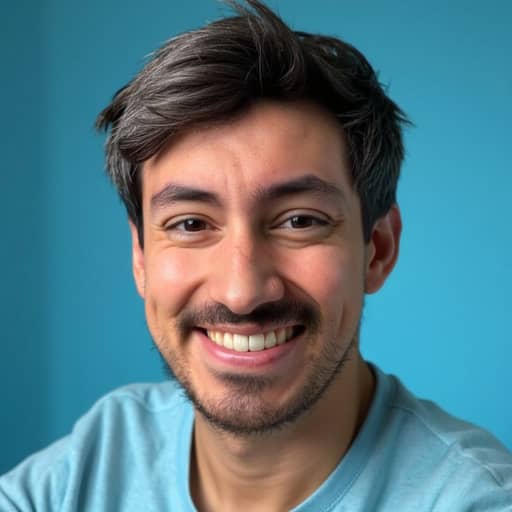 Runner-up
Secta AI
8.1 / 10
Three results, three good likenesses, and the most natural skin we saw. It is the smallest sample in the tier.
Read full review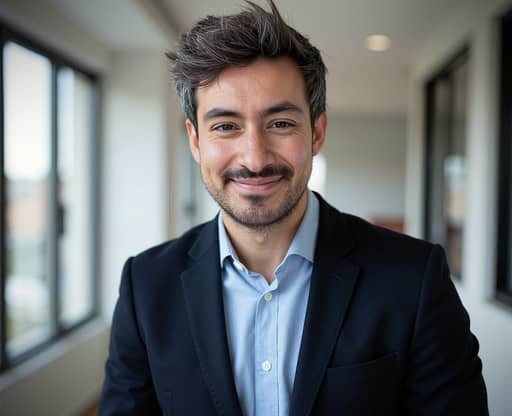 Also great
HeadshotPro
8.0 / 10
Six frames, all recognisable and all usable, at $29 / 6 = $4.83 each. It slimmed his face in every one.
Read full review
These 3 galleries kept his face together most often, based on one man and 8 uploads. We chose the images below.
1. BetterPic
Likeness 9 · Realism 8.5 · Usable shots 8 · Price per usable image 8
- Pros
- All 4 selected frames made our usable pile
- Pores, redness and an uneven grin survive
- Grey runs right through the crown
- Cons
- Two of 4 share the law-library background
- Both library frames whiten and even his teeth
- The grey-suit frame combs his hair flat
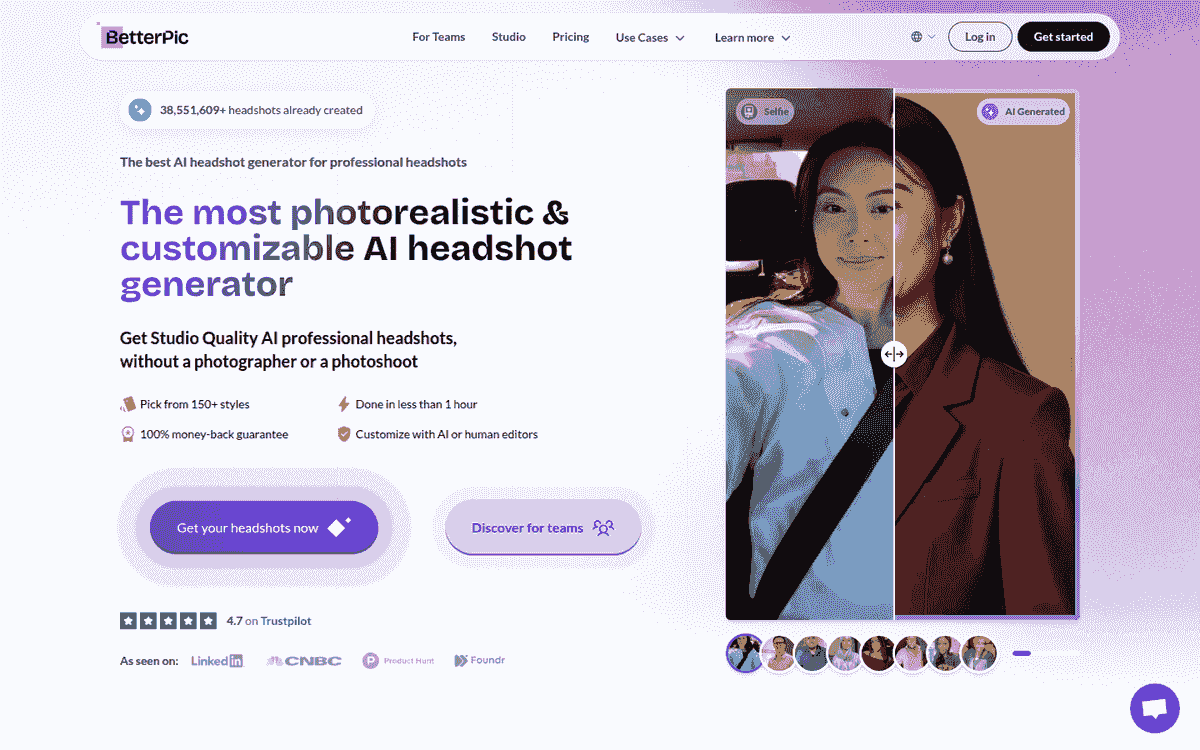
Price: $35 for 20 headshots and 1 style · Photos: upload 8 · Turnaround (published): 2 hrs (Basic) · Free tier: separate free tool; none on the paid plans
Max resolution: 4K · Compliance: SOC 2 Type II, GDPR, ISO 27001
The 8 photos we uploaded
Start with the navy t-shirt frame and the width of the head. Beside the bright-window selfie above, the cheeks are as full, the chin as soft, the face as short. Nothing has been slimmed.
The hair holds too. Strands separate, the grey runs through the crown instead of sitting in one streak at the temple, and the volume stays above his head rather than fanning sideways.
Skin is the tell. Pores survive across the nose and cheeks, the redness is still there, and the beard thins at the same spots on the cheekbones as it does in the kitchen selfies. His grin pulls higher on his left, the way it does in the uploads.
The grey-suit portrait is the weakest of the 4 on likeness. His hair has been combed flat, the grey cut back to a temple streak, and the jaw reads slightly narrower under formal light.
Both law-library frames whiten and even out his teeth; his own are duller and less regular. Those 2 also share a background, which is what a single-style plan gets you.
All 4 crop as head-and-shoulders and still work at profile-picture size. The catch is that our closest likeness is wearing a t-shirt.
The $35 Basic plan includes a single style. Secta advertises 90+ styles at $49; ProPhotos AI advertises 8 outfits and backgrounds at $39. Neither offer is locked to a higher tier.
Human edits are available on request. The Expert plan includes unlimited human edits on 1 photo.
Every BetterPic plan delivers 4K. HeadshotPro only gives you 4K on Executive, and calls it an upscale.
Aragon publishes 896x1088 on Basic and Standard, then 1792x2176 on Executive.
BetterPic publishes SOC 2 Type II, GDPR and ISO 27001. None of the other 14 publishes ISO 27001. Company rollouts use our separate team headshot dashboard.
We'd use all 4 selected frames. At $35, that is $35 / 4 = $8.75 per usable image.
Verdict: BetterPic ranks 1st because the navy t-shirt frame keeps this man's high grey hair and uneven smile; 2 of our 4 selected files share the law-library background.
Put your own photos through BetterPic to see your own set.
2. Secta AI
Likeness 8.5 · Realism 8.5 · Usable shots 7.5 · Price per usable image 6.5
- Pros
- All 3 selected frames are good likenesses
- The t-shirt frame gives back his real smile
- Skin keeps pores and blotchy warmth throughout
- Cons
- The t-shirt frame flattens and re-parts his hair
- The navy frame reads as a held pose
- The street frame thickens his patchy beard
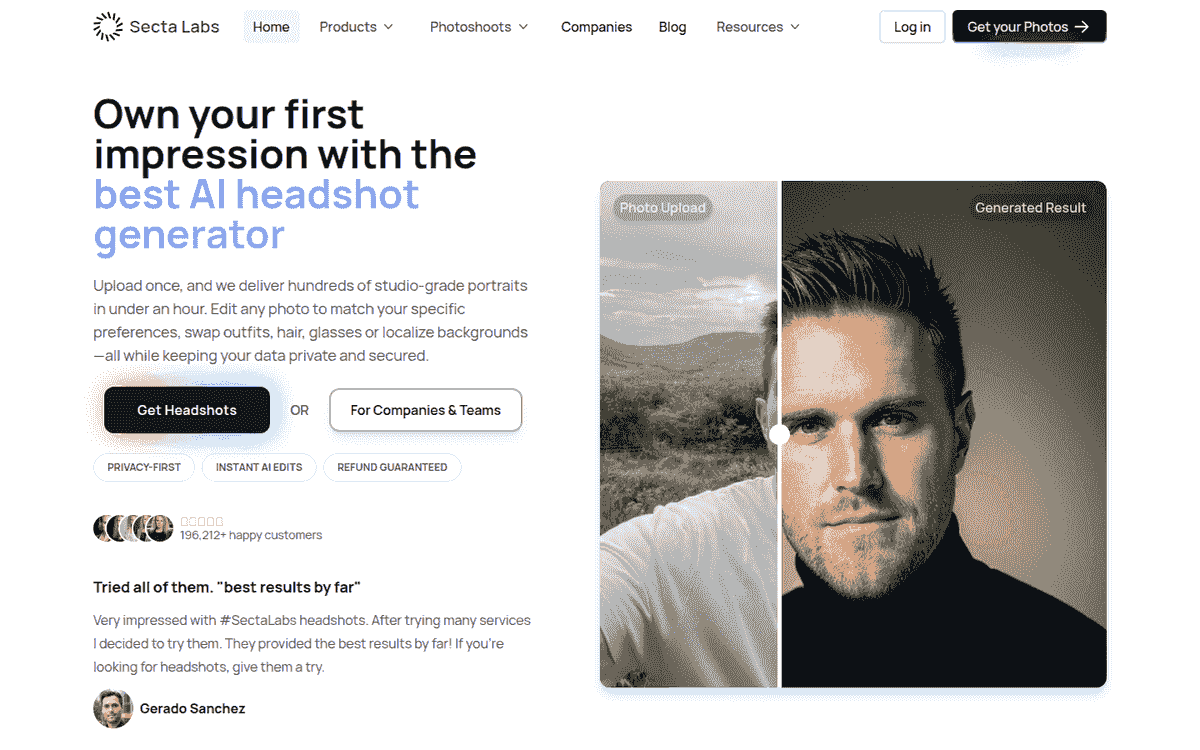
Price: $49 (list $99) for 200+ HD photos and 90+ styles · Photos: upload count not published · Turnaround (published): under 2 hrs · Free tier: not published
Max resolution: HD; pixel dimensions not published · Compliance: SOC-2, GDPR
The 8 photos we uploaded
3 photos. That's all we selected from Secta AI, and the face is the right shape in each one.
Start with the blue t-shirt frame, because the smile in it is his. Teeth showing, the eyes creased at the corners the way they are in the terrace selfie above. 6 of our 8 uploads carry that grin, and this is the one frame in the gallery that hands it back.
The hair in that same photograph is the problem. It lies flat and takes a parting across the forehead, where every input has it swept up and spiking off the crown. So the most alive frame of the 3 is also the one that has quietly restyled him.
The navy suit fails the other way round. Face structure lands closest here: the same wide face and full cheeks, the chin patch under his lower lip drawn as a patch rather than sharpened to a point, and the hair swept up with its volume in the right place. What it loses is the person. One eyebrow sits lifted, the closed mouth pulls to one side and the chin tucks, and the whole thing reads as somebody holding still for a camera.
The bomber jacket on the palm-lined street is the balanced one. Relaxed closed-mouth smile, hair keeping both its volume and its grey, nothing that jumps out in either direction. The beard gives it away, thickened into something fuller and more regular than the patchy jaw he actually has.
Skin is where the set pulls ahead. Pores hold, the cheeks keep their blotchy warmth, and none of the 3 has the buffed sheen that gives generated portraits away. The street photo has real depth of field and a passer-by blurred behind him; it could pass for a phone shot.
The sample is thin.
With 3 files, Secta AI ties 4 other tools for the smallest sample in the test.
2 of the 3 settings lean casual, and the saturated blue behind the t-shirt reads as a profile picture. We picked those styles from the 90+ the $49 package advertises, so the casual tilt is our doing.
We'd use all 3 selected frames. At $49, that is $49 / 3 = $16.33 per usable image.
Verdict: Secta AI ranks 2nd after going 3 for 3 on likeness; 3 files is a thin sample to judge on.
3. HeadshotPro
Likeness 7 · Realism 8.5 · Usable shots 8.5 · Price per usable image 9.5
- Pros
- All 6 selected frames are recognisably him
- $4.83 per usable image, 6 of 6
- Beard and eyebrows keep their real weight
- Cons
- The same slimming edit runs through all 6
- Expressions go flat, furrowed or almost stern
- The grey retreats and the crown comes back browner
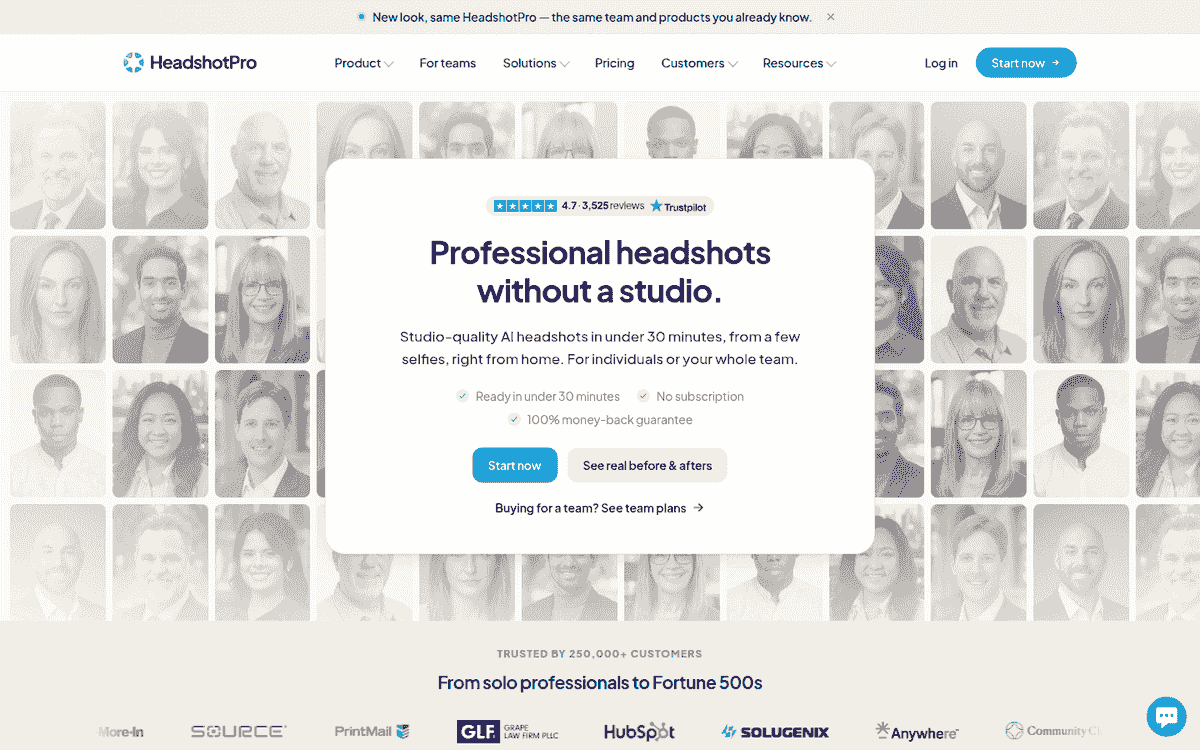
Price: $29 for 30 headshots · Photos: upload count not published · Turnaround (published): about 2 hrs (Basic) · Free tier: not published
Max resolution: 4K upscale on Executive; pixel dimensions not published · Compliance: SOC 2 Type II, DPA
The 8 photos we uploaded
6 selected images, and every one is recognisably him. HeadshotPro produced the most consistent set we saw.
The same edit runs through all 6. Hold any of them against the terrace selfie above and the jaw has been pulled in, the cheeks flattened, the chin brought to a softer point and the whole face stretched longer. It reads like a slimming filter applied at a constant strength.
What survives is the beard. The moustache stays separate from the chin patch in every frame, which is more than most of this list managed, and the eyebrows keep their weight. His grey retreats to the sides, so the top of his head comes back browner than any upload shows.
Skin is honest here. Pores are there, the window-lit navy sweater even keeps lint on the shoulder, and nothing carries the wax finish.
Expressions are the cost. The black crewneck arrives with a furrowed brow that reads as displeasure, the second beach frame turns almost stern, and the navy sweater goes flat, despite broad smiles in 6 of the 8 inputs.
2 frames put him on a beach. We picked that style, so the backdrop is our doing and it stays out of the score. Both hold his face, and one carries his open smile and uneven teeth. You would want a different setting before using either at work.
The denim jacket against flat pink is the warmest face in the set.
Every file lands in the same 1200x975 landscape shape, so a round profile photo means cropping in and losing the shoulders.
The $29 Basic package publishes 30 headshots and about a 2-hour turnaround. Its highest resolution is an Executive-only upscale. Company buyers can compare the controls in our team headshot generator review.
We'd use all 6 selected frames. At $29, that is $29 / 6 = $4.83 per usable image.
Verdict: HeadshotPro ranks 3rd: 6 recognisable, well-lit frames, all carrying the same slimmer, longer face.
Acceptable, with caveats
Headshots.com gave us 2 usable frames from 3. By StudioShot, the count is down to 1.
Every tool between them got at least one portrait onto our usable pile. None held the face together often enough to join the top 3.
4. Headshots.com
Likeness 6.5 · Realism 8 · Usable shots 6 · Price per usable image 4
- Pros
- Cleanest edge work around the hair here
- Light retouching leaves skin still looking like skin
- The eyebrows keep their full weight
- Cons
- All 3 lighten his eyes to hazel
- His hair reads dark brown, grey nearly gone
- A stray plate ruins the middle frame
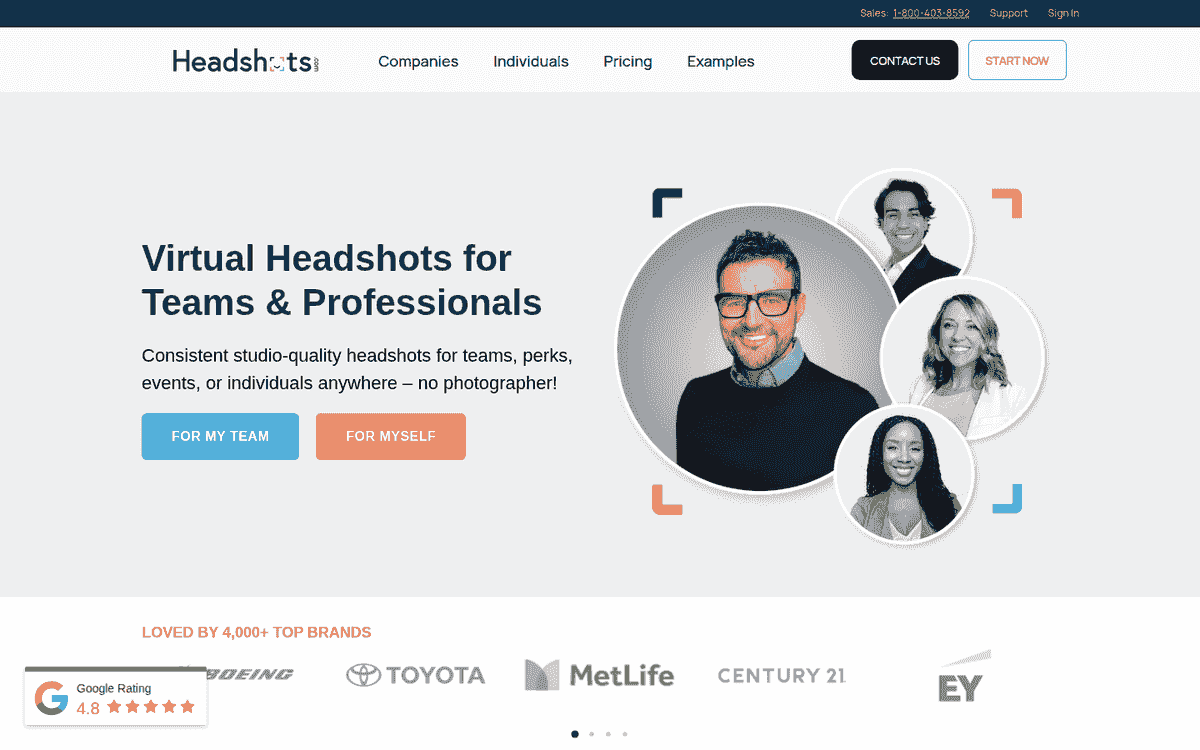
Price: $60 for 1 hand-edited headshot · Photos: upload 1 · Turnaround (published): 3 business days · Free tier: not published
Max resolution: 2400x1600 px · Compliance: not published
The 8 photos we uploaded
The plate: It pushes into the bottom of the middle frame, a stray dinner in a finished portrait. All 3 come back in the navy three-piece suit and the same warm room, which is the single style we picked. His reserved, closed-mouth expression barely moves.
Those misses are irritating because Headshots.com gets the hardest edge right. His swept-up hair separates cleanly from the warm bokeh with no halo and no smeared strands, the eyebrows keep their full weight, and the light retouching leaves skin still looking like skin.
Look at the face itself and it has been quietly reshaped. The cheeks are less full than in the kitchen selfies above, the jaw tapers, and the chin arrives at a point his own doesn't have. The patchy stubble along his jaw is shaved off and the chin patch redrawn with hard edges.
Two more things show up when you check against the strip above. His hair reads dark brown here, with the grey down to a few light strands at the crown. His eyes come back light hazel in all 3, where every upload shows them dark brown.
So 4 things move in every frame, and 2 of them are what you notice about him first. The edge work is the cleanest in the test. The face inside it has drifted.
We'd use 2 of 3 selected frames. The plate goes in the reject pile. At $60, that is $60 / 2 = $30.00 per usable image.
Verdict: Headshots.com ranks 4th because all 3 frames lighten his eyes and darken his hair, and a plate spoils one of the 2 we'd otherwise use.
5. Dreamwave AI
Likeness 7 · Realism 5.5 · Usable shots 6.5 · Price per usable image 5
- Pros
- Silver survives at close to its real density
- His eyes stay dark brown in all 4
- The park portrait has a natural broad smile
- Cons
- The first frame inflates his head and misaligns his eyes
- Skin is smoothed until it stops looking like a photograph
- Dreamwave publishes no individual price at all
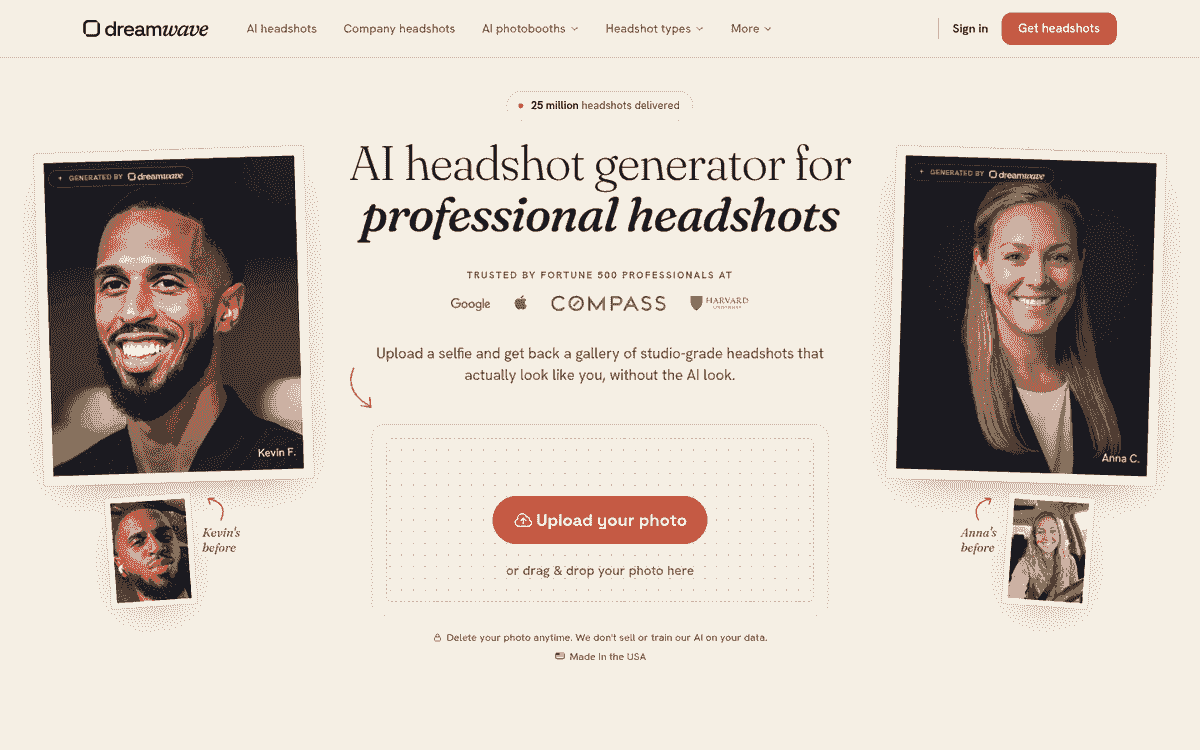
Price: not published · Photos: upload 1 on the headshots page · Turnaround (published): about 2 hrs · Free tier: a few spots daily
Max resolution: not published · Compliance: not published
The 8 photos we uploaded
The first Dreamwave AI portrait is a wreck. The whole head is inflated: cheeks ballooned past anything in the strip above, jaw widened, neck swallowed by the collar. His left eye sits higher and smaller than his right, and both carry a glassy, wet stare. Under them the skin is waxed smooth, with highlights that look painted onto the nose and cheekbone. The crop is cramped as well, his hair almost touching the top edge.
The other 3 work. And all 4 share the thing this tool is quietly good at: silver runs through the sweep at roughly the density the terrace selfie shows, while most of this list either browned it or removed it. His eyes stay dark brown in all 4 as well.
His broad smile feels natural in the park portrait, teeth showing and the eyes creasing at the corners. The light-grey suit on the tree-lined path holds the wry closed-mouth look from the kitchen shots and keeps the eyes level. Cheeks stay full in the hedge frame, with the beard patchy in the right places.
Skin across those 3 is smoothed until it stops looking like a photograph, though never plastic, and each crops as head-and-chest.
The gap between the first portrait and the other 3 is the widest quality swing in the test.
3 of the 4 selected frames make our usable pile. Dreamwave publishes no individual price, so price per usable image scores 5 under our stated rule.
Verdict: Dreamwave AI ranks 5th: 3 portraits that keep his grey and his face, and a fourth with a severe facial distortion.
6. PortraitPal
Likeness 5.5 · Realism 6 · Usable shots 5 · Price per usable image 5
- Pros
- The cardigan frame keeps his wide asymmetric smile
- The dark suit carries the strongest salt-and-pepper
- Skin holds enough texture to read as photography
- Cons
- Half the set exaggerates his hair
- The home-office frame stretches his face gaunt
- We could not verify a price
Price: not verified · Photos: not verified · Turnaround (published): not verified · Free tier: not verified
The 8 photos we uploaded
PortraitPal made 2 sensible portraits and 2 arguments with his hair.
The folded-arms cardigan is the pick. His smile is the wide asymmetric one from the uploads, the cheeks stay full, the grey runs through the hair rather than sitting on top of it, and the skin keeps enough texture to read as a photograph. The dark-suit studio frame does the same job in a more formal setting, carrying the strongest salt-and-pepper of the 4.
The home office is the failure worth studying. His face is stretched long and thin, the cheeks hollowed, the neck drawn out, and the hair pushed sideways into wispy flyaway spikes past his temples. He looks gaunt and faintly worried, which is not an expression we uploaded. Book spines behind him carry no readable text.
The park portrait swings the other way with a sculpted quiff lifted well above his own hairline, sitting on a narrower and noticeably younger face.
Half the set exaggerates the feature that was already hardest to miss.
Our usable pile stops at 2 of 4 selected frames. We did not verify a price, so price per usable image scores 5 under our stated rule.
Verdict: PortraitPal ranks 6th with 2 recognisable frames and 2 oversized hairstyles, one attached to a stretched face.
7. Aragon AI
Likeness 5.5 · Realism 5 · Usable shots 5 · Price per usable image 6
- Pros
- The city-street suit keeps his face wide
- Grey runs through the sweep in that frame
- Two of 4 are good likenesses
- Cons
- Both park frames fan his hair into caricature
- Every sample is 896x1088 and looks soft
- Beard hairs mush together and pores disappear
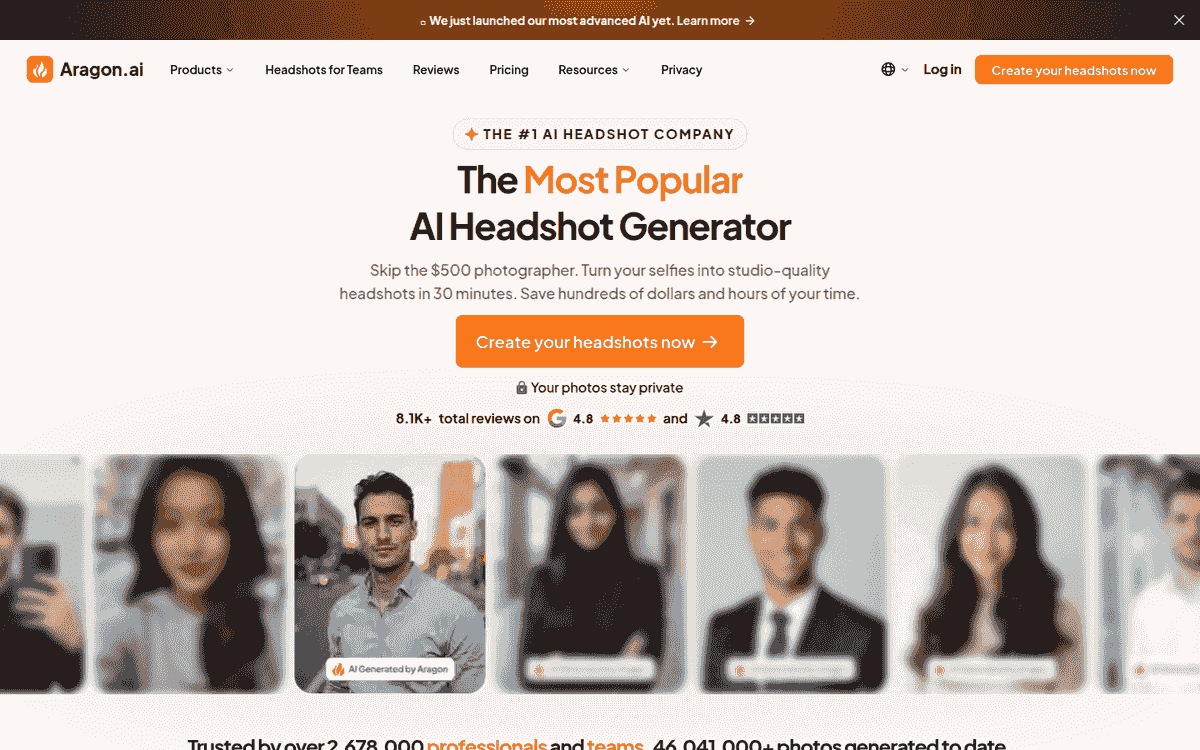
Price: $35 (list $44) for 40 headshots · Photos: upload 6 · Turnaround (published): 45 min (Basic) · Free tier: generator listed, inclusions not published
Max resolution: 896x1088; 1792x2176 on Executive · Compliance: SOC 2 Type II
The 8 photos we uploaded
Look at the park shots: Both push his hair into a wide spiky fan that sticks well past his head. In the black shirt, individual spikes overhang his ear. The cream linen frame goes further and turns the whole thing into a windblown mane, which is a shame, because that one also carries his best open smile of the 4. He started with large hair. These 2 turn it into a caricature.
The other 2 Aragon AI portraits are good likenesses. The city-street suit keeps the face wide and the cheeks full, with grey running through the sweep and the spikes contained inside the width of his head. The glass-walled interior does the same in a more relaxed setting, though its hair thins towards brown.
Every sample here measures 896x1088 pixels, under 1 megapixel, and looks softer than the rest of the test. You can see it in the beard: individual hairs mush together instead of separating, and the pores that survive in the strip above are gone. Faces come back clean rather than detailed.
Aragon publishes 896x1088 for Basic and Standard, then 1792x2176 for Executive. Our samples came from the lower resolution. Those exact per-tier dimensions let us pin down the limit; we cover cropping separately in our LinkedIn headshot comparison.
Usable count: 2 of 4 selected frames. At $35, that is $35 / 2 = $17.50 per usable image.
Verdict: Aragon AI ranks 7th because 2 usable frames share the gallery with 2 hair caricatures, and every lower-tier sample looks soft.
8. ProPhotos AI
Likeness 5.5 · Realism 6.5 · Usable shots 3.5 · Price per usable image 3
- Pros
- The cream polo frame nails his open smile
- It keeps his cheek width and soft beard
- Cons
- Only 1 of 4 usable, at $39
- Eyes come back pale blue-grey in 3
- Hair is pushed high and lacquered in 3
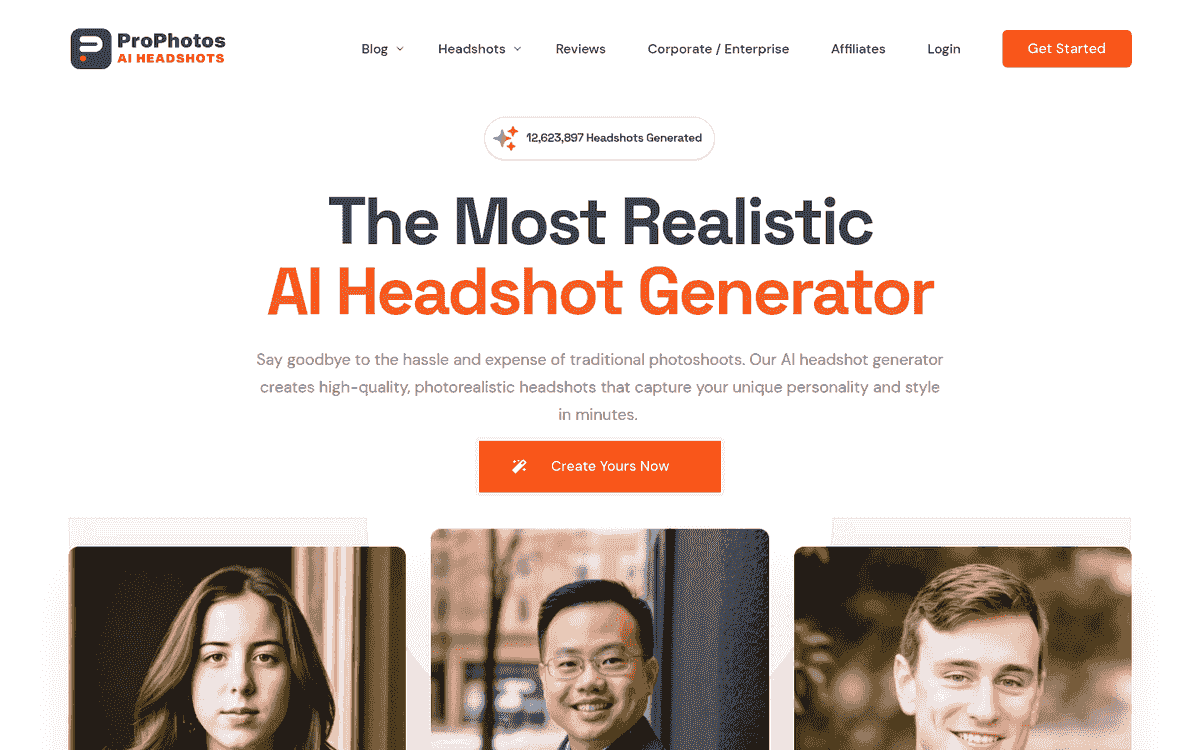
Price: $39 for 40 headshots, 8 outfits and backgrounds · Photos: upload count not published · Turnaround (published): 90 min (Starter) · Free tier: not published
Max resolution: not published · Compliance: not published
The 8 photos we uploaded
One good frame: The cream polo by the window, from ProPhotos AI. His open smile matches the inputs, right down to the slightly uneven teeth, the cheeks keep their width, and the beard is left soft at the edges. That makes it the clear pick of these 4.
The other 3 are middling, each with his hair pushed too high and lacquered into a shape instead of left messy. The seated desk portrait gives him the largest quiff, lifted clear off the forehead.
Now check the eyes across the gallery. In 3 of the 4 they come back pale blue-grey, and every photo in the strip above shows them dark brown. The same 3 harden his soft moustache and chin patch into a sharp-edged dark wedge, and lay a glossy sheen over the cheeks and nose that the polo frame avoids.
All 4 sit in a narrow warm palette, with wood, cream and beige repeating from room to room. We picked those styles from the advertised 8 outfits and backgrounds, so the sameness is ours. 2 of them pull back to half-body, so the face ends up small.
Only the second frame makes our usable pile, so the count is 1 of 4. At $39, that is $39 / 1 = $39.00 per usable image.
Verdict: ProPhotos AI ranks 8th with one convincing face in a gallery where the other 3 overgrow his hair and lighten his eyes.
9. The Multiverse AI
Likeness 4.5 · Realism 7 · Usable shots 3.5 · Price per usable image 4
- Pros
- Skin and shirt detail hold under studio light
- The middle frame has a warm natural smile
- Grey survives through the top in all 3
- Cons
- The outer 2 frames are flat and dour
- Trimmed jaw and pressed-down hair throughout
- Only the middle frame made our usable pile
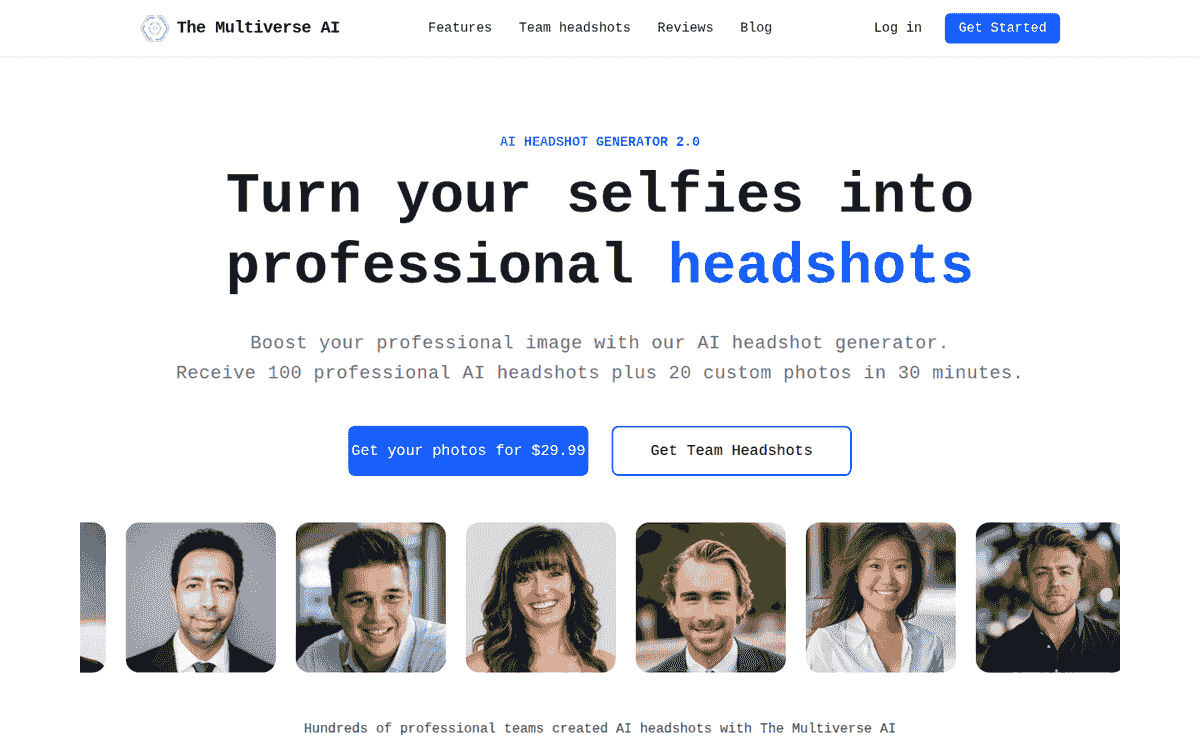
Price: $29.99 for 100+ headshots and 20 edits · Photos: upload 12 to 15 · Turnaround (published): 10 to 15 min, always within 30 · Free tier: not published
Max resolution: not published · Compliance: not published
The 8 photos we uploaded
All 3 frames from The Multiverse AI come back in one setup: a white shirt with black trousers against a grey backdrop, hands in pockets. That is the style we picked.
It is also a half-body pose, so his face lands small in the frame. Crop one down to a round profile photo and you are enlarging a head that occupies about a tenth of the file.
Each one trims his jaw and cheeks, then presses down his high-volume hair, which costs him the two features the strip above makes obvious. The grey does survive, running through the top in all 3.
Even studio light keeps real detail in the white shirt, down to the creases at the elbow, and the skin holds its texture. Nothing here looks rendered.
A warm, natural smile sits in the middle frame, the one place his cheeks return to something like their full width. The frames either side of it are flat and slightly dour, closer to a passport photo than to any of our 8 uploads.
We keep the middle frame, making 1 of 3 selected frames. At $29.99, the arithmetic is $29.99 / 1 = $29.99 per usable image.
Verdict: The Multiverse AI ranks 9th because only its middle frame smiles, and all 3 trim the jaw and press down the hair.
10. StudioShot
Likeness 4.5 · Realism 6 · Usable shots 3.5 · Price per usable image 4
- Pros
- Pores, stubble and blemishes survive in all 3
- The grey stays heavy through the hair
- The third frame has a real open smile
- Cons
- Two of 3 balloon his hair and lengthen his face
- Each of the 3 arrives at a different crop
- That leaves 1 usable frame at $29.25
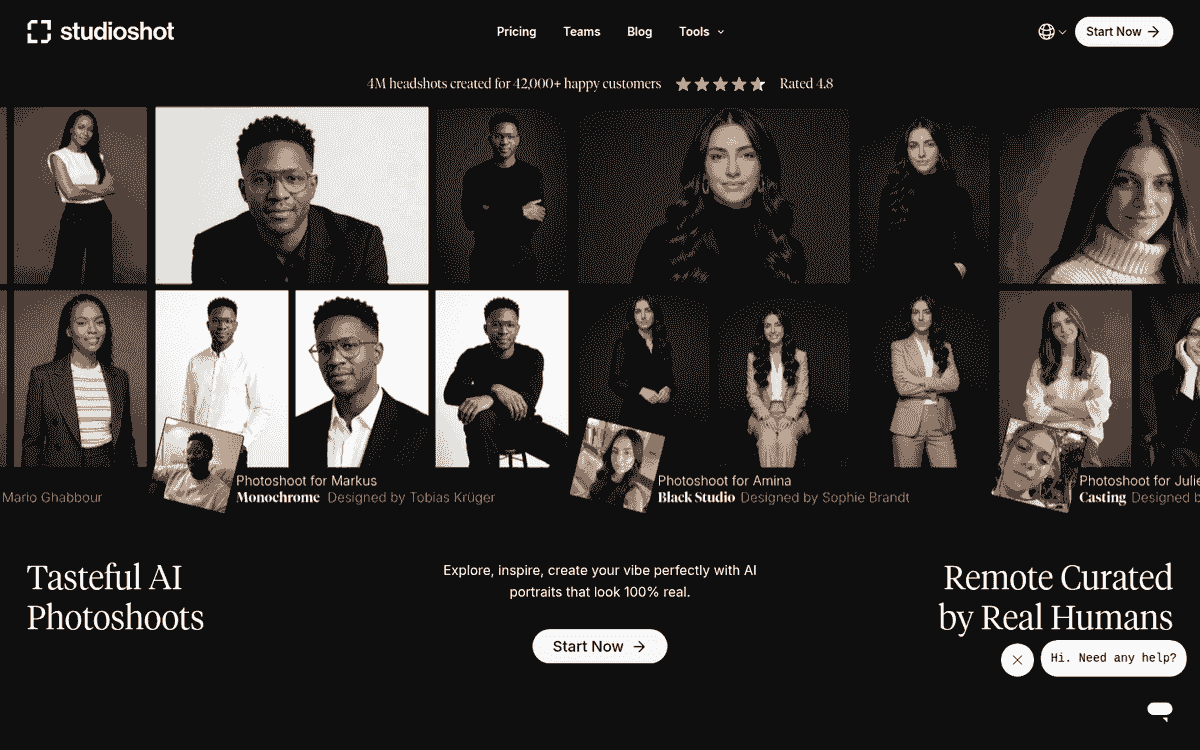
Price: $29.25 / $38.90 for 40 images · Photos: upload count not published · Turnaround (published): under 3 hrs (Essential) · Free tier: not published
Max resolution: 4K · Compliance: SOC 2 Type II, GDPR
The 8 photos we uploaded
The third one works.
The grey blazer and cream sweater look plausible, the cheeks come back to something like their real width, and the open smile is the closest of the 3 to the 6 smiling inputs. It is the only StudioShot portrait we'd use.
The first 2 give him a tall swooping wave far bigger than his own hair, combed across and lifted, while narrowing and lengthening the face underneath it. The tan blazer frame also leaves him with one eyebrow raised and a slight downturn at the mouth, an uneasy look that appears in none of our uploads.
Texture deserves credit. All 3 hold pores, stubble and small blemishes on the cheek, and the grey stays heavy through the wave.
The crop moves across the 3: tight head-and-shoulders, then three-quarters, then a half-body standing pose. The standing one is also the one we'd use, so the usable frame needs the most cropping.
The standing portrait makes it 1 usable image from 3. At $29.25, that is $29.25 / 1 = $29.25 per usable image.
Verdict: StudioShot ranks 10th, at the bottom of this tier, because 2 of 3 frames enlarge his hair and stretch his face.
Not recommended
Usable frames are rare down here. One made our pile only "at a push."
The failures are in the face itself, or in the background next to it. Hollow cheeks recur, and grey hair disappears.
One tool invents gibberish hospital signs; another returns an entirely different man. A clean jacket cannot hide either.
11. AI SuitUp
Likeness 3.5 · Realism 5.5 · Usable shots 2.5 · Price per usable image 4
- Pros
- The clothes and fabric look genuinely convincing
- The skin keeps its real pores
- Hair keeps its swept-up shape and volume
- Cons
- All 4 hollow his cheeks and temples
- Six smiles in, 4 unsmiling faces out
- The grey darkens to near-black in all 4
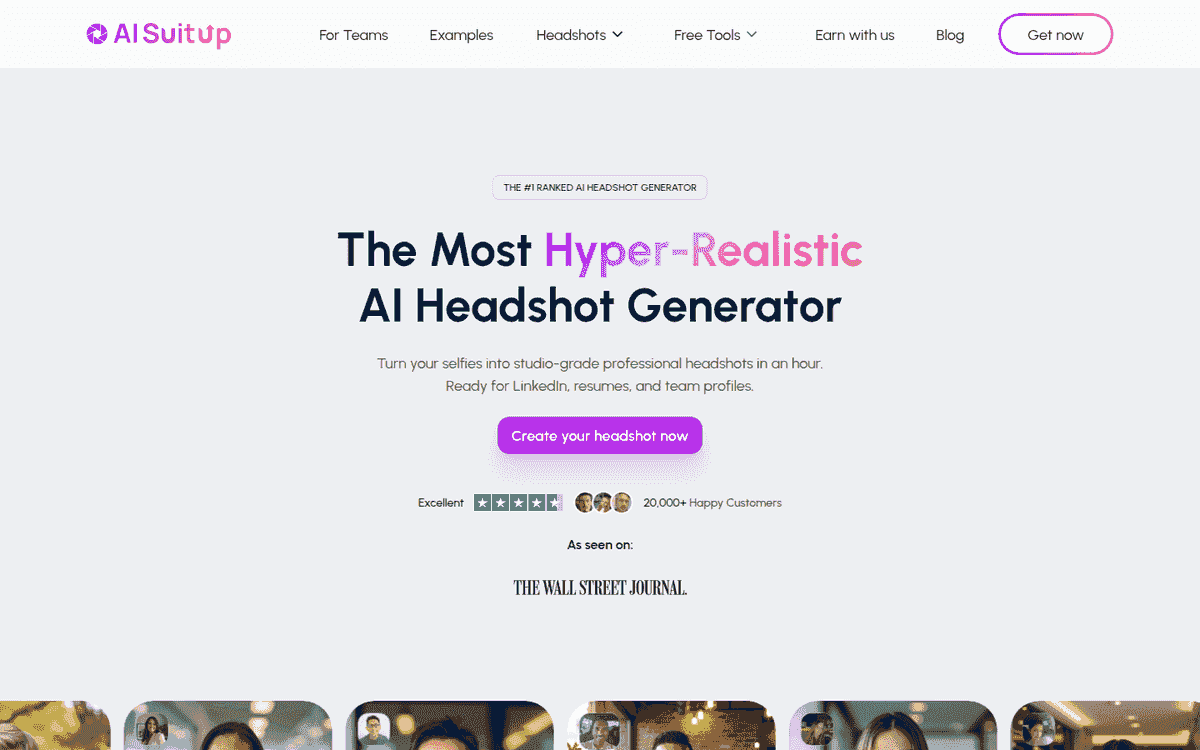
Price: $27 (list $59) for 50 headshots at 768x768 · Photos: upload 16 · Turnaround (published): 6 hrs (Basic) · Free tier: not published
Max resolution: 2048x2048 (Executive) · Compliance: not published
The 8 photos we uploaded
All 4 hollow his face, sinking the cheeks inward and cutting deep shadows under the cheekbones. The temples go concave and the shadows under his eyes deepen with them. Set the grey zip jacket beside any kitchen selfie above and he has lost a decade and a good deal of weight.
We gave the model 6 broad smiles. It returned 4 unsmiling faces, and the zip-jacket frame adds a furrowed brow that reads as irritation.
The clothes are weirdly convincing. We picked a grey zip jacket on dark cloth, a black suit on pale grey, a grey blazer on tan and a camel jacket on white, and AI SuitUp renders every one of them plausibly, down to the fabric. The skin keeps real pores too.
His hair keeps its swept-up shape and volume in all 4, then loses the colour. Hold the crown against the bright-window selfie above, where silver runs through the whole mass, and what comes back is near-black with the grey down to a scatter of light strands.
The camel-jacket frame is full length, from a style we picked, and at that distance his face is too small to use.
The grey blazer on tan is the only one we'd use, and even that is at a push: 1 of 4. At $27, that is $27 / 1 = $27.00 per usable image.
Verdict: AI SuitUp ranks 11th because convincing clothes surround the same hollow, unsmiling face in all 4 selected images.
12. TryItOn AI
Likeness 2.5 · Realism 5.5 · Usable shots 3 · Price per usable image 6
- Pros
- The office portrait is a good likeness
- Controlled stage light in the microphone shot
- Cons
- One frame comes back as a different man
- None of the 4 keeps his grey
- The black-suit frame buffs out his pores
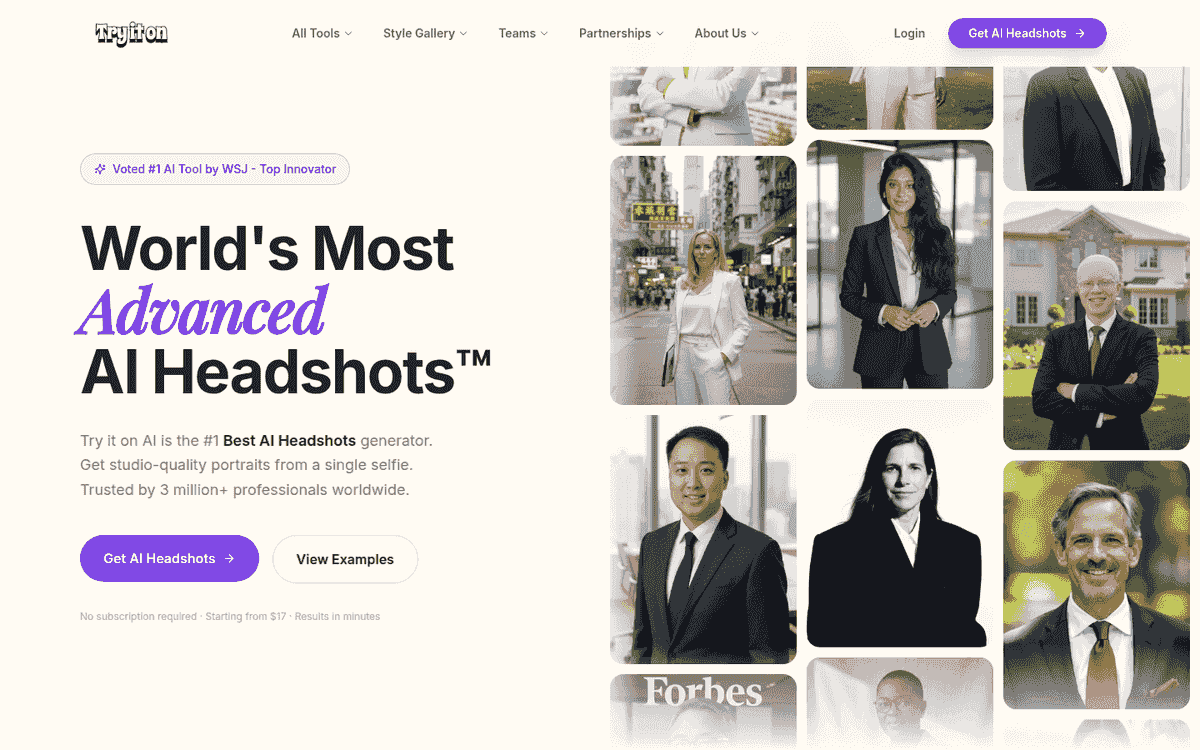
Price: from $17, included count not published · Photos: upload 10+ (FAQ) · Turnaround (published): 1 to 2 hrs (FAQ) · Free tier: not published
Max resolution: not published · Compliance: not published
The 8 photos we uploaded
A different man: The olive-suit sidewalk photo has light brown hair where every input shows dark salt-and-pepper. The nose is narrower, the jaw squarer and heavier, the brow reshaped, and the moustache and chin patch are simply absent. Cover the suit and nothing in that face traces back to the strip above.
The second TryItOn AI result is the best-composed business portrait of the 4 and the only good likeness. The bright office and folded-arms pose both look natural, his open smile creases the eyes properly, and enough grey survives at the temple to place him, though the cheeks come in slimmer than his own.
The microphone shot, another style we picked, has atmospheric, controlled stage light, with spots visible in the truss overhead. His face is small in the frame, the beard has thinned to almost nothing, and the likeness is marginal.
The black-suit photo returns a younger, rounder face with flat dark hair combed neat and skin buffed smooth enough to lose its pores. None of the 4 keeps his grey.
Only the folded-arms office portrait makes our usable pile: 1 of 4. At $17, that is $17 / 1 = $17.00 per usable image.
Verdict: TryItOn AI ranks 12th after one selected image replaced the man entirely and 2 more lost his face or framing.
13. InstaHeadshots
Likeness 4 · Realism 4 · Usable shots 3 · Price per usable image 2
- Pros
- Clean, even light across all 4 frames
- The fourth office portrait has real warmth
- Corporate clothes look plausible and skin keeps pores
- Cons
- Gibberish lettering on the hospital signage
- Every face is aged and drawn thinner
- Not one of the 4 shows a tooth
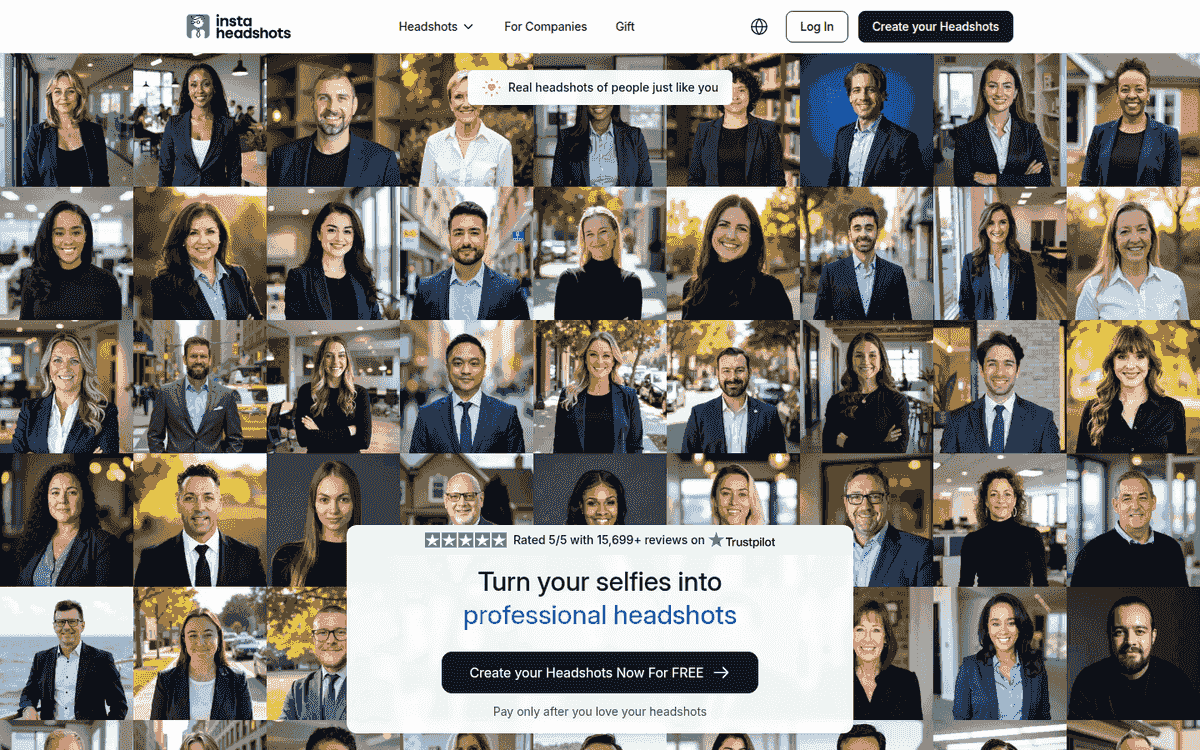
Price: EUR 59 for 50 headshots and 5 looks · Photos: upload 10 · Turnaround (published): about 60 min on Starter (FAQ) · Free tier: call to action shown, scope not published
Max resolution: 1024x1024 px default · Compliance: not published
The 8 photos we uploaded
The hospital roof says HOVAPIITO. Beside the red cross, the entrance sign says Derdroal. Both are gibberish where your eye expects real words.
We asked InstaHeadshots for a clinical setting, so the hospital is ours. The lettering is the tool's, and a background carrying text still has to produce words rather than shapes.
The light itself is clean and even across all 4, the corporate clothes look plausible, and the skin keeps its pores. The fourth result is a competent office portrait with real warmth in the face, lit by daylight off the corridor windows.
The ageing is the consistent problem. Every face is drawn thinner than the inputs, with deep folds beside the nose and heavy shadow under the eyes, and the hair comes back more silver than any upload shows. The turtleneck frame pulls the mouth down into a faint frown.
Not one of the 4 shows a tooth, even though he beams in 6 of 8 uploads.
The fourth office portrait is our lone usable frame: 1 of 4. At EUR 59, that is EUR 59 / 1 = EUR 59.00 per usable image.
Verdict: InstaHeadshots ranks 13th because gibberish signage and older, unsmiling faces leave only the fourth office portrait usable.
14. Headshot.kiwi
Likeness 2.5 · Realism 7 · Usable shots 1 · Price per usable image 1
- Pros
- Skin stays clean and properly pored
- Soft, even light holds across all 3
- Cons
- All 3 strip the grey from his hair
- Hollow cheeks, tapered jaw, a pointed goatee
- The same closed-mouth half-smile in all 3
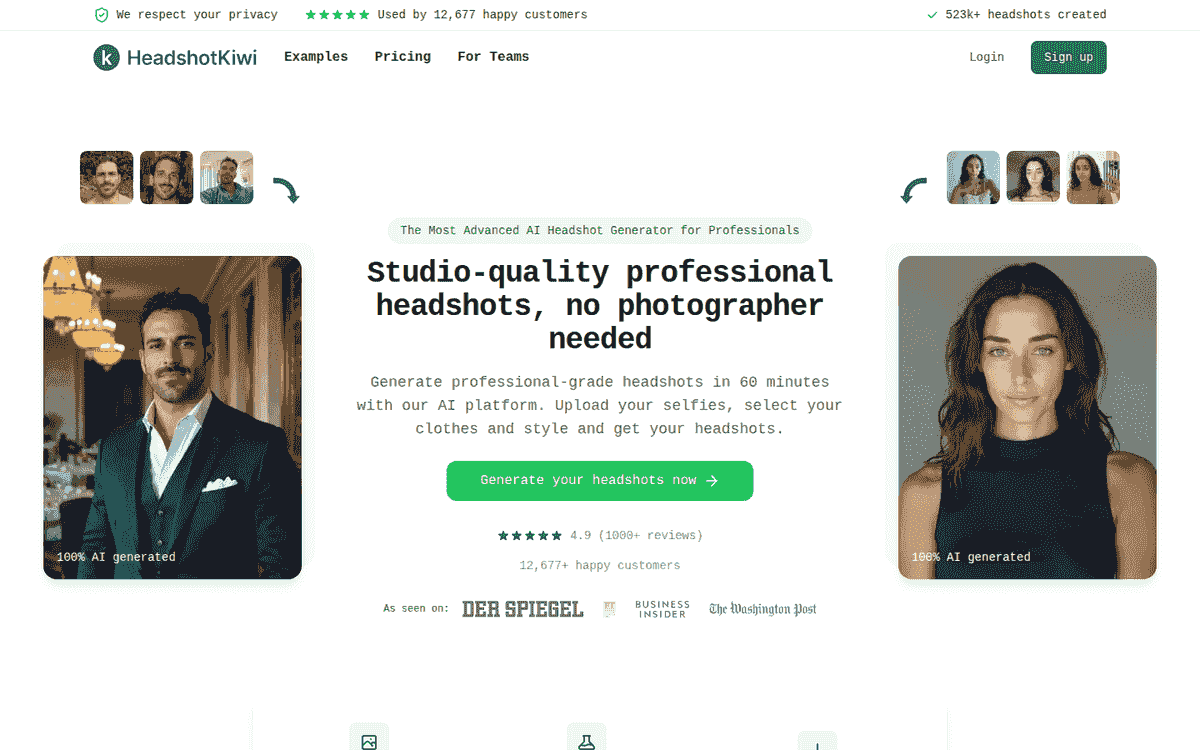
Price: $29 (regular $58) for 40 headshots · Photos: upload 10 · Turnaround (published): 1 hr or less · Free tier: none
Max resolution: not published · Compliance: not published
The 8 photos we uploaded
Every Headshot.kiwi portrait strips the grey from his hair. The bright-window selfie makes the original salt-and-pepper impossible to miss, and what comes back is a uniform dark brown, glossed and swept into a sculpted wave. It makes him read roughly a decade younger.
All 3 pull his full face into hollow cheeks and a tapered jaw, with the nose narrowing alongside them. His soft moustache and chin beard become a pointed goatee with hard black edges, the patchy jaw stubble cleaned away underneath.
His eyes change colour too. All 3 come back pale blue-grey against dark brown in every upload, and that is the change most likely to stop a colleague mid-scroll.
The skin is clean and properly pored, without a plastic sheen. Soft, even light holds across all 3.
All 3 come back in the same dark shirt and pose, from the one style we picked. The closed-mouth half-smile repeats too, and we asked for nothing there. Only the room moves.
Usable count: 0 of 3. With no usable photo, price per usable image scores 1 under our stated rule.
Verdict: Headshot.kiwi ranks 14th because all 3 selected frames replace his grey hair and full face with the same younger, narrower version.
15. HeadshotsByAI
Likeness 2 · Realism 6 · Usable shots 1 · Price per usable image 1
- Pros
- The black-on-black frame has real low-key atmosphere
- Shadow falls across the cheek with believable softness
- Cons
- All 4 replace his hair with a side part
- The face reads as generic stock corporate
- His cheeks round out and his nose narrows
Price: not verified · Photos: not verified · Turnaround (published): not verified · Free tier: not verified
The 8 photos we uploaded
The black-on-black portrait has real atmosphere. Its low-key light works, the shadow falls across the cheek with believable softness, and the shoulder dissolves into the background the way it would in a real studio.
The face breaks the spell across the set. All 4 remove his high-volume salt-and-pepper hair, replacing it with a flat, uniformly dark side part, no grey and no separation between strands. Set that against the terrace selfie above, where the grey and the mess are the first 2 things you see.
His cheeks round out, his nose narrows and straightens, and the beard thins to a tidy trim. The result is a generic stock-corporate face, younger and smoother than the man in the strip, and the teeth in the 2 smiling frames are whiter and more even than his own.
The 2 navy-suit portraits are near-duplicates: same suit, same light blue tie, same blue gradient, all from the style we picked. One smiles with teeth, one doesn't. Nothing else moves.
Nothing makes the usable pile: 0 of 4 selected frames. With no usable photo, price per usable image scores 1 under our stated rule.
Verdict: HeadshotsByAI ranks 15th because good low-key light lands on substituted hair and an altered face in all 4 selected images.
Could not review: Snappr
Snappr books real photographers. Its AI-headshot URLs returned 404 when we checked on 12 August 2026. There was no product for us to put through this test.
How to choose input photos that actually work
Every tool only knows you from the files you hand it. So the upload decides more than the style picker does.
Take new selfies today. Ten minutes with your phone beats an hour digging through the camera roll, and the face that comes back will be your current one.
Keep the set to one period of your life. A few older photos mixed in with recent ones pull the likeness towards an average of the two, and that average is nobody.
Find soft, even light and put it on your face. Stand facing a window rather than in front of one. Hard shadows across the nose and cheek cost the model detail, and so does a bright window behind your head.
Move the camera between shots. Some at arm's length, some from a few steps back. Change your clothes while you are at it: 2 or 3 genuinely different outfits, not 3 versions of the same black t-shirt.
Give it a plain face as well as a grin. These tools hand back neutral portraits whether you asked for them or not, and with no real neutral in the set they invent one.
The one that matters most: whatever is most distinctive about you, get it in shot clearly and more than once. Our subject's thick salt-and-pepper hair went wrong in 9 of the 15 tools, browned, flattened, spiked or swapped out. It is the feature a stranger would describe first, and it is the first thing to break.
Keep your whole face visible. Sunglasses, a cap, a hand under the chin: anything covering a feature is a feature the model gets to invent for you.
Our own 8 photos broke half of this. 7 are arm's-length selfies, the black t-shirt turns up 3 times, several are backlit against a living-room window, and we uploaded them unchanged because that is what a real camera roll looks like.
What a "money-back guarantee" actually means here
The thing that goes wrong with these tools is a whole pack you can't use. Two of the 15 returned nothing we'd put on a profile. Several more left us with a single usable frame out of the handful we selected, from packs sold as 40 headshots or more. That is why usable shots per pack carries 20% of the score, and why the refund terms deserve a read before you pay.
BetterPic offers a 100% refund if, once you receive your results, there is genuinely nothing you can use.
Secta AI publishes the most generous policy in the test: 30 days, no questions asked.
The rest is where the headline stops matching the terms. Aragon AI refunds you only if you haven't downloaded your photos and don't plan to. InstaHeadshots wants all 3 conditions at once: fewer than 4 decent photos, nothing downloaded, and contact within 3 days. AI SuitUp covers Pro and Executive, and excludes its entry tier.
What the free tiers actually give you
"Free" means something different in almost every entry here. Our own free AI headshot generator is its own product, sitting outside BetterPic's paid packages, and the pricing page publishes no free tier on any of them. Aragon AI and AI SuitUp list separate free tools too. What those include, neither says. Dreamwave at least spells it out: a few free generation spots each day, and it says they fill within a minute or 2.
How we ran and scored the test
Every file keeps the size, shape, framing and pixels its tool delivered. We paid for all 15 tools and uploaded the same 8 files to each.
The styles are ours. Every tool offers a different library of outfits, backgrounds and settings, so for each one we picked whatever came closest to a standard professional headshot. That is how a buyer actually uses these products. Forcing one identical prompt through 15 different style libraries would have measured prompt compatibility instead.
So clothing, backgrounds and settings vary between galleries, and those differences are our selections. Expression is a different matter. We asked for nothing there, so a flat face in a gallery belongs to the tool.
Likeness and realism carry 70% of the score between them, and both are judged on the face. Picking a style does not move a jawline, put the grey back in a man's hair or change the colour of an iris. What we scored is the part the tool controls. Price per usable image carries the smallest weight at 10%.
| Criterion | Weight | How we judged it |
|---|---|---|
| Likeness to the subject | 40% | Whether a colleague would recognise him without hesitation |
| Realism | 30% | Skin, hair, eyes, teeth, clothes and scene checked for visible artefacts |
| Usable shots per pack | 20% | How many of the selected frames we would put on a professional profile |
| Price per usable image | 10% | Entry price divided by that usable count |
We did not time generation, so turnaround stays outside the score. The table below labels those numbers as published vendor figures.
You can inspect likeness and realism in the photos. We state the usable count below each gallery; price per usable image is arithmetic from the published entry price.
Usable means the face works: likeness, rendering and expression. A frame that only fails because we picked a beach rather than an office still counts, since that setting is ours.
When a selected set has no usable photo, price per usable image scores 1 because the price buys nothing usable. A missing or unverified price scores 5.
Sub-scores come in whole or half points, and weighted totals round to one decimal. BetterPic's arithmetic is 0.40x9 + 0.30x8.5 + 0.20x8 + 0.10x8 = 8.55, shown as 8.6.
One man. Each tool has 3 to 6 images here, and we picked them from its delivery. That choice can make a set read better or worse.
One face can't tell us how the tools handle another skin tone, age or gender. The uploads also repeat clothes and camera distance, with difficult backlighting in several.
Scores and published specs
These are the 13 tools whose published specs we could verify. We did not check PortraitPal's or HeadshotsByAI's own pages this time; both tools are scored and reviewed in full above.
| Tier | Score | Tool | Entry price | What it buys | Turnaround (published) | Money-back |
|---|---|---|---|---|---|---|
| Recommended | 8.6 | BetterPic | $35 | 20 headshots, 1 style | 2 hrs (Basic) | 100% refund if nothing is usable |
| Recommended | 8.1 | Secta AI | $49 (list $99) | 200+ HD photos, 90+ styles | under 2 hrs | 30 days, no questions asked |
| Recommended | 8.0 | HeadshotPro | $29 | 30 headshots | about 2 hrs (Basic) | 100% Realism Guarantee |
| Acceptable | 6.6 | Headshots.com | $60 | 1 hand-edited headshot | 3 business days | 100% Happiness Guarantee |
| Acceptable | 6.3 | Dreamwave AI | not published | not published | about 2 hrs | Refunds declined once generation starts |
| Acceptable | 5.3 | Aragon AI | $35 (list $44) | 40 headshots | 45 min (Basic) | Full refund if not downloaded |
| Acceptable | 5.2 | ProPhotos AI | $39 | 40 headshots, 8 outfits and backgrounds | 90 min (Starter) | not published |
| Acceptable | 5.0 | The Multiverse AI | $29.99 | 100+ headshots, 20 edits | 10 to 15 min, always within 30 | not published |
| Acceptable | 4.7 | StudioShot | $29.25 / $38.90 | 40 images | under 3 hrs (Essential) | 100% money-back guarantee |
| Not recommended | 4.0 | AI SuitUp | $27 (list $59) | 50 headshots at 768x768 | 6 hrs (Basic) | Pro and Executive only |
| Not recommended | 3.9 | TryItOn AI | from $17 | Headshot count not published | 1 to 2 hrs (FAQ) | not published |
| Not recommended | 3.6 | InstaHeadshots | EUR 59 | 50 headshots, 5 looks | about 60 min on Starter (FAQ) | Refund if fewer than 4 are decent, within 3 days |
| Not recommended | 3.4 | Headshot.kiwi | $29 (regular $58) | 40 headshots | 1 hr or less | Full-refund Profile-Worthy guarantee |
Not published means we checked a vendor page and found no figure. We do not guess at the gap.
Every figure comes from the vendor's own published pages, read on 12 August 2026, except BetterPic's refund commitment, which is ours.
Run BetterPic with your own photos if you want to see how your set turns out.
Sources & References
- BetterPic pricing — BetterPic
- HeadshotPro pricing — HeadshotPro
- Secta AI headshots — Secta AI
- Headshots.com for individuals — Headshots.com
- Dreamwave AI headshots — Dreamwave AI
- Aragon AI pricing — Aragon AI
- ProPhotos AI — ProPhotos AI
- The Multiverse AI — The Multiverse AI
- StudioShot pricing — StudioShot
- InstaHeadshots — InstaHeadshots
- TryItOn AI FAQ — TryItOn AI
- Headshot.kiwi — Headshot.kiwi
- AI SuitUp — AI SuitUp
- Settings for profile photo visibility — LinkedIn
Written by
Ricardo GhekiereCEO & Co-Founder
Ricardo co-founded BetterPic after building and exiting multiple startups since age 11. A Vlerick Business School graduate and finalist for Belgium's national student-entrepreneur award, he brings deep expertise in B2B SaaS growth and AI product strategy. Speaks 8 languages.
- CEO & Co-Founder of BetterPic
- Vlerick Business School graduate
- Finalist, National Student-Entrepreneur of the Year (Belgium)
Reviewed by
Preferred source
Follow BetterPic on Google
Add BetterPic as a preferred source and our headshot guides are more likely to show up in your Top Stories, with a badge in AI Mode and AI Overviews.

Related professional headshots for individuals resources
Keep exploring this topic with focused resources from the B2C journey.
Primary destination:Free AI headshot generator
Frequently Asked Questions
Do AI headshots actually work?
- Often, yes. Across the 15 tools we tested on one set of 8 photos, the good ones kept the subject's hair, face shape and expression. The bad ones rewrote them: one returned a different man, one replaced his grey hair, one invented garbled signage on a building. Which tool you pick decides most of the outcome.
Is there a free AI headshot generator?
- Free tools exist, but they sit beside the paid packages rather than inside them. Of the 15 we checked, only one published free generation slots on its paid product, and a handful run separate free tools with no stated limits. BetterPic runs one of those: a free AI headshot generator, distinct from our paid plans.
How do you get a good AI headshot?
- Give the model evidence. Several camera distances, more than one outfit, front lighting rather than a window behind you, and both a smile and a neutral face. Our own upload set broke three of those rules, and you can see the cost in the results: repeated clothing, small faces, and expressions the tools had to guess at.
Can people tell a headshot is AI?
- They can when the physical details drift. The giveaways in our test were missing grey, hollowed cheeks, a soft beard sharpened into a goatee, eyes at different heights, and invented text on signs. The images that passed kept pores, uneven teeth and individual hair strands, which is harder to fake than good lighting.
What was the best AI headshot generator in 2026?
- The highest score in this test was 8.6 out of 10, across 15 tools given the same 8 source photos. BetterPic earned that score and also publishes this comparison, so its weaknesses are listed on the same terms: 4 selected images across only 3 backgrounds, two of them the same law library.
How much do AI headshots cost?
- Published entry prices in this test ran from $17 to $60, with most packages landing between $27 and $39. The sticker price matters less than what it buys: one tool charges $60 for a single hand-edited image, another asks $29 for 30 generated ones. Work out the price per photo you would actually use.
How many photos do you need to upload?
- Published requirements ran from 1 photo to 16 across the 15 tools. Four published no number, and two we did not check. Our test used 8 for every tool. Variety matters more than volume: different camera distances, different clothes, even front lighting, and at least one neutral expression alongside the smiling ones.
How long do AI headshots take?
- Vendors publish 10 to 15 minutes up to 3 business days, most commonly 1 to 2 hours. Their figures, not ours. BetterPic publishes 2 hours on Basic, 1.5 on Pro, 1 on Expert. The fastest published time here belongs to The Multiverse AI, which scored 5.0 and slimmed his face in all 3 results. Speed and likeness didn't travel together.
Related articles
View all articles
PFP Meaning: What PFP Stands For on Instagram, TikTok and in Chat
PFP stands for profile picture, and in chat it can also mean picture for proof. Here is how to tell the two apart, plus what makes a good one.
HeadshotPro Review 2026: Honest Take From a Competitor Who Actually Tested It
We tested HeadshotPro head-to-head against BetterPic. Here's what we found on quality, speed, pricing, and who each tool is actually built for.
HeadshotPro vs BetterPic: Which AI Headshot Generator Actually Delivers? (2026)
I tested both HeadshotPro and BetterPic side by side. Here's an honest comparison of pricing, image quality, speed, and real user results to help you choose.
The Best AI Headshot Generators for Teams and Enterprises (2026)
An honest comparison of AI headshot generators for teams — covering photorealism, brand consistency, security, pricing, and enterprise features..
7 AI Headshot Prompts That Actually Work (2026): Copy-Paste Templates for Every Industry
How to write AI prompts that produce genuinely professional headshots — with copy-paste templates for every industry, element-by-element guidance.
4 Best AI Yearbook Creators — Turn Selfies into Nostalgic Portraits (2026)
AI yearbook creators turn regular selfies into vintage or modern yearbook-style portraits in minutes. Compare the 4 best tools — Fotor, PixNova.
Save 87%on average on your professional photos.
Whenever, wherever you are.
Get studio-quality, 4K images in a variety of outfits & settings in less than an hour.
Get your headshots nowStart now