
LinkedIn Profile Picture: How to Get a Great Headshot (With or Without a Camera)
This article is part of our LinkedIn Headshots collection.
Your LinkedIn profile picture is doing more work than you think. It is the first thing recruiters, clients, and collaborators see, and most of them decide whether to click through in under two seconds. Profiles with a photo are 14 times more likely to be viewed, and a strong headshot can boost engagement by up to 146%.
So if you are still using a cropped vacation photo or no picture at all, this guide will walk you through everything: why the photo matters, what "good" actually looks like, the technical specs LinkedIn requires, and how AI tools (especially BetterPic) can get you a professional headshot without booking a photographer.
Why Does Your LinkedIn Profile Picture Matter So Much?
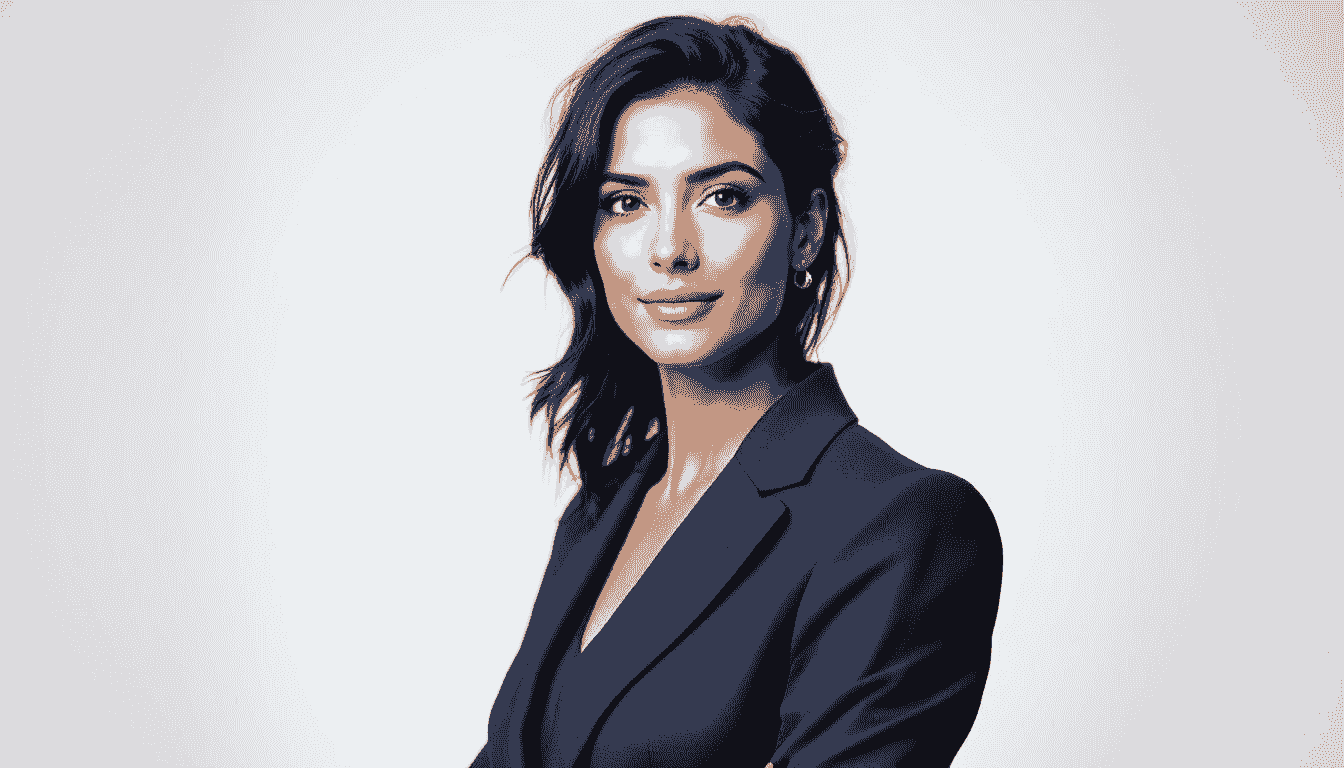
Think about the last time you searched for someone on LinkedIn. You probably glanced at their photo before you read a single word. That is exactly what hiring managers and potential clients do with your profile.
A polished headshot tells people three things instantly: you take your career seriously, you are approachable, and you pay attention to details. Those signals matter whether you are job hunting, freelancing, building a consulting practice, or just trying to grow your network.
Here is what the data says:
- LinkedIn profiles with a photo get 14x more views than those without one.
- A professional-looking headshot can increase connection requests by up to 40% (LinkedIn internal data).
- Recruiters routinely skip profiles that have no photo or a low-quality image because it feels incomplete.
The bottom line is simple: a strong professional headshot is a trust signal. Without it, people hesitate to engage.
What Makes a Good LinkedIn Photo?
Not every headshot works well on LinkedIn. The platform is professional, so the bar is different from Instagram or Facebook. Here is what separates a strong LinkedIn picture from a forgettable one.
Does Your Lighting Look Natural?
Natural light is your best friend. Soft, even lighting (think: facing a window during the day) eliminates harsh shadows and makes skin tones look accurate. Overhead fluorescent lighting, on the other hand, washes you out and adds unflattering shadows under your eyes.
If you remember only one photography tip, make it this: face the light source, and avoid mixed lighting.
Is the Background Clean and Simple?
A plain or softly blurred background keeps the focus on you. Busy backgrounds with clutter, other people, or branded signage distract the viewer and look unprofessional. Solid colors, simple office settings, or a lightly textured wall all work well. If you have a picture that you like but have a busy background, you can use a tool such as Pixelcut to remove the background, add a solid color, or generate a new backdrop like an office setting. Our own profile picture editor removes backgrounds free, then applies a color or gradient and crops to a circle in the browser. Background removal uploads the photo through BetterPic to fal.ai storage for processing under fal.ai’s terms.
Are You Dressed for Your Industry?
Wear what you would wear to an important meeting in your field. For finance or law, that might mean a suit. For a creative agency or tech startup, a smart casual look is perfectly fine. The key is that your clothing matches the expectations of the people you want to attract.
Does Your Expression Feel Approachable?
A genuine smile goes a long way. You do not need to grin ear to ear, but a warm, relaxed expression makes you look friendly and confident. Stiff or overly serious faces can create the wrong impression, especially in networking-focused industries.
How Can AI Tools Help You Get a Professional LinkedIn Headshot?

Not everyone has the time or budget for a professional photo shoot. That is where professional LinkedIn portrait services come in. You upload a few casual selfies, pick a style, and the AI produces a polished, studio-quality headshot in minutes.
Here are the top tools worth considering, starting with the one we recommend most.
Why Is BetterPic the Best AI LinkedIn Photo Generator?
BetterPic is purpose-built for professional headshots, and it shows. The process is dead simple: upload a handful of selfies, choose your preferred style and background, and BetterPic's AI generates a headshot that actually looks like you, just with better lighting, cleaner backgrounds, and a more polished feel.
What sets BetterPic apart:
- Realistic results -- the output genuinely resembles you, not a generic AI face.
- Full customization -- adjust backgrounds, outfits, lighting styles, and templates to match your industry.
- Works anywhere -- the platform runs on both mobile and desktop, so you can create your headshot from your phone during a lunch break.
- Fast turnaround -- you get multiple professional options to choose from, usually within minutes.
- LinkedIn-specific styles -- BetterPic offers templates designed specifically for LinkedIn dimensions and expectations.
If you want a single recommendation, BetterPic is the tool to start with.
What About Media.io for LinkedIn Headshots?
Media.io uses AI to generate headshots quickly and offers various templates for different professional looks. It includes extra editing options for fine-tuning, and the AI generates results in minutes after you upload your photos. It is a solid backup option, though the customization depth does not quite match BetterPic.
Can LightX Create a Good LinkedIn Photo?
LightX features a drag-and-drop interface where you can adjust brightness, contrast, highlights, opacity, and background. It offers trendy templates and lets you download high-resolution images ready for LinkedIn. The tool is straightforward and gets the job done, especially if you want manual control over the editing process.
How Does Fotor's AI Photo Generator Compare?
Fotor uses AI algorithms to create realistic LinkedIn headshots. For best results, upload about four clear, front-facing photos in good lighting. Fotor includes editing features like cropping, resizing, background changes, and outfit adjustments. It also handles images securely and does not share them with third parties.
How Do You Actually Create a LinkedIn Headshot With AI?

The no-cost LinkedIn portrait workflow is easier than you might expect. Here is a step-by-step walkthrough.
Step 1: Pick the Right Tool
Start by choosing an AI headshot generator that fits your needs. Consider the customization options, pricing, and reviews. Our comparison of tools for polished profile photos lays out published pricing, turnaround, resolution, and style options across the leading providers. We recommend BetterPic for most people because it balances ease of use with realistic, high-quality results.
Step 2: Upload Your Selfies
Take a few clear, front-facing selfies in decent lighting. You do not need professional equipment -- a smartphone camera near a window works fine. Most AI tools need between 4 and 10 photos to accurately map your features.
A few tips for better uploads:
- Face the camera directly, no extreme angles.
- Use natural light when possible.
- Avoid sunglasses, heavy filters, or group photos.
Step 3: Customize Your Headshot
This is where the magic happens. With BetterPic and similar tools, you can adjust:
- Background -- choose a solid color, office setting, or outdoor environment.
- Outfit -- select attire that fits your industry.
- Style -- go formal, business casual, or creative depending on your goals.
The goal is a headshot that feels like you on your best day, not a completely different person.
Step 4: Download and Upload to LinkedIn
Once you are happy with the result, download the high-resolution version and upload it to your LinkedIn profile. Most AI tools output images that already meet LinkedIn's size requirements, but double-check the specs below to be sure.
What Are LinkedIn's Profile Picture Specs?
Getting the technical details right prevents your photo from looking blurry or awkwardly cropped. Here are LinkedIn's current recommendations:
| Spec | Requirement |
|---|---|
| Dimensions | 400 x 400 pixels (minimum) |
| Recommended size | 800 x 800 pixels |
| Maximum file size | 8 MB |
| File formats | JPG, PNG, or GIF |
| Aspect ratio | 1:1 (square) |
| Display area | Circular crop -- keep your face centered |
Pro tip: upload at 800 x 800 or larger for a crisp image. LinkedIn will compress it, so starting bigger gives you a better result.
What Are the Most Common LinkedIn Photo Mistakes?
Knowing what to avoid is just as useful as knowing what to do. Here are the mistakes that show up most often.
Using a Group Photo or a Cropped Party Pic
Even if you crop it well, the resolution suffers and the background usually looks chaotic. Use a photo where you are the only subject.
Choosing a Photo That Looks Nothing Like You
If your headshot is five years old or heavily filtered, people will notice the mismatch when they meet you on a video call. Use a recent photo that reflects how you look today.
Going Too Casual (or Too Formal)
A beach selfie does not belong on LinkedIn, but an overly stiff studio portrait can feel cold depending on your industry. Match the tone to your field.
Ignoring the Crop Circle
LinkedIn crops your photo into a circle. If your face is off-center or too far from the camera, important parts get cut off. Always preview how the circular crop looks before you finalize.
Using a Low-Resolution Image
Blurry or pixelated photos scream "I did not put effort into this." Stick with images that are at least 800 x 800 pixels.
How Does a Good Photo Support Your Overall LinkedIn Presence?
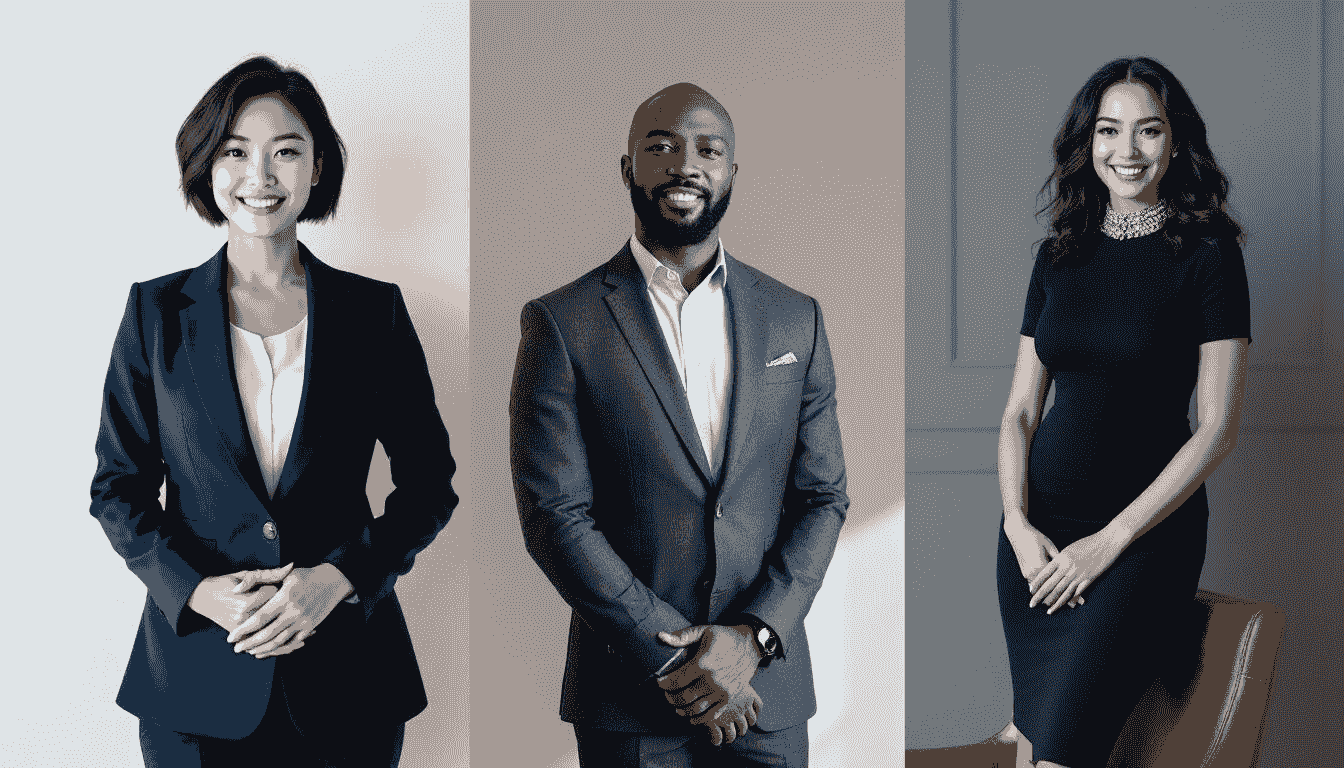
Your headshot does not exist in a vacuum. It works together with your headline, summary, and experience section to tell a cohesive story.
A strong photo paired with a vague headline creates mixed signals. A weak photo paired with a great summary still leaves doubt. Everything needs to align.
Here is what that looks like in practice:
- If your headline says "Creative Director," your photo should reflect creative confidence -- maybe a smart casual look with an engaging expression.
- If you are in financial services, a clean, formal headshot reinforces the trust and reliability your summary promises.
- If you are a startup founder, a polished but relaxed photo says "I am serious but approachable."
The photo sets the tone. Audit your profile image against the story the rest of your profile tells.
How Often Should You Update Your LinkedIn Photo?
Update your LinkedIn headshot at least once a year, or whenever your appearance changes noticeably (new hairstyle, glasses, major weight change, etc.).
Here is why this matters: if someone connects with you online and then meets you in person or on video, your photo should match. An outdated headshot creates an awkward moment and can undermine the trust you built online.
Other good reasons to update:
- You are entering a new industry or role and want your image to reflect the shift.
- Your current photo was taken with an old phone and the quality does not hold up anymore.
- You simply feel like your current photo does not represent the energy you bring to your work.
With AI tools like BetterPic, updating your headshot takes minutes, not hours. There is no excuse to let it go stale.
Is Your Data Safe When Using AI Headshot Tools?
This is a fair concern. You are uploading photos of your face, and you want to know they are handled responsibly.
Reputable AI headshot tools, including BetterPic, take data security seriously:
- Encryption: Your images are protected with advanced SSL encryption during upload and processing.
- Retention: Review the tool’s published retention periods and deletion controls in its privacy policy. The free editor’s provider-hosted copy follows fal.ai’s terms; BetterPic’s background-removal code does not delete that copy.
- Privacy compliance: Look for tools that comply with GDPR and CCPA regulations.
- Processing disclosures: Check which providers receive your photos and why. BetterPic’s free editor sends background-removal photos to fal.ai for processing. Review the provider’s terms and the tool’s privacy disclosures before uploading.
Before you upload to any platform, check their privacy policy. If they do not clearly state how they handle and delete your images, use a different tool.
AI Generated Photos: Do They Actually Look Professional?

A common worry is that AI headshots will look obviously fake or "uncanny valley." The truth is that the technology has improved to the point where 96% of recruiters say they prioritize professional appearance over how the photo was created. The best AI generators, particularly BetterPic, produce results that are virtually indistinguishable from traditional studio photography.
What makes AI headshots work well for LinkedIn:
- They eliminate bad lighting, cluttered backgrounds, and unflattering angles automatically.
- They preserve your real features while presenting them in the best possible light.
- They give you multiple options to choose from, so you can pick the one that feels most authentic.
The result is a headshot that looks like you hired a professional photographer, without the scheduling hassle or the price tag.
Frequently Asked Questions
What is the best size for a LinkedIn profile picture?
LinkedIn recommends a minimum of 400 x 400 pixels, but uploading at 800 x 800 pixels or larger gives you the best quality after compression. The maximum file size is 8 MB, and accepted formats are JPG, PNG, and GIF. Since LinkedIn crops the image into a circle, keep your face centered in the frame.
How do I take a good LinkedIn headshot with my phone?
Stand near a window for natural light, use your rear camera (it is higher quality than the front camera), and ask someone to take the photo for you or use a timer. Keep the background simple, wear what you would wear to work, and aim for a relaxed, genuine smile. If you want a more polished result without a photo shoot, upload those selfies to BetterPic and let the AI handle the rest.
Can I use an AI-generated photo as my LinkedIn profile picture?
Absolutely. AI-generated headshots are widely used on LinkedIn and are perfectly acceptable as long as the result looks like you. The key is choosing a tool that produces realistic output. BetterPic specializes in this and creates headshots that are indistinguishable from traditional photography.
How often should I change my LinkedIn photo?
At least once a year is a good rule of thumb. Update sooner if your appearance has changed noticeably or if you are pivoting to a new industry where a different style of headshot would serve you better. With AI tools, refreshing your headshot takes only a few minutes.
What should I wear in my LinkedIn profile picture?
Dress as you would for an important meeting in your industry. For corporate fields, that typically means business formal. For tech, design, or creative roles, smart casual works well. Avoid overly casual clothing like tank tops or heavily branded items. Solid colors generally photograph better than busy patterns.
Does a professional LinkedIn photo actually help you get hired?
Yes. Recruiters consistently report that profiles without photos or with low-quality images get less attention. A professional headshot signals competence and effort, which are exactly the qualities hiring managers look for. Combined with a strong headline and summary, a polished photo can meaningfully increase your visibility and response rates on the platform.
Final Thoughts
Your LinkedIn profile picture is one of the easiest high-impact improvements you can make to your professional presence online. You do not need expensive equipment or a professional photographer. Tools like BetterPic have made it possible to get a studio-quality headshot from a few phone selfies in minutes.
Get the basics right (good lighting, clean background, appropriate attire, genuine expression), make sure the technical specs are correct, and update your photo regularly. That is really all it takes to make a strong first impression every time someone lands on your profile.
Sources & References
- LinkedIn Profile Photo Tips — LinkedIn
- How Your Profile Photo Impacts Your LinkedIn Presence — LinkedIn Official Blog
- AI Image Generation Market Report — Grand View Research
- How AI Is Changing Photography — Forbes
- Professional Headshot Photography Pricing — Thumbtack

Written by
Apoorv SharmaHead of Performance
Apoorv leads performance and growth at BetterPic with 9+ years of experience across SEO, SEM, and growth marketing. He oversees content strategy, data-driven marketing, and hands-on testing of AI headshot platforms. Previously held senior performance marketing roles across the US, Belgium, and India.
- Google Analytics & Google Ads certified
- HubSpot Inbound & Content Marketing certified
- 9+ years in SaaS growth and performance marketing
Preferred source
Follow BetterPic on Google
Add BetterPic as a preferred source and our headshot guides are more likely to show up in your Top Stories, with a badge in AI Mode and AI Overviews.

Related linkedin headshots resources
Keep exploring this topic with focused resources from the B2C journey.
Primary destination:Free profile picture editor
Frequently Asked Questions
What size should a LinkedIn profile picture be?
- LinkedIn recommends a minimum of 400x400 pixels, but uploading at 800x800 pixels or larger gives the best quality after compression. The maximum file size is 8 MB, accepted formats are JPG, PNG, and GIF, and the image displays as a circular crop.
How much difference does a LinkedIn photo make?
- Profiles with a photo receive 14 times more views than those without. That gap comes from the photo alone, before any of the profile content is read.
Can an AI-generated photo be used on LinkedIn?
- AI-generated headshots are widely used on LinkedIn and acceptable provided the result still looks like you. Likeness is the only test that matters there.
How often should you update your LinkedIn profile picture?
- Update your LinkedIn headshot at least once a year, or sooner if your appearance changes significantly such as a new hairstyle or glasses. An outdated headshot creates a trust gap when people meet you on video calls or in person.
What are the most common LinkedIn photo mistakes?
- The biggest mistakes are using a cropped group photo, choosing a photo that looks nothing like your current self, going too casual or too formal for your industry, ignoring LinkedIn's circular crop, and using low-resolution images under 800x800 pixels.
Related articles
View all articles
AI Headshots for LinkedIn: Complete 2026 Guide to Professional Profile Photos That Get You Hired
Master AI headshots for LinkedIn with our 2026 guide. Learn photo selection, platform comparison, style matching, and optimization tactics. Boost.

Best Backgrounds For Linkedin Headshots
Choosing the right background for your LinkedIn headshot can enhance your professional image and ensure a strong first impression.
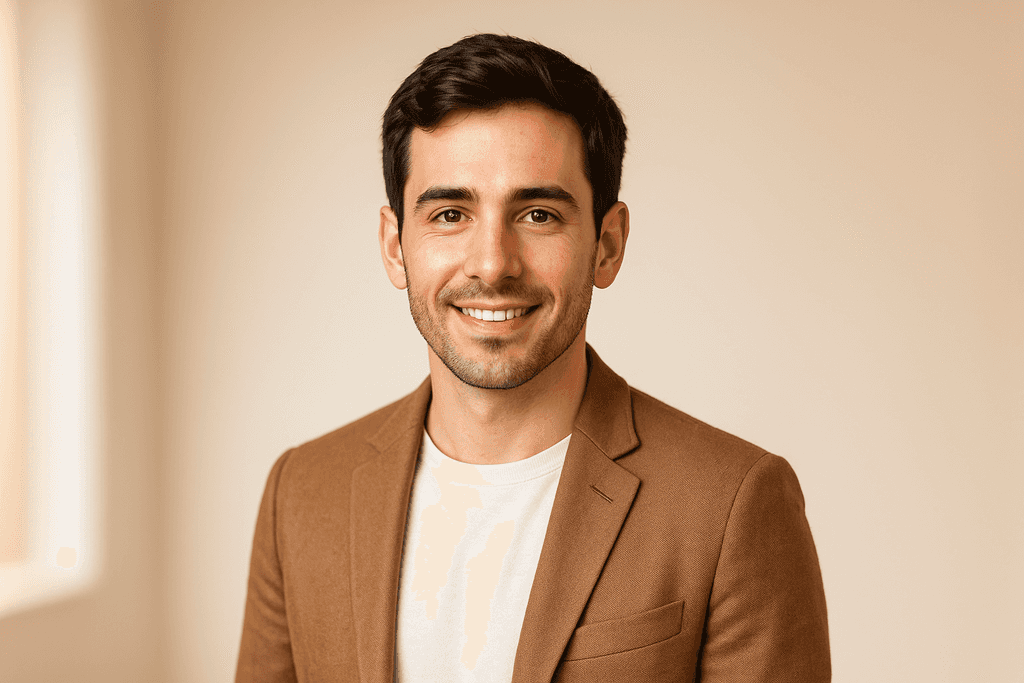
How to Upgrade Your LinkedIn Profile Photo with AI Headshots
A practical guide to getting a better LinkedIn profile photo using AI headshot generators — what to look for, how to set it up, and how to make it.
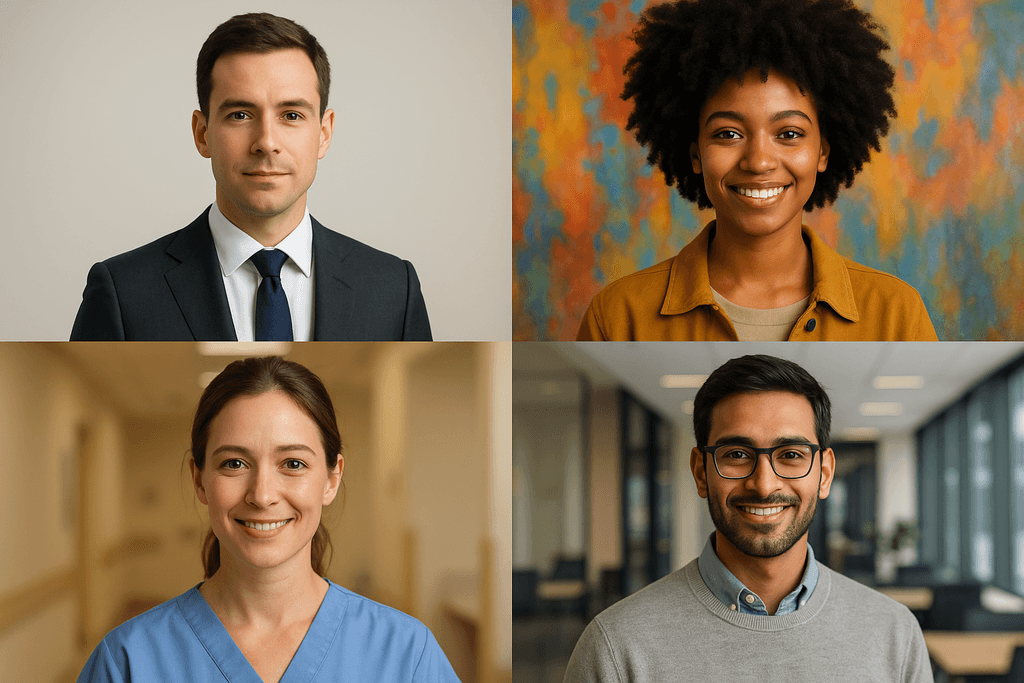
What Should Your LinkedIn Headshot Look Like? A Guide by Industry
What your LinkedIn headshot should look like based on your industry — eight worked examples plus background, attire and expression guidance for finance, law, real estate, tech, healthcare, consulting, design and writing.
Uses of AI headshot Generator for LinkedIn and Corporate Websites
Resumes with professional headshots stand out to potential employers. AI headshot generator ensures consistent quality across different applications.
5 Best AI LinkedIn Headshot Generators — Tested and Honestly Rated (2026)
We tested 5 AI headshot generators specifically for LinkedIn — circular crop, thumbnail clarity, recruiter visibility. Here's what actually works.
Save 87%on average on your professional photos.
Whenever, wherever you are.
Get studio-quality, 4K images in a variety of outfits & settings in less than an hour.
Get your headshots nowStart now
