
Complete Beginner's Guide to AI Headshots
This article is part of our Professional Headshots collection.
What Exactly Is an AI Headshot?
An AI headshot is a professional-looking portrait created by software instead of a camera. You upload a handful of regular photos of yourself -- selfies, snapshots, whatever you have -- and the software generates polished headshots that look like they were taken in a studio.
In short: you skip the photographer, the studio, and the awkward posing. The AI handles lighting, background, and retouching automatically.
There is no physical camera involved. The AI studies your uploaded photos to learn what you look like, then builds brand-new images of you in professional settings, outfits, and lighting conditions. The result is a set of headshots ready for LinkedIn, your company website, or a resume.
How Do AI Headshots Actually Work?
You do not need to understand the math to use one, but the basic idea is straightforward.
What happens when you upload your photos?
- The AI learns your face. It looks at the photos you provide and maps out your features -- the shape of your eyes, nose, jawline, skin tone, hair texture, all of it.
- It builds new images from scratch. Using what it learned, the software generates entirely new portraits. These are not filters slapped on top of your selfies. They are new images that happen to look like you.
- It places you in professional settings. The AI adds studio-quality lighting, clean backgrounds, and appropriate clothing so the final image looks like a real photo shoot.
Is it just a filter?
No. Filters modify an existing photo. AI headshot generators create a new image based on patterns learned from your uploads and from millions of professional portraits used during training. That is why the results can look dramatically better than your originals.
Think of it like this: a filter puts makeup on a photo. An AI headshot generator paints an entirely new portrait of you.

Who Uses AI Headshots?
More people than you might expect. Here are the most common use cases:
Job seekers and professionals
A strong LinkedIn photo makes a measurable difference in profile views. AI headshots give you a polished image without booking a photographer -- useful when you need something good right now, not in two weeks.
Remote workers and freelancers
If you work from home and your best photo is three years old, an AI headshot is the fastest way to update your professional image across every platform.
Companies and teams
Businesses use AI headshots to create uniform team photos for their website. Instead of coordinating a group photo shoot (especially hard with remote teams), each person uploads their own photos and gets consistent-looking results.
Anyone who hates photo shoots
Some people just do not enjoy sitting in front of a camera. AI headshots let you skip that entirely.
How Much Do AI Headshots Cost Compared to a Photographer?
This is where AI headshots really stand out.
| Traditional Photographer | AI Headshot (BetterPic) | |
|---|---|---|
| Cost | $150 -- $500+ per session | Starting at $12.99 |
| Time to get results | Days to weeks | Minutes |
| Number of final images | 3 -- 10 edited photos | Dozens of options |
| Scheduling required | Yes -- book, travel, shoot | No -- upload from your couch |
| Outfit changes | Bring them yourself | AI handles it |
A professional photographer will always have a place. But if you need a solid headshot quickly and affordably, AI gets you 90% of the way there at a fraction of the cost.
For most people updating a LinkedIn profile or company page, the difference between a $300 studio session and a $13 AI-generated headshot is hard to spot.

What Kind of Quality Should You Expect?
AI headshots have gotten surprisingly good. But setting the right expectations matters.
What AI headshots do well
- Lighting and backgrounds. Consistently clean and professional, every time.
- Natural-looking skin. Modern generators avoid the waxy, over-smoothed look of early AI tools.
- Variety. You get multiple poses, outfits, and backgrounds from a single upload session.
Where they still have limits
- Fine details. Things like jewelry, complex hairstyles, or very specific clothing can sometimes look slightly off.
- Exact likeness. The headshot will look like you, but it may not be a perfect match. Think of it as the best version of you on a great day.
- Hands and accessories. AI still struggles with these occasionally, though top generators like BetterPic have improved significantly.
The bottom line: for professional use on LinkedIn, resumes, and company websites, AI headshots from a quality generator are good enough that most people cannot tell the difference.
Are There Privacy Concerns with AI Headshots?
This is a fair question. You are uploading photos of your face to a service, so you should know what happens to them.
What to look for in a provider
- Data deletion policies. Reputable services like BetterPic delete your uploaded photos and generated images from their servers after processing. Check the provider's privacy policy before uploading.
- No training on your photos. Make sure the service does not use your personal images to train their AI model further. Your face should not end up improving their product without your explicit consent.
- Encryption. Your uploads should be encrypted in transit and at rest.
A practical perspective
The privacy risk with a well-known AI headshot service is comparable to uploading a profile photo to LinkedIn or any other platform. You are already sharing your face online. The question is whether the specific service handles your data responsibly -- and that comes down to choosing a trustworthy provider.
BetterPic takes privacy seriously: photos are processed, results are delivered, and your data is not used to train models.
How Do You Get Started with AI Headshots?
Getting your first AI headshot is simple. Here is the process with BetterPic:
Step 1: Gather your photos
You will need around 6 to 12 clear photos of yourself. Mix in different angles and expressions. Good lighting helps, but you do not need anything fancy -- phone photos work fine.
Step 2: Upload to BetterPic
Head to BetterPic and upload your photos. The platform walks you through what it needs.
Step 3: Pick your style
Choose the type of headshot you want -- corporate, creative, casual professional. BetterPic offers a wide range of backgrounds and outfit styles.
Step 4: Wait a few minutes
The AI does its work. Depending on the service and how many images you are generating, you will have results in minutes.
Step 5: Download and use
Browse your generated headshots, pick the ones you like, and download them. They are yours to use on LinkedIn, your website, email signatures, resumes -- anywhere you need a professional photo.
Where Can You Use AI Headshots?
AI headshots work anywhere a traditional headshot would:
- LinkedIn and professional networks -- the single most common use case
- Company websites -- team pages, about pages, author bios
- Resumes and cover letters -- add a personal touch to applications
- Email signatures -- a small but memorable professional detail
- Webinars and virtual events -- your profile image before and after the live video
- Social media profiles -- a polished look across platforms
FAQ
What is an AI headshot?
An AI headshot is a professional portrait generated by software. You upload casual photos of yourself, and the AI creates studio-quality headshots without a camera, photographer, or studio visit.
How do AI headshots work?
The AI analyzes your uploaded photos to learn your facial features, then generates brand-new images of you in professional settings with studio lighting, clean backgrounds, and appropriate attire. These are not filters -- they are entirely new images.
Are AI headshots worth it?
For most professionals, yes. You get dozens of polished headshots for under $15 with a service like BetterPic, compared to $150-$500+ for a single photography session. The quality is strong enough for LinkedIn, resumes, and company websites.
Can people tell if a headshot is AI-generated?
With a good generator like BetterPic, most people cannot tell. The technology has improved enough that the results look natural and professional. Occasional small details might differ from a real photo, but for standard professional use, the difference is negligible.
Are my photos safe when I use an AI headshot service?
That depends on the provider. BetterPic deletes your uploaded photos after processing, does not use them for model training, and encrypts data in transit. Always check a provider's privacy policy before uploading.
How many photos do I need to upload?
Most services, including BetterPic, ask for 6 to 12 photos. Use a mix of angles, expressions, and lighting conditions for the best results. Regular phone photos work -- you do not need professional shots as input.
Sources & References
- LinkedIn Profile Photo Tips — LinkedIn
- How Your Profile Photo Impacts Your LinkedIn Presence — LinkedIn Official Blog
- AI Image Generation Market Report — Grand View Research
- How AI Is Changing Photography — Forbes
- Professional Headshot Photography Pricing — Thumbtack
Written by
Miriam AlonsoCustomer Success Manager
Miriam manages customer relationships at BetterPic with a background in photo editing and customer success. She brings a trained eye for image quality and composition to her writing, grounded in daily interactions with professionals across industries.
- Experienced in professional photo editing and retouching
- Customer success manager overseeing enterprise accounts
- Specialist in corporate headshot brand compliance
Preferred source
Follow BetterPic on Google
Add BetterPic as a preferred source and our headshot guides are more likely to show up in your Top Stories, with a badge in AI Mode and AI Overviews.

Related professional headshots for individuals resources
Keep exploring this topic with focused resources from the B2C journey.
Primary destination:AI headshot generator
Frequently Asked Questions
What exactly is an AI business headshot?
- An AI business headshot is a digitally generated portrait created using machine learning algorithms. Unlike traditional headshots, which require a photographer and physical setup, AI headshots are generated quickly and affordably.
How reliable are AI-generated headshots?
- AI-generated headshots have become increasingly reliable and realistic due to advancements in machine learning and neural networks. They are suitable for various applications from professional settings to social media.
Where can an AI headshot be used professionally?
- AI headshots are routinely used on LinkedIn profiles, corporate websites and resumes. The condition that governs all three is that the image represents you as you currently look.
How do AI headshots compare to a photographer?
- A traditional session costs $100–300 and takes a booking, a commute and a wait for retouching. Generated sets return in about an hour from photos you already have, which is where the whole convenience gap sits.
Related articles
View all articles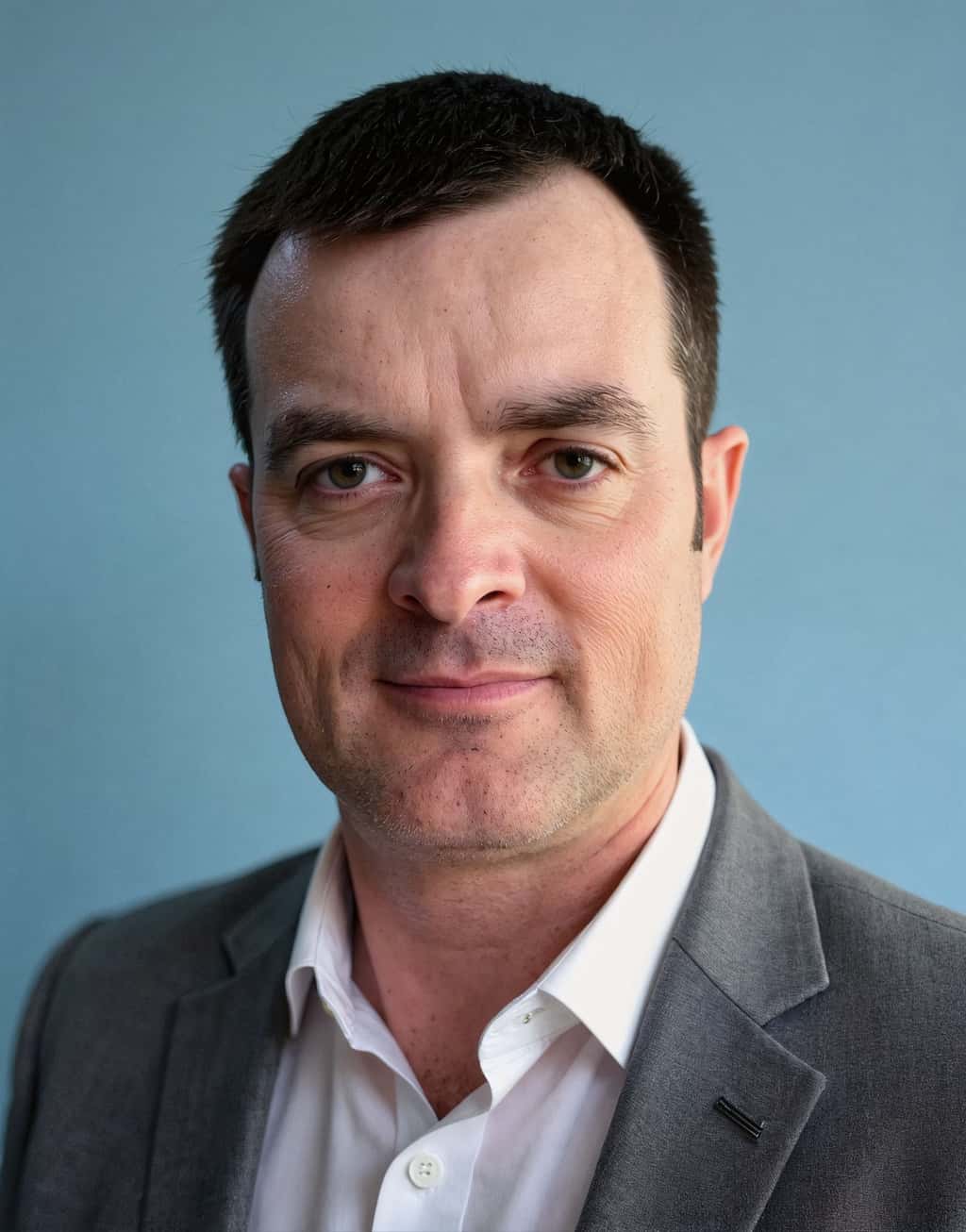
Business casual headshots: what to wear, backgrounds and examples
What business casual means in a headshot, what to wear, which colors and backgrounds work, when a suit is still the better choice, and three examples of where the line sits.
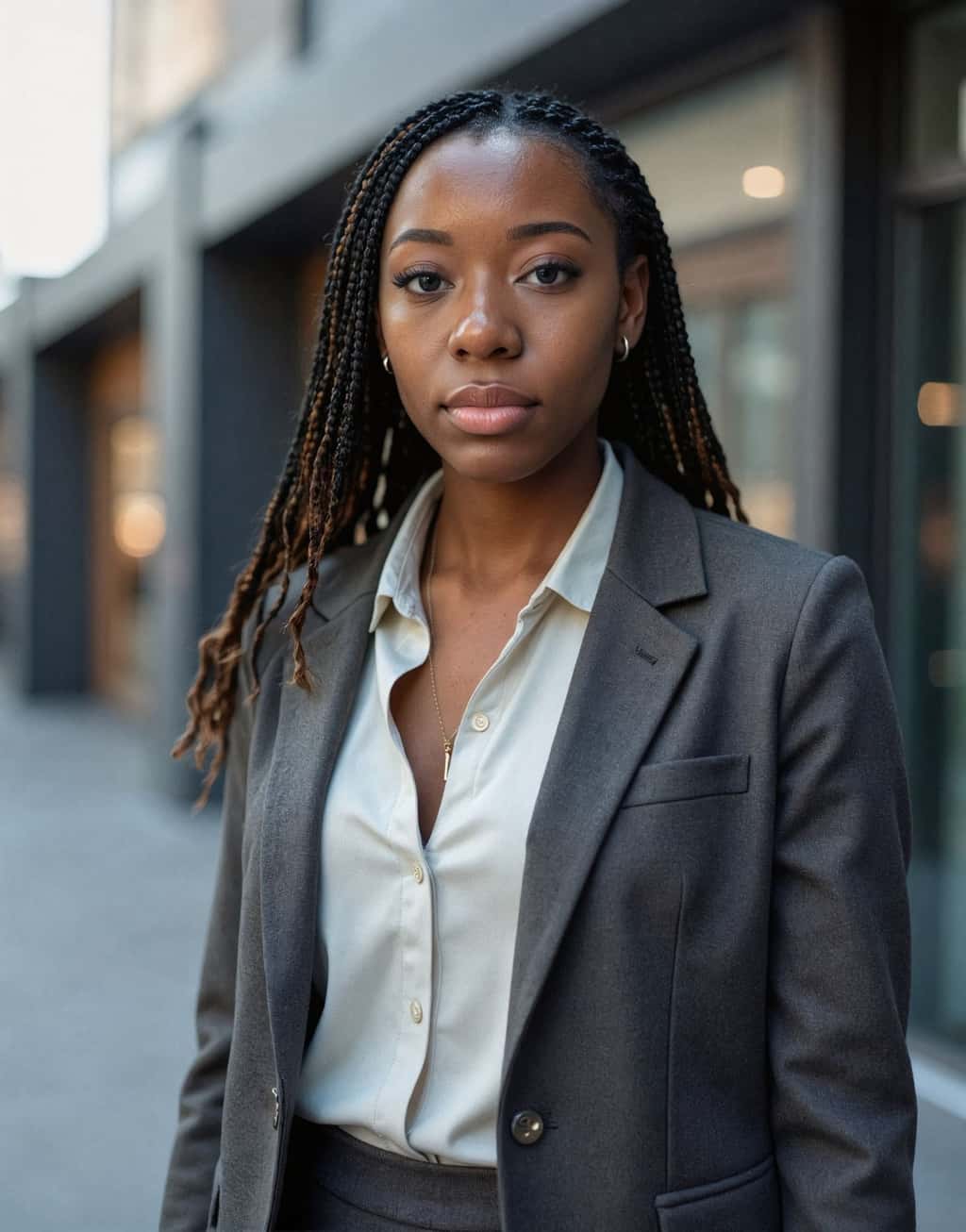
Hairstyles for headshots: how to wear your hair for a professional photo
How to wear your hair for a professional headshot: when to cut or color it, how to handle frizz and flyaways, what works for short, long, curly and braided hair, and what changes when the headshot is made with AI.
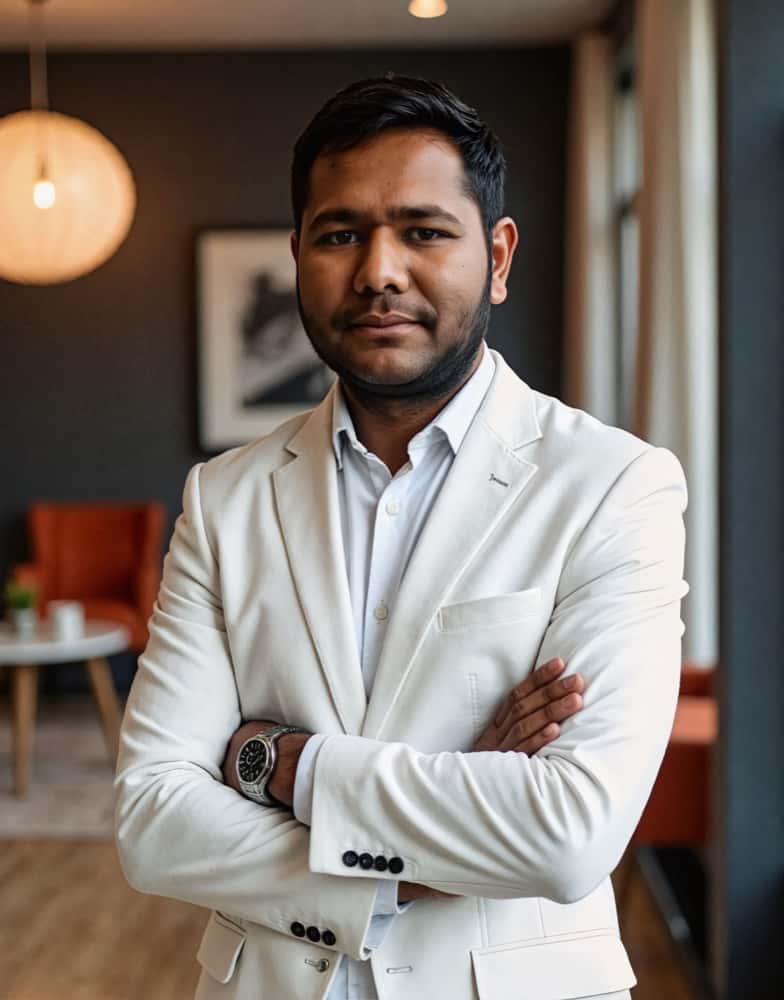
How much does a headshot cost in 2026?
What professional headshots actually cost, what drives the range, the charges that are not in the quoted price, and how to compare a session against an AI alternative.
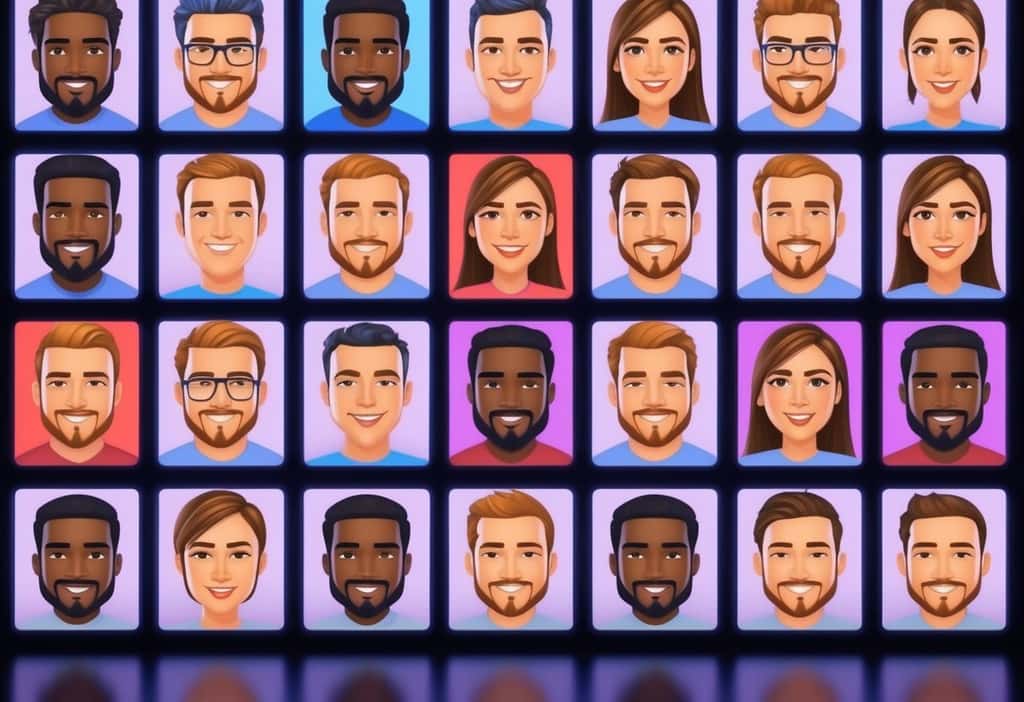
Cheap AI Headshots: What $29 Actually Gets You vs. a $400 Photographer
A no-BS breakdown of cheap AI headshots in 2026: what they cost, how they compare to studio photography, and whether the results actually work for LinkedIn.
Professional Headshots: The Complete Guide to Getting Yours Right
Everything you need to know about professional headshots: how to get them (photographer, DIY, AI, corporate), what to wear, posing tips, lighting.
How to Get a Professional Headshot for Your Career
A complete guide to getting a professional headshot for your career—compare photographers, AI headshot generators, and DIY options by cost, quality, and speed.
Save 87%on average on your professional photos.
Whenever, wherever you are.
Get studio-quality, 4K images in a variety of outfits & settings in less than an hour.
Get your headshots nowStart now
