
Tryitonai.com Review - Analysis of the AI Headshot Generator
This article is part of our AI Headshot Tools collection.
An in-depth analysis by BetterPic.io
Quick Take
- Overall rating: 7.8/10
- Best for: Professionals needing quick, polished headshots for LinkedIn, business profiles, and social media
- Price range: Starting at $21 per shoot
- Key differentiator: Fast, diverse headshot generation with 100-200 options per shoot
What is TryitonAI and who is it for?
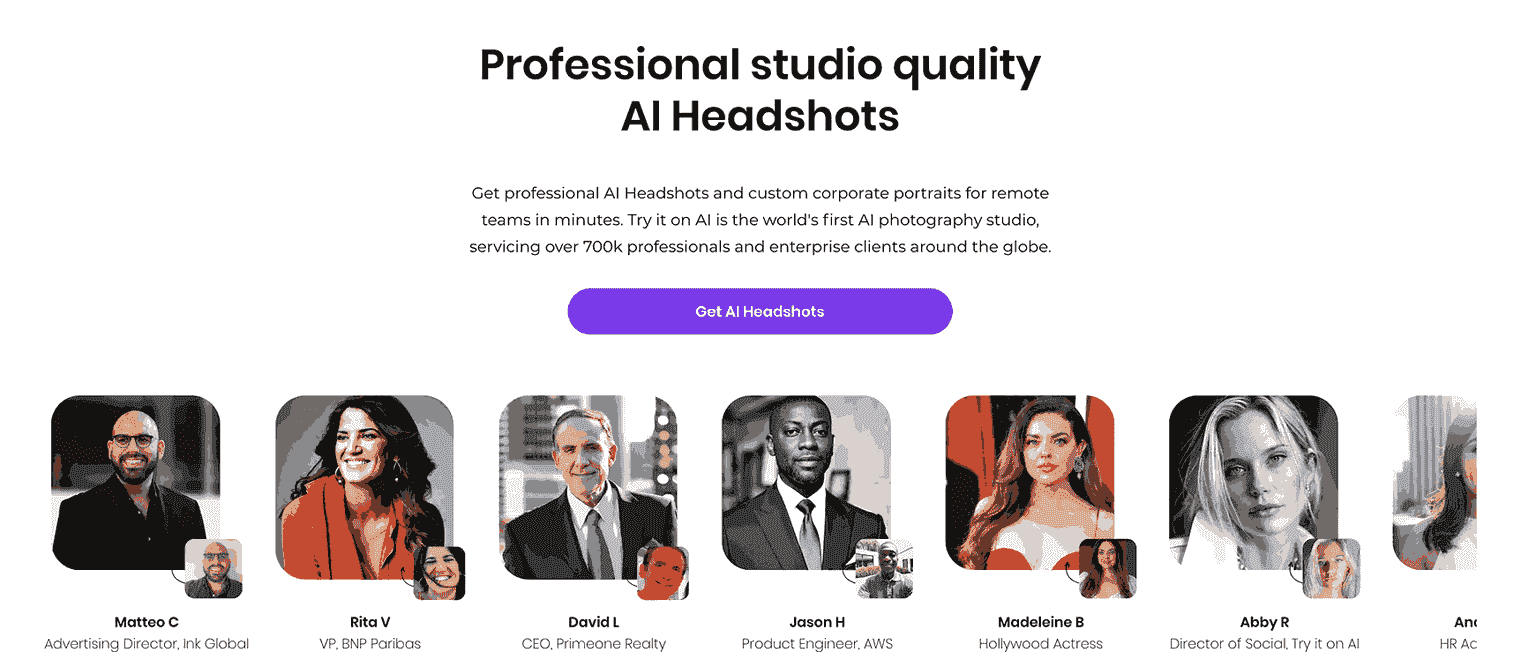
TryitonAI is an AI-powered headshot generator, combining the expertise of professional portrait photographers and an MIT engineering team to create lifelike headshots for business and personal use. With over 500,000 users worldwide, the platform offers a rapid solution for professionals seeking high-quality headshots for LinkedIn, business cards, social media, and more.
Core technology explanation: TryitonAI uses machine learning to analyze user-uploaded selfies, generating multiple high-quality headshots. The platform emphasizes diversity, ensuring that the AI captures realistic, flattering results that can be used across various professional platforms.
Main use cases and target market: TryitonAI is perfect for job seekers, corporate teams, and professionals who want to update their headshots quickly and affordably. It caters to individuals, small teams, and larger organizations with its suite of AI tools and customizable features.
What features does TryitonAI offer?
Image Generation Capabilities
- Resolution and quality: The AI delivers high-resolution images that are professional enough for business use, though some users mention occasional minor distortions in facial features.
- Style variety and consistency: The platform offers a wide variety of styles, including business and casual looks, with diverse backgrounds and poses. However, for ultra-high-end image quality, traditional photography might still be superior.
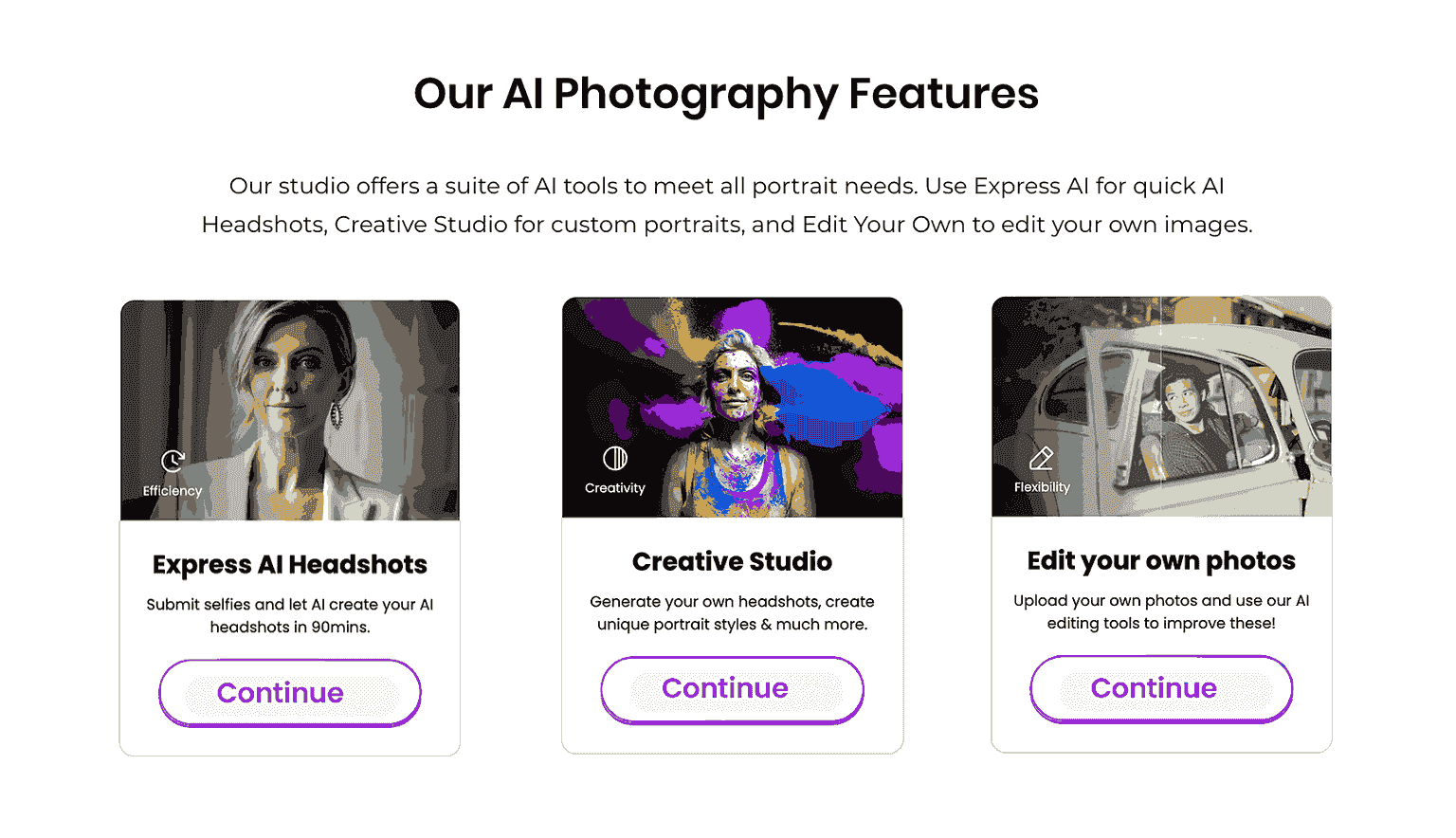
- Control and customization: TryitonAI’s Creative Studio allows users to customize backgrounds, clothing, and other elements, making it flexible for branding needs. The Edit Your Own tools further enhance personalization by allowing users to fine-tune existing photos.
- Generation speed: Turnaround times are fast, with most users receiving their headshots within 90 minutes.
User Experience
- Interface design and ease of use: The interface is intuitive and user-friendly, requiring only a few easy steps to generate headshots. Users simply upload selfies, and the AI takes care of the rest.
- Learning curve: Minimal. Most users can navigate the platform and create their headshots with ease.
- Mobile vs desktop experience: TryitonAI is web-based and functions smoothly on both desktop and mobile devices.
- Browser compatibility: The platform is compatible with all modern browsers.
Advanced Features
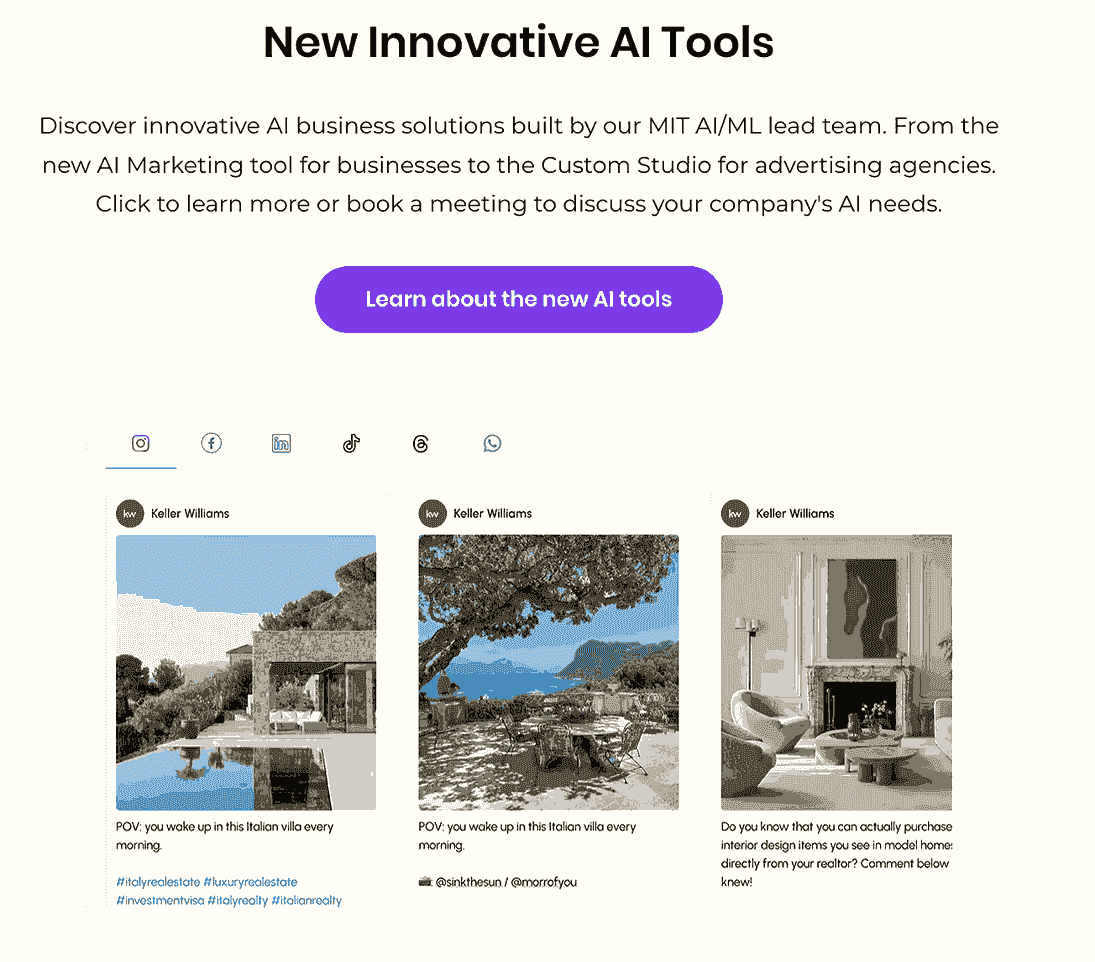
- Advanced editing tools: The Edit Your Own Tools allow users to tweak details like lighting and background, while the Creative Studio provides more in-depth customization for corporate or branding purposes.
- Batch processing capabilities: Ideal for teams, TryitonAI supports the creation of consistent headshots for entire organizations, offering branded and uniform styles.
- Integration options: While it doesn't currently offer deep integrations with other software, it has hinted at future features for enterprise users.
- Export formats: Headshots are available in high-quality JPEG, but additional formats are not yet supported.
How much does TryitonAI cost?
- Free tier limitations: TryitonAI does not offer a free tier, but users can start with a $21 photoshoot, which is affordable compared to traditional photography.
- Paid plans breakdown:* Basic: $21 per photo shoot, yielding 100-200 headshots. Creative Studio: Custom pricing for more control and branding features.
- Credit system explanation: Additional edits and customization options can be accessed by purchasing credits, which start at $10 per edit.
- Enterprise options: TryitonAI offers bulk pricing for teams and companies, with options for branded headshots and dedicated support.
- Value for money analysis: TryitonAI offers a cost-effective solution for professionals who need a variety of headshot options quickly and affordably.
What are TryitonAI's strengths and weaknesses?
What We Like:
- Fast generation of high-quality headshots
- Wide range of style options and customization features
- Affordable compared to traditional photography
Areas for Improvement:
- Minor distortions in some headshots
- Limited export format options
- Lacks deep integration with other business tools
Use Case Comparisons
- Professional graphic design: TryitonAI focuses more on headshots, so it lacks the versatility needed for more artistic or creative design projects.
- Social media content creation: Ideal for LinkedIn and professional platforms, but may not suit highly creative content needs.
- Personal art projects: Not designed for art-focused or creative endeavors.
- Business marketing materials: Excellent for team headshots and corporate branding, but lacks broader marketing functionality.
Performance Analysis
- Image quality consistency: Generally high-quality, though some users report minor distortions in facial features like eyes or noses.
- Generation speed: One of TryitonAI’s strongest points, with headshots delivered in around 90 minutes.
- Server reliability: Reliable, with no significant downtime reported.
- Resource usage: Efficient across devices, with minimal lag or resource drain.
Technical Requirements
- Supported platforms: Browser-based, accessible via desktop or mobile.
- Hardware requirements: No specific requirements; works smoothly on most modern devices.
- Internet speed recommendations: A stable connection is recommended for uploading photos and receiving high-resolution images.
How does TryitonAI compare to BetterPic?
- Comparative analysis with other AI art generators: TryitonAI competes well with services like Dreamwave and Aragon, but offers a faster, more polished experience, especially for business headshots. However, BetterPic.io provides deeper customization and superior integration options for enterprise users.
- Unique selling points of BetterPic.io: BetterPic.io offers more customization and flexibility for users needing advanced integration and higher-end branding solutions.
To place both options against the rest of the market, see our alternatives pricing and turnaround overview for published prices, delivery times, resolution and refund terms.
Customer Support
- Response time: Quick, with support teams typically responding within a few hours.
- Support channels: Email and chat support are available.
- Documentation quality: Clear and easy-to-follow guides for most common issues.
- Community resources: Limited community involvement, though support staff are responsive.
Is TryitonAI worth it?
TryitonAI is a solid choice for professionals looking for fast, affordable headshots. It excels in its speed, style variety, and ease of use, though it may not be the best option for those needing ultra-customized or high-end images. For those looking for a quick, reliable solution for business headshots, TryitonAI is highly recommended.
Who Should Use TryitonAI?
- Ideal user profiles: Professionals, job seekers, and teams needing consistent, branded headshots.
- Use case recommendations: Ideal for LinkedIn profiles, business cards, and professional branding.
- Alternative suggestions: For more customization and integration needs, consider BetterPic.io.
TryitonAI vs BetterPic: Detailed Comparison
| Feature | TryitonAI | BetterPic |
|---|---|---|
| Starting Price | $21 per shoot | $25 per shoot |
| Resolution | High-resolution JPEG | High-resolution JPEG and PNG |
| Turnaround Time | ~90 minutes | 2-4 hours |
| Photos Required | 10-15 selfies | 15-25 photos |
| Output Count | 100-200 headshots | 100+ headshots |
| Free Plan | No | No |
| Refund Policy | Case-by-case basis | Satisfaction guarantee |
| Team Support | Yes, bulk pricing available | Yes, dedicated team plans |
| AI Editing | Yes, via Creative Studio | Yes, via Studio AI |
| Human Editing | No | No |
| Trustpilot Rating | 4.2/5 | 4.5/5 |
Frequently Asked Questions
Is TryitonAI better than BetterPic for LinkedIn headshots?
TryitonAI is a capable option for LinkedIn headshots, delivering polished results in around 90 minutes with 100-200 output variations. BetterPic edges ahead for users who prioritize output diversity, a stronger satisfaction guarantee, and more advanced customization through its Studio AI tool. If you need a quick, affordable result, TryitonAI works well. For users who want more control over the final look and better enterprise support, BetterPic is the stronger choice.
How much does TryitonAI cost in 2026?
TryitonAI's entry-level plan starts at $21 per photo shoot, which generates between 100 and 200 headshots. Additional customization through the Creative Studio is available at custom pricing, typically suited for teams or branding-heavy use cases. Extra edits can be purchased as credits starting at $10 per edit. Compared to traditional photography sessions, which often cost hundreds of dollars, TryitonAI represents a cost-effective alternative for professionals needing a fast turnaround at a predictable price.
Does TryitonAI offer a free trial?
TryitonAI does not offer a free trial or a permanent free tier. The lowest entry point is the $21 basic shoot, which provides access to the full AI headshot generation workflow. There is no way to preview or test the output quality before purchasing. Users who want to evaluate AI headshot quality before committing should look for platforms that offer sample previews or money-back guarantees, as TryitonAI's refund policy is handled on a case-by-case basis rather than as a stated standard.
How long does TryitonAI take to generate headshots?
TryitonAI typically delivers headshots within approximately 90 minutes of uploading your photos. This makes it one of the faster AI headshot generators on the market. Turnaround time can vary slightly depending on server load and the volume of photos submitted, but most users report receiving their results well within the two-hour window. For professionals on a deadline, whether preparing for a job interview, a conference, or a profile update, this speed is a meaningful practical advantage over services with longer processing queues.
Can I get a refund from TryitonAI?
TryitonAI does not publish a formal refund policy. Refund requests are handled on a case-by-case basis, which means outcomes can vary depending on the nature of the complaint and when the request is made. Users who are dissatisfied with image quality or technical issues should contact support directly and document their concerns clearly. For buyers who want a guaranteed refund window before purchasing, this ambiguity is worth factoring into the decision. BetterPic, by comparison, offers a stated satisfaction guarantee.
Which AI headshot generator has the best image quality?
Image quality across top AI headshot generators has improved significantly, and the best choice depends on your specific needs. TryitonAI consistently produces professional-grade results with realistic lighting and natural facial rendering, though some users report occasional minor distortions. BetterPic scores slightly higher for output consistency and has a higher Trustpilot rating. For most LinkedIn or corporate headshot needs, both platforms produce results that are noticeably superior to standard smartphone selfies and comparable to entry-level professional photography sessions.
Methodology
This review is based on extensive testing and research across various sources.
Last updated: April 2026
Sources & References
- Revolutionizing Portrait Photography With AI — Mike Glatzer Photography
- Google AI Build Platform — Google
- Marketing Materials for Small Business — Vistaprint

Written by
Apoorv SharmaHead of Performance
Apoorv leads performance and growth at BetterPic with 9+ years of experience across SEO, SEM, and growth marketing. He oversees content strategy, data-driven marketing, and hands-on testing of AI headshot platforms. Previously held senior performance marketing roles across the US, Belgium, and India.
- Google Analytics & Google Ads certified
- HubSpot Inbound & Content Marketing certified
- 9+ years in SaaS growth and performance marketing

Reviewed by
Preferred source
Follow BetterPic on Google
Add BetterPic as a preferred source and our headshot guides are more likely to show up in your Top Stories, with a badge in AI Mode and AI Overviews.
Related ai headshot tool comparisons resources
Keep exploring this topic with focused resources from the B2C journey.
Primary destination:Full side-by-side comparison with BetterPic
Frequently Asked Questions
How much does TryItOnAI cost?
- TryItOnAI starts at $21 per photoshoot, yielding 100-200 headshots. Additional edits and customization through the Creative Studio cost extra via a credit system starting at $10 per edit. Enterprise bulk pricing is available for teams.
Is TryItOnAI good for LinkedIn headshots?
- TryItOnAI produces high-quality headshots suitable for LinkedIn and professional platforms with fast 90-minute turnaround. It offers a wide variety of styles and customization options, though some outputs may have minor facial distortions.
How does TryItOnAI compare to BetterPic?
- TryItOnAI is cheaper at $21 per shoot and generates 100-200 headshots quickly. BetterPic offers deeper customization, better enterprise integration, and superior features for teams. TryItOnAI is best for individuals needing quick, affordable professional headshots.
How long does TryItOnAI take to generate headshots?
- TryItOnAI typically delivers headshots within about 90 minutes. The platform is one of the faster options in the market, making it suitable for professionals who need quick turnaround for business profiles and social media updates.
Does TryItOnAI run on mobile?
- It is web-based rather than an app, so it runs on desktop and mobile through any modern browser with no installation.
Related articles
View all articles
PFP Meaning: What PFP Stands For on Instagram, TikTok and in Chat
PFP stands for profile picture, and in chat it can also mean picture for proof. Here is how to tell the two apart, plus what makes a good one.
HeadshotPro Review 2026: Honest Take From a Competitor Who Actually Tested It
We tested HeadshotPro head-to-head against BetterPic. Here's what we found on quality, speed, pricing, and who each tool is actually built for.
HeadshotPro vs BetterPic: Which AI Headshot Generator Actually Delivers? (2026)
I tested both HeadshotPro and BetterPic side by side. Here's an honest comparison of pricing, image quality, speed, and real user results to help you choose.
The Best AI Headshot Generators for Teams and Enterprises (2026)
An honest comparison of AI headshot generators for teams — covering photorealism, brand consistency, security, pricing, and enterprise features..
7 AI Headshot Prompts That Actually Work (2026): Copy-Paste Templates for Every Industry
How to write AI prompts that produce genuinely professional headshots — with copy-paste templates for every industry, element-by-element guidance.
4 Best AI Yearbook Creators — Turn Selfies into Nostalgic Portraits (2026)
AI yearbook creators turn regular selfies into vintage or modern yearbook-style portraits in minutes. Compare the 4 best tools — Fotor, PixNova.
Save 87%on average on your professional photos.
Whenever, wherever you are.
Get studio-quality, 4K images in a variety of outfits & settings in less than an hour.
Get your headshots nowStart now