
Top 5 AI Headshot Generators in 2026
This article is part of our AI Headshot Tools collection.
Introduction to Top AI Headshot Creation Services
In the era of digital identities, presenting yourself professionally online can make a significant difference. For instance, a LinkedIn profile with a professional portrait is 14 times more likely to be noticed, becoming a valuable asset in digital networking. This is where AI-powered headshot services come into play, offering a blend of speed, affordability, and quality that traditional photography struggles to match.
Understanding AI-Generated Headshots
AI-generated headshots are digital portraits crafted using advanced AI algorithms that mimic the skills of a professional photographer. These tools analyze various sample images to produce realistic and appealing headshots. Particularly useful for professionals like real estate agents or consultants, AI headshots provide a quick and cost-effective solution for anyone needing to enhance their online presence.
Benefits of AI-Generated Headshots
- Affordability: Far cheaper than a professional photo session.
- Efficiency: Create a headshot in just a few hours.
- Convenience: Utilize existing photos without the need for a studio.
Mechanics of AI Headshot Creation
To begin, you typically provide 6-15 different photos of yourself. The AI analyzes these to construct a digital model of your face, then generates numerous headshot options. These images often include enhanced features and professional backdrops, with some services even offering AI or human editing tools to perfect the photos.
Selecting the Right AI Headshot Service
Key considerations include:
- Image Quality: Will the output meet professional standards?
- Cost: How expensive will this be?
- Refund Options: Can you get your money back if unsatisfied?
- Processing Time: How quick is the turnaround?
Top 5 AI Headshot Generators in 2026
🥇 BetterPic
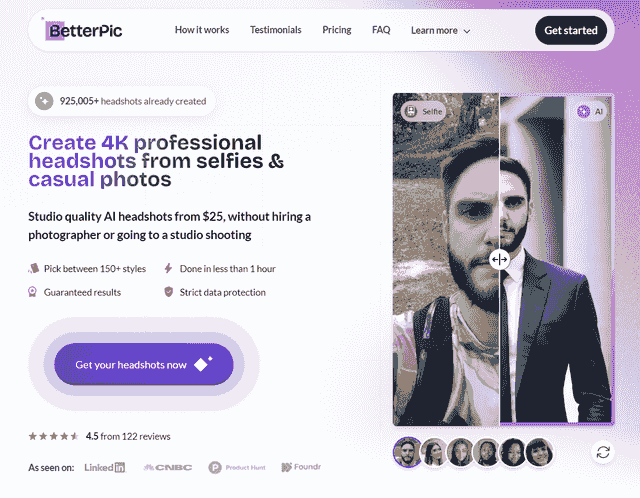
BetterPic leads with its ultra-fast delivery of 4K resolution headshots, ideal for professionals needing quick, high-quality images.
Pros:
- High-resolution images
- Unique AI feedback system
- Satisfaction guaranteed
Cons:
- No transparent pricing for teams
Best For:
Rapid, top-quality headshots for professionals.
Pricing:
Starts at $35.
🥈 HeadshotPro
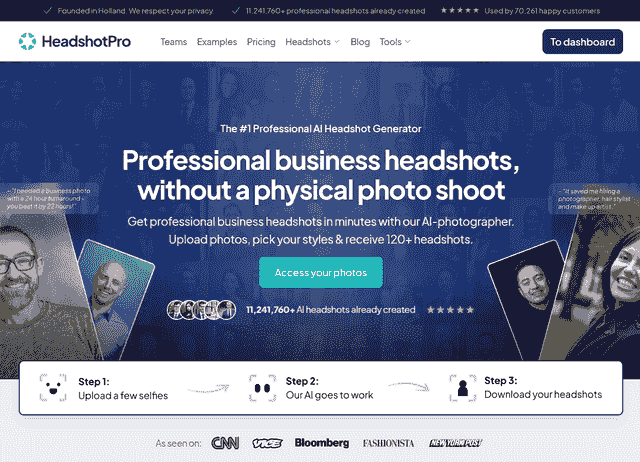
HeadshotPro offers a diverse array of styles and backgrounds, perfect for creating a versatile professional portfolio.
Pros:
- Wide selection of styles
- Strong privacy measures
Cons:
- Longer processing time
Best For:
Professionals requiring a range of headshot options.
Pricing:
Starts at $29.
🥉 Aragon
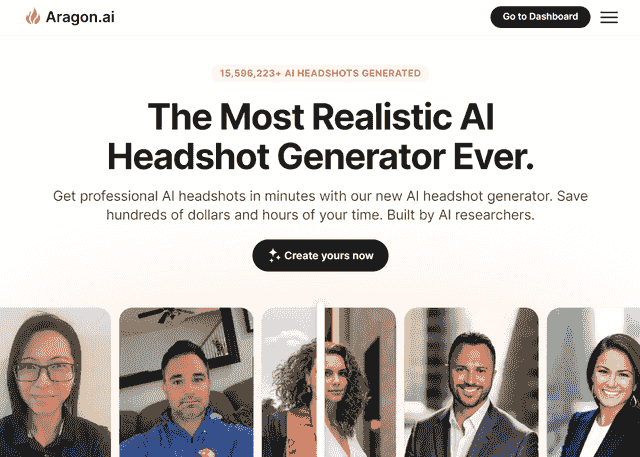
Aragon excels in creating personalized, vivid portraits from a minimal number of photos.
Pros:
- Strong customization capabilities
- Robust refund policy
Cons:
- Occasional inaccuracies in results
Best For:
Individuals seeking a personalized digital representation.
Pricing:
Starts at $29.
ProPhotos
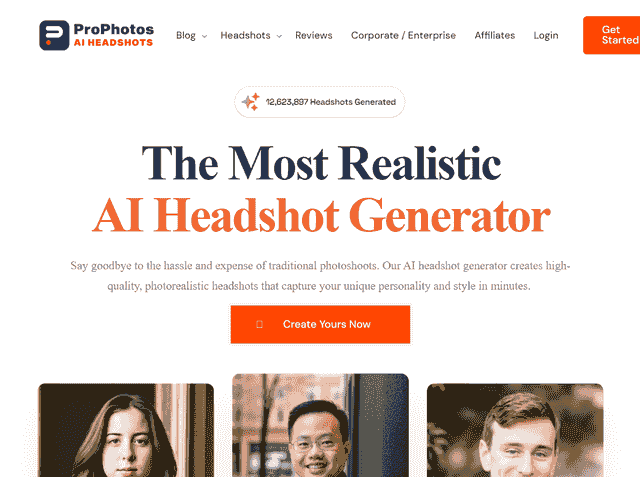
ProPhotos is ideal for businesses needing consistent, brand-aligned headshots for their team members.
Pros:
- Quick, varied shot delivery
- Ensures team-wide consistency
Cons:
- Limited individual customization
Best For:
Organizations aiming for a cohesive brand image.
Pricing:
Competitively starts at $25.
DreamWave
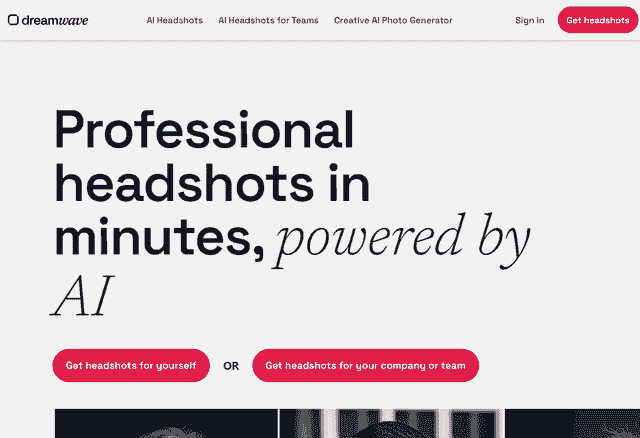
DreamWave targets those who prioritize ultra-realistic details in their professional headshots.
Pros:
- High fidelity in headshots
- Unlimited customization
Cons:
- Higher cost
Best For:
Individuals valuing precision and detail.
Pricing:
Begins at $35+.
Comparative Insights
| 🥇 BetterPic | 🥈 HeadshotPro | 🥉 Aragon | ProPhotos | DreamWave | |
|---|---|---|---|---|---|
| Pricing 🏷️ | From $35 | From $29 | From $35 | From $39 | From $35 |
| Quality 📷 | 4K | High Quality | High Quality | High Quality | High Quality |
| Turnaround time ⏱️ | <1h | 2h | <1h | 30-90m | <1h |
| Customization 👔 | High | High | Low | Moderate | Moderate |
| Refund Policy 📝 | ✅ | ✅ | ✅ | ❌ | ❌ |
This comparative overview helps you understand the various features and benefits of each service, ensuring you make an informed choice.
Why BetterPic is the Preferred Choice
BetterPic not only excels in affordability and rapid service but also stands out for its comprehensive style options and robust data security, making it a top pick for professionals on a tight schedule.
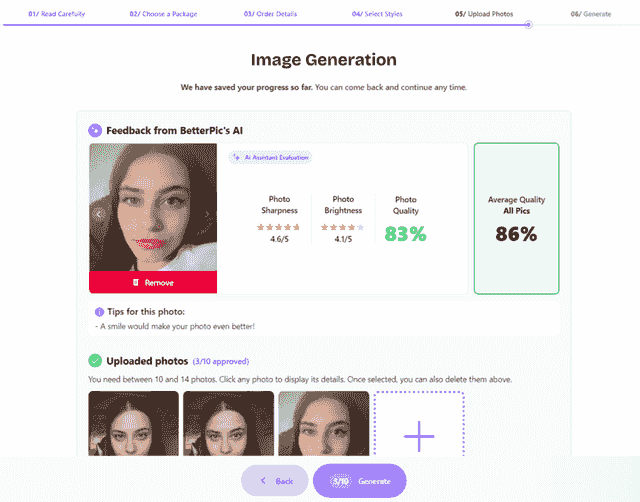
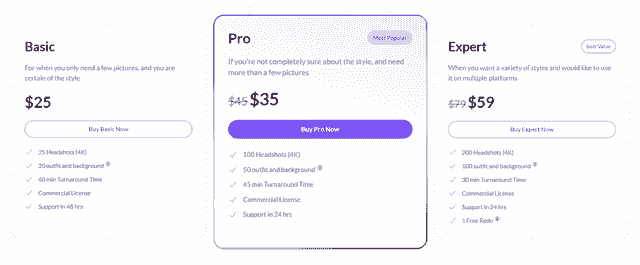
While other services offer significant advantages, BetterPic’s combination of speed, quality, and price makes it the best choice for most professionals.
How to Choose the Right AI Headshot Generator
With several strong options available, the right choice depends on your specific situation. Working through a few key factors before purchasing will save you time and money.
Resolution needs. If you plan to use your headshot on large-format print materials, conference banners, or high-density displays, prioritize services that deliver 4K output. For standard digital use — LinkedIn, company directories, email signatures — high-quality output from any reputable service will be sufficient.
Turnaround time. Some platforms deliver results in under an hour while others take two hours or more. If you need headshots for a presentation, job application, or pitch deck on a tight deadline, turnaround time should be one of your first filters. Services like BetterPic and Aragon consistently deliver in under an hour.
Budget. Pricing across the top services ranges from roughly $25 to $50 for an individual session. Consider what you get at each price point — number of final images, style options, and resolution. A slightly higher price that includes a satisfaction guarantee is usually better value than a cheaper service with no refund policy.
Team vs. individual use. If you need headshots for an entire organization, look for services with team plans or bulk pricing. ProPhotos is built specifically for this use case and ensures a consistent visual style across all team members. Individual-focused services can still work for teams but may cost more per person.
Style variety. The number of available backgrounds, attire styles, and lighting setups varies considerably between platforms. If your role requires headshots in multiple contexts — corporate, casual, creative — choose a service that offers broad customization so you can use a single session for several different looks.
Refund policy. AI-generated results are not always perfect on the first attempt. A clear money-back or re-generation guarantee protects your investment. Before purchasing, check whether the service offers a refund if results are unsatisfactory, and read the conditions carefully — some refund policies are limited to specific circumstances.
What to Expect from Your First AI Headshot Session
Understanding the process before you start helps you upload better source photos and get stronger results. The steps below apply broadly across the services reviewed in this article.
How many photos to upload. Most services ask for between 6 and 20 source photos. More is generally better — a wider variety of images gives the AI more data to work with and reduces the chance of artifacts or inconsistencies in the output. Aim for at least 10 photos if you want reliable results.
What kind of photos work best. Upload photos taken in good natural or indoor lighting where your face is clearly visible. Vary the angles slightly — a mix of straight-on and slight side-angle shots works well. Avoid heavily filtered photos, group shots where you need to be cropped out, sunglasses, hats, or images where your face is partially obscured. Recent photos that reflect your current appearance will produce the most accurate likeness.
Typical turnaround. After uploading your photos, processing time ranges from 30 minutes to two hours depending on the service. You will usually receive an email notification when your headshots are ready. There is nothing to do during this time — the model trains and generates results automatically.
How to review results. When your headshots are delivered, review them at full resolution before downloading. Check for common AI artifacts: asymmetrical features, unnatural skin texture, odd background edges, or accessories that look distorted. Most services deliver a gallery of dozens of images, so you will have plenty to choose from even if some outputs are not usable.
When to request re-generation. If the majority of your results look inaccurate or low quality, most reputable services offer a re-generation or a refund. Before requesting one, re-check your source photos — poor input quality is the most common cause of poor output. If your source photos meet the guidelines and results are still unsatisfactory, contact support and request a new generation or invoke the refund policy.
Frequently Asked Questions
How many photos do I need to upload?
Most AI headshot services require between 6 and 20 source photos. Uploading closer to 15-20 photos generally produces better results because the AI has more reference data to work with. Make sure your photos vary in angle and background while keeping your face well-lit and clearly visible in each shot.
Are AI headshots good enough for LinkedIn?
Yes. AI-generated headshots from reputable services are consistently good enough for LinkedIn and other professional networks. Services delivering 4K resolution produce images that are indistinguishable from studio photography at typical profile photo display sizes. Many recruiters and hiring managers cannot tell the difference between AI and traditional headshots.
Can I use AI headshots for my company website?
Yes, AI headshots are widely used on company team pages, about sections, and directories. They are especially practical for businesses that need consistent, professionally styled images across a large team without coordinating a studio shoot. Check the terms of service for your chosen platform to confirm commercial use is permitted — most reputable services explicitly allow it.
How long do AI headshots take to generate?
Turnaround times vary by platform. BetterPic and Aragon typically deliver results in under an hour. HeadshotPro averages around two hours. ProPhotos falls in the 30-to-90-minute range. Processing time depends on server load and the complexity of the styles requested, so times can occasionally run longer than the advertised average.
Do AI headshot generators store my photos?
Data handling policies differ between providers. Most reputable services store your uploaded photos temporarily during processing and then delete them within a defined retention window — commonly 30 to 90 days. Review the privacy policy of any service before uploading, particularly if you have concerns about biometric data or operate under regulations like GDPR. BetterPic provides explicit data security commitments on its platform.
Are AI-generated headshots detectable?
Detection tools for AI-generated images exist but are not reliable at identifying high-quality headshots from leading services. The quality of current AI headshot generators has advanced to the point where the output closely resembles professional photography. That said, there is no guarantee any image will pass all detection tools, and best practice is to be transparent about AI use when relevant to your context.
Recommended articles:
Sources & References
- LinkedIn Profile Photo Tips — LinkedIn
- How Your Profile Photo Impacts Your LinkedIn Presence — LinkedIn Official Blog
- AI Image Generation Market Report — Grand View Research
- How AI Is Changing Photography — Forbes
- Professional Headshot Photography Pricing — Thumbtack
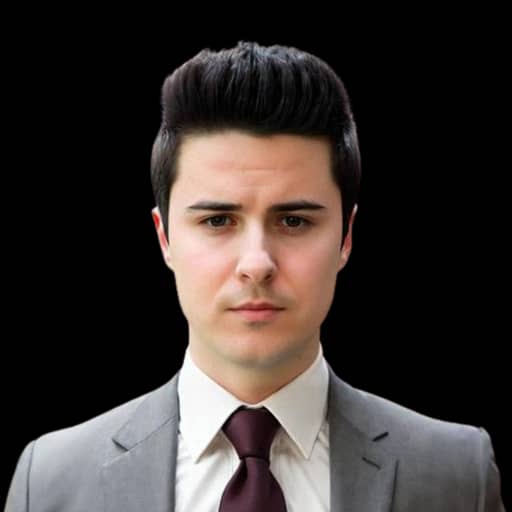
Written by
Miguel RaseroCTO & Co-Founder
Miguel is the technical architect behind BetterPic, with 10+ years building end-to-end software solutions. A Google-certified Professional Data Engineer with postgraduate business training, he writes about AI photography technology and platform architecture from hands-on engineering experience.
- CTO & Co-Founder of BetterPic
- Google Professional Data Engineer certified
- 10+ years in full-stack engineering; founded Lutorlandia (2M+ players)
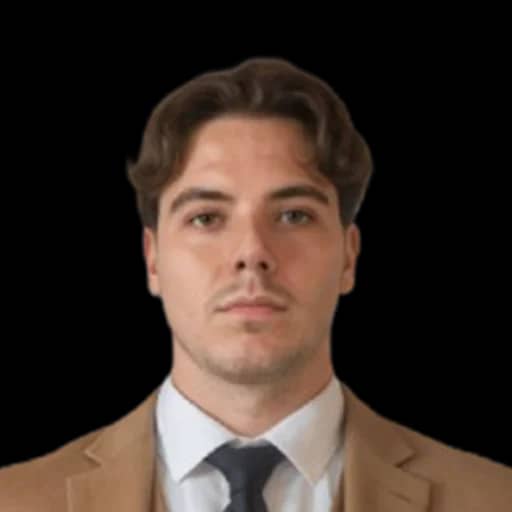
Reviewed by
Related professional headshots for individuals resources
Keep exploring this topic with focused resources from the B2C journey.
Primary destination:BetterPic homepage
Frequently Asked Questions
How to do AI headshots?
- Creating AI headshots is easy! Choose a service like BetterPic, Aragon, or HeadshotPro. Upload a clear, well-lit photo, select your preferred style, and let the AI generate your headshot. Download the result and you're ready to go!
How to get AI headshots?
- You can get AI headshots by visiting some of the mentioned AI headshot generator websites. Upload a few pictures of yourself, customize the style to your liking, and receive a pack of headshots in 1-2 hours depending on each provider. You can then use your new headshot on LinkedIn, resumes, or social media profiles, however you like! Some of these companies allow you to fully own your results so you can use them in your marketing materials, websites, ... for example BetterPic offer you a free commercial license.
How to make AI headshots?
- Making AI headshots is a simple process with tools like BetterPic, Aragon, or HeadshotPro. Upload 10 selfies of yourself, specify your desired style and preferences, and let the AI work its magic! Download the final image and use it for all your professional needs.
Are there free AI headshots available?
- Yes, you can find free AI headshots! Some of these generators offer you additional AI Free Tools to generate custom avatars to your liking, only by uploading a 1-5 photos. Keep in mind that free versions might have some limitations in terms of quality or customization options.
How to create AI headshots for LinkedIn?
- To create the perfect AI headshot for LinkedIn, use AI tools like BetterPic, Aragon, or HeadshotPro. Upload some photos from your gallery or take them on the spot, select a style that aligns with LinkedIn's professional standards, generate the headshots, and download them. Now you're ready to update your LinkedIn profile with a stunning new headshot! And from the comfort of your house, or without even leaving the office.
Save 87%on average on your professional photos.
Whenever, wherever you are.
Get studio-quality, 4K images in a variety of outfits & settings in less than an hour.
Get your headshots nowStart now
