
6 Best Photo for Business Card Generators HONESTLY RATED
This article is part of our AI Headshot Tools collection.
Looking for the perfect photo to make your business card shine? Whether you’re sharing it at a networking event or tucking it into a welcome package, a well-chosen picture can set you apart in a big way. In this post, we’ll explore six top-notch tools that help you create eye-catching photos tailored specifically for business cards. Each tool brings something different to the table—some rely on simple, user-friendly features, while others tap into advanced technology for a truly polished finish. Ready to find your new favorite photo generator? Let’s get started!
Here’s the rundown on the top contenders:
1. BetterPic.io
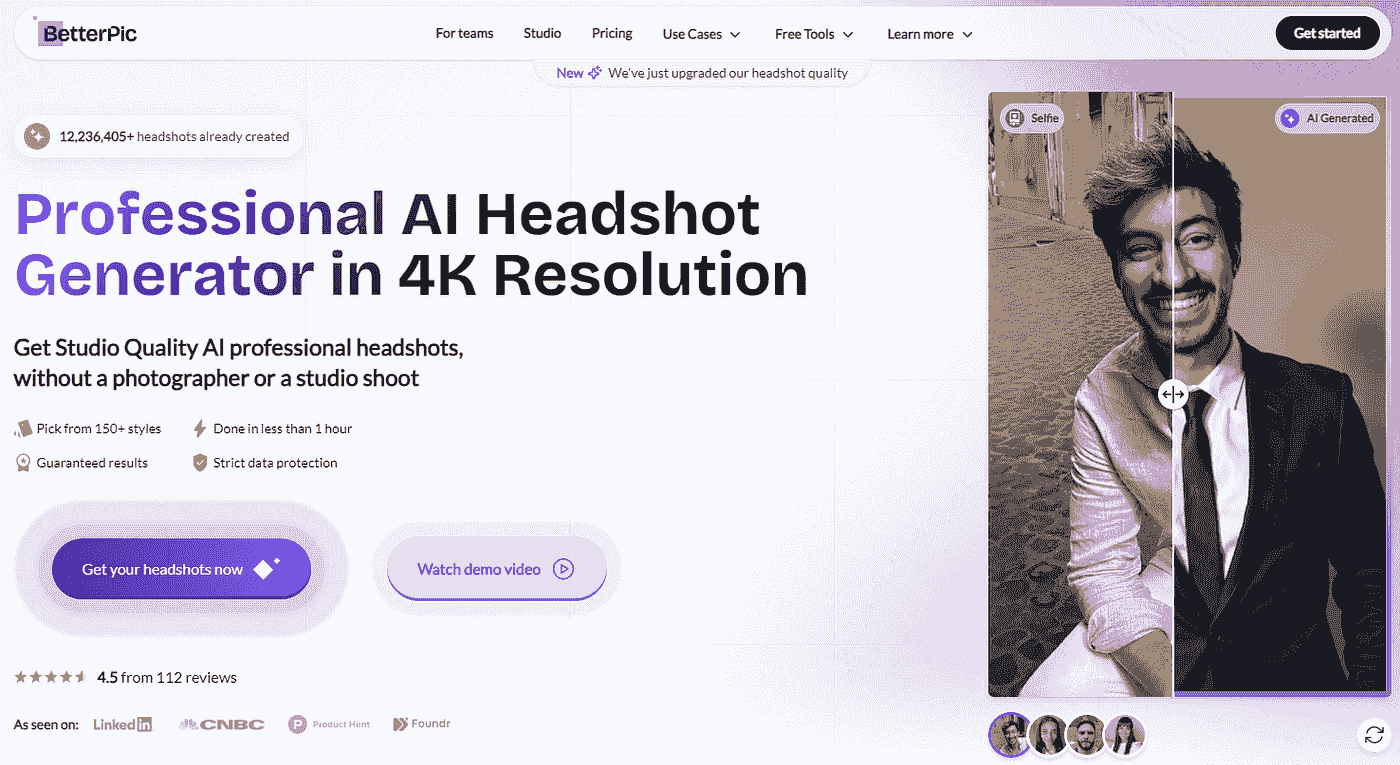
Pricing: Starts at $35 for 20 headshots (other packages available)
Features
- Corporate Focus: Tailored for professional, corporate headshots.
- High-Resolution: Produces high-quality 4K professionally retouched images.
- Secure Data Handling: Ensures user data is handled securely.
Pros
- Professional Quality: High-quality outputs suitable for business use.
- Customer Support: Excellent support and service.
- Secure: Focus on data privacy and security.
Cons
- Higher Price Point: Slightly more expensive than some competitors.
Why Choose BetterPic.io
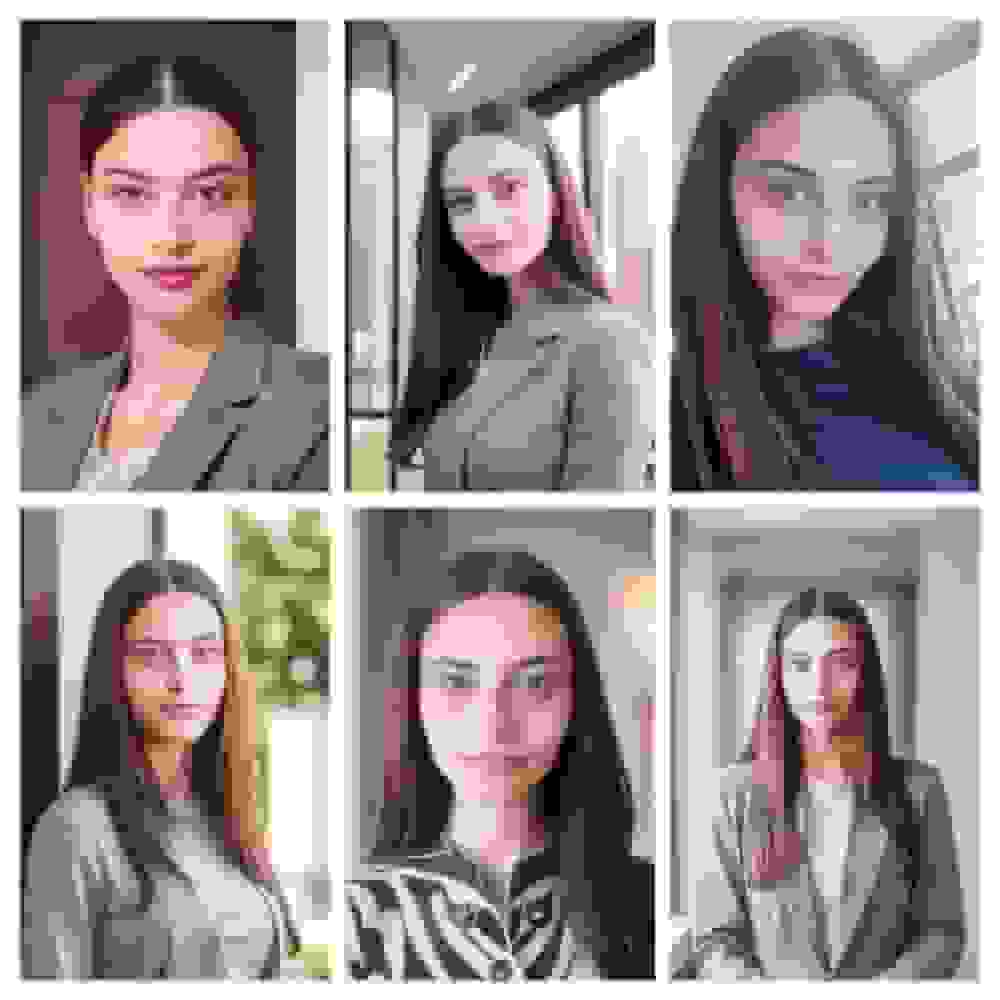
Forget expensive, complicated photoshoots. Get your AI professional headshot on the go, with 6 selfies/casual photos in less than an hour. High-quality customer service, top data privacy, and a clear money-back guarantee policy.
This AI headshot generator offer a range of features and pricing options to suit different needs, from budget-friendly choices to high-quality, professional-grade solutions. Also, this is our product. Simply provide 6-9 casual photos and choose your desired outfits and backgrounds.
BetterPic's advanced AI, run by designers, marketers, and developers, ensures the best image quality, customer service, data privacy, and a clear money-back guarantee.
Check out some of the results >
Disclaimer: This is our product and is actually superior to the one's in the market today.
2. Aragon AI
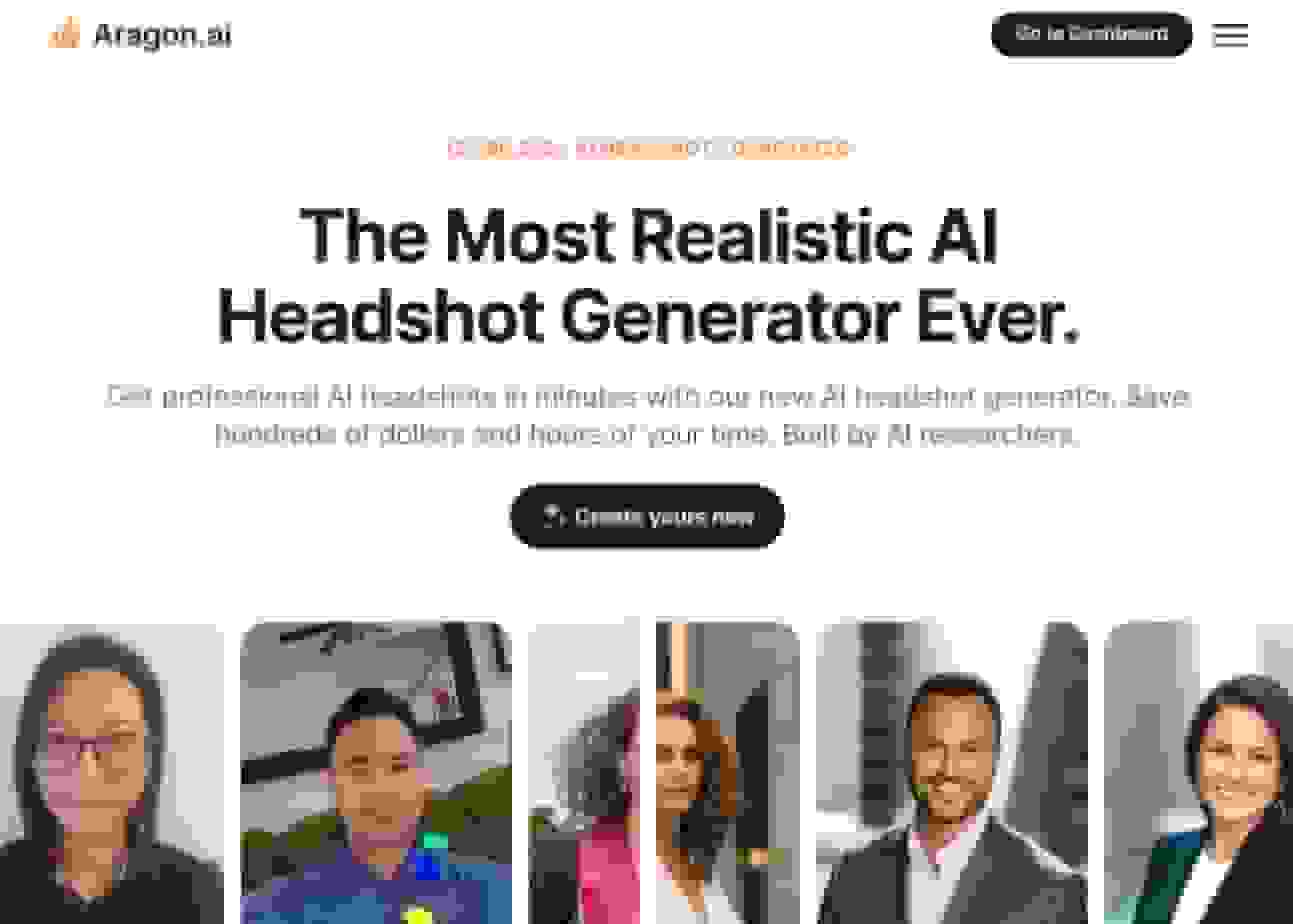
Pricing: Starts at $35 for 20 headshots.
Features
- Minimal Photo Requirement: Requires only 6 photos, making it user-friendly.
- High Security: Uses AES256 encryption to protect user data.
- High-Resolution Outputs: Produces images with 2048 x 2560 pixels resolution.
- Quick Turnaround: Results are delivered quickly, ideal for urgent needs.
- Professional Quality: High-definition headshots suitable for professional use, such as LinkedIn profiles.
Pros
- Data Security: Advanced encryption ensures privacy and security.
- Professional Quality: High-quality, realistic images.
- Money-Back Guarantee: 30-day refund policy if unsatisfied with the results.
Cons
- Limited Customization: Fewer styling options compared to some competitors.
- Negative reviews: Aragon receives a bunch of dissatisfaction. They offer a money-back policy but people have complained they fail to pay it.
Why Choose Aragon AI
Aragon AI is a great choice for professionals who need secure, high-quality headshots quickly. Its focus on data security and professional-grade outputs makes it ideal for those who prioritize privacy and quality.
3. Insta Headshots
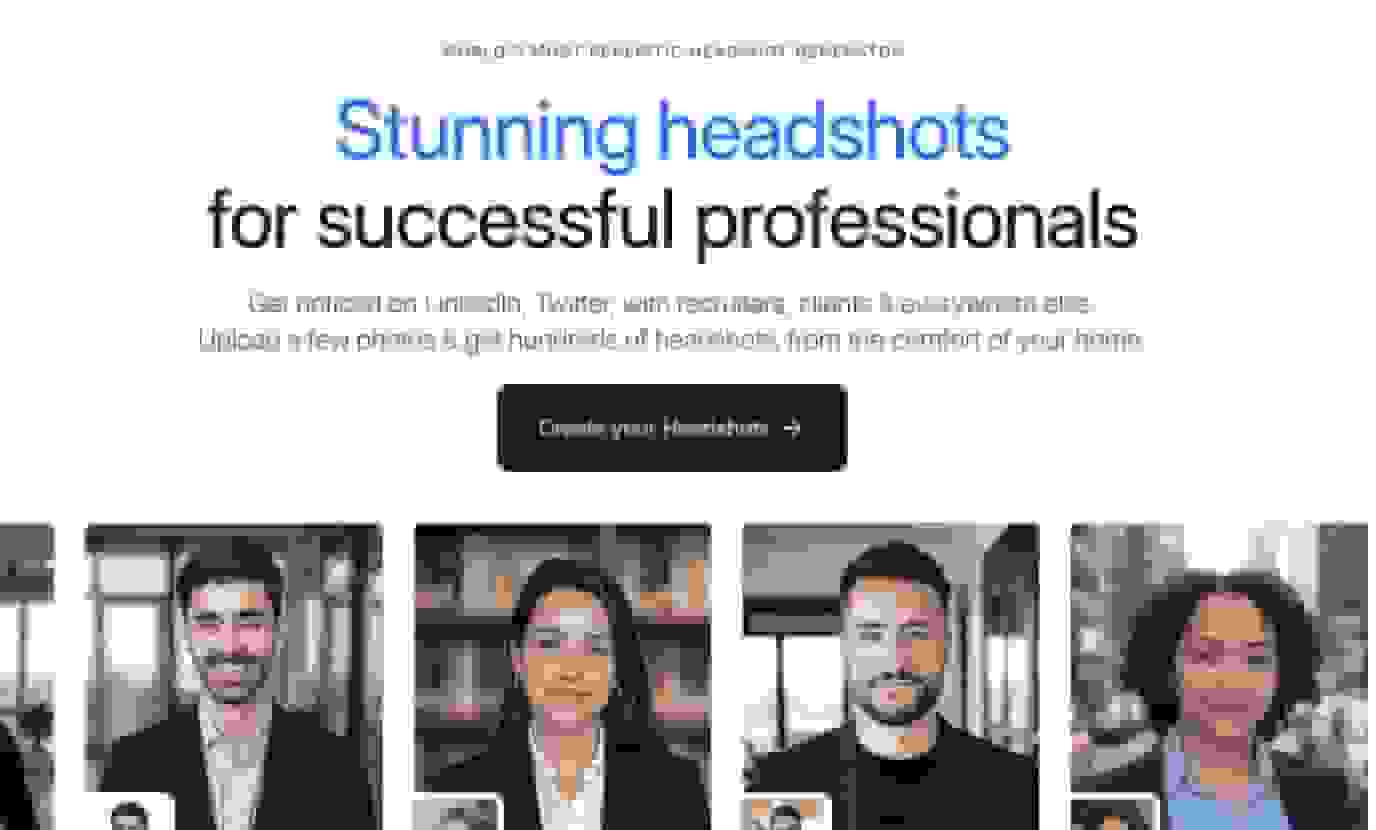
Pricing: Starts at $19.99 for 40 headshots.
Features
- Quick Delivery: Headshots are produced and delivered within minutes, catering to clients who require prompt service.
- Extensive Style Options: Users can choose from a wide range of styles to ensure their headshot aligns with professional standards and personal preferences.
Pros
- Good Quality Output: The headshots are of good quality, with clear, detailed images that maintain the professionalism of traditional photography.
- Customer Satisfaction: The happiness guarantee underscores their commitment to quality and customer satisfaction.
Cons
- Not great with accessories: Do you have glasses? A Hijab? The AI won't be great at catching those and will screw up the images.
- Wacky hairstyles: The tool can came up with all kinds of wacky hairstyles--those pics are entirely unusable.
Why Choose Instaheadshots
Instaheadshots is ideal for users who need headshots for LinkedIn, CVs, or somewhere it can be displayed in a small size.
4. Dreamwave AI
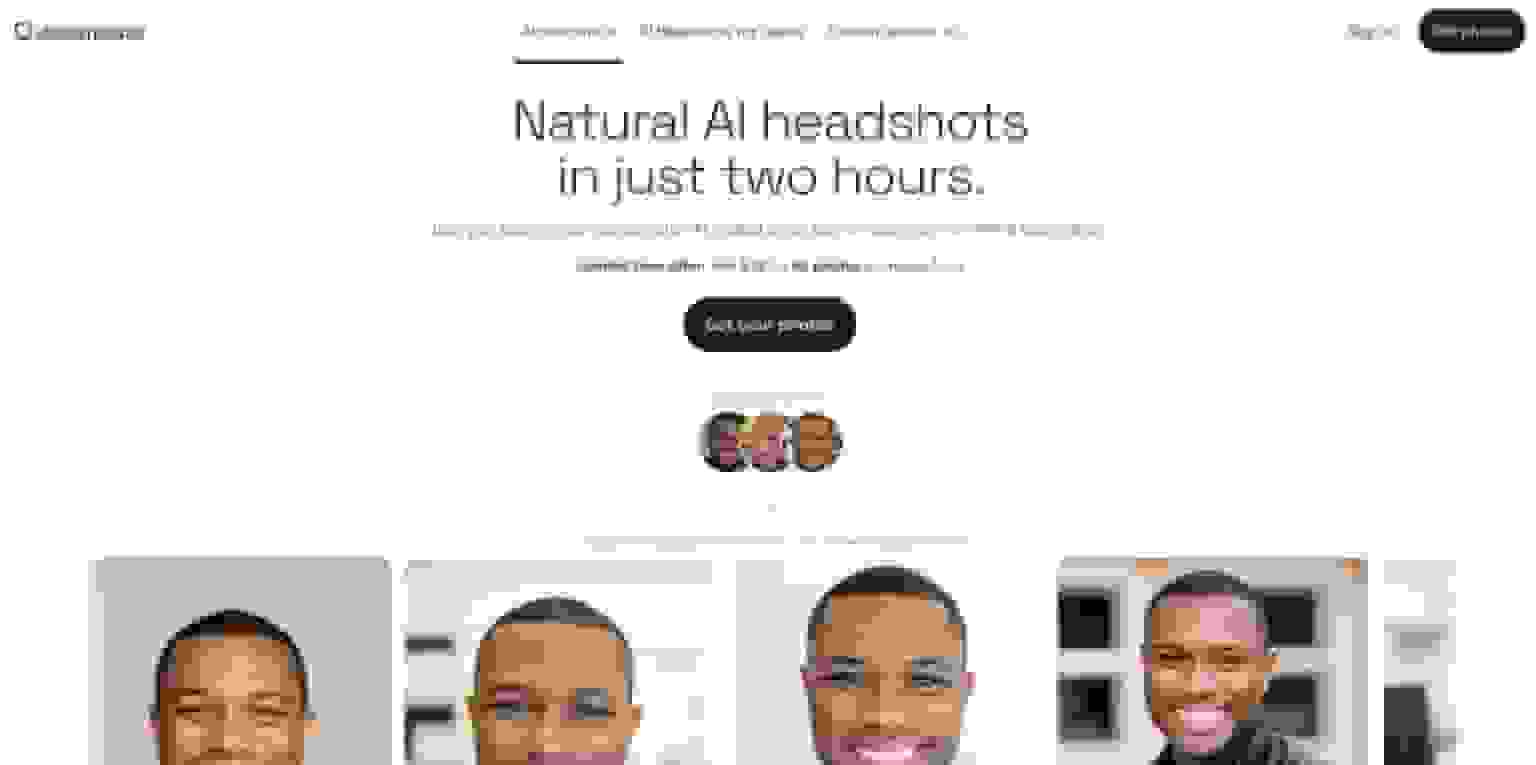
Pricing: $39 for 120 headshots.
Features
- Unlimited Customization: Offers a wide range of backgrounds, outfits, and styles.
- Quick Generation: Can produce headshots in less than an hour.
- Money-Back Guarantee: 14-day refund policy if not satisfied.
- Free Plan: Offers 20 headshots for free, with a longer wait time.
Pros
- Extensive Options: Unlimited styling and background choices.
- Speed: Fast turnaround for headshot generation.
- Satisfaction Guarantee: Money-back policy ensures user satisfaction.
Cons
- No Free Redos: Free and Starter plans do not allow redos.
Why Choose Dreamwave AI
Dreamwave AI is perfect for those who need extensive styling options and quick results. Its free plan is a good entry point for users to test the service.
5. Secta AI
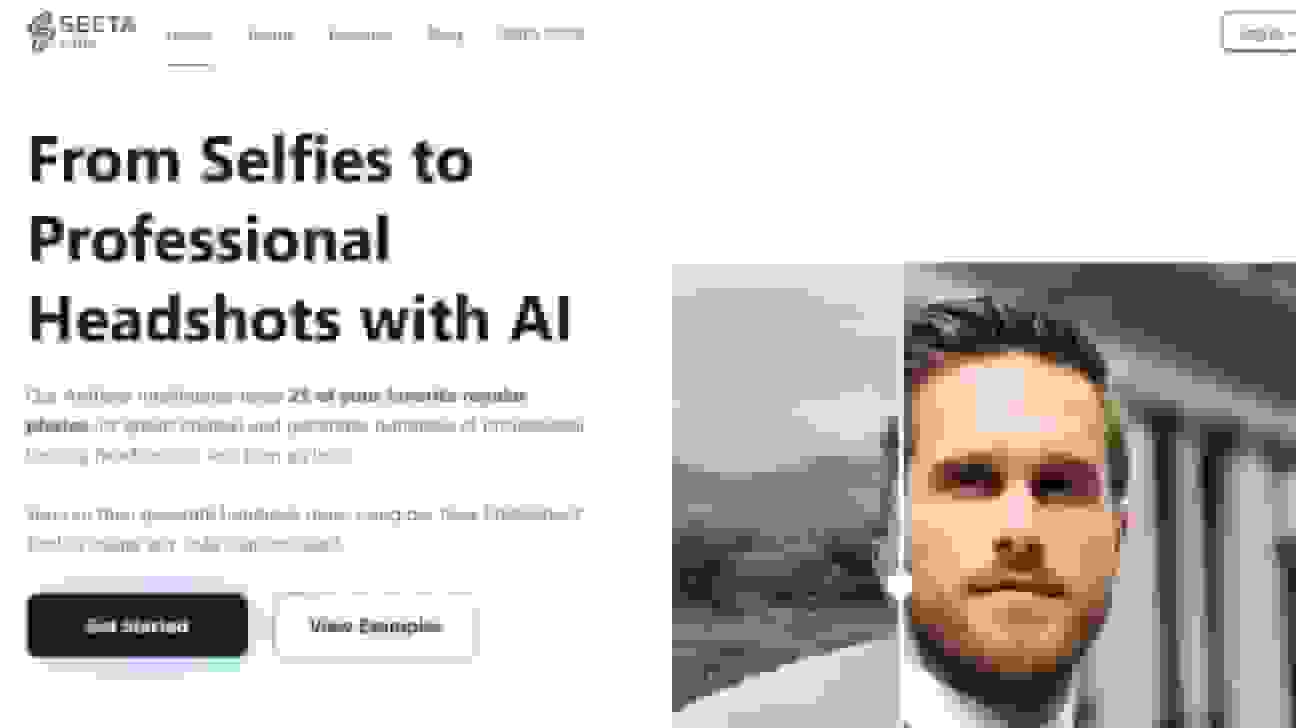
Pricing: $49 for personal use
Features
- Fast and Convenient: Quick turnaround time and easy process directly from your phone or computer.
- Multiple Styles: Offers a range of headshot styles and background options.
- High Customizability: Extensive customization options help meet diverse aesthetic needs.
Pros
- Extensive Style Options: Over 60 styles to choose from, allowing full customization of attire, background, and pose.
- Advanced Editing Tools: Over 12 editing tools, including clothing changes, expression adjustments, and background customization.
Cons
- Quality Variability: The quality of the final product depends significantly on the quality of the initial uploads by the user
- Expensive: One of the most expensive tools on the market without a significant quality difference.
Why Choose Secta AI
The tool's ability to generate a wide range of styles and the flexibility in editing makes it a robust option for modern professional needs.
6. HeadShotPro
Pricing: $39 for 100 headshots.
Features
- Advanced AI: Uses cutting-edge facial recognition technology.
- Customization: Various options to suit personal branding needs.
- User-Friendly: Simple interface, ideal for those without photo editing skills.
Pros
- High Quality: Produces natural-looking headshots.
- Easy to Use: User-friendly interface, making it accessible for all skill levels.
- Customization Options: Allows users to choose different backgrounds and styles.
Cons
- Photo Requirement: Requires 20 photos for best results.
Why Choose HeadShotPro
Ideal for individuals and teams who want professional-grade headshots without the complexity of advanced photo editing. The tool balances ease of use with sophisticated technology.
Which one should you pick for your business card?
Best overall quality: BetterPic — 4K output, human editing, 150+ styles. The photos are sharp enough for print, which is exactly what business cards need.
Fastest turnaround: Insta Headshots — results in minutes. Good if you need something fast for a networking event.
Best volume for the price: Dreamwave — 120 headshots for $39. Lots of options to find the perfect business card shot.
Most editing control: Secta AI — 12+ editing tools if you’re particular about details.
Best for teams: HeadshotPro — team dashboard for matching headshots across your whole company’s business cards.
Your business card photo is one of the few things people physically take away from meeting you. Make it count — a crisp, professional headshot makes a much stronger impression than a logo or a generic design element.
Sources & References
- LinkedIn Profile Photo Tips — LinkedIn
- How Your Profile Photo Impacts Your LinkedIn Presence — LinkedIn Official Blog
- AI Image Generation Market Report — Grand View Research
- How AI Is Changing Photography — Forbes
- Professional Headshot Photography Pricing — Thumbtack
Written by
Apoorv SharmaHead of Performance
Apoorv leads performance and growth at BetterPic with 9+ years of experience across SEO, SEM, and growth marketing. He oversees content strategy, data-driven marketing, and hands-on testing of AI headshot platforms. Previously held senior performance marketing roles across the US, Belgium, and India.
- Google Analytics & Google Ads certified
- HubSpot Inbound & Content Marketing certified
- 9+ years in SaaS growth and performance marketing
Preferred source
Follow BetterPic on Google
Add BetterPic as a preferred source and our headshot guides are more likely to show up in your Top Stories, with a badge in AI Mode and AI Overviews.

Related professional headshots for individuals resources
Keep exploring this topic with focused resources from the B2C journey.
Primary destination:Free AI headshot generator
Frequently Asked Questions
What does a business card photo need?
- Print is unforgiving of resolution in a way screens are not, so a card photo needs to hold up at small physical size with no upscaling. BetterPic delivers 4K with human editing and 150+ styles, which covers that.
How much do AI business card photos cost?
- AI headshot generators range from $19.99 to $49 per session. BetterPic starts at $35 for 20 headshots, Aragon AI at $35, Insta Headshots at $19.99 for 40 headshots, Dreamwave at $39 for 120 headshots, and HeadshotPro at $39 for 100 headshots.
What resolution do I need for a business card headshot?
- Business cards require high-resolution images, typically 300 DPI for print quality. BetterPic produces 4K images that are sharp enough for print, which is exactly what business cards need. Lower-resolution photos will look blurry or pixelated when printed.
Should a business card carry a photo?
- A card is one of the few things someone physically keeps after meeting you, and a face on it makes the card do recall work that text cannot. It is standard in real estate and client-facing sales, rarer elsewhere.
How many photos do you need to upload for AI headshots?
- Most AI generators need 6 to 20 photos. BetterPic requires just 6-9 casual photos. Aragon AI needs 6 photos. HeadshotPro requires 20 photos for best results. More variety in angles, lighting, and expressions generally produces better AI output.
Related articles
View all articles
Profile picture size by platform: what Facebook, Instagram, YouTube and WhatsApp actually say
Most platforms publish no profile picture size. What Facebook, Instagram, YouTube, WhatsApp, LinkedIn, X and TikTok actually state, where the numbers in size guides come from, and one upload that fits all of them.

PFP Meaning: What PFP Stands For on Instagram, TikTok and in Chat
PFP stands for profile picture, and in chat it can also mean picture for proof. Here is how to tell the two apart, plus what makes a good one.
HeadshotPro Review 2026: Honest Take From a Competitor Who Actually Tested It
We tested HeadshotPro head-to-head against BetterPic. Here's what we found on quality, speed, pricing, and who each tool is actually built for.
HeadshotPro vs BetterPic: Which AI Headshot Generator Actually Delivers? (2026)
I tested both HeadshotPro and BetterPic side by side. Here's an honest comparison of pricing, image quality, speed, and real user results to help you choose.
The Best AI Headshot Generators for Teams and Enterprises (2026)
An honest comparison of AI headshot generators for teams — covering photorealism, brand consistency, security, pricing, and enterprise features..
7 AI Headshot Prompts That Actually Work (2026): Copy-Paste Templates for Every Industry
How to write AI prompts that produce genuinely professional headshots — with copy-paste templates for every industry, element-by-element guidance.
Save 87%on average on your professional photos.
Whenever, wherever you are.
Get studio-quality, 4K images in a variety of outfits & settings in less than an hour.
Get your headshots nowStart now