
AI Headshots for Teams — How to Get Your Whole Company Looking Sharp
This article is part of our Team & Company Headshots collection.
Here's a scenario most companies know too well: you open your team page and one person has a studio headshot from 2019, another has a cropped selfie, someone's using their LinkedIn photo from three jobs ago, and two people just have their initials because they never submitted a photo at all.
It looks messy. And it sends the wrong message to anyone checking out your company.
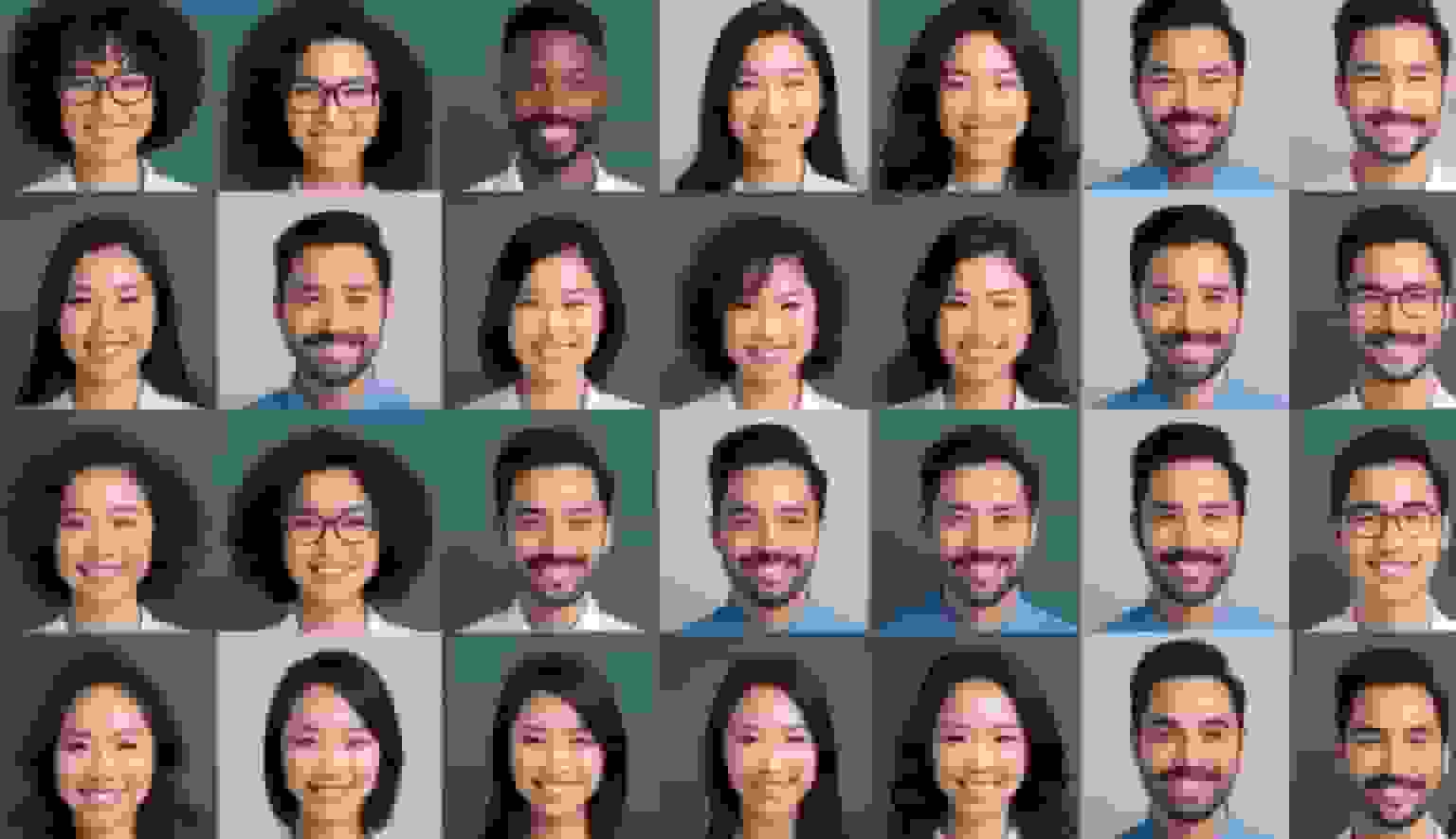
AI headshot generators fix this by letting everyone on your team upload a regular photo and get back a polished, professional headshot — all in the same style, with the same background, looking like one cohesive team. No photographer. No scheduling. No "can we do this next week instead?"
Why do mismatched team headshots matter?
You might think nobody notices. But they do — especially clients, investors, and job candidates.
When your team photos look consistent, it signals a few things without saying a word:
- You're organized. If a company can't even get matching headshots together, what's their project management like?
- You're established. Consistent visuals make a 15-person startup look as put-together as a 500-person firm.
- You're a real team. Not a collection of freelancers cobbled together yesterday.
On the flip side, mismatched photos quietly erode trust. It's not that someone consciously thinks "wow, their headshots don't match, I'm not hiring them." It's more of a gut feeling — things just look a bit off.
What makes AI headshots better than a traditional team photoshoot?
Traditional photoshoots work great in theory. In practice? They're a logistical headache.
The scheduling problem: Getting 30 people in the same room on the same day is hard enough. Now factor in people who are traveling, on leave, or just "forgot." You end up with half your team done and the other half "we'll do it next month" — which becomes next quarter, which becomes never.
The consistency problem: Even if you get everyone to the same photographer, the results vary. The photographer's energy shifts throughout the day. Morning light is different from afternoon light. One person's session runs long, another feels rushed.
The remote team problem: If your team is distributed across cities or countries, a traditional photoshoot is basically impossible without flying people in.
AI headshots solve all of this. Here's how:
- Everyone uploads a photo on their own time, from wherever they are
- The AI generates headshots in the same style and background for everyone
- New hires get matching headshots on day one, not "whenever we schedule the next photoshoot"
- The whole thing takes days instead of weeks
And the cost difference is massive. A photographer for a 50-person team could easily run $5,000-10,000 when you factor in studio time, editing, and logistics. AI headshot tools do the same job for a fraction of that.
How do AI team headshots actually work?
The process is dead simple:
- You pick a style. Background color, overall vibe (corporate, modern, casual), and any specific look you want.
- Your team uploads photos. Regular photos taken with a phone work fine. The AI doesn't need studio-quality inputs.
- The AI does its thing. It generates professional headshots for each person using the same style settings.
- You review and download. Most tools let you preview everything before finalizing.
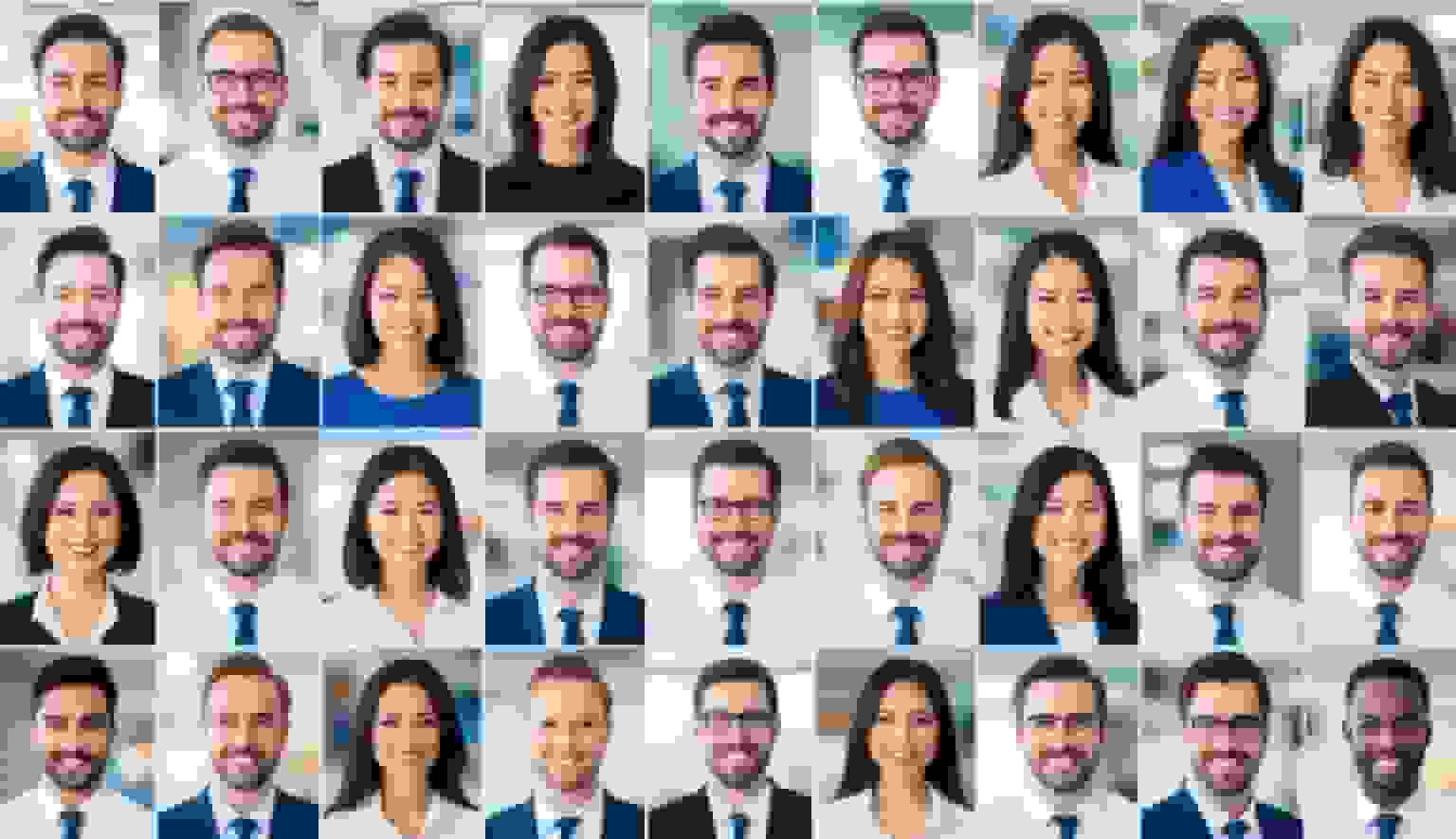
The key difference from a regular AI headshot is the batch processing — you're not doing this one person at a time. The tool applies the same settings across everyone, which is exactly how you get that "same photographer, same session" consistency without any of the hassle.
Which industries benefit most from AI team headshots?
Pretty much any company with a team page or employee directory benefits. But some industries see an outsized impact:
- Consulting and professional services — Clients check out your team before signing. Polished, matching headshots build confidence.
- Real estate — Agents' faces are literally their brand. A brokerage with consistent team photos looks more established.
- Law firms — Trust and credibility are everything. Mismatched photos on a law firm's website is a bad look.
- Healthcare — Patients want to see their providers. Professional, approachable headshots make that first impression warmer.
- Tech companies — Especially ones hiring aggressively. Candidates browse your team page. Make it look good.
- Startups — When you're small, looking polished punches above your weight.
How do remote teams handle AI headshots?
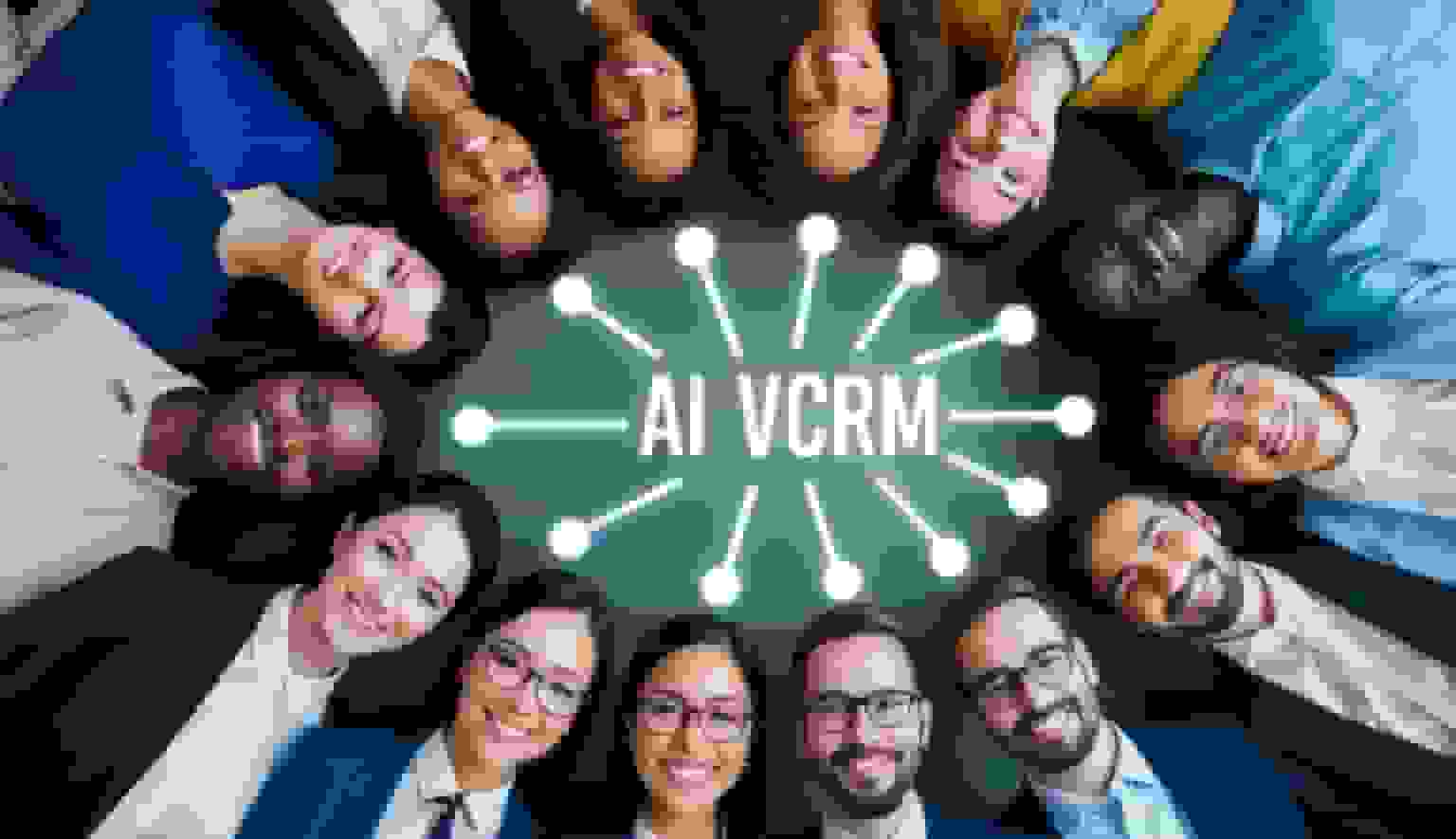
This is honestly where AI headshots shine the brightest. Remote teams have always had it rough with photos — everyone's in a different city, different country, different time zone. Getting matching headshots the traditional way ranges from "very annoying" to "not going to happen."
With AI tools, remote teams just need:
- A simple guide sent to the team: "Here's how to take a good source photo" (face a window, solid background, wear what you'd wear to a video call)
- Everyone uploads on their own schedule
- The admin picks the style and generates everything at once
No travel. No coordination. No excuses.
The result is that your remote team's page looks just as polished as a company that has everyone in one office. Nobody can tell whether your team is in one building or spread across twelve countries.
What should you look for in an AI headshot tool for teams?
Not all AI headshot generators handle teams well. Some are built for individuals and just let you repeat the process 50 times. That's not the same thing.
Here's what actually matters for team use:
- A team dashboard — One admin should be able to manage invites, track who's submitted photos, and download everything. If you're chasing people via email and managing photos in a shared Google Drive folder, the tool isn't built for teams.
- Style locking — You need to pick a style once and apply it across everyone. If each person picks their own options, you'll end up with the same inconsistency problem you started with.
- Batch generation — Generate headshots for the whole team in one go, not one at a time.
- Easy onboarding for new hires — When someone joins next month, they should be able to get a matching headshot without you re-doing the whole batch.
- Commercial licensing — You're putting these on your website, marketing materials, and press kits. Make sure you actually own the rights to use them.
BetterPic's team plans check all these boxes. There's a centralized dashboard, consistent styling across all team members, unlimited human touch-ups, and commercial licensing included. Plans start at $49 per person and drop to $13 at volume.
How do you roll out AI headshots to your team?
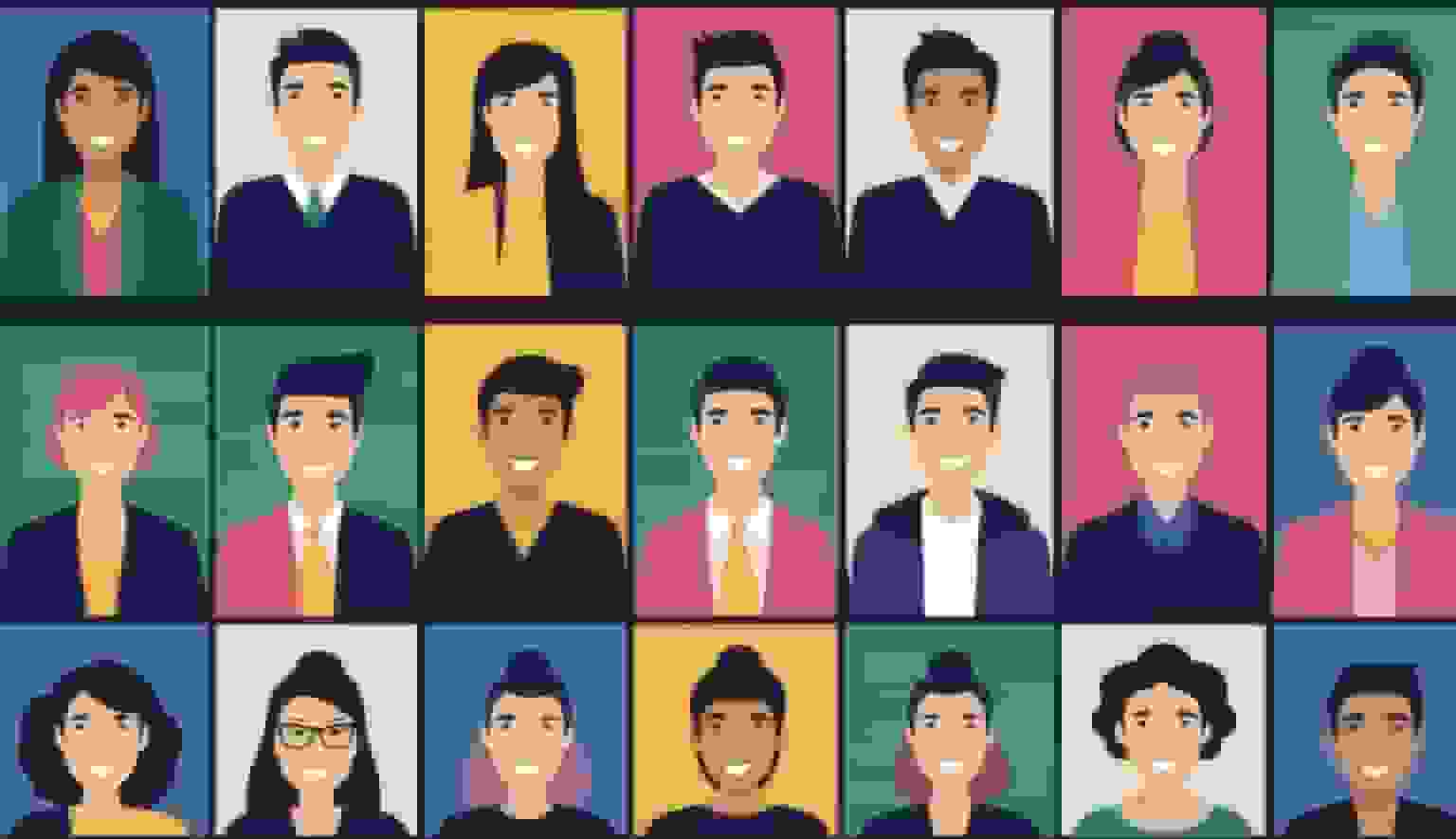
The biggest risk with team headshot projects isn't the technology — it's getting people to actually do it. Here's a rollout process that works:
Step 1: Send a short guide. Keep it dead simple. "We're updating team headshots. Upload a photo by Friday. Here's how to take a good one: face a window, shoulders up, solid background, wear something you'd wear on a client call." That's it. Don't write a novel.
Step 2: Set a deadline. Without one, half your team will "get to it later." Give them a week. Send one reminder at the midpoint.
Step 3: Have the admin generate everything. Don't let individuals pick their own styles. One person picks the background, lighting, and vibe for everyone, and if you use a prompt-capable generator, one shared professional portrait prompt can document those choices. Consistency is the whole point.
Step 4: Review as a batch. Look at all the headshots side by side before publishing. Do they look like a team? Is there anyone whose source photo produced a weird result? Fix those individually.
Step 5: Push everywhere at once. Update your website, LinkedIn company page, email signatures, and internal tools all at the same time. A half-updated team page looks worse than an outdated one.
Step 6: Build it into onboarding. Every new hire should get their headshot generated during their first week. Add it to your onboarding checklist right next to "set up email" and "get Slack access."
What Teams Are Actually Seeing With AI Headshots
Real results from companies using BetterPic team headshots:
BetterHealth Group — A healthcare organization with providers across 6 states eliminated inconsistent photographer results by switching to BetterPic. Every provider now has matching professional headshots managed from one dashboard. "We needed a solution that was streamlined and easy for everyone. BetterPic made that possible." — Manali Shah, Social Media Manager (Read the case study)
By the numbers: 32M+ headshots delivered · 1,000+ companies · 150+ style options · 99% satisfaction rate · 4.7/5 on Trustpilot
That's the whole playbook. Most companies can go from "we should really update our team photos" to "done" in under a week. Try doing that with a photographer.
Sources & References
- LinkedIn Profile Photo Tips — LinkedIn
- How Your Profile Photo Impacts Your LinkedIn Presence — LinkedIn Official Blog
- AI Image Generation Market Report — Grand View Research
- How AI Is Changing Photography — Forbes
- Professional Headshot Photography Pricing — Thumbtack

Written by
Apoorv SharmaHead of Performance
Apoorv leads performance and growth at BetterPic with 9+ years of experience across SEO, SEM, and growth marketing. He oversees content strategy, data-driven marketing, and hands-on testing of AI headshot platforms. Previously held senior performance marketing roles across the US, Belgium, and India.
- Google Analytics & Google Ads certified
- HubSpot Inbound & Content Marketing certified
- 9+ years in SaaS growth and performance marketing
Preferred source
Follow BetterPic on Google
Add BetterPic as a preferred source and our headshot guides are more likely to show up in your Top Stories, with a badge in AI Mode and AI Overviews.

Related team and company headshots resources
Keep exploring this topic with focused resources from the B2B journey.
Primary destination:BetterPic Teams for company and employee headshots
Frequently Asked Questions
What are the features to look for in the best AI headshot generators for teams?
- The best AI headshot generators for teams offer bulk processing capabilities that allow multiple team members to create portraits simultaneously. Look for services with consistent style options that maintain your brand identity across all employee images. User-friendly interfaces make the process smoother for team members with varying technical abilities. Many top generators also include collaboration features that let administrators review and approve headshots before finalizing. Custom backgrounds and clothing options help create a cohesive look that reflects your company culture. Advanced generators also provide various lighting scenarios and pose variations to ensure natural-looking results.
How do free AI headshot generators compare to paid services?
- Free AI headshot generators typically offer limited style options and fewer customization features compared to paid alternatives. They often include watermarks or lower resolution outputs that may look less professional. Paid services generally provide higher quality images with more consistent results across multiple team members. They also offer better customer support and regular updates to their AI models. While free options like basic LinkedIn photo generators can work for individual use, teams usually benefit from paid services that offer bulk processing and consistent branding elements. Security and privacy protections are also typically stronger in paid versions.
Can professional headshots be created with AI tools and maintain a high quality?
- Modern AI headshot generators can produce remarkably professional-looking results that closely resemble traditional photography. The best services use sophisticated algorithms trained on thousands of professional photographs. Quality varies between platforms, with leading services now offering images that most viewers cannot distinguish from professional photography. The key to high quality lies in providing good input photos and selecting appropriate settings. Many businesses now use AI-generated headshots for their teams with excellent results, particularly when choosing premium services that specialize in professional appearances. The technology continues to improve rapidly.
Are there any AI headshot generators specifically tailored for LinkedIn profiles?
- Several AI headshot generators now specialize in creating optimized images for LinkedIn and other professional networks. These tools understand LinkedIn's specific image requirements and professional atmosphere. These specialized generators focus on producing headshots with appropriate framing, professional attire, and neutral backgrounds that perform well on the platform. Some even offer analytics on how your headshot might perform in professional networking contexts. Many users report increased profile views and connection requests after updating to AI-generated LinkedIn headshots that meet the platform's unwritten expectations for professional presentation.
What are the limitations of using AI-generated headshots for professional purposes?
- AI headshots sometimes struggle with unusual facial features, complex hairstyles, or unique accessories that weren't well-represented in training data. This can result in distortions or inaccuracies in the final images. Ethical considerations exist around representation and disclosure. Some professionals feel obligated to disclose when they're using AI-generated images rather than traditional photographs. Certain industries with strict authenticity requirements may have policies against using AI-generated headshots for official purposes. Companies should check relevant regulations before implementing team-wide AI headshot solutions.
How do I evaluate the legitimacy and efficacy of AI headshot services?
- Legitimate AI headshot services provide transparent information about their technology, pricing, and privacy policies. Look for services that clearly explain how they handle your uploaded images and what happens to your data after processing. Reading reviews from other business customers helps assess real-world performance. Many reputable services offer free trials allowing you to test image quality before purchasing team packages. Check if the service can demonstrate consistent results across people of different ages, ethnicities, and appearances. The best providers show diverse sample galleries and explain their approach to ensuring fair representation.
Related articles
View all articles
The Enterprise Playbook for Team Headshot Strategy
A practical enterprise playbook for building a scalable team headshot strategy. Learn how to ensure consistency, reduce costs, and align headshots with.
Corporate Headshot Photographer vs AI Headshots: A Practical Guide for Enterprises
A practical, enterprise-focused comparison between hiring a corporate headshot photographer and using AI headshot generators—covering cost, quality.
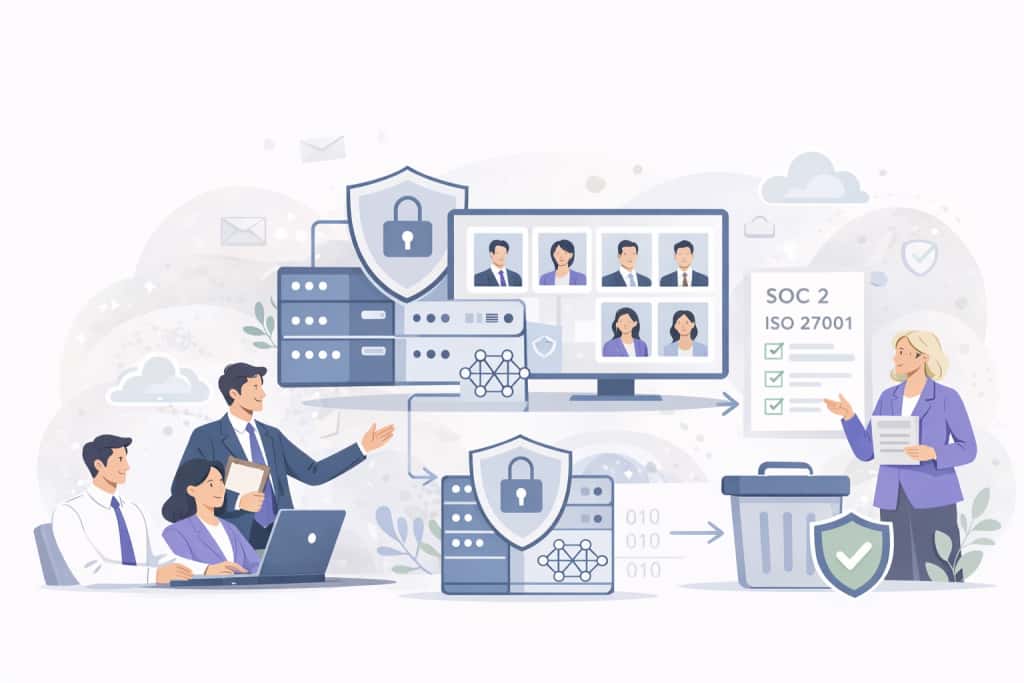
4 Ways AI Headshot Generators Are Compliant for Companies
A practical guide explaining how AI headshot generators meet enterprise compliance standards, including SOC 2 Type II, ISO 27001, and GDPR.
8 Corporate Headshot Styles That Actually Work (With Examples)
Eight corporate headshot styles broken down by who they work for, what makes each one effective, and how to get the look — in a studio or with AI.
What Actually Happens When You Roll Out AI Headshots to Your Team
A realistic walkthrough of what happens when a company switches to AI headshots — the process, the pushback, what went wrong, and whether it was worth it.
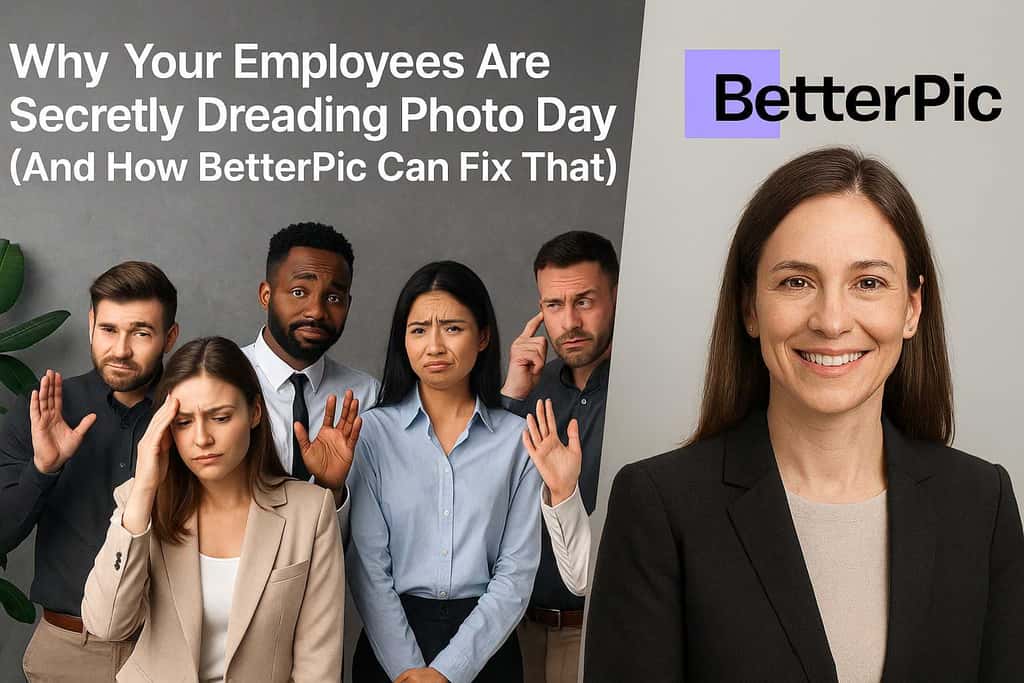
Why Your Employees Hate Headshot Day (And How AI Fixes Every Part of It)
Traditional headshot day is a logistical nightmare that employees dread. Here's how AI headshots eliminate the cost, scheduling chaos, and awkwardness.
Save 87%on average on your professional photos.
Whenever, wherever you are.
Get studio-quality, 4K images in a variety of outfits & settings in less than an hour.
Get your headshots nowStart now
