
How to Get AI Company Headshots That Actually Follow Your Brand Guidelines
This article is part of our Team & Company Headshots collection.
Most companies that try AI headshots run into the same problem: the photos look fine individually, but put them side by side and your team page looks like a collage of stock photos from five different websites.
That's not a tech problem — it's a brand guidelines problem. If you don't feed the AI the right inputs, you won't get consistent outputs. Simple as that.
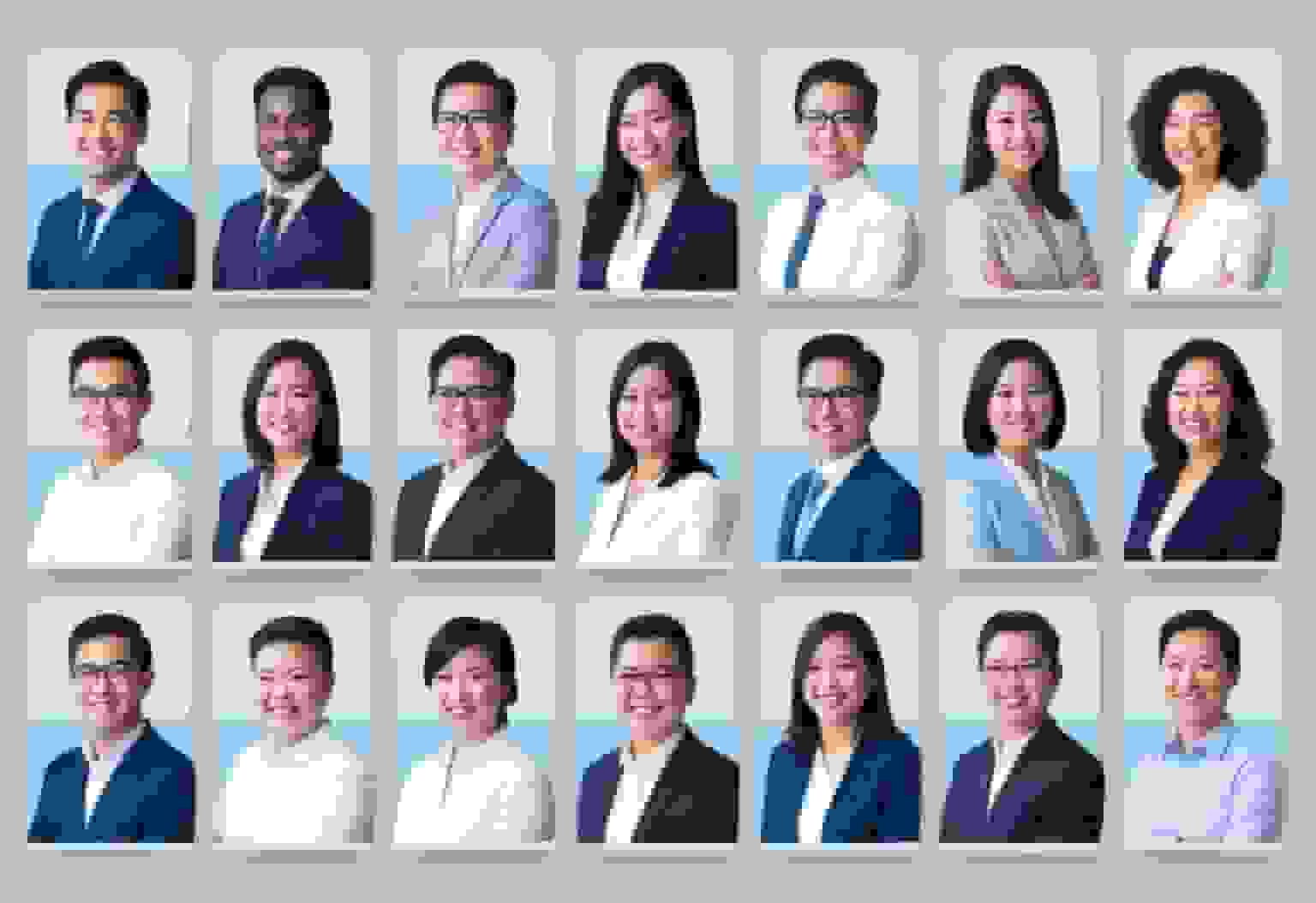
Here's how to actually get AI headshots that look like your company — not just random professional portraits.
Why do company headshots need to follow brand guidelines?
Think about it this way. You wouldn't let every employee design their own business card with whatever font and color they feel like. Your headshots deserve the same discipline.
When your team's headshots share the same background, lighting style, and overall vibe, a few things happen:
- People trust you faster. A consistent look signals that your company has its act together. It's subtle, but clients notice.
- Your brand becomes recognizable. Same look across LinkedIn, your website, and pitch decks means people remember you.
- Your team actually looks like a team. Not a random group of people who happened to end up on the same page.
The flip side? Mismatched headshots make even great companies look disorganized. One person has a selfie, another has a studio shot with dramatic lighting, and someone else cropped themselves out of a group photo. We've all seen it. It's not a great look.
What background should you use for brand-aligned AI headshots?
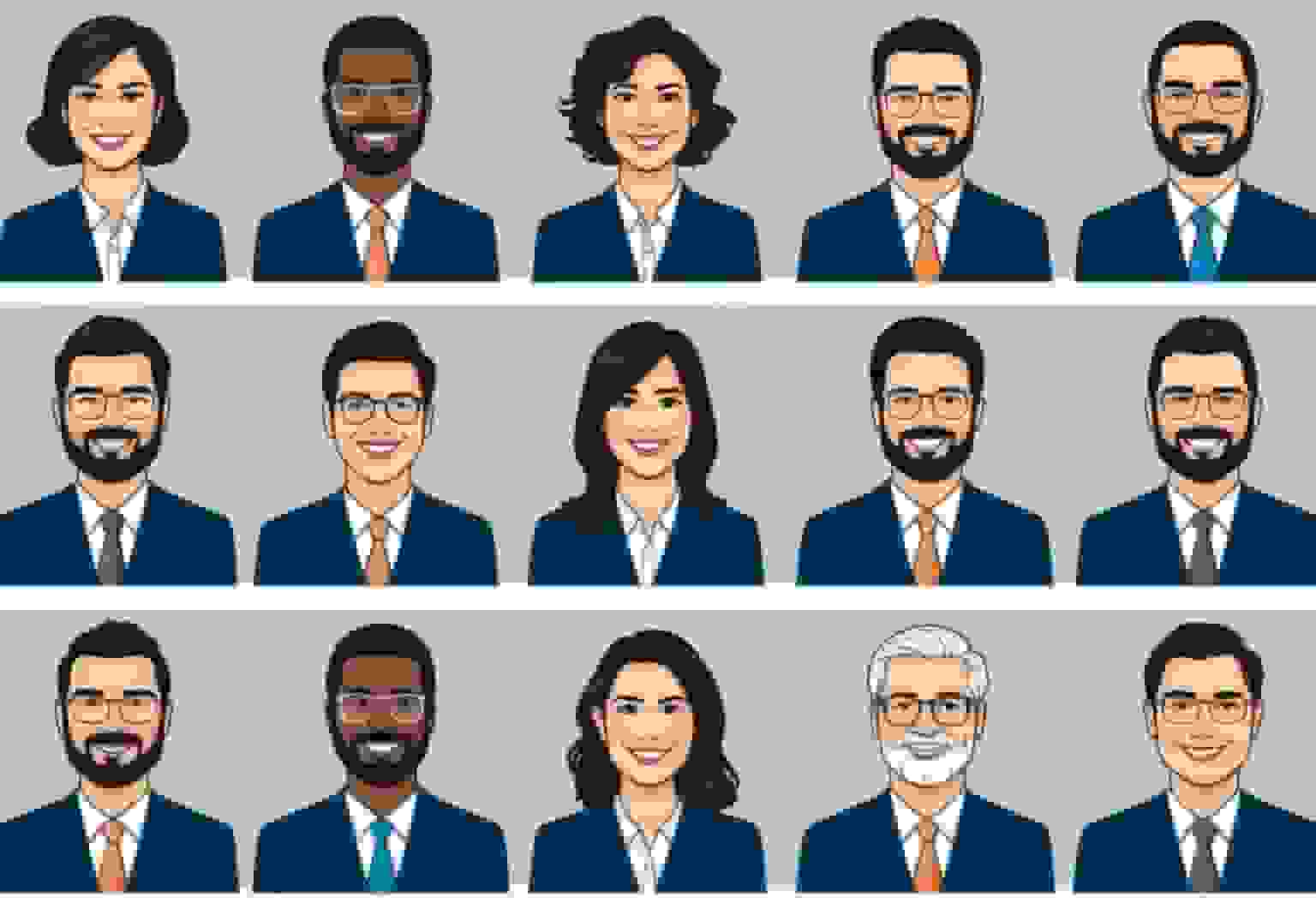
The background is the single biggest factor in making headshots look consistent. Get this right and you're 70% of the way there.
The safe bet: Solid neutral backgrounds — white, light gray, or soft off-white. They work for every skin tone, every industry, and they never go out of style. There's a reason every major consulting firm uses them.
The branded approach: Use your brand's primary or secondary color as the background. A fintech with a navy blue brand? Navy backgrounds. A creative agency that uses coral? Go for it. Just make sure it's not so saturated that it competes with the person's face.
What to avoid:
- Office backgrounds where you can see random stuff in the back (whiteboards, exit signs, Karen's desk plant)
- Outdoor shots — they look nice but they're almost impossible to match across 20+ people
- Gradients or textured backgrounds unless they're part of your actual brand system
Pro tip: When using an AI headshot tool like BetterPic, pick ONE background and use it for everyone. Don't let individuals choose their own. That's how you end up back at square one.
How do you match headshot colors to your brand kit?

Color does a lot of heavy lifting in photos, even if people don't realize it consciously. Here's how to think about it:
Background color: Should come directly from your brand palette. If your brand kit has a specific hex code for "dark blue," use that — not just any blue that looks close enough.
Clothing color: This is where it gets tricky because you're dealing with real people who have different skin tones and preferences. A good rule of thumb:
- Stick to 2-3 approved clothing colors that complement your brand palette
- Dark neutrals (navy, charcoal, black) are almost always safe
- If your brand color is bold (like bright red or orange), use it in the background rather than asking people to wear it — nobody wants to look like a walking logo
Lighting warmth matters too. Cool-toned lighting makes everything feel modern and corporate. Warm tones feel friendlier and more approachable. Pick one that matches your brand personality and keep it consistent.
The goal isn't to make everyone look identical. It's to make the photos feel like they belong in the same family.
What should employees wear for AI company headshots?
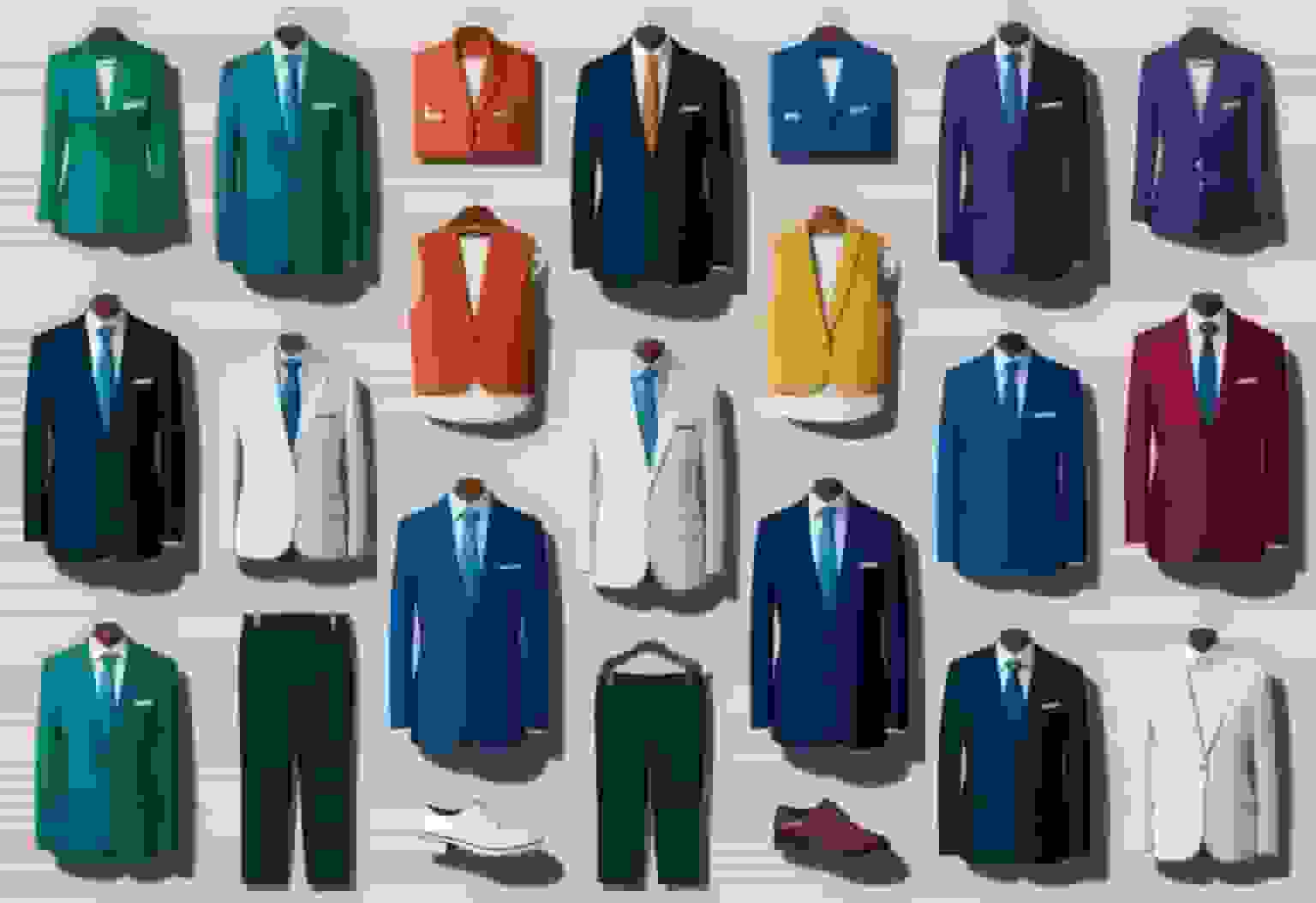
This is the part where most companies overthink it or don't think about it at all. There's a middle ground.
Send a simple clothing guide to your team. Something like: "Wear a solid-colored top in navy, black, white, or gray. No logos, no busy patterns, no graphics." That's it. Three sentences. Done.
Here's what works well:
- Solid colors photograph way better than patterns. Stripes and plaids can create weird visual effects in photos (it's called moiré, and it's distracting)
- Fitted clothes look more polished than baggy ones — doesn't need to be tight, just not drowning in fabric
- Match the formality to your company. Law firm? Suit and tie. Startup? A clean crew neck is totally fine. Don't make your engineers wear blazers if that's not your culture
For AI headshots specifically: The AI works with whatever's in the source photo, so the clothing choice matters upfront. You can't easily swap outfits after the fact and have it look natural. Get this right before uploading.
How should people pose for consistent company headshots?
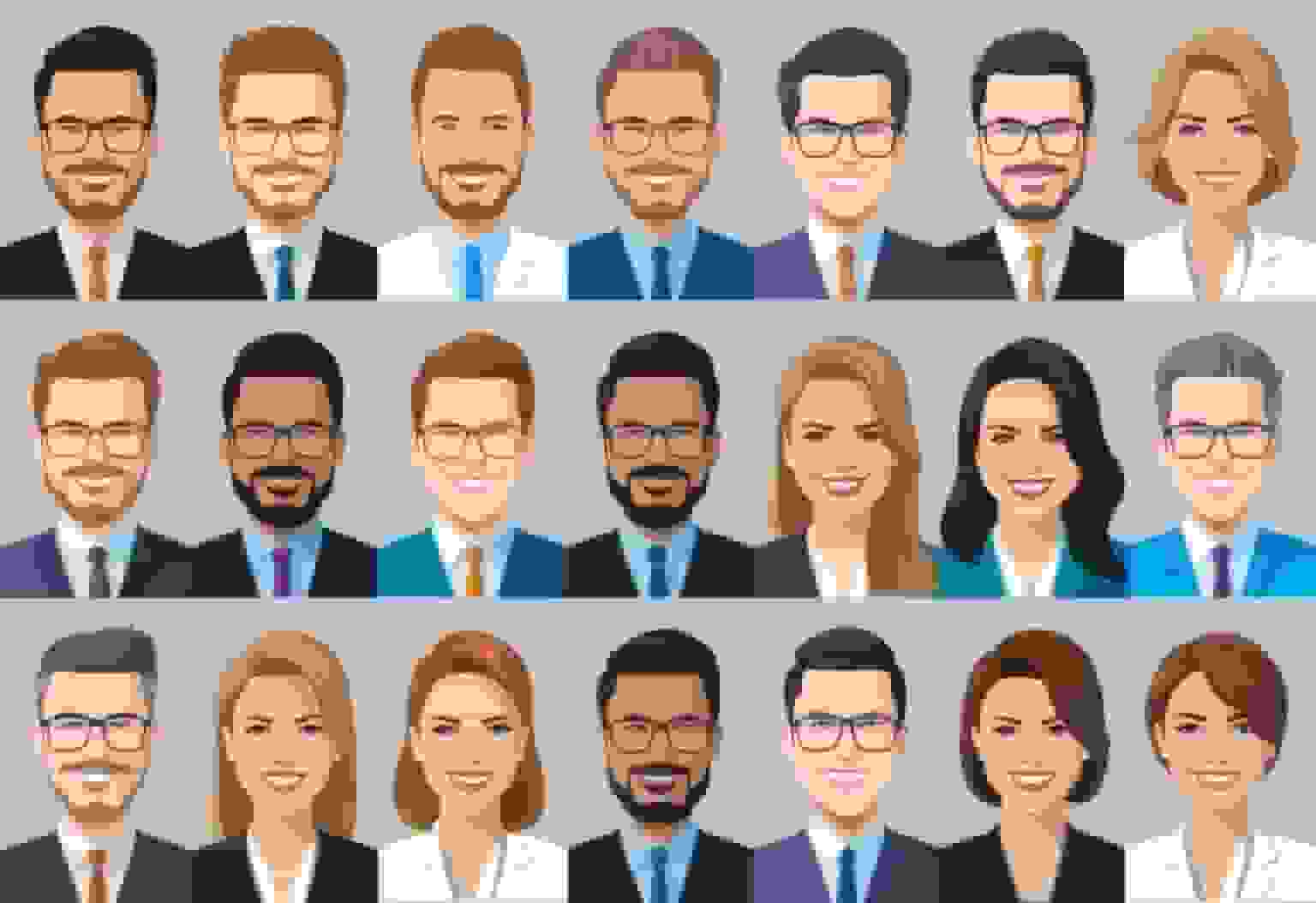
You don't need a photography degree here. Just a few basics:
The angle: Slightly turned — about 15 to 30 degrees from the camera. Straight-on mugshot style looks stiff. A slight angle is more flattering on pretty much everyone.
Shoulders: Rolled back and relaxed. Not hunched, not military-rigid. Think "confident but comfortable."
The smile situation: This is where companies mess up the most. Some people grin ear to ear, others barely crack a smirk. You'll never get everyone to smile exactly the same, and that's fine. But you should pick a general vibe:
- Friendly and approachable: Natural smile, eyes engaged. Good for client-facing teams, sales, HR.
- Serious and authoritative: Slight smile or neutral expression. Better for law, finance, consulting.
Whatever you pick, put it in your guidelines so everyone's on the same page. "Smile like you just heard good news" works way better as direction than "look professional."
Does lighting really matter for AI headshots?
Short answer: yes, a lot.
Lighting is the difference between "this person looks healthy and competent" and "this person looks like they're in a witness protection photo." Same face, completely different impression.
For source photos you'll upload to an AI tool:
- Natural light near a window is your best friend. Face the window, not away from it. That's literally the simplest trick in photography.
- Avoid overhead fluorescent lighting. It casts shadows under your eyes and makes everyone look tired. If you're in an office, find a spot near a window instead.
- No mixed lighting. Don't stand between a window and a fluorescent light. The color clash looks weird and AI tools struggle with it too.
What AI can fix and what it can't:
AI headshot generators are pretty good at evening out minor lighting issues. But they can't fix a photo where half your face is in shadow and the other half is blown out. The better your source photo lighting, the better the AI result. Garbage in, garbage out.
For company-wide consistency: If possible, have everyone take their source photos in the same location with the same lighting setup. Even if that "setup" is just the same conference room with the blinds open. Consistency in, consistency out.
How do AI headshot generators help with brand consistency?
This is where AI actually shines compared to traditional photography.
With a regular photographer, you're dealing with:
- Scheduling 50 people across different days (good luck getting the same lighting)
- Different moods, different energy levels
- The photographer having a slightly different setup each session
- Remote employees who can't make it to the studio
AI headshot tools solve most of this. Everyone uploads a photo on their own time, and the AI generates headshots with the same style, background, and feel. No scheduling headaches. No inconsistency because the photographer had a bad day.
What to look for in an AI headshot tool for teams:
- Batch processing — generate headshots for your whole team at once, not one at a time
- Background control — ability to set a specific background that stays the same across everyone
- Style consistency — the tool should produce a uniform look, not wildly different styles for different faces
- Quick turnaround — you shouldn't be waiting days for results
BetterPic does all of this. Upload your team's photos, pick a style and background, and you get back a full set that actually looks cohesive. Takes minutes, not weeks.
How do you keep headshots consistent across LinkedIn, your website, and social media?
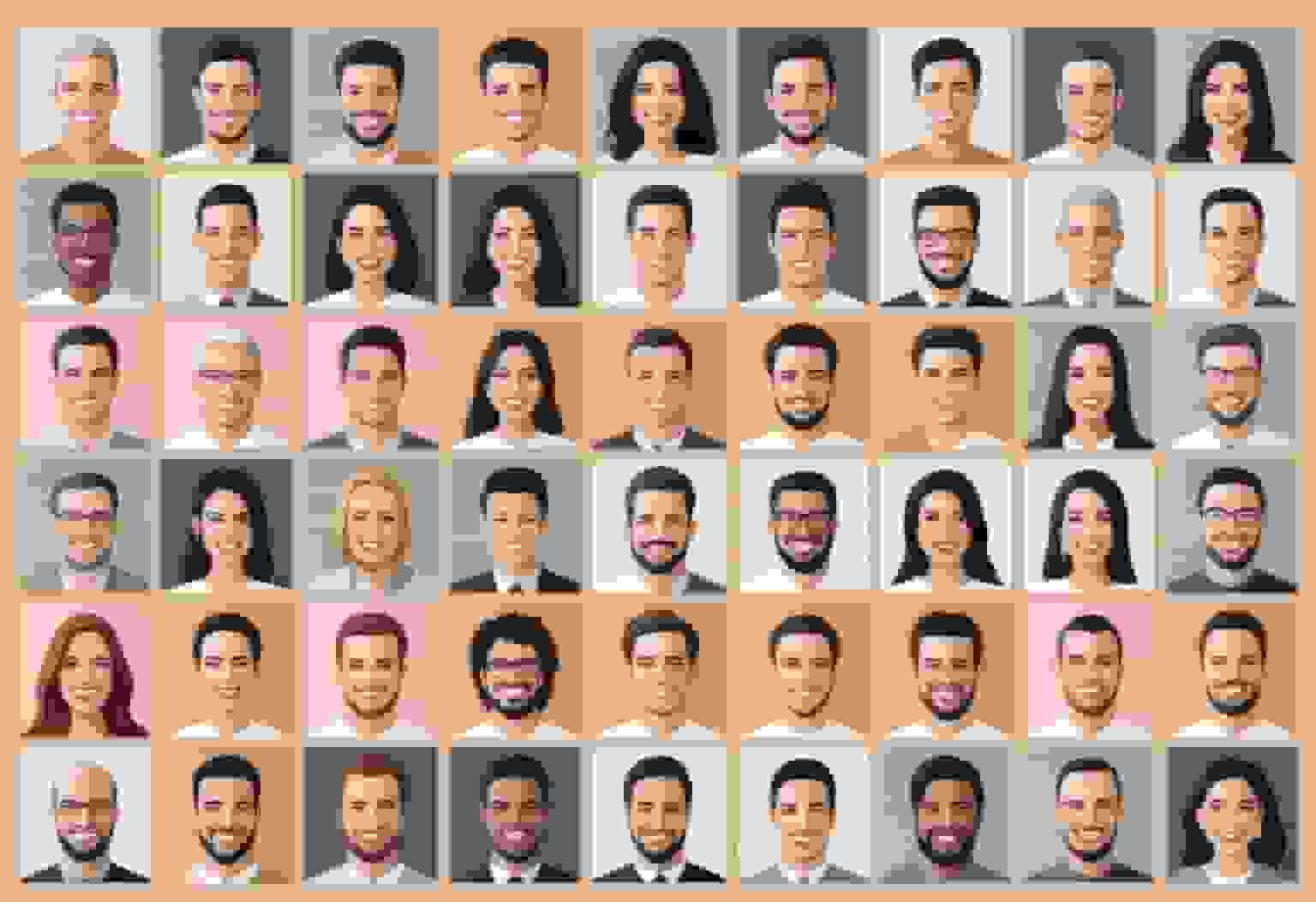
Getting great headshots is step one. Step two is making sure people actually use them everywhere.
The biggest mistake: Employees get their new headshot and update LinkedIn but forget about Slack, their email signature, the company website, Twitter, and everywhere else their face shows up. Now you've got three versions of them floating around.
How to fix this:
- Deliver the headshot in multiple sizes. LinkedIn wants a square crop. Your website might need a wider aspect ratio. Give people pre-cropped versions so they don't butcher the photo themselves.
- Send a checklist. "Update your photo on: LinkedIn, Slack, email signature, company directory." People need a nudge.
- Update the company website yourself. Don't wait for individuals to send you their photo. If you ran the AI headshot batch, you already have the files. Just update the team page.
For LinkedIn specifically:
- Make sure the face fills about 60% of the frame
- The headshot should look good at thumbnail size (that's how most people see it first)
- A consistent look across your team's LinkedIn profiles makes your company look polished when prospects browse your employees
How often should you update company headshots?
A headshot shouldn't be a time capsule. If someone doesn't look like their photo anymore, it needs an update.
Good cadence: Every 1-2 years for the whole company, or whenever someone's appearance changes significantly (new hairstyle, glasses, etc.).
Triggers for an immediate update:
- New hires (obviously)
- Rebranding — new colors, new logo, new visual identity means new headshots
- Someone gets promoted to a client-facing role and their current photo is a cropped vacation pic
Why AI makes this easy: With traditional photography, updating headshots means booking another shoot. With AI, it's just another upload. The cost and effort are low enough that there's no excuse to keep outdated photos hanging around.
What Teams Are Actually Seeing With Brand-Aligned AI Headshots
Real results from companies that locked in brand consistency with BetterPic:
BetterHealth Group — A healthcare organization with providers across 6 states was getting different results from different photographers in each location. After switching to BetterPic, they unified backgrounds (white, lab coats, navy scrubs) across every provider. "We needed a solution that was streamlined and easy for everyone. BetterPic made that possible." — Manali Shah, Social Media Manager (Read the case study)
WYN Solutions — A 100+ person remote team replaced casual, off-brand photos with consistent professional headshots that aligned with company identity. "BetterPic changed that instantly. The branding is consistent and the results speak for themselves." — Nick Cybela, CEO (Read the case study)
By the numbers: 32M+ headshots delivered · 1,000+ companies · 150+ style options · 99% satisfaction rate
Keep your team's photos current. It's one of those small things that signals you care about the details — and clients notice the details.
Sources & References
- LinkedIn Profile Photo Tips — LinkedIn
- How Your Profile Photo Impacts Your LinkedIn Presence — LinkedIn Official Blog
- AI Image Generation Market Report — Grand View Research
- How AI Is Changing Photography — Forbes
- Professional Headshot Photography Pricing — Thumbtack

Written by
Apoorv SharmaHead of Performance
Apoorv leads performance and growth at BetterPic with 9+ years of experience across SEO, SEM, and growth marketing. He oversees content strategy, data-driven marketing, and hands-on testing of AI headshot platforms. Previously held senior performance marketing roles across the US, Belgium, and India.
- Google Analytics & Google Ads certified
- HubSpot Inbound & Content Marketing certified
- 9+ years in SaaS growth and performance marketing
Preferred source
Follow BetterPic on Google
Add BetterPic as a preferred source and our headshot guides are more likely to show up in your Top Stories, with a badge in AI Mode and AI Overviews.

Related team and company headshots resources
Keep exploring this topic with focused resources from the B2B journey.
Primary destination:BetterPic Teams for company and employee headshots
Related articles
View all articles
The Enterprise Playbook for Team Headshot Strategy
A practical enterprise playbook for building a scalable team headshot strategy. Learn how to ensure consistency, reduce costs, and align headshots with.
Corporate Headshot Photographer vs AI Headshots: A Practical Guide for Enterprises
A practical, enterprise-focused comparison between hiring a corporate headshot photographer and using AI headshot generators—covering cost, quality.
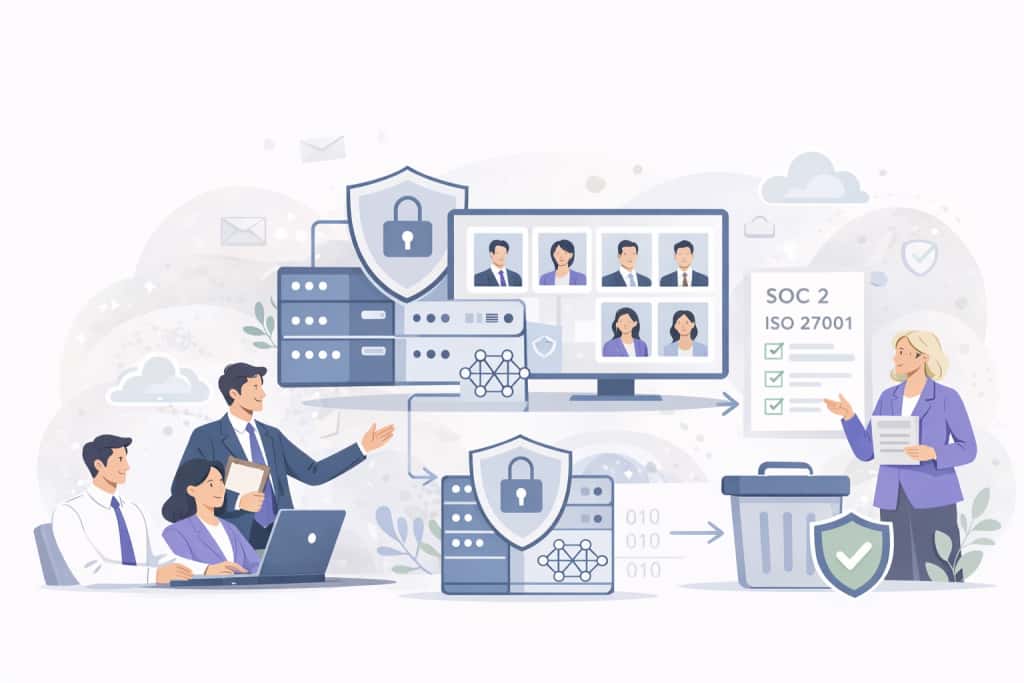
4 Ways AI Headshot Generators Are Compliant for Companies
A practical guide explaining how AI headshot generators meet enterprise compliance standards, including SOC 2 Type II, ISO 27001, and GDPR.
8 Corporate Headshot Styles That Actually Work (With Examples)
Eight corporate headshot styles broken down by who they work for, what makes each one effective, and how to get the look — in a studio or with AI.
What Actually Happens When You Roll Out AI Headshots to Your Team
A realistic walkthrough of what happens when a company switches to AI headshots — the process, the pushback, what went wrong, and whether it was worth it.
Why Your Employees Hate Headshot Day (And How AI Fixes Every Part of It)
Traditional headshot day is a logistical nightmare that employees dread. Here's how AI headshots eliminate the cost, scheduling chaos, and awkwardness.
Save 87%on average on your professional photos.
Whenever, wherever you are.
Get studio-quality, 4K images in a variety of outfits & settings in less than an hour.
Get your headshots nowStart now